
Custom Perfex CRM modules are for the moment when settings, custom fields and shop modules are not enough. A custom module adds a screen, a calculation or a connection that fits your process, and it installs the same way as any module, so your Perfex CRM stays updatable. This page explains when a custom module makes sense, the five steps of a project, what changes the cost and what to put in your brief.
When custom Perfex CRM modules make sense
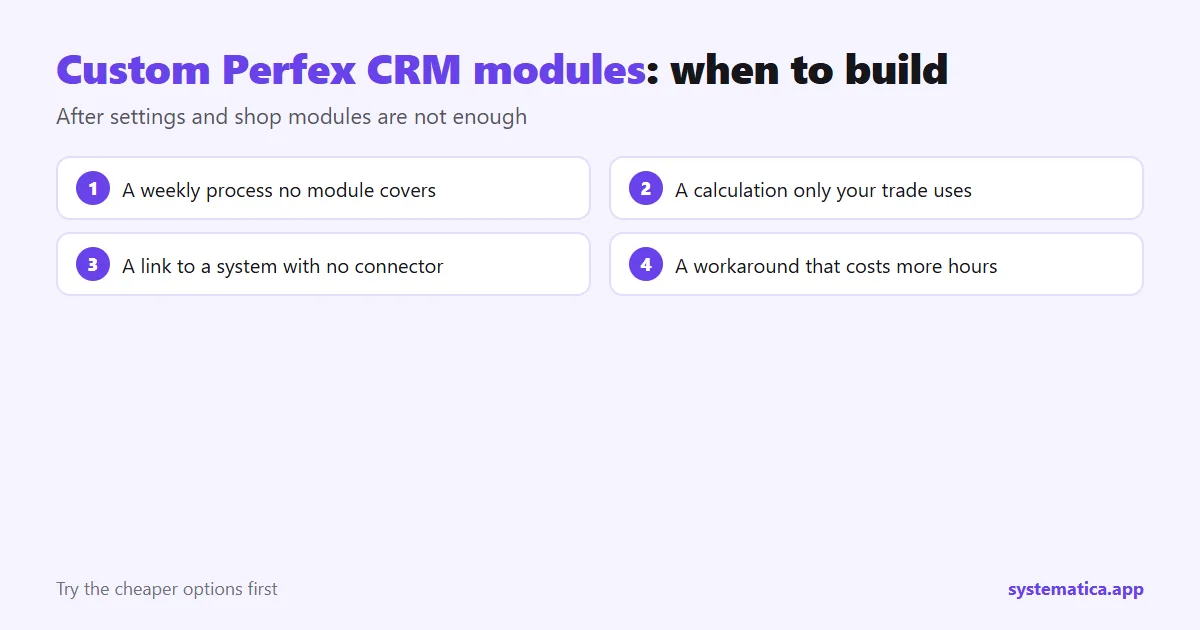
Try the cheaper options first. Our guide to Perfex CRM customization covers branding, fields, roles and email templates, and the shop covers common needs such as WhatsApp, booking and workflow rules. Build a custom module when:
- a process repeats every week and no module covers it,
- you need a calculation, document or report that only your trade uses,
- you must connect Perfex CRM to a system that has no ready-made link, even with the REST API and Webhooks modules,
- your team’s workaround costs more hours than the module would.
The case for it is in why a custom module can be a smart investment.
What a custom module can be
- A new menu section with its own lists, forms and permissions.
- An extra step in an existing process, such as a check before an invoice is sent.
- A report or export shaped for your accountant or your client.
- A link to another system: a payment provider, a courier, a government portal or your own app.
- A client portal page for something only your clients need.
Custom Perfex CRM modules in 5 steps
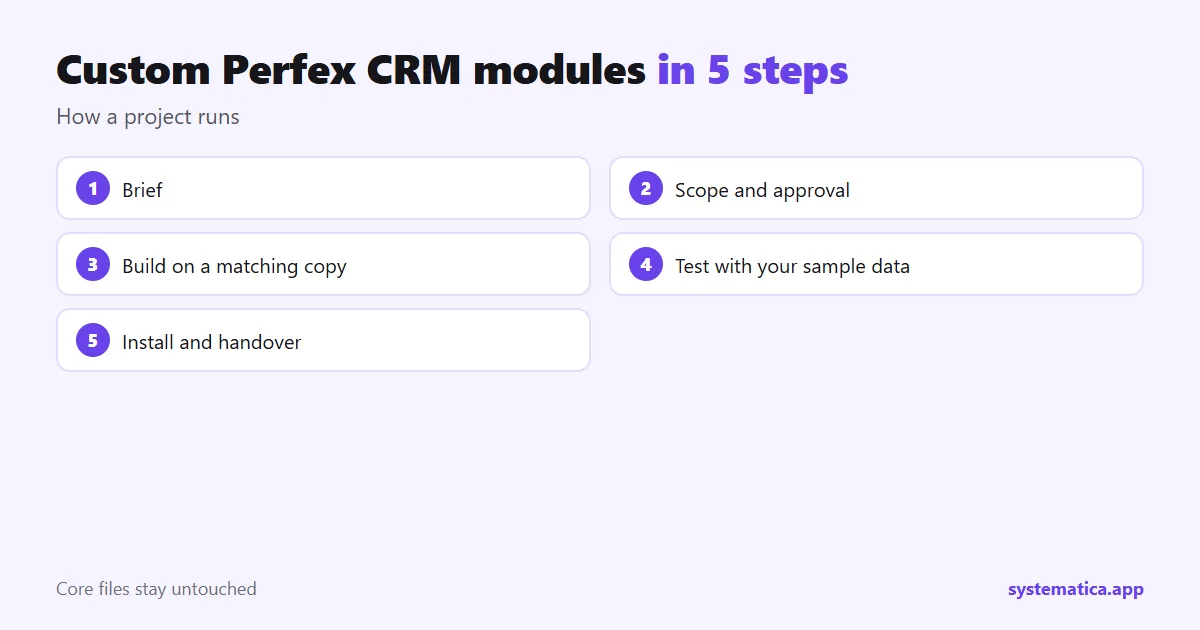
- Brief. You describe the problem, who uses it and what a good result looks like. A page of text and a few screenshots is enough.
- Scope. We reply with questions and a written list of what the module will and will not do. You approve the list before work starts.
- Build. The module is built on a copy of Perfex CRM that matches your version, using the hooks the CRM provides, so core files stay untouched.
- Test. You try it on a test copy with your own sample data. We fix what you find against the approved list.
- Install and handover. We help you install it on the live site after a backup, and give you short notes on how it works.
What affects the cost
We cannot quote a price without a brief, because modules differ a lot. These factors move the cost most:
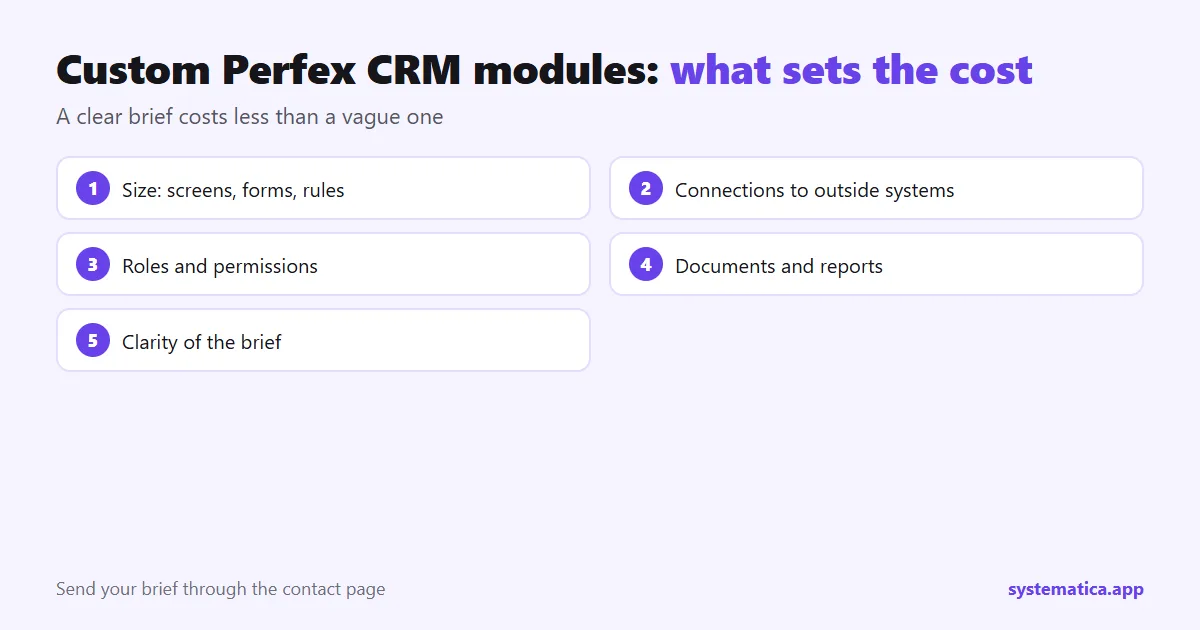
- Size. The number of screens, forms and rules.
- Connections. Each outside system adds work and testing.
- Permissions and roles. More roles mean more cases.
- Documents and reports. PDFs and exports need layout work.
- Clarity. A precise brief costs less than a vague one that changes during the build.
What to put in your brief
- The problem in two or three sentences.
- Who will use it, and what they do today.
- Your Perfex CRM version and PHP version.
- Screenshots or a sketch of the screens, even a hand drawing.
- Examples of real data, with private details removed.
- Any outside system it must talk to, and a link to its documentation.
- How you will decide that it works.
Send your brief through the contact page.
Keep it maintainable
A custom module is software you will own for years. Ask for modules that use the standard hooks, keep the notes with your backups and test them whenever you update the CRM. See how to update Perfex CRM manually and how to back up the database. The CRM itself comes from the official Perfex store, and each license covers one installation.
See also the best Perfex CRM modules and Perfex CRM pricing.
Examples of custom Perfex CRM modules
These are made-up examples to show the range, not products we sell.
- A quote calculator for a trade where the price depends on size, material and distance, which creates an estimate in the CRM.
- A courier link that creates a shipment from a paid invoice and saves the tracking number on the client record.
- An approval step that holds invoices over a set amount until a manager approves them.
What we need from you during the build
- One person who can answer questions quickly.
- Access to a test copy of your CRM, or a clone we can use.
- Sample data and examples of the documents involved.
- Feedback in one batch after each test round, not one message at a time.
Questions to ask any developer
- Will it use Perfex CRM hooks and leave core files untouched?
- Which Perfex CRM and PHP versions will it support?
- Who owns the code, and can I reuse it?
- What is included after handover, and for how long?
- How will updates to the CRM be handled?
After handover
Keep the module notes with your backups. Test the module after every Perfex CRM update on a copy first, as in our guide to Perfex CRM extensions. If you later need a change, send a short note describing it, in the same format as your first brief.
Frequently asked questions
How long does a custom module take?
It depends on the scope. A small module with a few screens takes much less time than one with outside connections. We give a time estimate with the written scope.
Will a custom module break when I update Perfex CRM?
A module built on the standard hooks usually survives updates, but test it on a copy first, as with any module.
Do I own the module?
Agree this in the written scope before work starts, including who holds the code and whether you can reuse it.
Can you change an existing module instead?
Tell us which module and what you need. Whether that is possible depends on the module and its license.