
- What you need first
- Create Perfex CRM recurring invoices in 6 steps
- Choose how renewals are created
- Find your Perfex CRM recurring invoices
- Stop Perfex CRM recurring invoices
- When Perfex CRM recurring invoices do not repeat
- Tips for billing that stays accurate
- Common questions
- Visual guide: Perfex CRM recurring invoices
- Perfex CRM recurring invoices FAQ
- Modules that work with invoices
- Useful resources
With Perfex CRM recurring invoices you create an invoice once and let the system make the next ones for you every week, month or year. It is the simplest way to bill retainers, hosting, support plans and other repeat work without remembering dates. This guide shows how to set up Perfex CRM recurring invoices, how the renewals are sent and what to check when an invoice does not repeat.
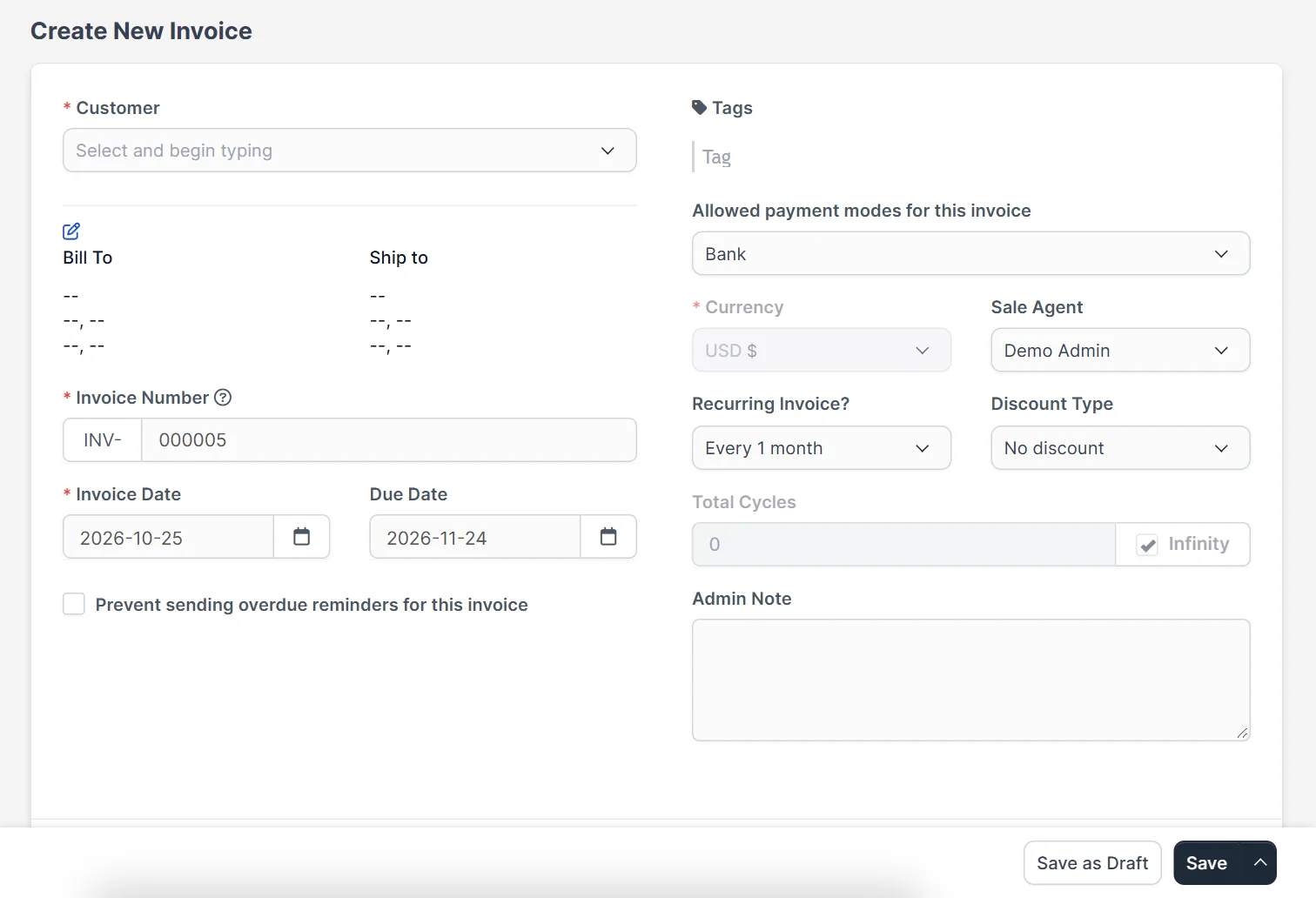
What you need first #
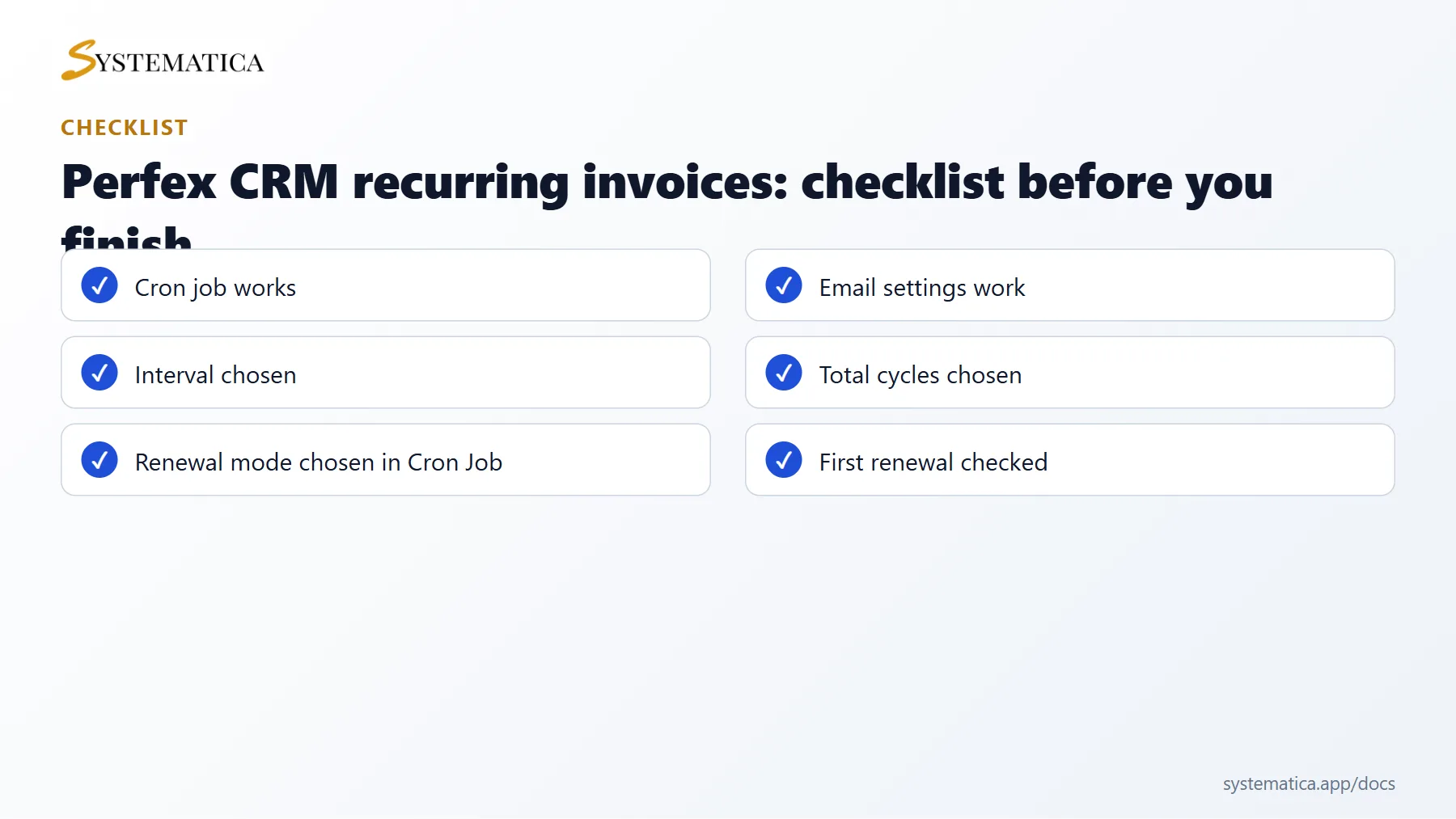
- A working Perfex CRM cron job. Renewals are created by the cron job, so without it nothing repeats.
- Working email settings, if you want customers to receive each renewal by email.
- A customer and, ideally, saved invoice items.
Create Perfex CRM recurring invoices in 6 steps #
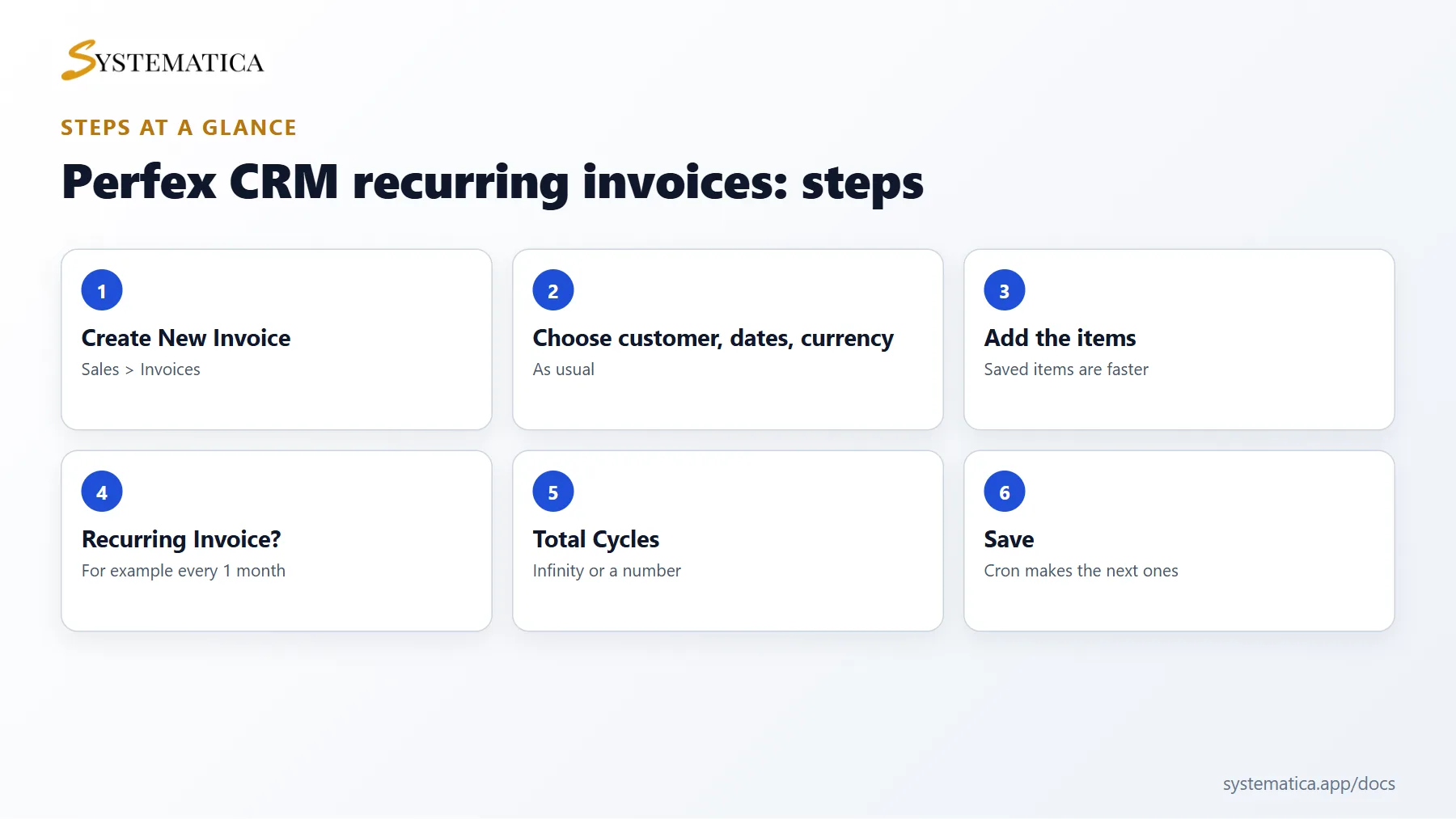
- Open Sales > Invoices and click Create New Invoice.
- Choose the Customer, the Invoice Date, the Due Date and the Currency.
- Add your items and taxes as usual.
- Find the field Recurring Invoice? and choose how often the invoice should repeat. The options include a period such as every month, or a custom number of days, weeks, months or years.
- Set Total Cycles. Leave it on Infinity to repeat until you stop it, or enter a number to stop after that many invoices.
- Save the invoice. The first invoice is the one you just created. The next one is created when the next period starts.
Choose how renewals are created #
Open Setup > Settings > Cron Job and look at the Invoice tab, section Recurring Invoices. You can choose what happens when a renewal is due:
- Generate and autosend the renewed invoice to the customer creates the invoice and emails it.
- Generate a Unpaid Invoice creates it as unpaid, without emailing.
- Generate a Draft Invoice creates a draft you review before you send it.
There is also a yes or no option, Create new invoice from recurring invoice only if the invoice is with status paid? Turn it on if you do not want a new invoice while the previous one is still unpaid.
Find your Perfex CRM recurring invoices #
A renewed invoice shows a Recurring mark, and its history says that it was created from the recurring invoice with the original number. You can filter the invoice list to see only recurring ones. To change the interval or the number of cycles, edit the original invoice and save it again.
Stop Perfex CRM recurring invoices #
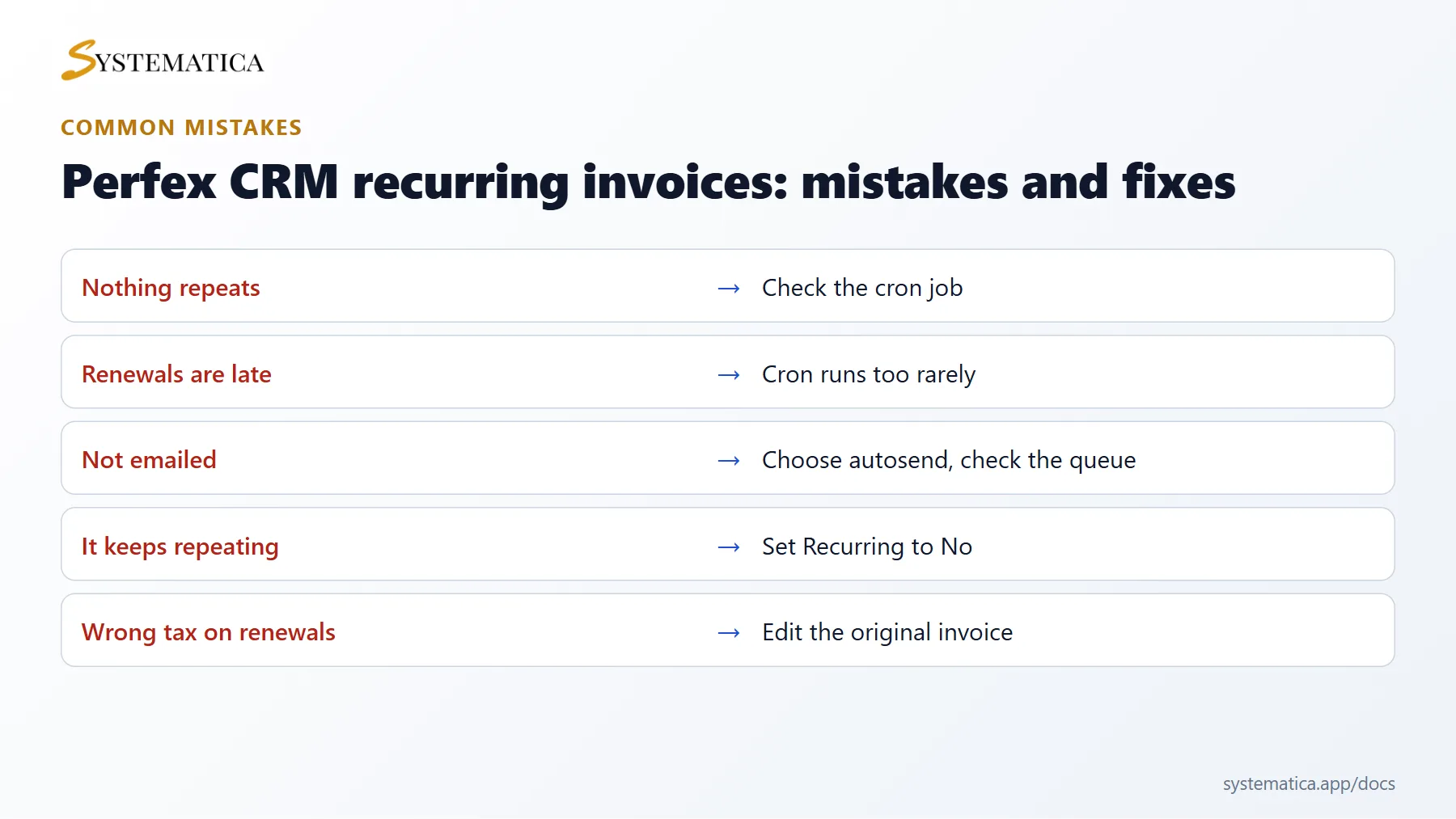
Edit the first invoice and set Recurring Invoice? to No. No more invoices are created. Invoices that already exist stay as they are. If a customer cancels, also update their subscription or contract so your records match.
When Perfex CRM recurring invoices do not repeat #
- Nothing is created. Run Run Cron Manually from the cron screen. If it creates the invoice, your scheduled cron job is the problem.
- It repeats late. Renewals are made when the cron job runs after the date, so a cron job that runs once a day means a delay of up to a day.
- The email is not sent. Choose the autosend option and check the Perfex CRM email queue.
- The wrong customer gets the email. Check the primary contact of the customer.
Tips for billing that stays accurate #
Use a clear item description with the period, for example a month name, review the draft option for the first few cycles, and keep your payment modes up to date so customers see how to pay.
Common questions #
Can I change the price for future renewals? Yes. Edit the original invoice and save. Later renewals use the new items.
Do recurring invoices work with subscriptions? Perfex CRM also has subscriptions for card payments. Recurring invoices are the simpler tool and work with any payment mode.
Visual guide: Perfex CRM recurring invoices #
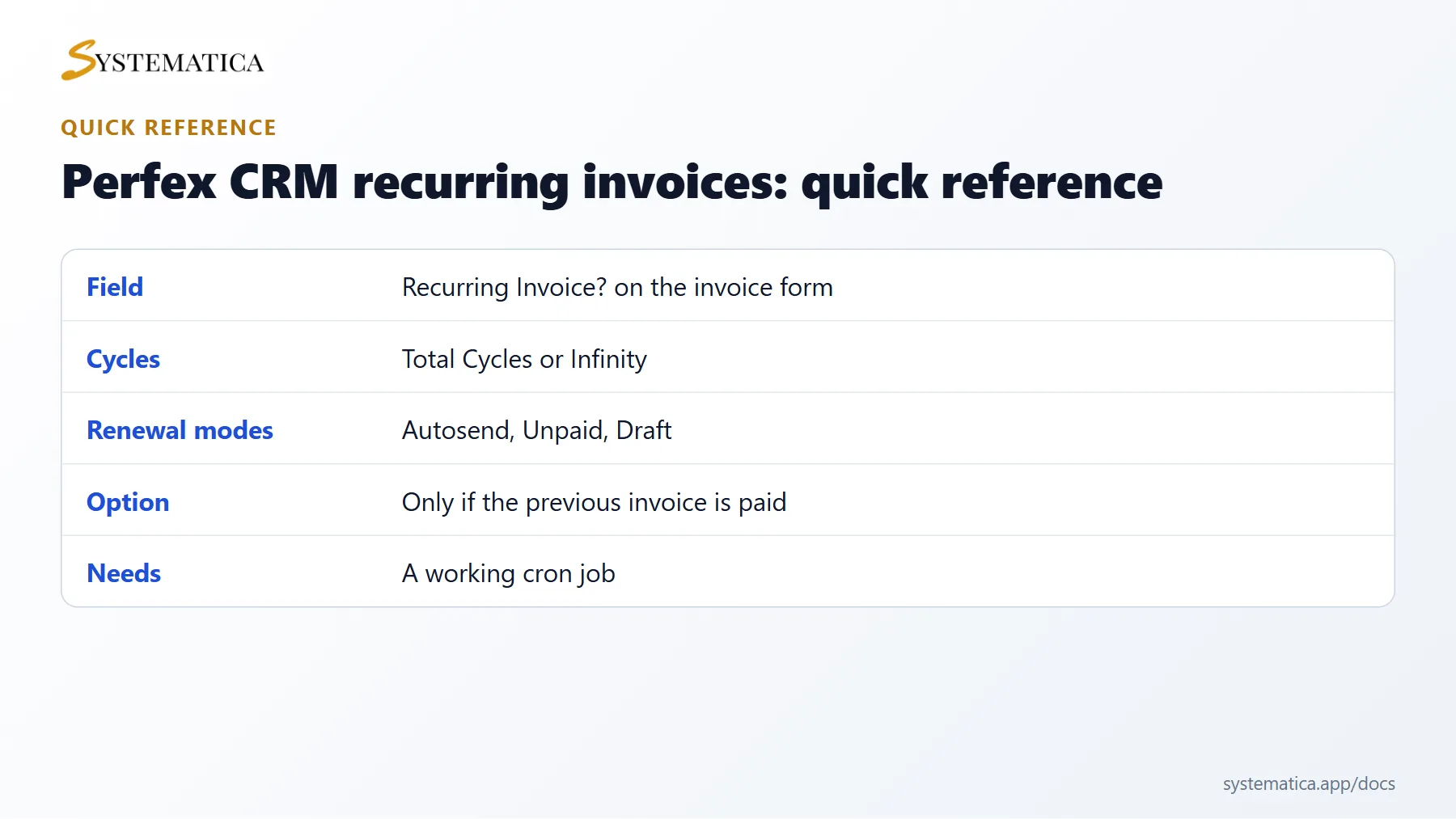
Save or share these four cards. They summarize the steps, the checklist, the usual mistakes and the key values from this guide.
Perfex CRM recurring invoices FAQ #
When is the next of the Perfex CRM recurring invoices created? #
On the next period date, after the cron job runs. If the cron job runs every five minutes, the invoice appears within five minutes of the date.
Which date does the renewed invoice use? #
The new invoice uses the date of the renewal and calculates the due date using the same number of days as the first invoice. Check one renewal after the first cycle.
Can I change the amount for one cycle only? #
Edit the renewed invoice after it is created. The change applies to that invoice only, and the original stays the same for the next cycles.
What if the customer pays late? #
The overdue reminders of the cron job still apply. If you turned on the option to create a new invoice only after the previous one is paid, the renewal waits.
Can I bill different customers on different days? #
Yes. Each recurring invoice has its own date and interval. Create one for each customer.
Are taxes updated on renewals? #
Renewals copy the items and taxes of the original. If your tax rate changes, edit the original invoice before the next cycle.
Modules that work with invoices #
Pay your sales team from the invoices you issue with the Sales Commission Program for Perfex CRM, and keep your books in order with the Financial Management Module.
Useful resources #
The official Perfex CRM website lists features by version. For fair and clear billing, tell customers in advance how Perfex CRM recurring invoices work, what they cost and how they can cancel.


