
- Where to manage Perfex CRM currencies
- Add a new currency in 6 steps
- The base currency
- Use Perfex CRM currencies on invoices
- Payment gateways and currencies
- Tips for Perfex CRM currencies
- Common questions
- Visual guide: Perfex CRM currencies
- Perfex CRM currencies FAQ
- Modules that help with money
- Useful resources
Setting up Perfex CRM currencies correctly means every invoice, estimate and report shows money in the format your customers know. You can bill in more than one currency, choose where the symbol goes and keep one base currency for reports. This guide shows how to add a currency, which fields matter and where the currency is used.
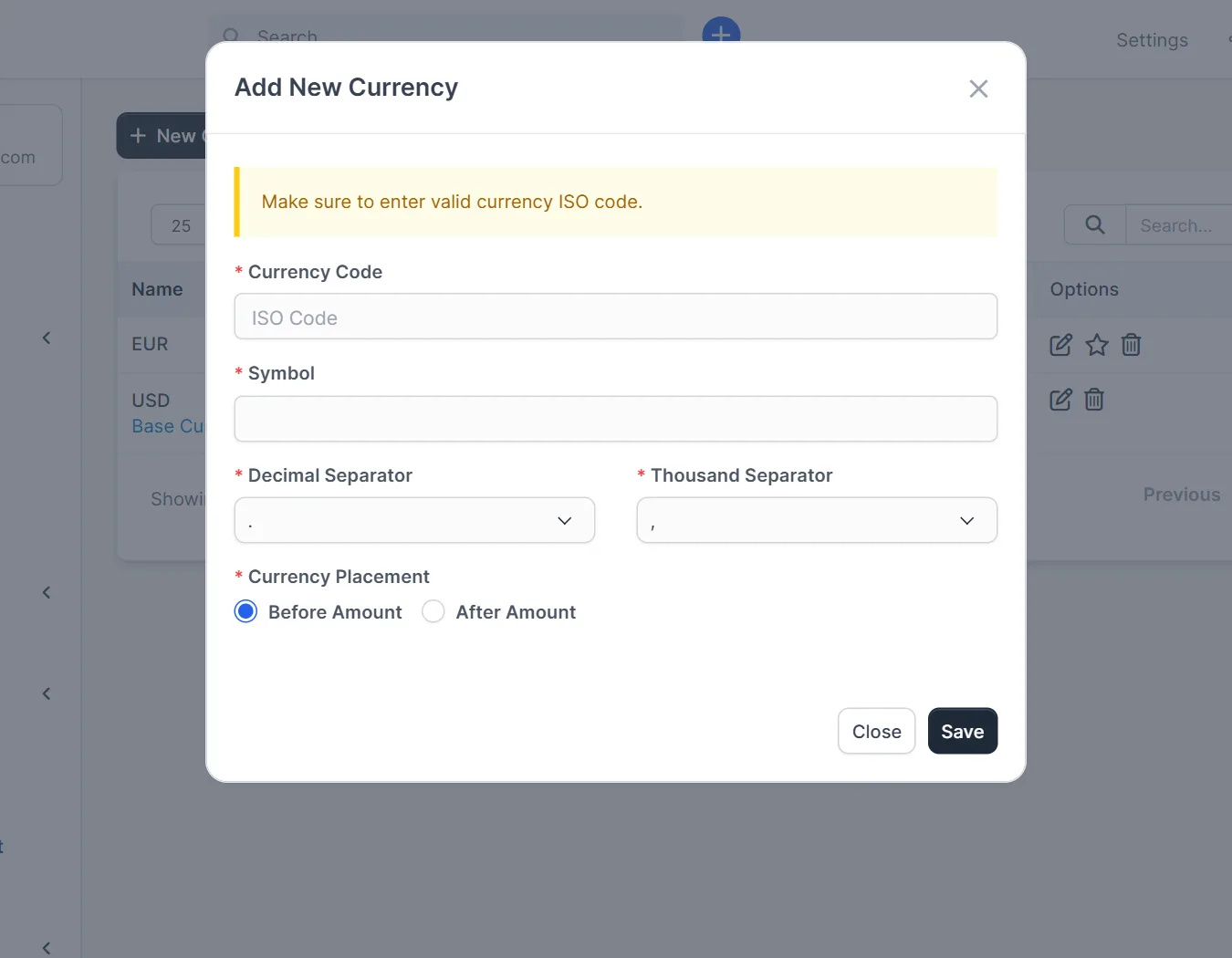
Where to manage Perfex CRM currencies #
Open Setup > Finance > Currencies. The table lists each currency with its Name and Symbol. Use New Currency to add one, and the Options column to edit or delete an existing one.
Add a new currency in 6 steps #
- Click New Currency.
- Enter the Currency Code, for example
EURorGBP. Use the three-letter ISO code, because payment gateways read it. - Enter the Symbol, for example the euro or pound sign.
- Set the Decimal Separator. Many countries use a dot, others use a comma.
- Set the Thousand Separator. It must be different from the decimal separator.
- Choose the Currency Placement: Before Amount or After Amount. Click Save.
The base currency #
One of your Perfex CRM currencies is the base currency. You can see it in screens such as the item form, where the rate is labelled with the base currency, for example Rate – USD (Base Currency). Reports add up money in the base currency, so choose it carefully before you create invoices. Changing it later is possible but affects reports, so ask your accountant first.
Use Perfex CRM currencies on invoices #
When you create an invoice, the form has a required Currency field. Each customer can also have a default currency on their profile. If you invoice in a currency that is not the base one, check the tax rules of your country, because the totals may need conversion in your accounting books.
Payment gateways and currencies #
Online payment methods only work in the currencies they support. On the gateway settings you can enter a list of allowed currencies for each gateway. Read Perfex CRM payment gateways to see where this is set.
Tips for Perfex CRM currencies #
- Add only the currencies you really use. A short list keeps invoice forms clear.
- Do not delete a currency that has invoices. Edit it or add a new one instead.
- Test one invoice per currency and download the PDF to check the symbol and separators.
- Keep the language and date format in line with the currency format.
Common questions #
Can I use two currencies on one invoice? No. An invoice has one currency.
Does Perfex CRM convert prices for me? The core system stores each invoice in its own currency and shows reports in the base currency. Exchange rates are not edited in this list.
Where else do currencies appear? On estimates, proposals, expenses and subscriptions.
Set up what you sell next with Perfex CRM invoice items.
Visual guide: Perfex CRM currencies #
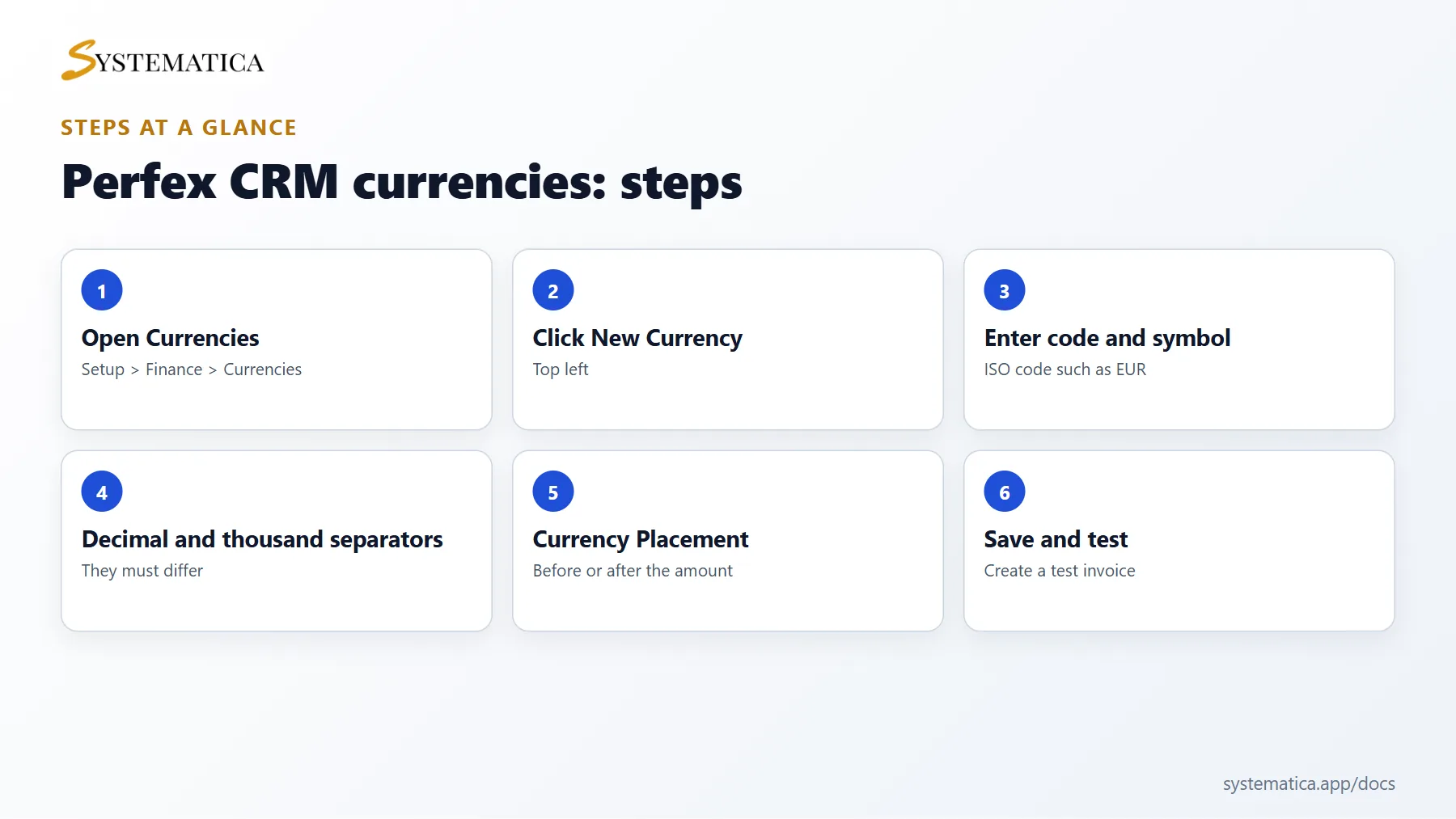
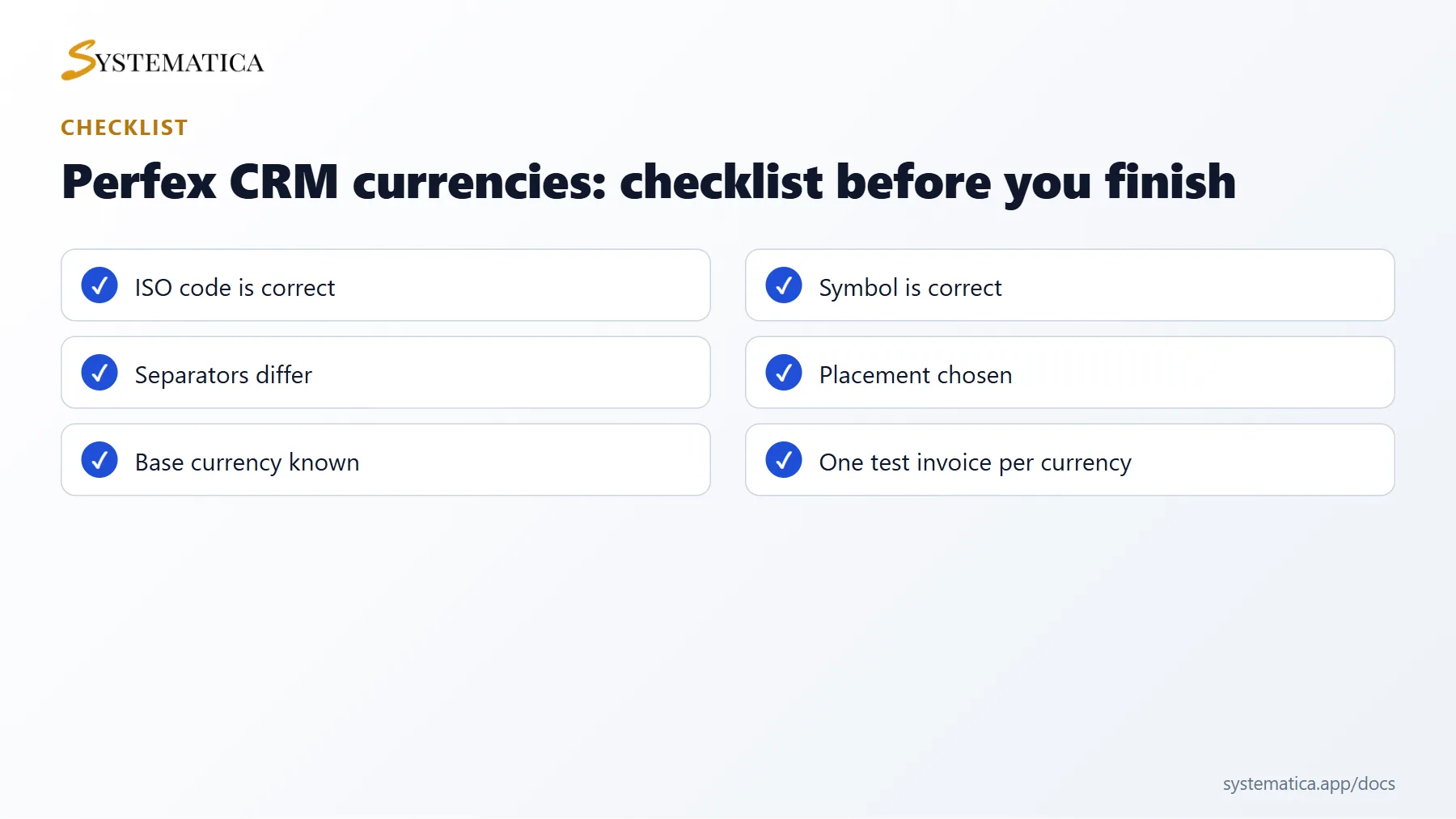
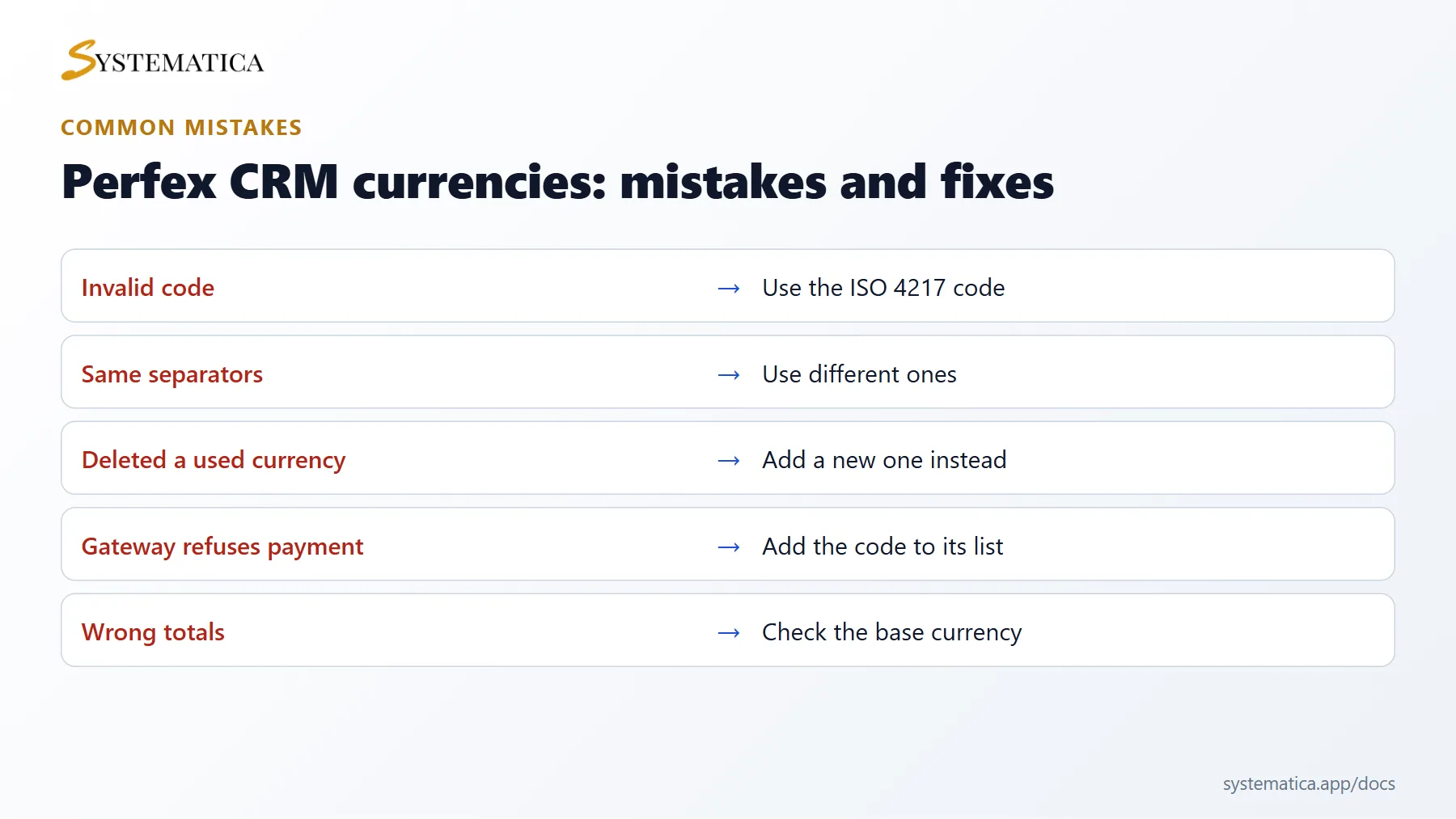
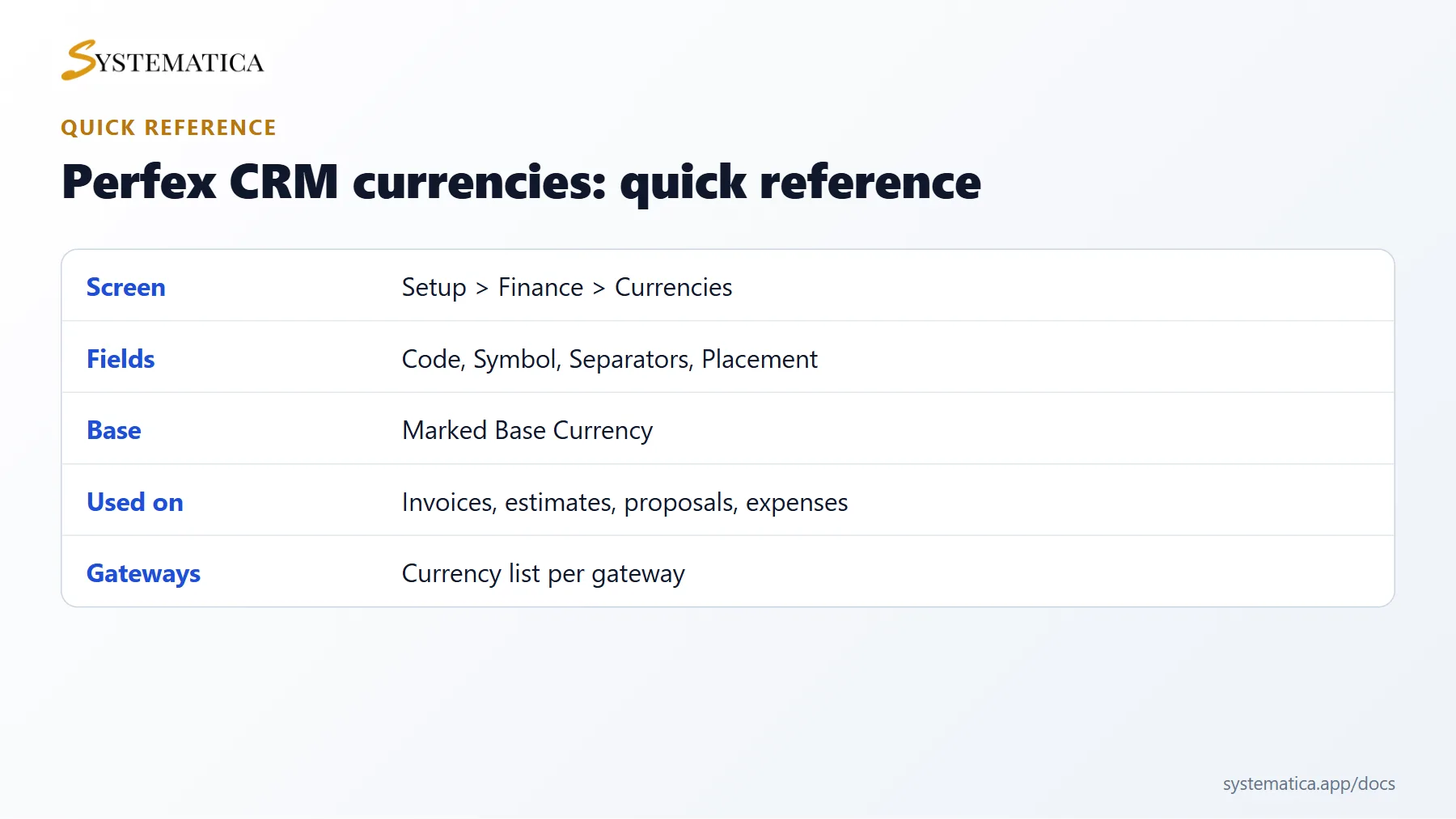
Save or share these four cards. They summarize the steps, the checklist, the usual mistakes and the key values from this guide.
Perfex CRM currencies FAQ #
How do I choose the code for Perfex CRM currencies? #
Use the official three-letter code for the currency. The list of codes is maintained by the standards body, and payment gateways use them to decide what you can charge.
Why does my amount show many decimals? #
The number of decimals comes from your settings and the currency. Check the decimal and thousand separators of the currency and the rounding on your invoices.
Can I rename a currency after I used it? #
You can edit the symbol, the separators and the placement. Old invoices then show the new format. Changing the code of a currency that already has payments can confuse gateways, so add a new currency instead.
How do I bill a customer in their own currency? #
Set the currency on the customer, or select it on each invoice. Create the currency first under Setup, then it appears in the list on the invoice form.
Which currency do reports use? #
Reports add up money in the base currency. Mixed currency totals are converted for reports, so check that your accountant accepts the method.
Can I hide unused Perfex CRM currencies? #
Delete the ones without documents. For currencies that have invoices, keep them. A short list makes choosing easier for your team.
Modules that help with money #
For books, bank accounts and reports in more than one currency, see the Perfex CRM Financial Management Module. It adds a chart of accounts, journal entries and financial reports to your invoices.
Useful resources #
You can find the official list of codes on the ISO 4217 currency codes page. Well set Perfex CRM currencies save corrections later, so test one invoice and one payment in each currency before you send real documents.


