
- Where to find Perfex CRM invoice items
- Add an item in 6 steps
- Use item groups
- Add many Perfex CRM invoice items at once
- Use Perfex CRM invoice items on invoices
- Keep your Perfex CRM invoice items clean
- Common questions
- Visual guide: Perfex CRM invoice items
- Perfex CRM invoice items FAQ
- Modules that work with items
- Useful resources
Perfex CRM invoice items are the products and services you sell, saved once so you can add them to any invoice, estimate or proposal with one click. They save typing, keep prices the same everywhere and make reports clearer. This guide shows how to add Perfex CRM invoice items one at a time or in bulk, and how to use them when you bill.
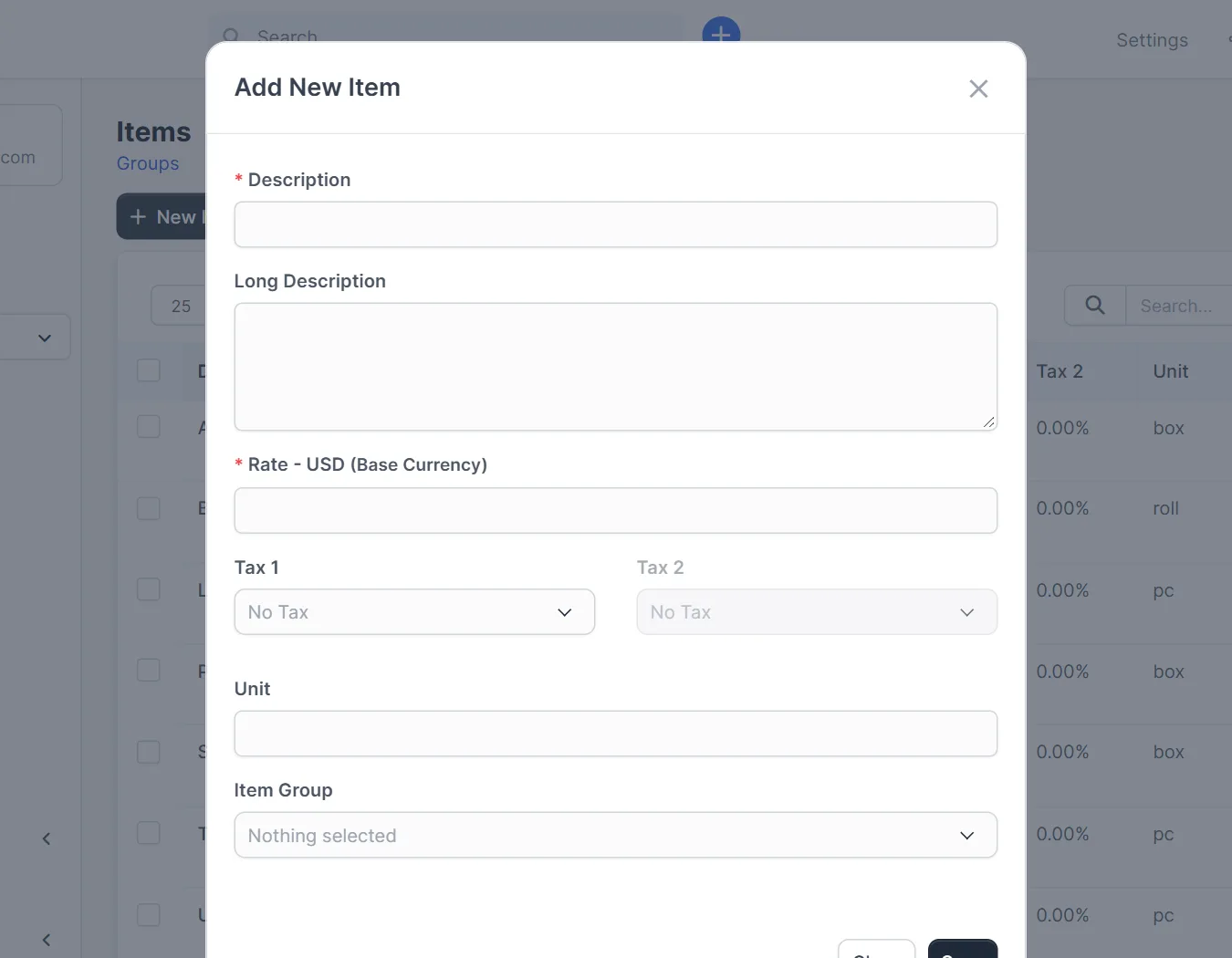
Where to find Perfex CRM invoice items #
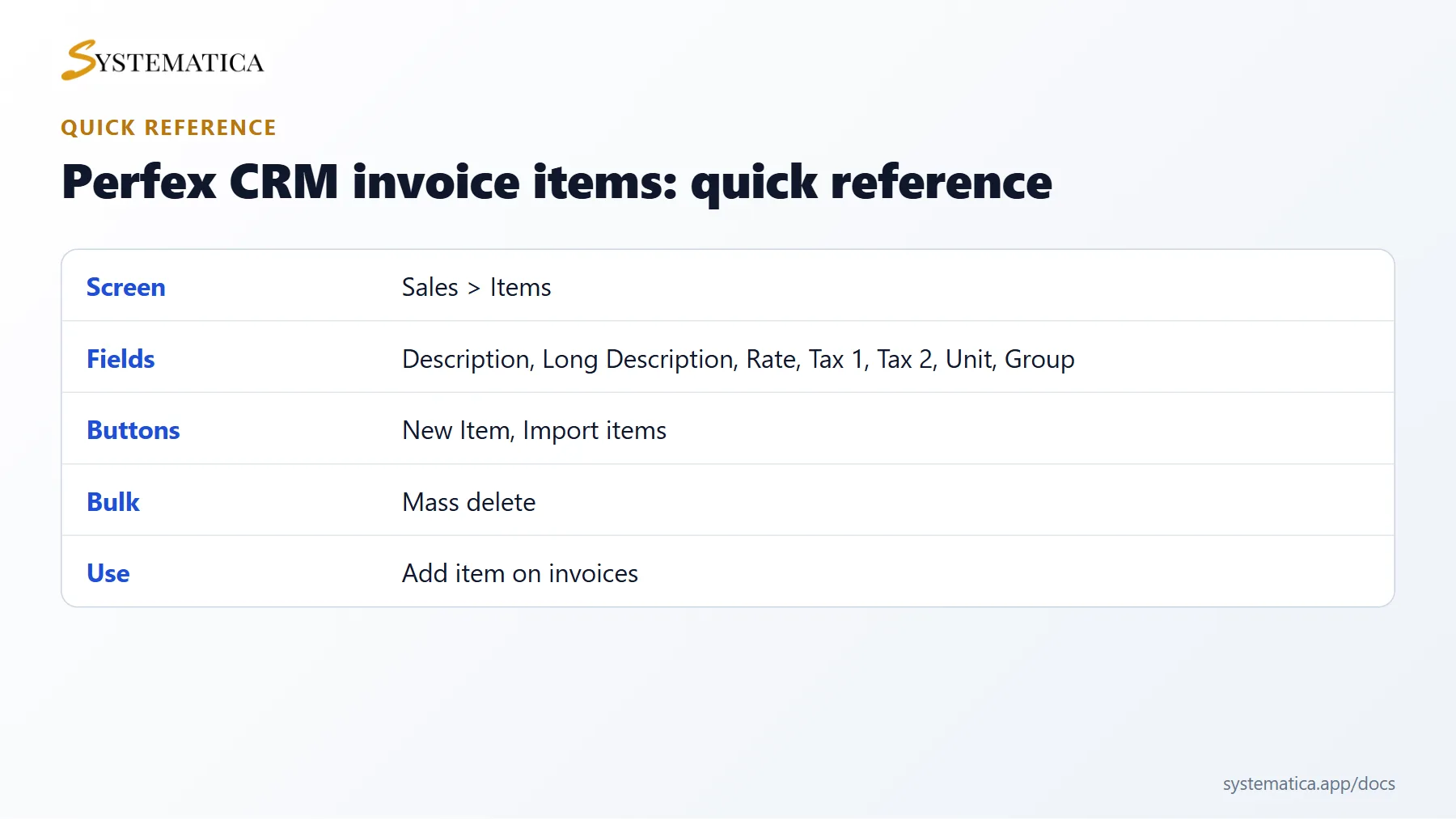
Open Sales > Items. The table lists the Description, Long Description, Rate, Tax 1, Tax 2, Unit and Group Name of each item. The buttons New Item and Import items sit at the top.
Add an item in 6 steps #
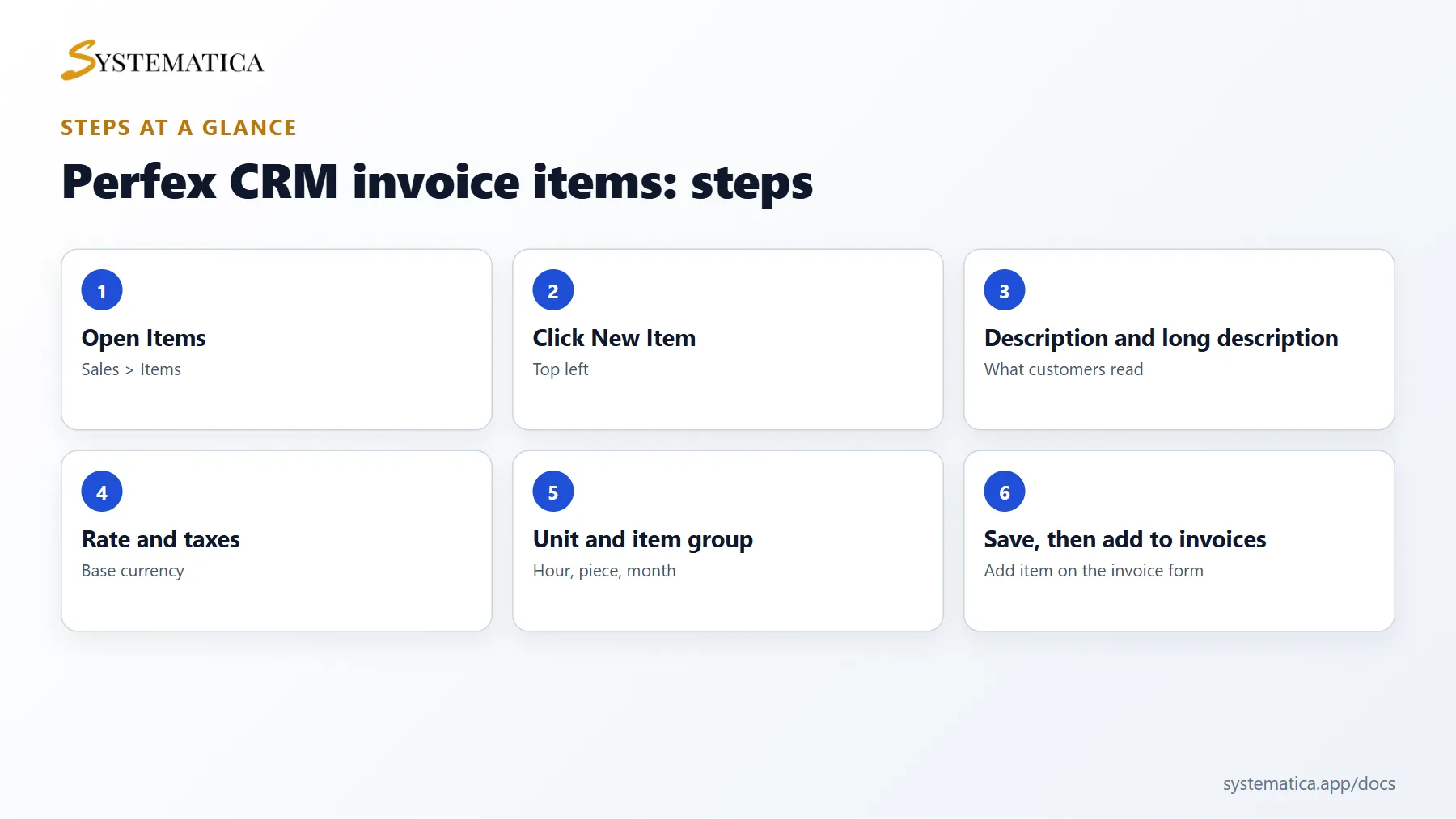
- Click New Item.
- Enter a Description. This is the title customers see, so write it clearly.
- Use Long Description for details such as what is included. It appears under the title on documents.
- Enter the Rate. The label shows your base currency, for example Rate – USD (Base Currency). Learn more in Perfex CRM currencies.
- Choose Tax 1 and, if your country needs a second tax, Tax 2. Leave No Tax if the item is not taxed.
- Fill Unit (hour, piece, month) and choose an Item Group, then click Save.
Use item groups #
Groups help you find items in a long list, for example Hosting, Design and Support. You can create a group right from the item form. Filter the table by group to review prices in one area.
Add many Perfex CRM invoice items at once #
Click Import items to upload a file with your list. Prepare the file with one item per row and the same columns as the table above. Check the first rows after the import, and run a small test first. The table also offers Bulk actions and Mass delete for cleaning up.
Use Perfex CRM invoice items on invoices #
On the invoice form, click Add item in the item row, search by name and select it. The description, rate and taxes fill in, and you only change the quantity or hours. You can edit any line on one invoice without changing the saved item. The columns Qty, Hours or Qty/Hours let you bill by piece or by time.
Keep your Perfex CRM invoice items clean #
- Use one clear naming style. Customers read these names.
- Update the rate when prices change, but remember that old invoices keep the old rate.
- Keep taxes on the item, not on every invoice, so you do not forget them.
- Delete items you no longer sell only after you check that no template depends on them.
Common questions #
Do I have to save items? No. You can type a line on the invoice. Saved items are faster and more consistent.
Can an item have different prices per customer? Not in the core item list. Edit the rate on the invoice line.
When your items are ready, bill repeat work with Perfex CRM recurring invoices and choose how customers pay in payment modes.
Visual guide: Perfex CRM invoice items #
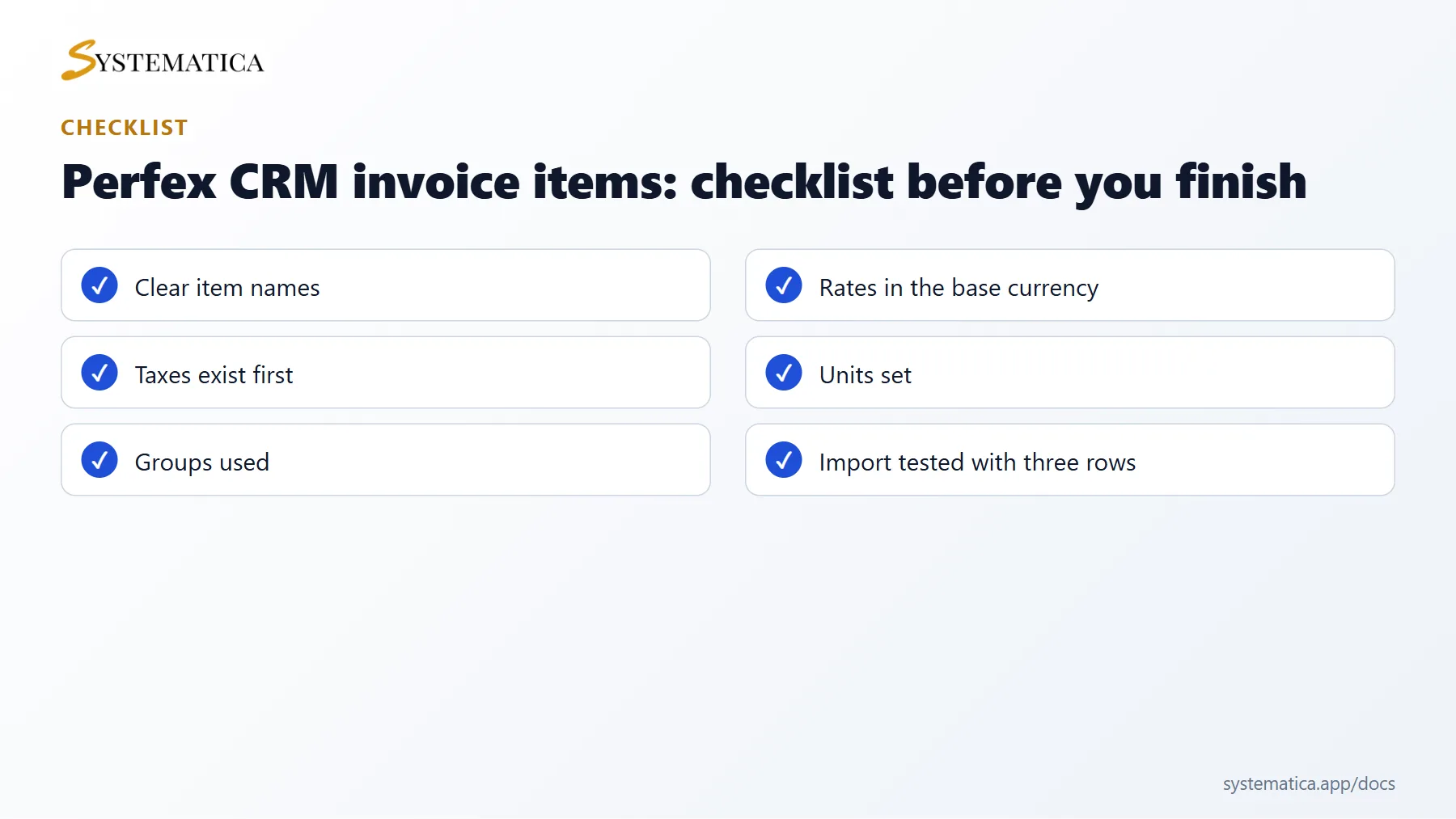
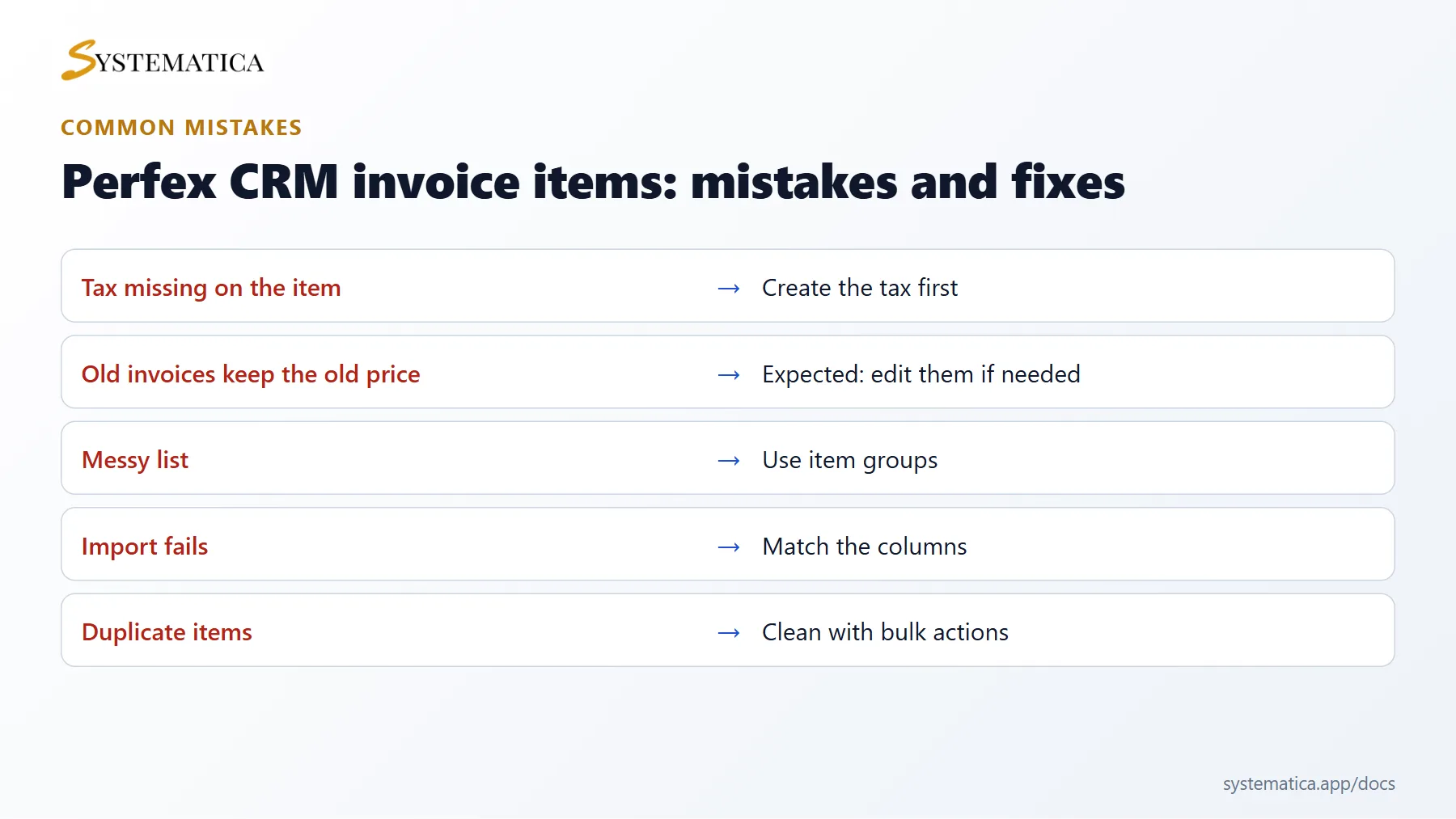
Save or share these four cards. They summarize the steps, the checklist, the usual mistakes and the key values from this guide.
Perfex CRM invoice items FAQ #
How should I name Perfex CRM invoice items? #
Use short names that customers understand, and put the detail in the long description. Avoid internal codes in the name, because customers see it.
Can I import prices from a spreadsheet? #
Yes. Prepare a file with the same columns as the item list and use the import button. Test with three rows first and check the rates and taxes.
Why does a tax not appear on the item? #
Taxes must exist under Setup before you can choose them on an item. Create the tax rate first, then edit the item.
Do old invoices change when I edit an item? #
No. Invoices copy the item when you add it. Changes affect new documents only.
Can I bill hours with items? #
Yes. Use the hours column on the invoice for time-based services. Set the unit to hour on the item for clarity.
How many items can I have? #
There is no fixed limit, but a clean list is easier to use. Group items and remove old ones from time to time.
Modules that work with items #
If you sell physical goods, the Inventory Management module for Perfex CRM tracks stock for your items, and the Sales Commission Program pays commission on what your team sells.
Useful resources #
For product and tax questions in your country, ask your accountant, and read the Perfex CRM website for news about sales features. Well organised Perfex CRM invoice items make every invoice, estimate and proposal faster and more accurate.


