
- Where to find Perfex CRM reports
- 1. Read the sales report
- 2. Choose the type of sales report
- 3. Use the leads report
- 4. Check the knowledge base report
- 5. Review expenses
- 6. Export and share
- Tips for better Perfex CRM reports
- Perfex CRM reports FAQ
- Modules that add more reports
- Quick checklist for Perfex CRM reports
- Summary
Perfex CRM reports turn your invoices, estimates, payments, leads and support data into numbers you can act on. You can see which customers pay the most, which items sell best and which lead sources convert. This guide was tested on Perfex CRM 3.4.1 and shows how to open each report, filter it and use the results.
Where to find Perfex CRM reports #
Open Reports in the main menu. The sales report is the main one, and the menu also offers reports for leads, expenses and the knowledge base. Staff need the reports permission to see them, see Perfex CRM roles and permissions.
1. Read the sales report #
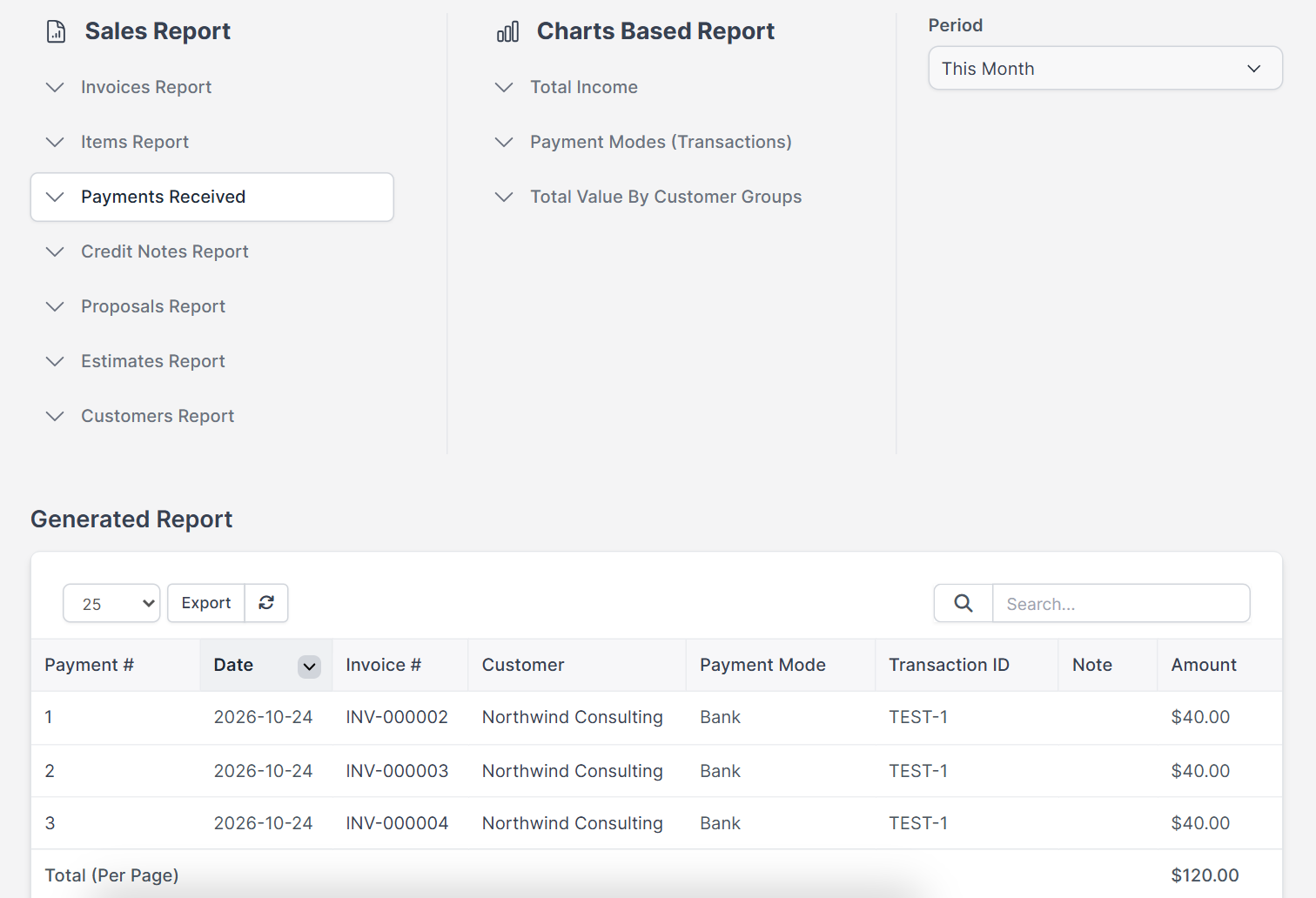
The Sales Report page has two lists. The first holds table reports (Invoices, Items, Payments Received, Credit Notes, Proposals, Estimates and Customers). The second, Charts Based Report, holds the charts Total Income, Payment Modes (Transactions) and Total Value By Customer Groups. The filters are Period (for example This Month or All Time), and From Date and To Date for a custom range, and a Year for charts. Pick the dates first, then click a report.
2. Choose the type of sales report #
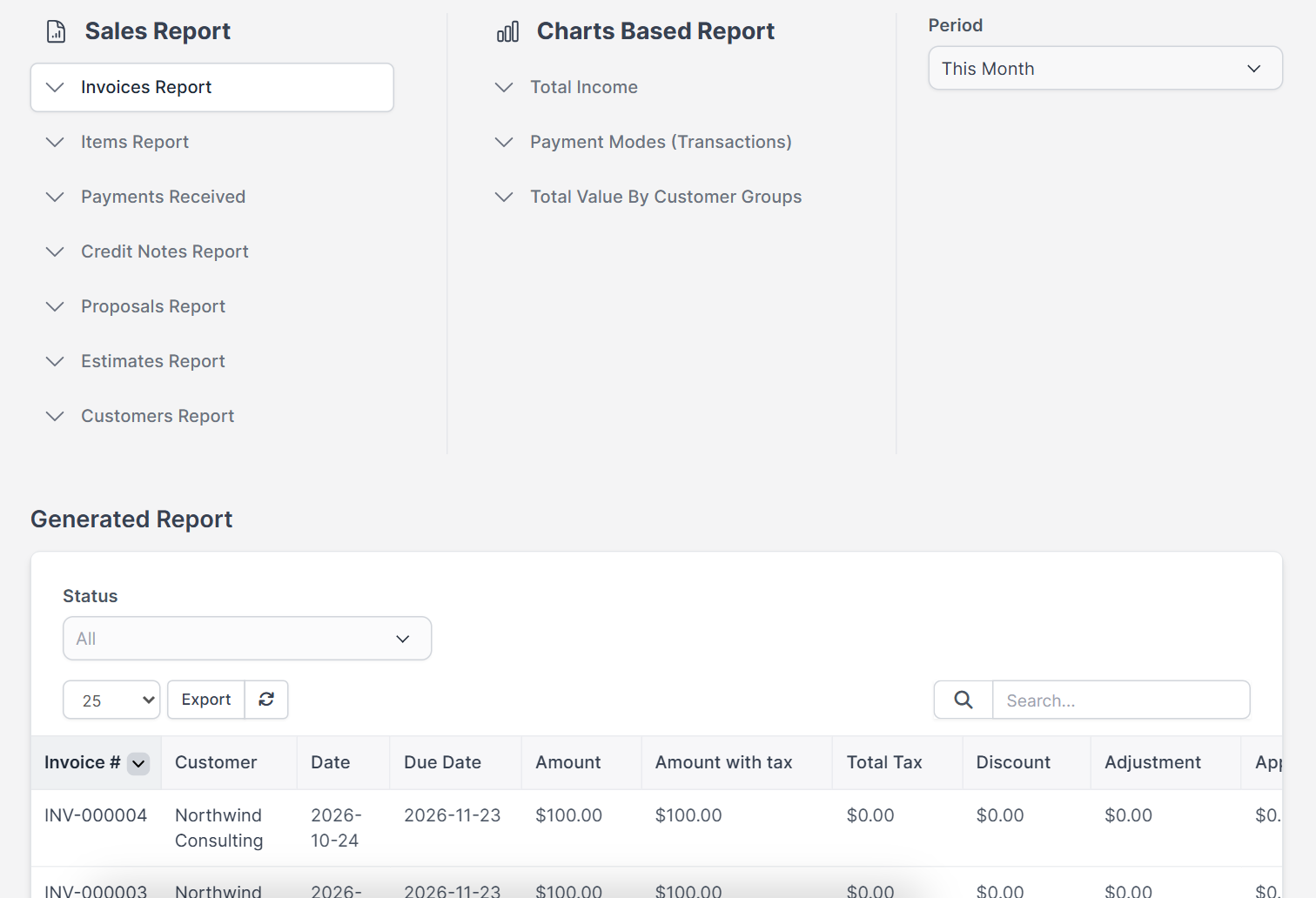
Click a report and the Generated Report table appears below it, with a Status filter for invoices. For example:
- Customers shows the Total Invoices, Amount and Amount with Tax for each customer.
- Invoices shows the number, dates, status, tax, discount, adjustment, applied credits and the Amount open. See how to create an invoice in Perfex CRM.
- Credit notes shows the remaining and refunded amounts. See Perfex CRM credit notes.
- Items shows the Quantity sold, Total amount and Average Price.
- Estimates and Proposals show their status and expiry. See Perfex CRM estimates and Perfex CRM proposals.
- Payments shows the payment mode, transaction ID and notes.
3. Use the leads report #
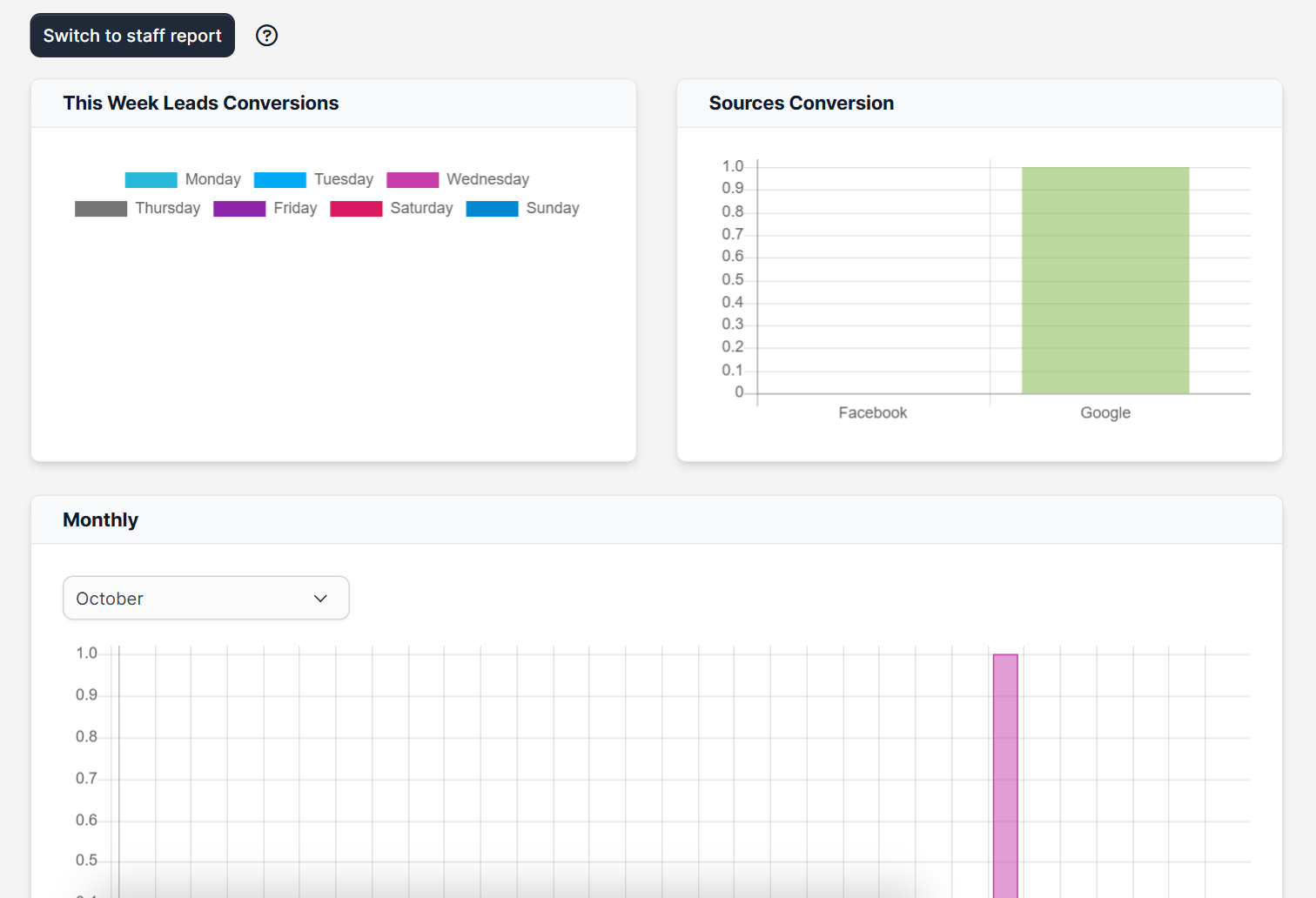
The leads report shows the weekly conversions and the Sources Conversion chart, with a switch to a staff report that compares the people on your team. Use it to see which source brings customers. Keep your sources tidy, see how to convert a lead to a customer.
4. Check the knowledge base report #
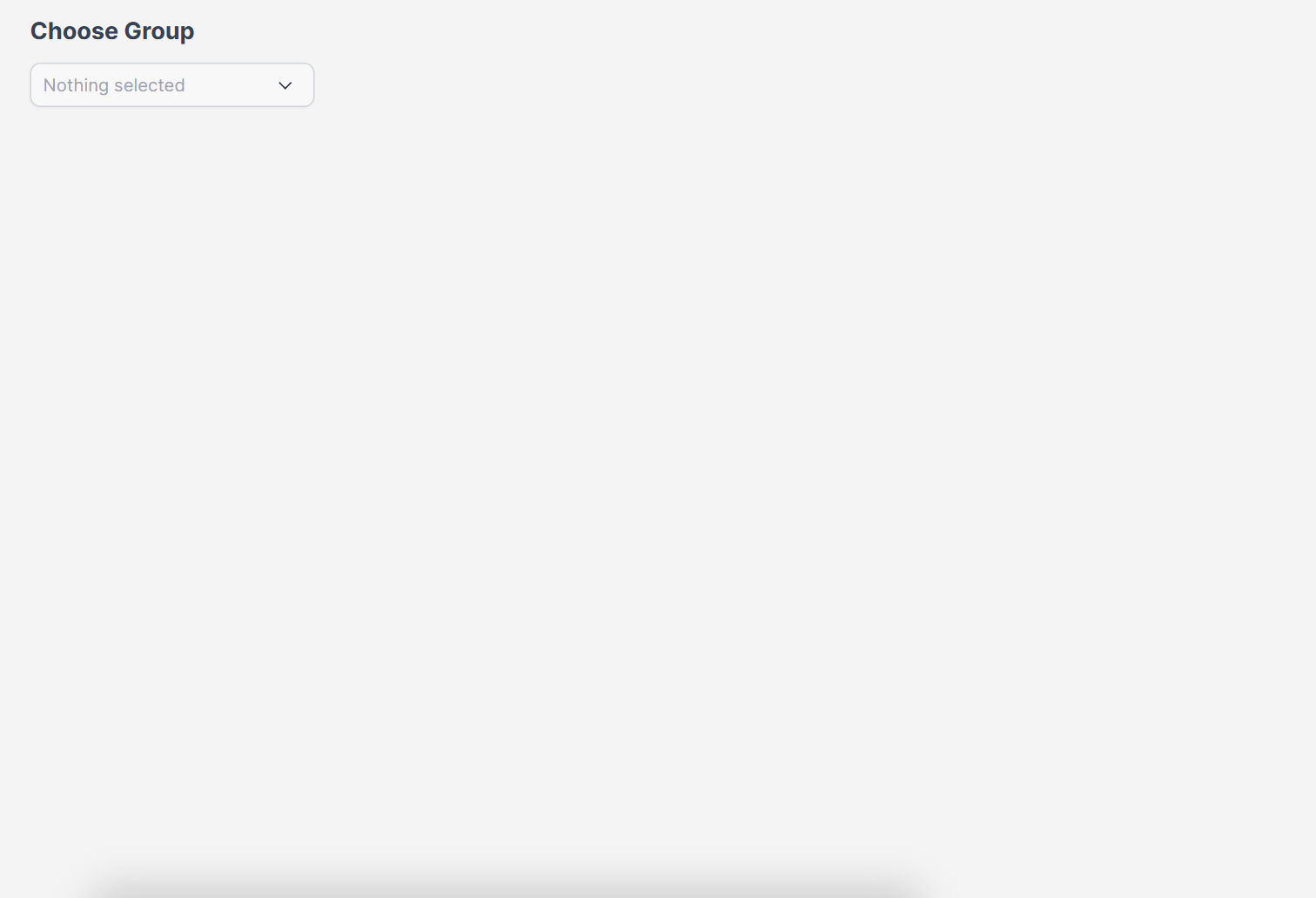
The knowledge base report lets you choose a group and shows how readers rate its articles. Rewrite the articles with poor ratings first. See Perfex CRM knowledge base.
5. Review expenses #
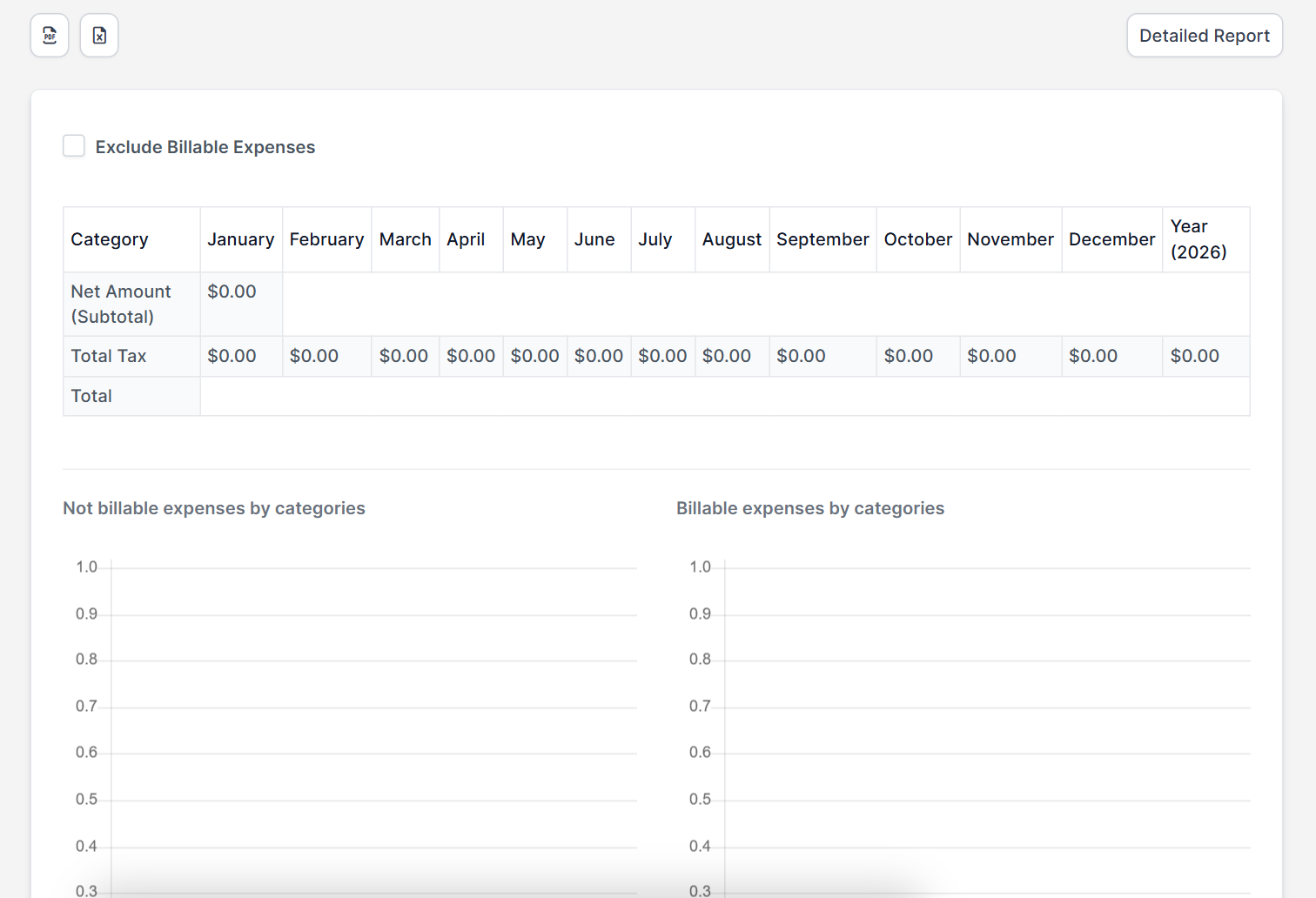
The expenses report groups your costs, so you can see where money goes during a period. Record costs correctly first, see Perfex CRM expenses.
6. Export and share #
Most report tables have an Export button for Excel, CSV or PDF. Send your accountant the export at the end of each month.
Tips for better Perfex CRM reports #
- Enter data on the day it happens. A report is only as good as the records behind it.
- Use the same naming for items so the item report groups them correctly.
- Compare the same period every year.
- Check the Amount open column on invoices every Monday.
- Use tags and groups to slice reports later.
Perfex CRM reports FAQ #
How do I see my sales for one month? #
Open the sales report, choose the year and set the period or the from and to dates.
Can I export the data? #
Yes, report tables have an Export button.
Why is my report empty? #
Check the year and period, and make sure you have records in that range.
Who can see the reports? #
Staff with the reports permission in their role. Administrators can always see them.
Modules that add more reports #
Add accounting reports with the Financial Management module and stock reports with Inventory Management.
Quick checklist for Perfex CRM reports #
- Open your Perfex CRM reports at the same time every week.
- Compare Perfex CRM reports for the same period each year.
- Share Perfex CRM reports with your accountant after every month end.
Summary #
Perfex CRM reports help you understand sales, leads, support and costs. Pick the right filters, read the sales report by type, check the leads report and export what your accountant needs. More at the official Perfex CRM website. Build a weekly habit of reading your Perfex CRM reports and you will notice problems early.


