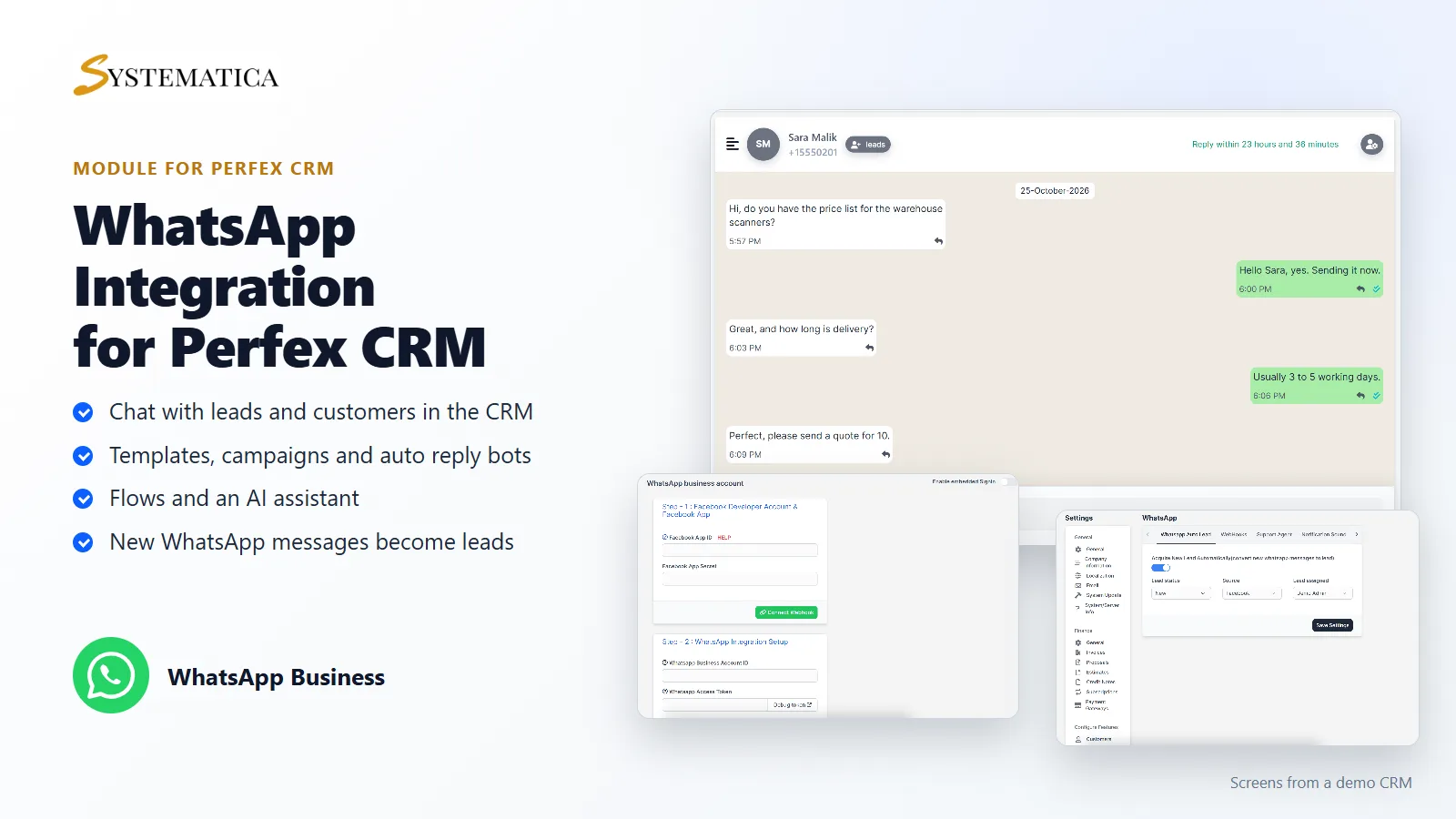
WhatsApp For Perfex CRM connects your WhatsApp Business account to your CRM. You chat with leads and customers, manage message templates, campaigns, auto reply bots and flows from the CRM menu, and new WhatsApp messages can become leads automatically. It uses Meta’s WhatsApp Business platform, so you need your own Meta developer app and WhatsApp Business account.
What you get with WhatsApp For Perfex CRM
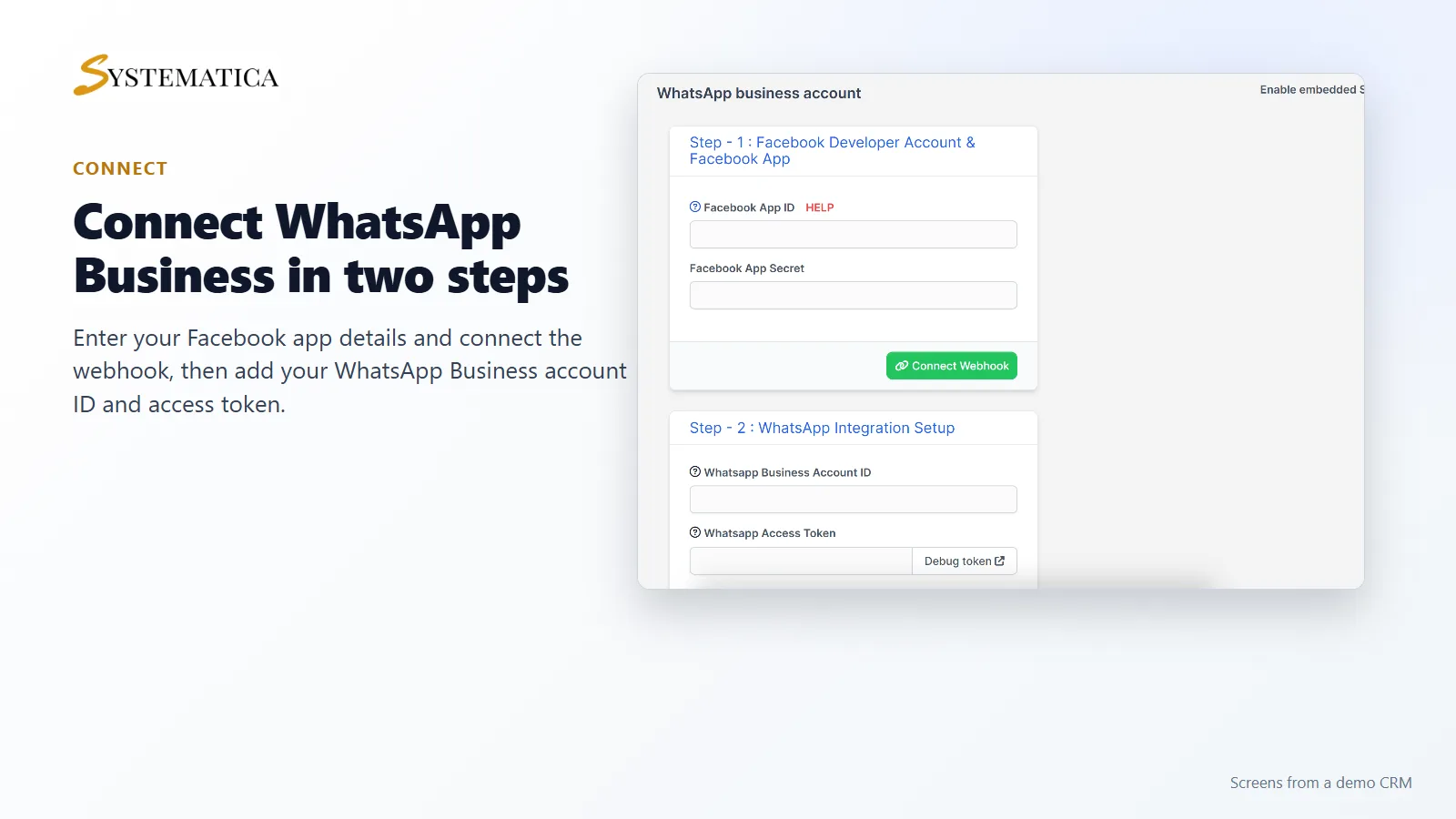
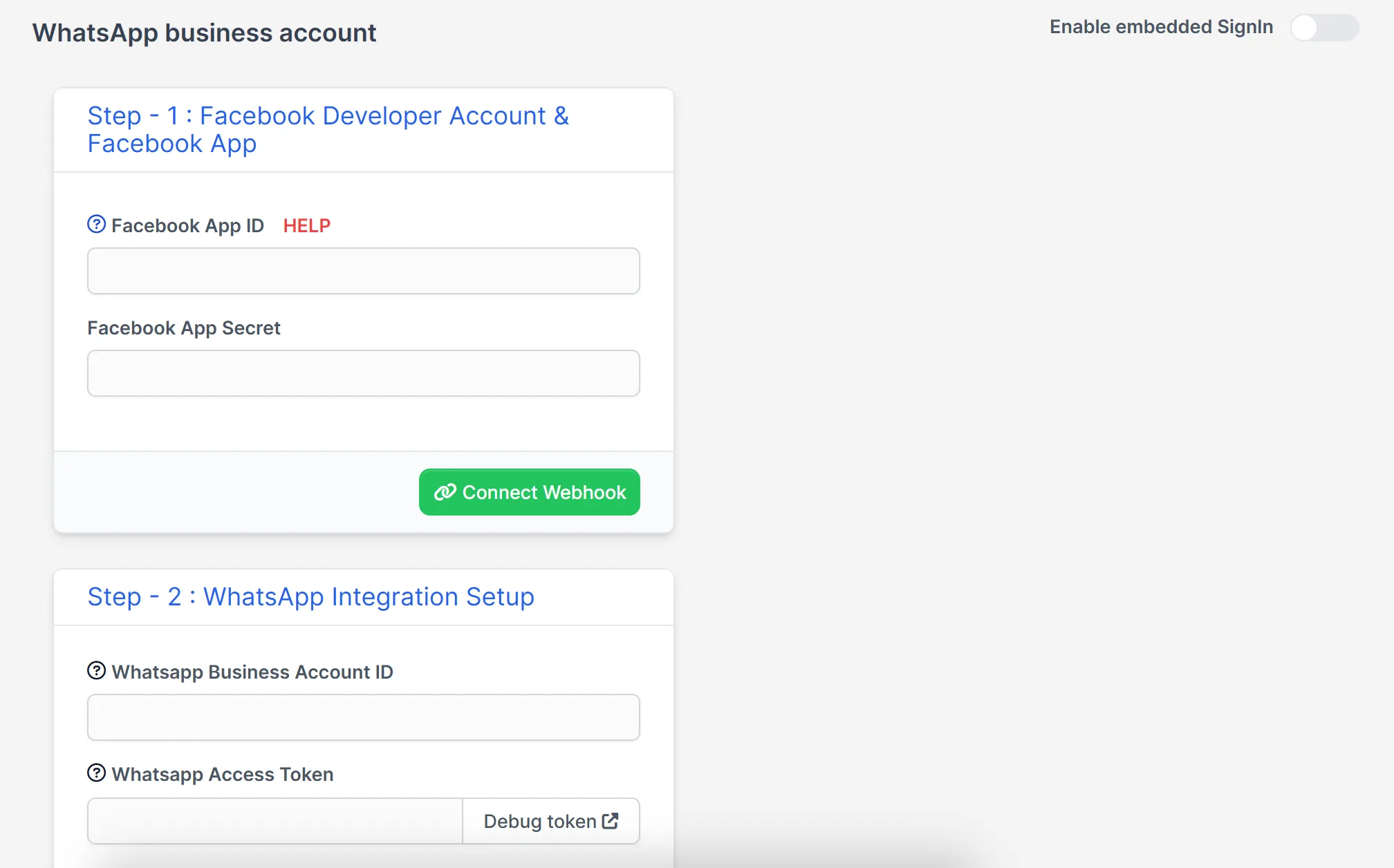
- A connect screen for your Facebook app, webhook, WhatsApp Business account ID and access token
- Live chat with a conversation list, message window and send box, plus quick replies
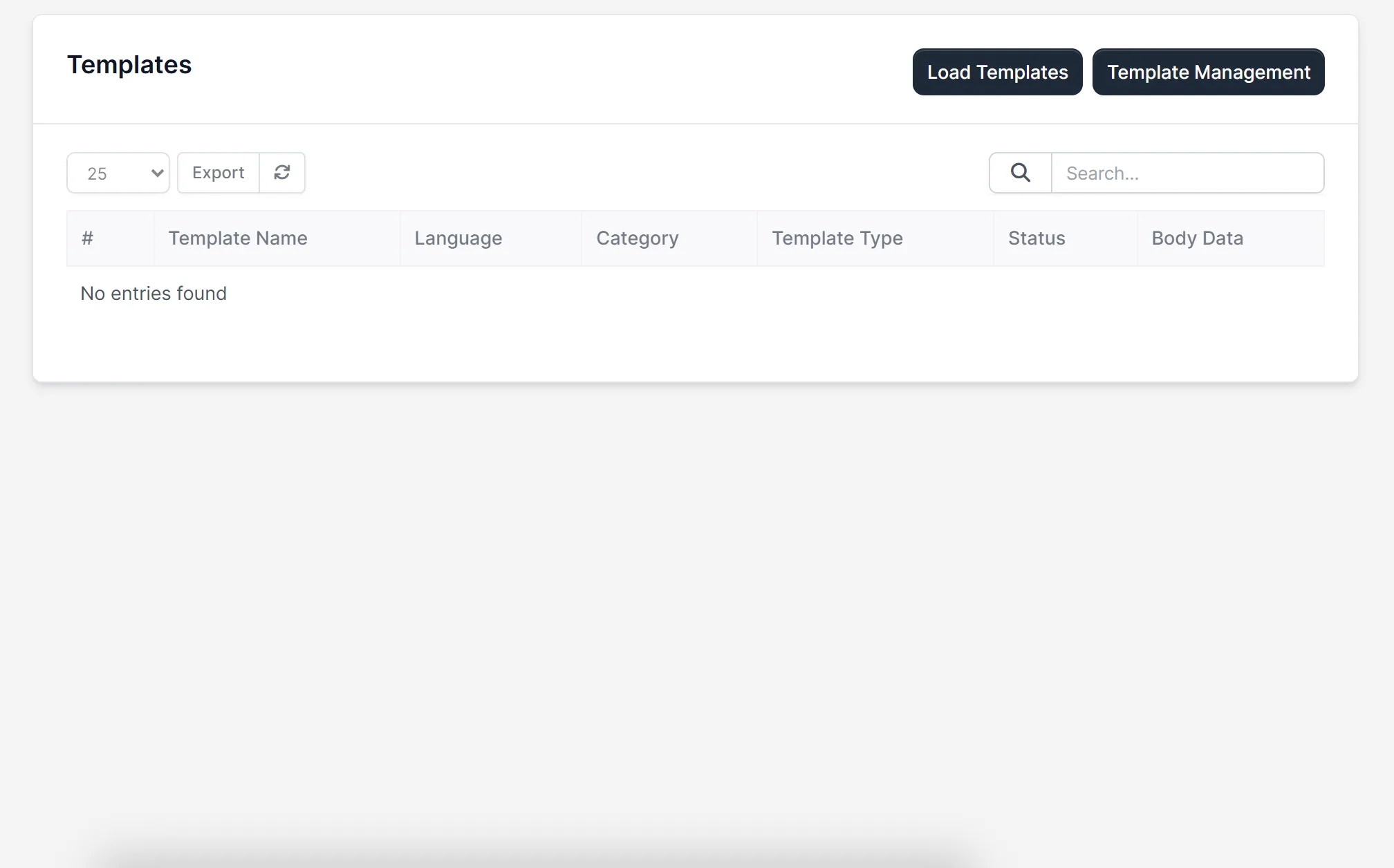
- Templates: load your message templates and manage them
- Push campaigns and bulk campaigns
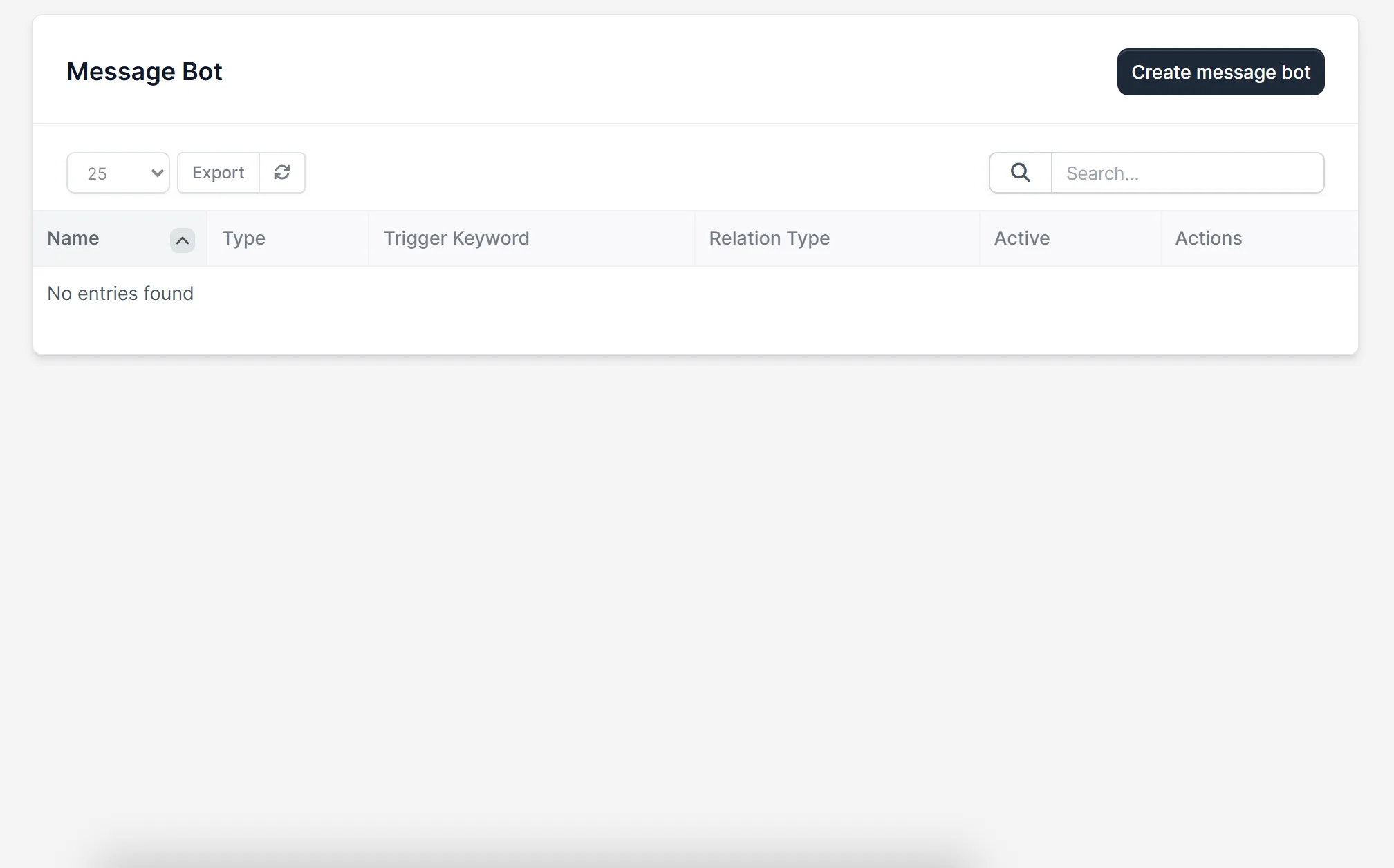
- Auto reply bots and template bots, with trigger keywords
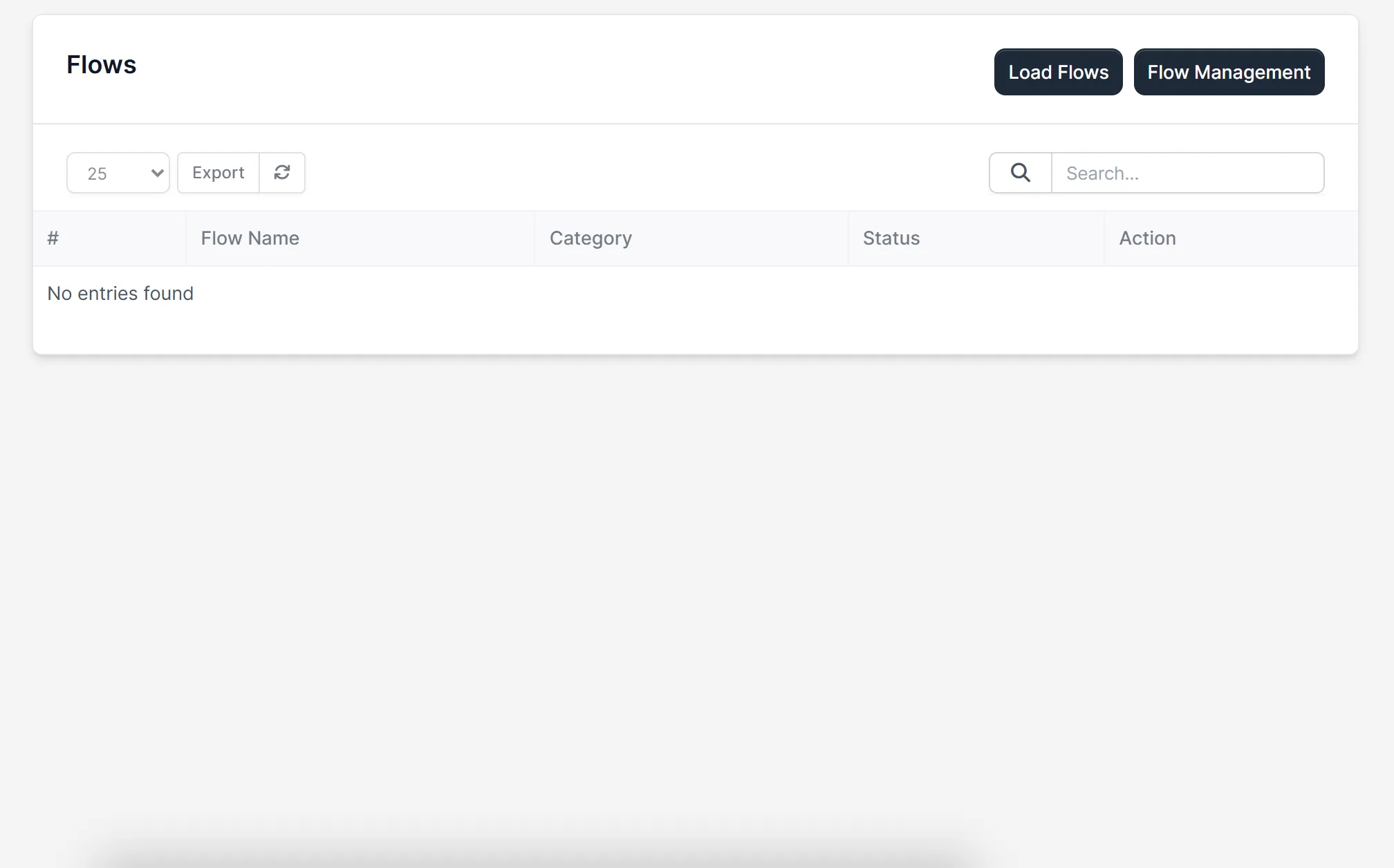
- A bot flow builder and a flow builder
- An AI assistant and AI prompts
- Marketing automation, an activity log and lead notifications
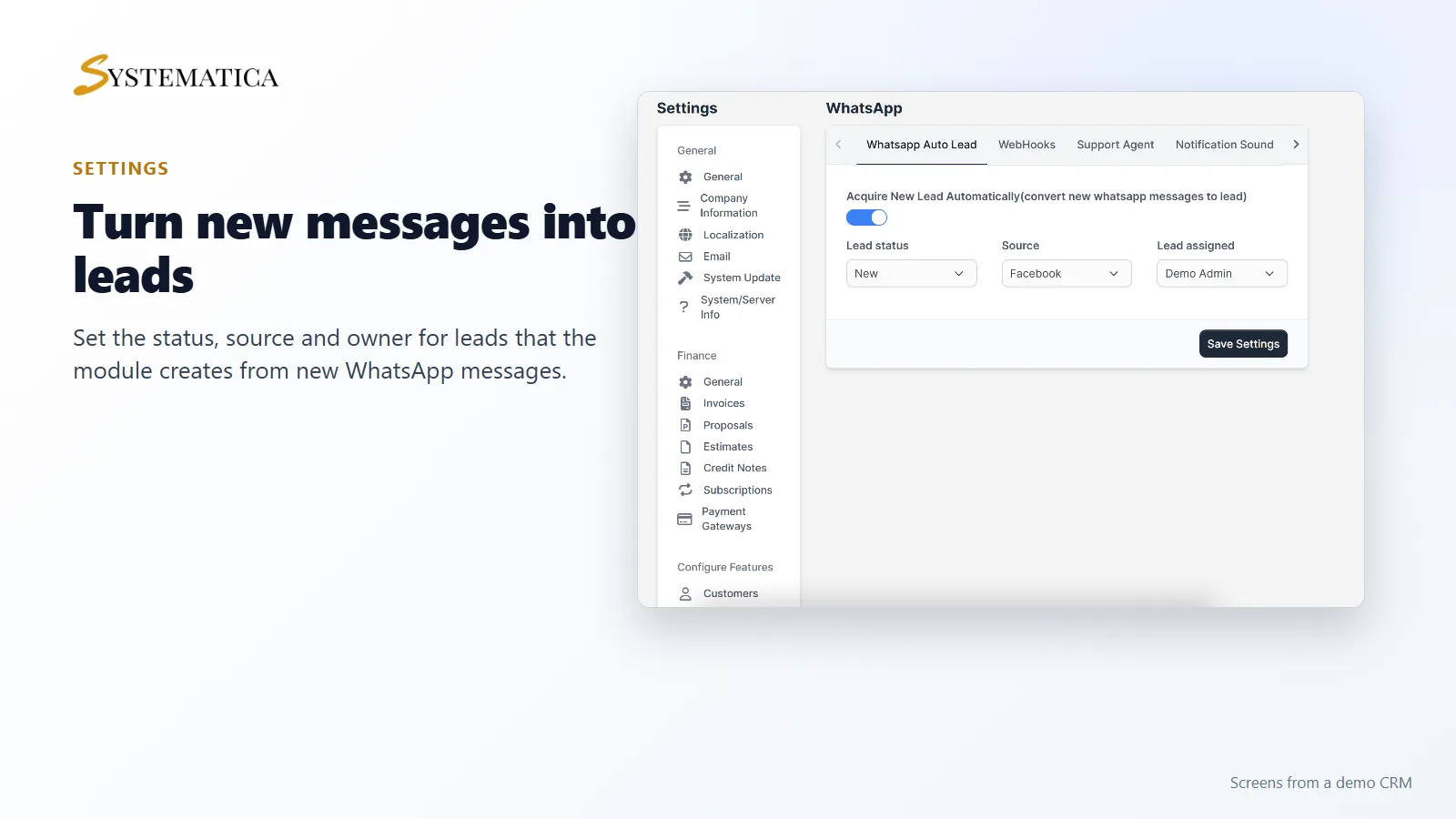
- Settings to turn new WhatsApp messages into leads, with a status, source and owner of your choice
Chat with customers from the CRM
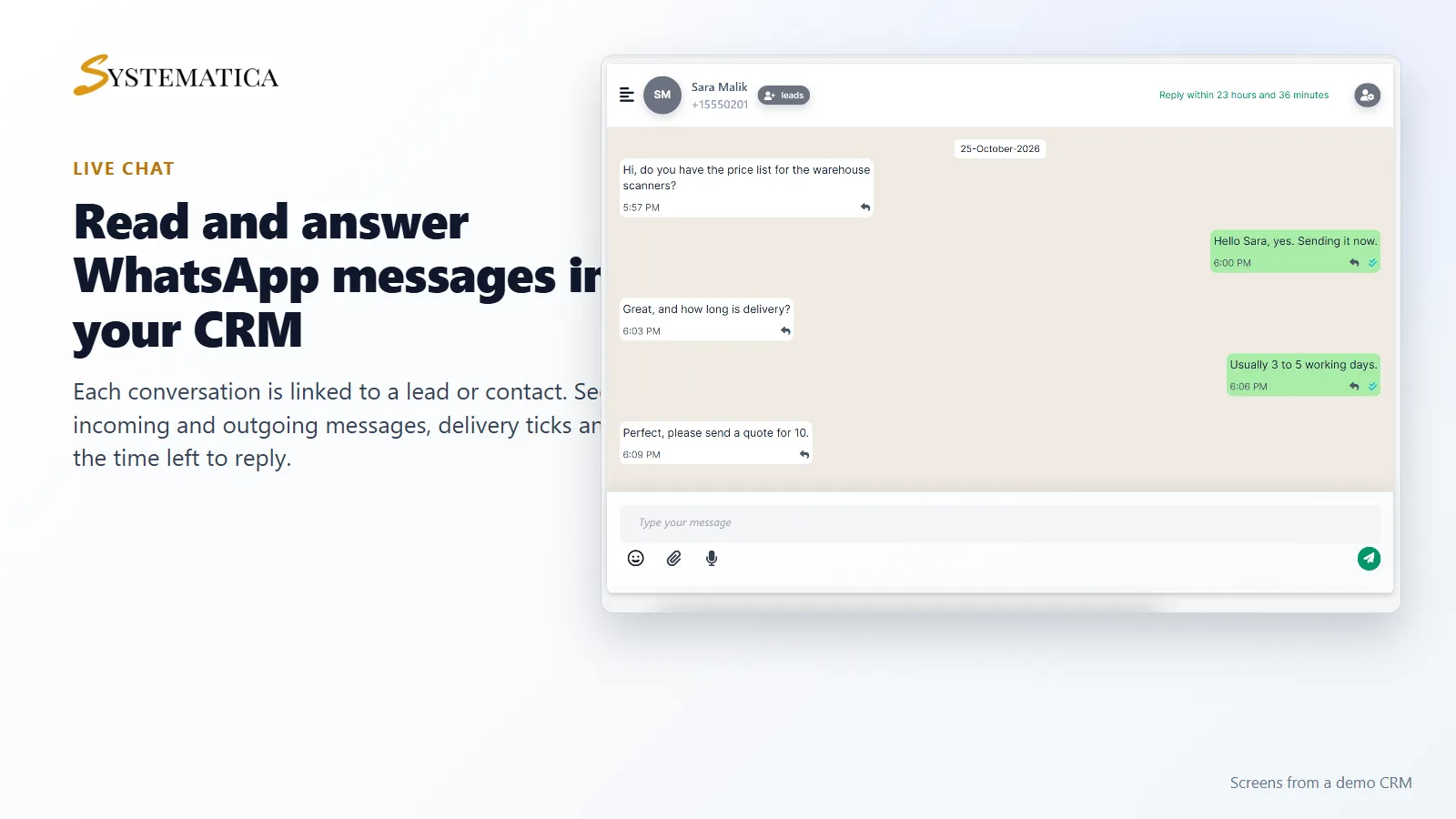
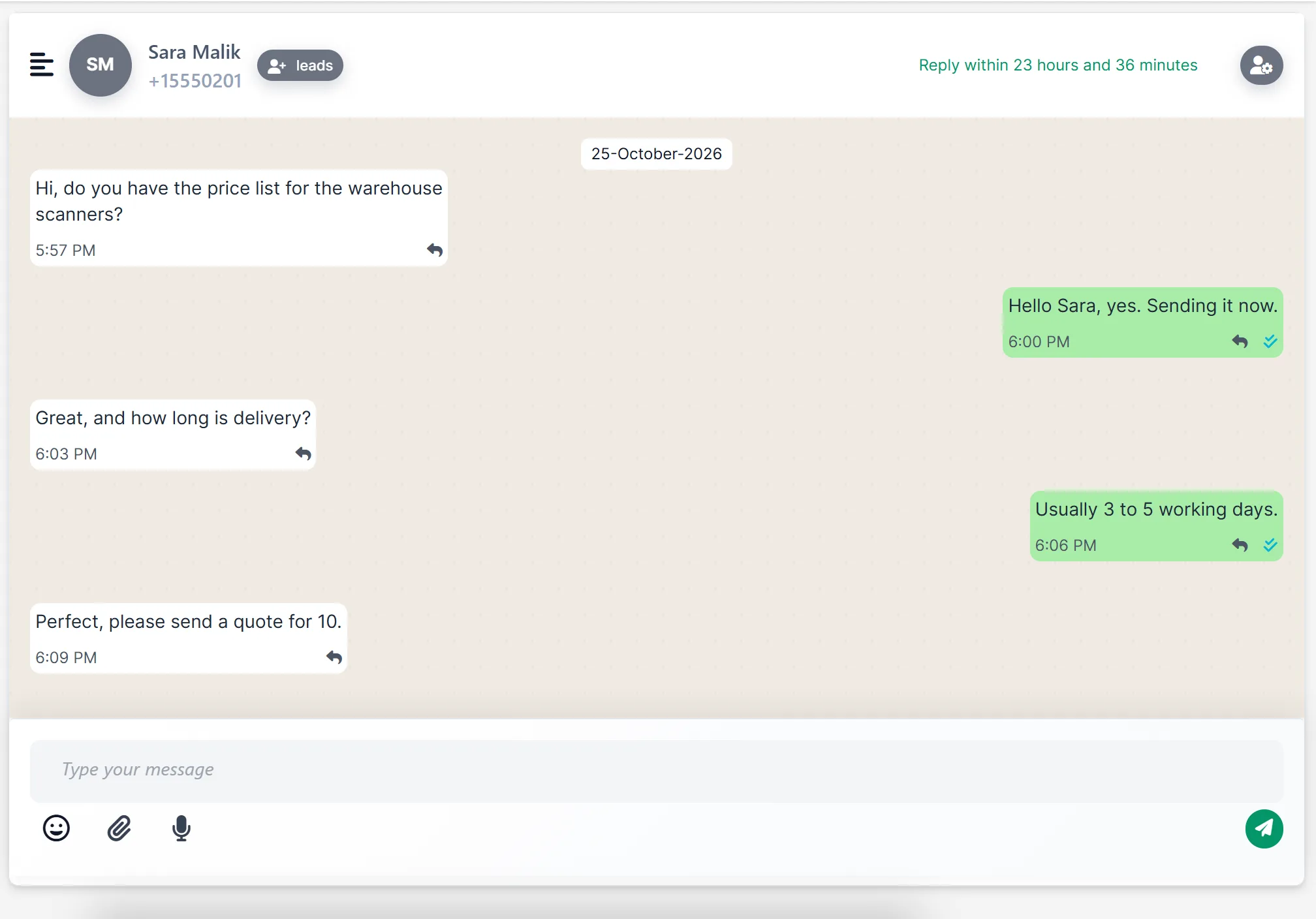
WhatsApp For Perfex CRM has a Live Chat screen. Each conversation is tied to a lead or contact, with a list of conversations, the messages in a chat window, delivery ticks and a counter for the time left to reply. Type a message, add an emoji or an attachment, and send it.
Connect your WhatsApp Business account
WhatsApp For Perfex CRM walks you through the connection in two steps. Step one is your Facebook developer account and app: enter the app ID and secret, then connect the webhook. Step two is the WhatsApp integration setup: enter your WhatsApp Business account ID and access token. There is also a switch for embedded sign-in.
Templates, bots and flows
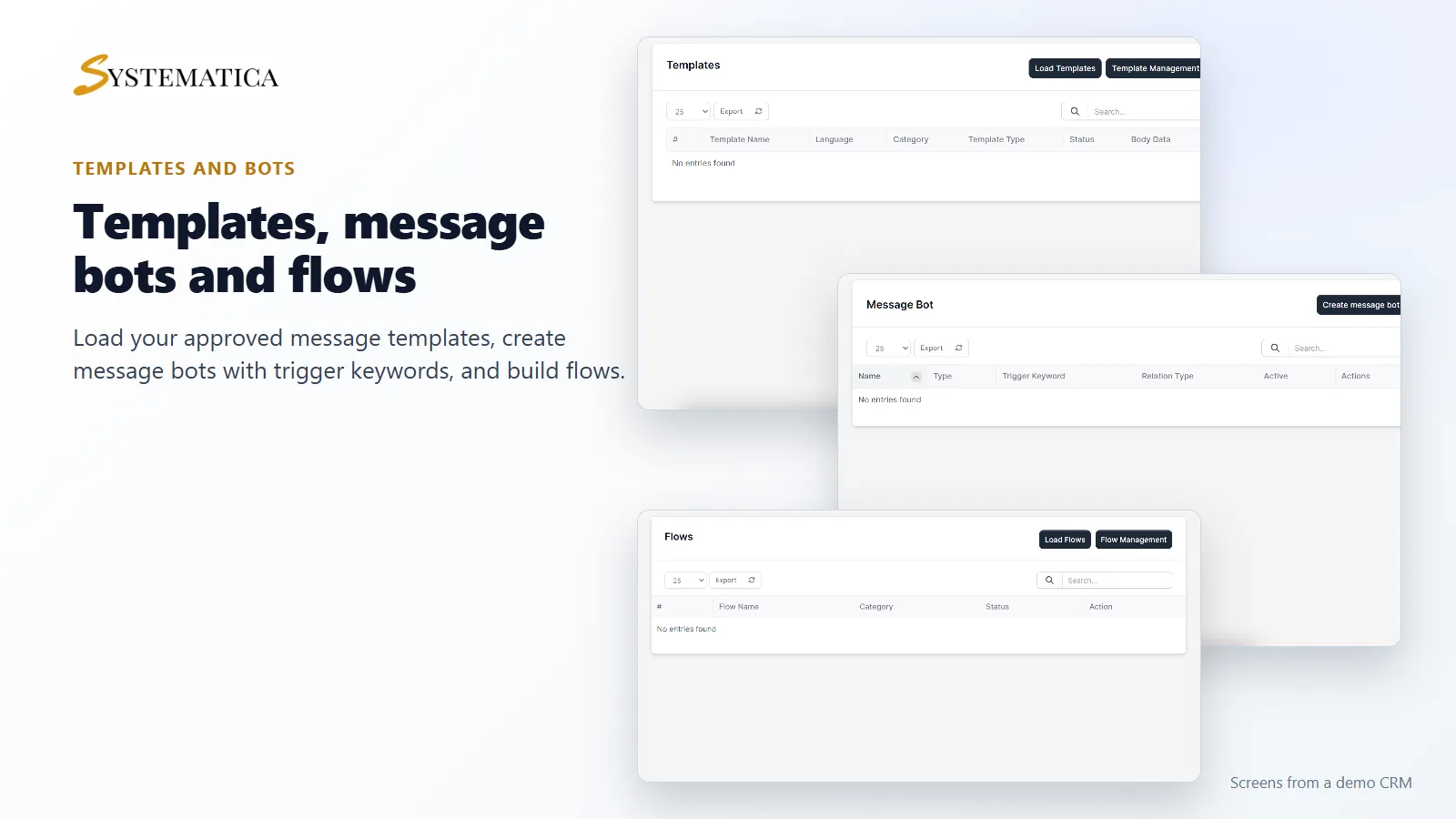
Load your approved templates into the CRM and use them in campaigns. Create message bots that answer when a customer sends a trigger keyword. Build flows for longer conversations. All three sit in the WhatsApp menu of WhatsApp For Perfex CRM.
Turn WhatsApp messages into leads
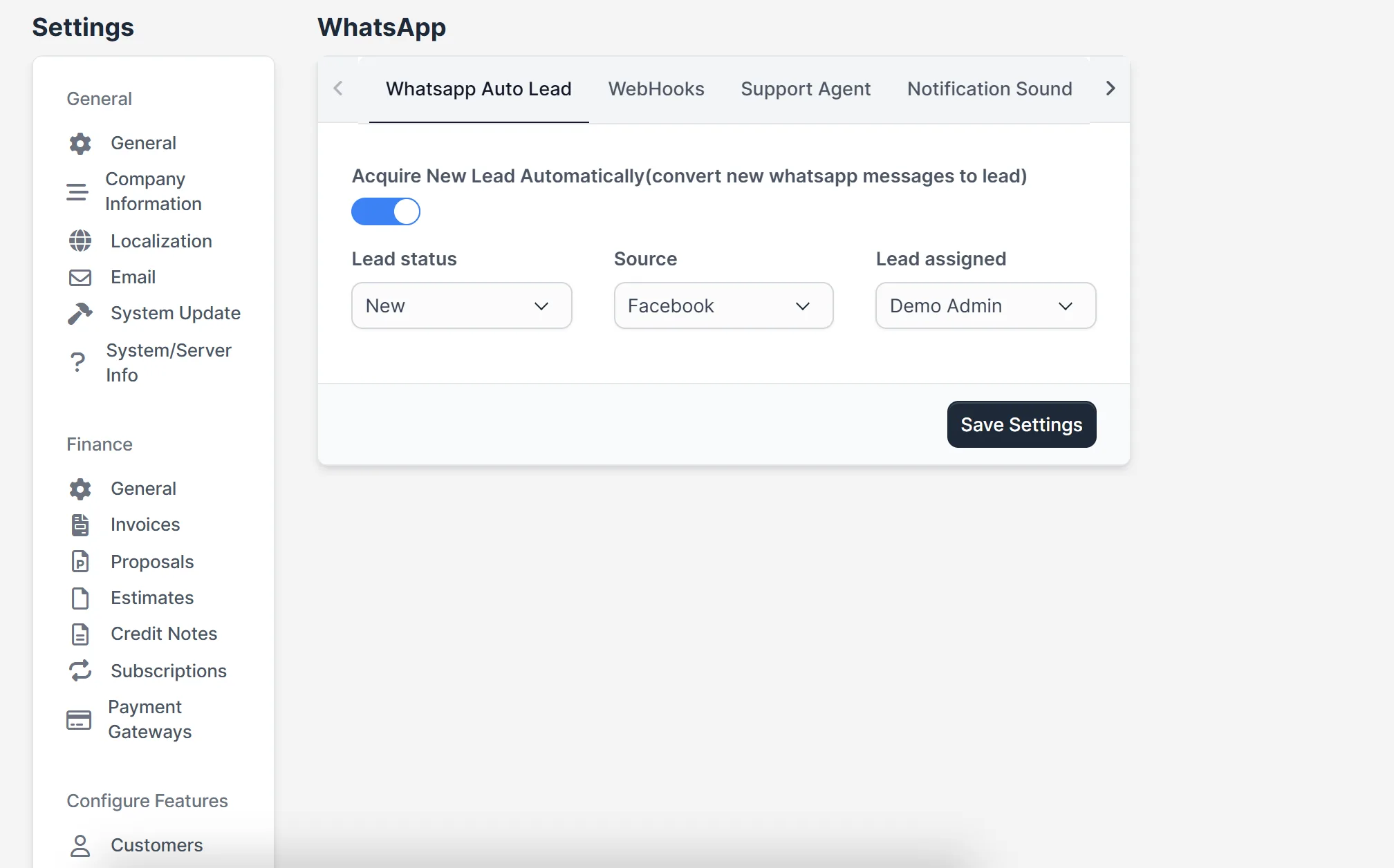
Switch on automatic leads and every new WhatsApp message from an unknown number becomes a lead. You choose the lead status, the source and who the lead is assigned to. Your team then follows up from the normal Leads screen.
Set it up
- Upload the module under Setup > Modules and activate it.
- Open WhatsApp > License and enter your license key.
- Open WhatsApp > Connect Account and follow step 1 and step 2.
- Open Templates and click Load Templates.
- Create your first bot or campaign, and set the auto lead options under Setup > Settings > WhatsApp.
Requirements
- Perfex CRM 3.4 or newer for WhatsApp For Perfex CRM (tested on 3.4.1)
- A Meta developer account, a Facebook app and a WhatsApp Business account. Meta sets its own rules and prices for messages.
- A CRM address on HTTPS that Meta can reach, for the webhook
- A connection from your server to systematica.app over HTTPS
Good to know
- The chat picture uses sample messages stored in a demo CRM. The other screens show WhatsApp For Perfex CRM before an account is connected, so their lists are empty.
- The module does not include a WhatsApp number or message credits. Messages are billed by Meta under your own account.
- The AI assistant needs its own AI provider settings.
License, support and updates
After purchase you receive a license key by email. One license key activates the module on one website. To move it, deactivate the license under WhatsApp > License and activate it on the new site. You get 1 year of use, support through our ticket system and free updates through your Systematica account. WhatsApp For Perfex CRM runs inside Perfex CRM, which you need to own.
Frequently asked questions
What does WhatsApp For Perfex CRM do?
It connects your WhatsApp Business account to Perfex CRM for chat, templates, campaigns, bots, flows and automatic leads.
Do I need a Meta account?
Yes. You need a Meta developer app and a WhatsApp Business account. The module connects to them with your IDs and token.
Can new WhatsApp messages become leads?
Yes. Switch on the auto lead setting and choose the status, source and owner.
Can I send campaigns?
The module has push campaigns and bulk campaigns that use your templates.
Can I use one license on more than one website?
One license key activates the module on one website. You can move it by deactivating it on the old site and activating it on the new one.
Need help with this module?
Every license is valid for 1 year and includes support through our ticket system and free updates. To keep using the module after that, renew your license.