
- How the Perfex CRM email queue works
- Step 1: Check your email settings
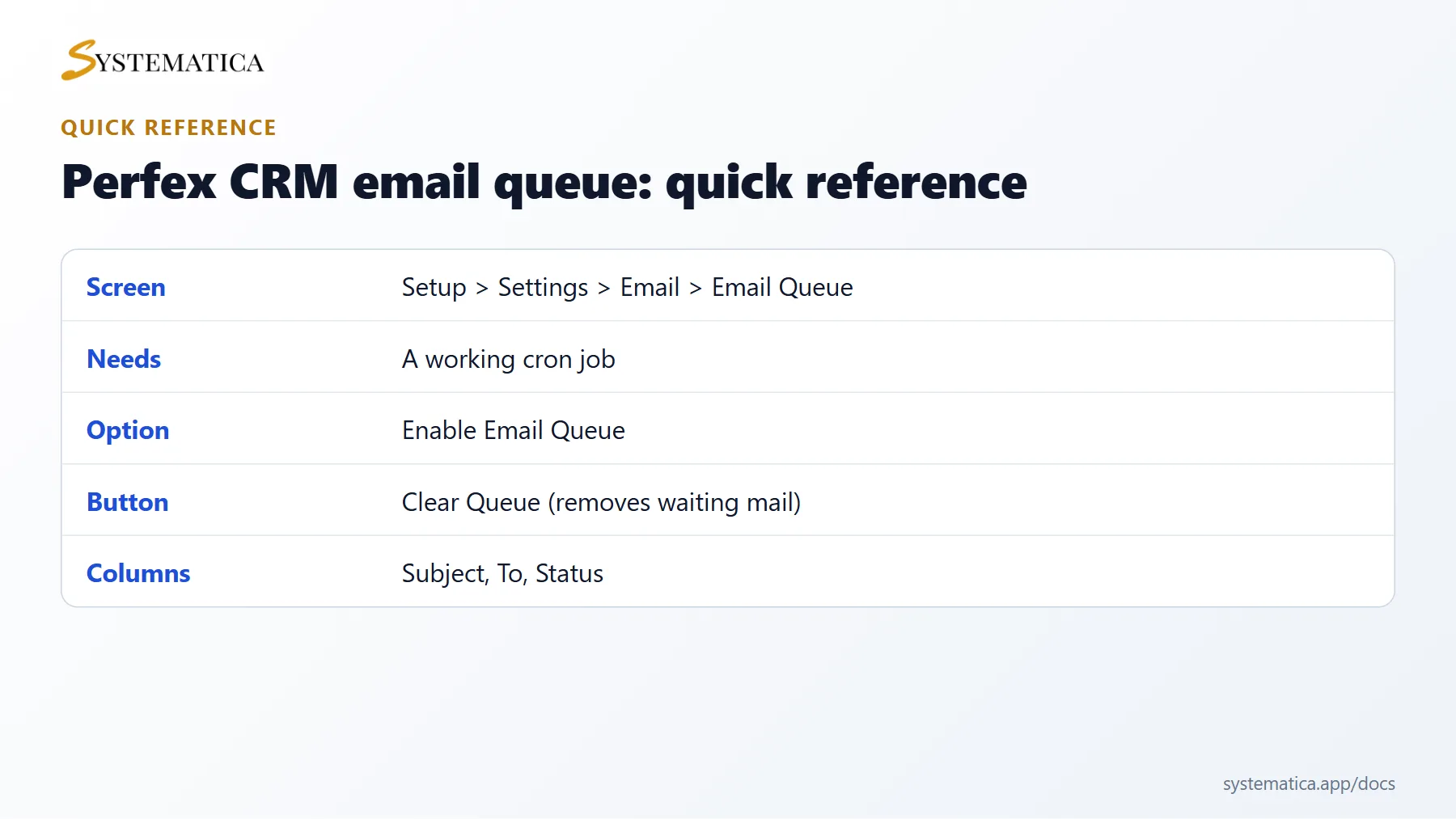
- Step 2: Turn on the Perfex CRM email queue
- Step 3: Watch the queue
- Step 4: Clear a stuck queue
- Step 5: Keep the Perfex CRM email queue healthy
- Common questions about the Perfex CRM email queue
- Visual guide: Perfex CRM email queue
- Perfex CRM email queue FAQ
- Modules that work with the email queue
- Useful resources
The Perfex CRM email queue holds outgoing emails and sends them in the background instead of during the click that created them. It makes screens such as sending an invoice faster, protects you from slow mail servers and lets you see what is waiting. This guide explains how to turn the Perfex CRM email queue on, what it needs, and how to clear it when something goes wrong.
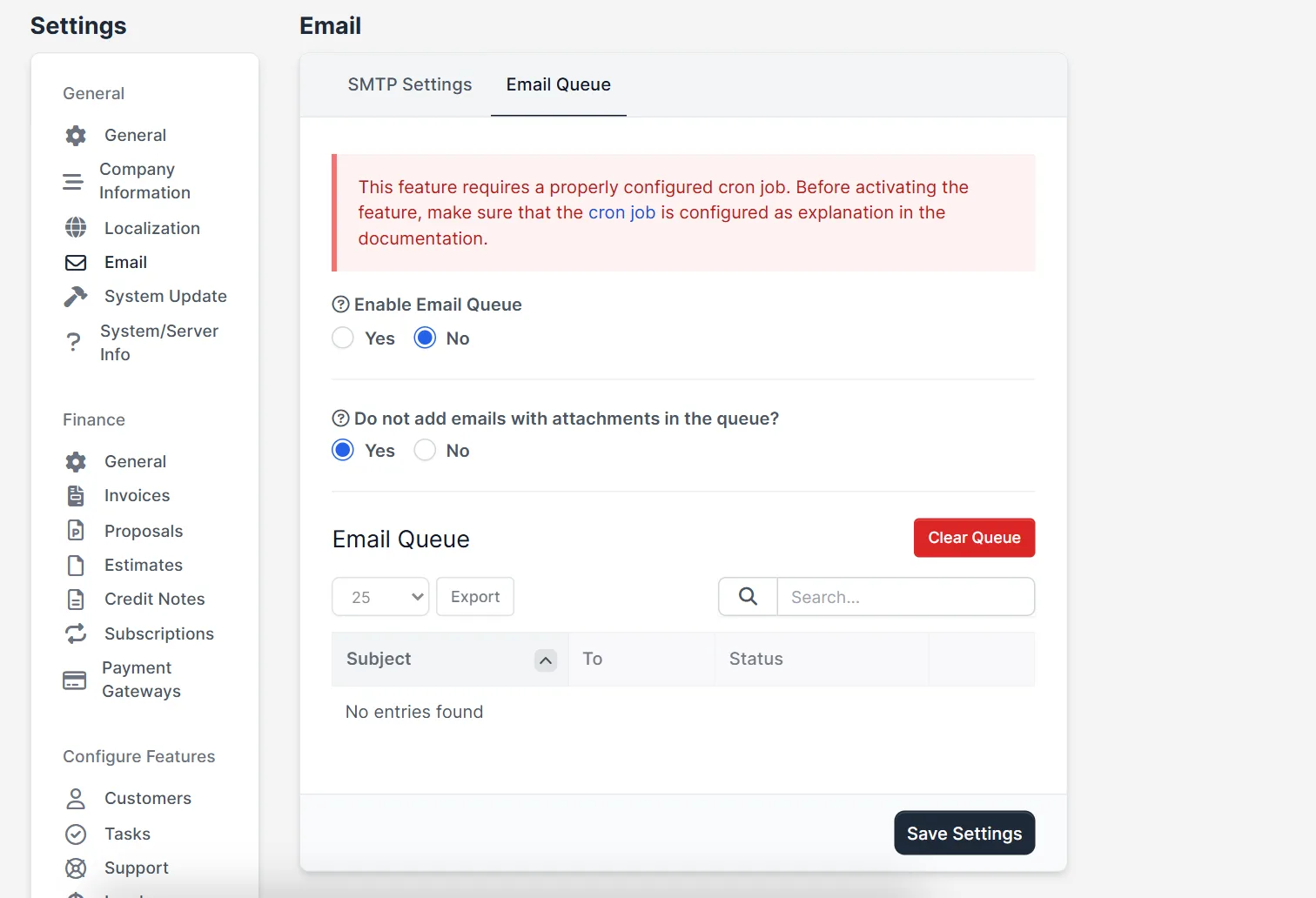
How the Perfex CRM email queue works #
Without a queue, Perfex CRM tries to deliver each email at once. If your mail server is slow, the page waits. With the queue switched on, the message is stored in a list and sent by the next run of the Perfex CRM cron job. That means the queue only works if your cron job runs on time, so set up the cron job first.
Step 1: Check your email settings #
Open Setup > Settings > Email and make sure the test email works on the SMTP Settings tab. If it fails there, it will fail in the queue too. See Perfex CRM SMTP settings for the full list of fields.
Step 2: Turn on the Perfex CRM email queue #
- On the same page, click the Email Queue tab.
- Next to Enable Email Queue, choose Yes.
- Decide about attachments. The option Do not add emails with attachments in the queue? set to Yes sends emails with files straight away and leaves only plain messages in the queue. This is a good choice when attachments are large.
- Click Save Settings.
Step 3: Watch the queue #
Below the settings you see a table with the columns Subject, To and Status. Send a test message, for example an invoice to your own address, and look at the table. The row should appear and then disappear after the next cron run. You can export the list with the Export button.
Step 4: Clear a stuck queue #
If the same messages stay in the list for hours, something stops delivery. Check three things in this order: your SMTP details, your cron job, and the size of the attachments. When you have fixed the cause, you can start again by pressing Clear Queue. This removes all waiting messages, so use it only when you accept that those emails will not be sent.
Step 5: Keep the Perfex CRM email queue healthy #
- Run the cron job at least every five minutes.
- Keep your sending limit in mind. Many hosts allow only a number of emails per hour, and a queue can hit it in one run when it holds a big batch.
- Check the queue after a bulk action such as sending reminders to many customers.
- Review the Perfex CRM email templates so the queue does not hold messages you do not need.
Common questions about the Perfex CRM email queue #
Do I need the queue? Not on a small site with a fast mail server. It helps when you send many emails or your host is slow.
Why are my emails late? They are sent when the cron job runs. If it runs every hour, the queue delivers every hour.
Can I switch it off later? Yes. Set Enable Email Queue to No. Emails then leave at once again.
For a complete picture of how the system sends mail, read the installation guide and check that your server meets the server requirements.
Visual guide: Perfex CRM email queue #
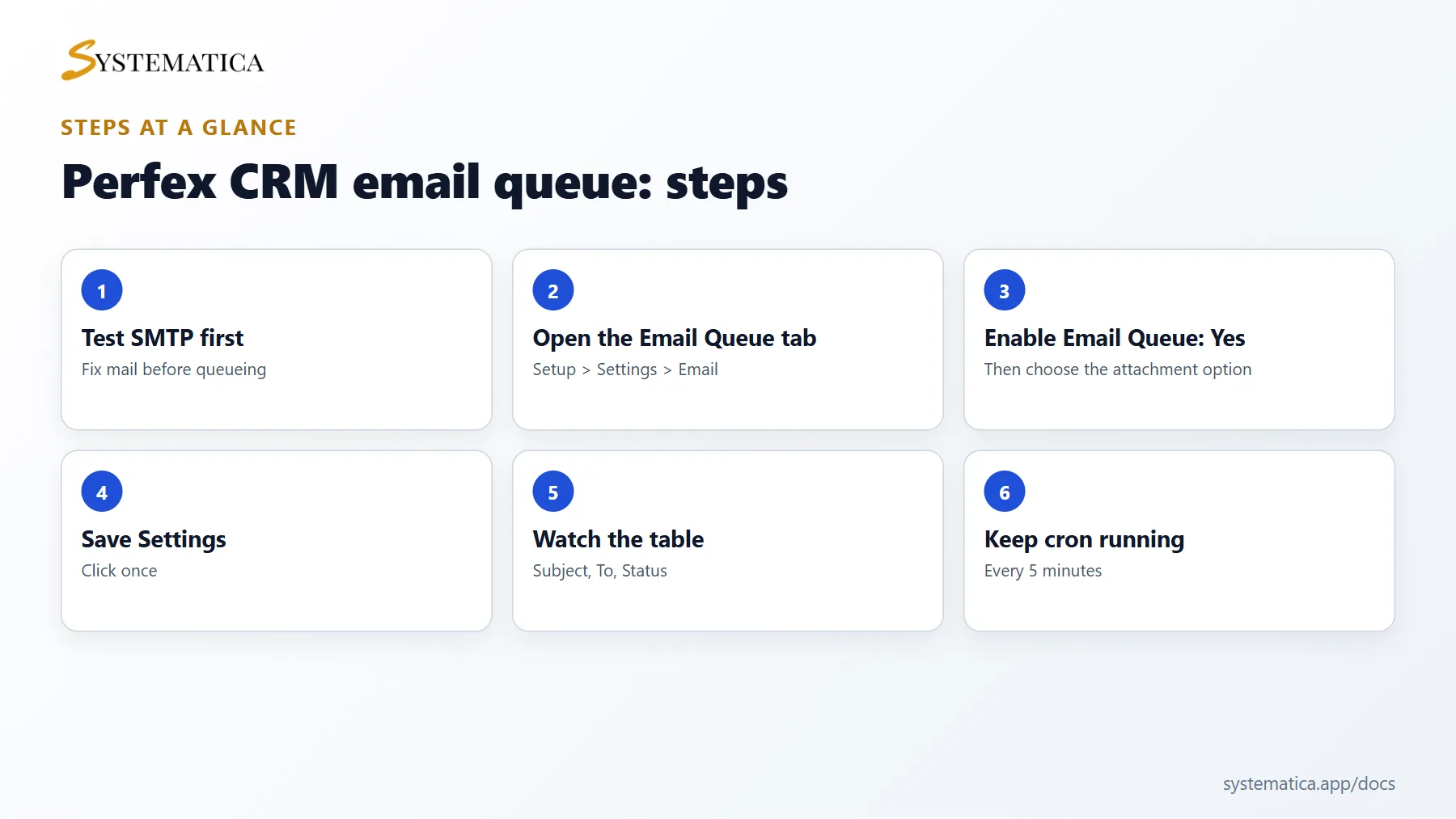
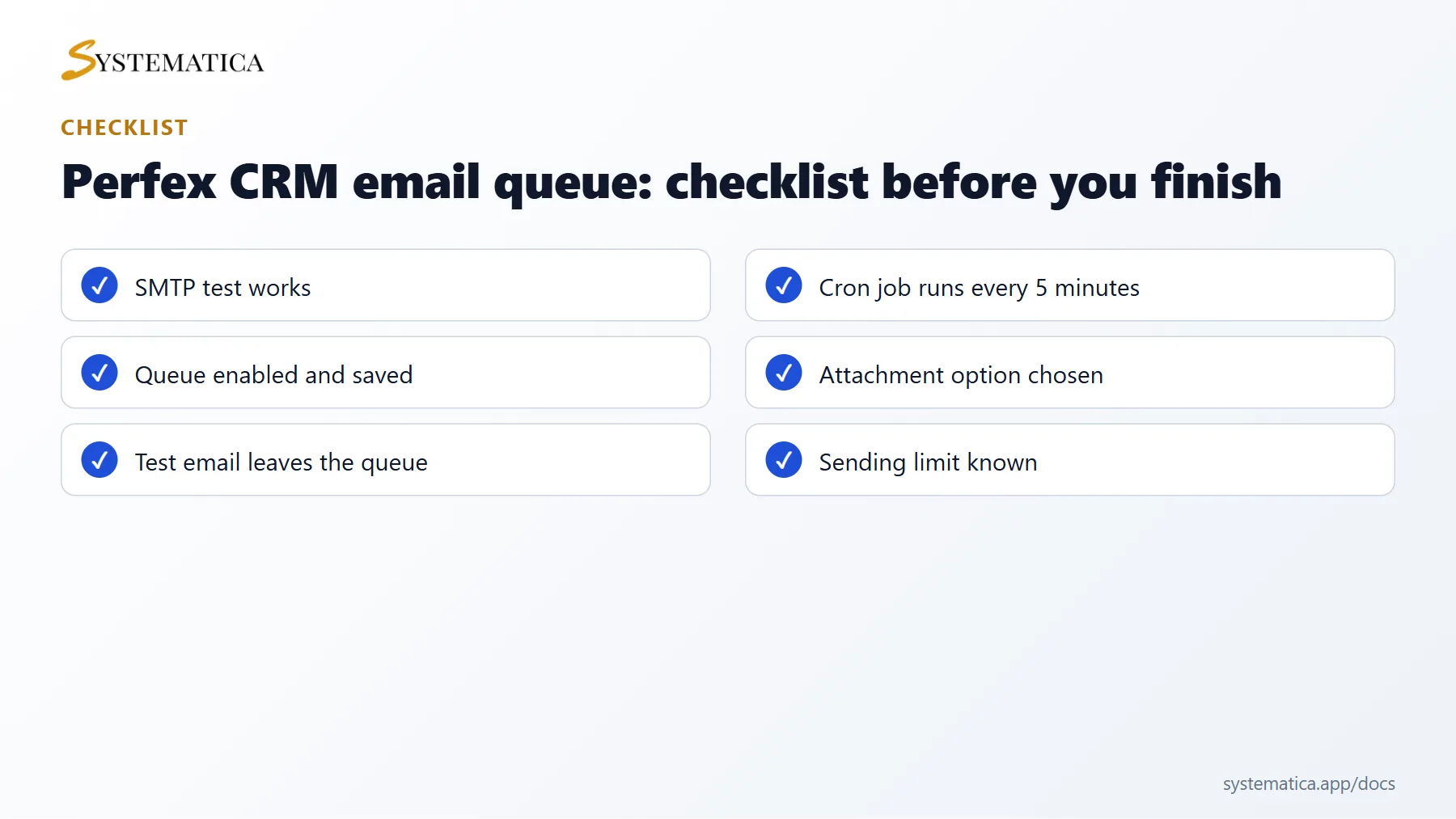
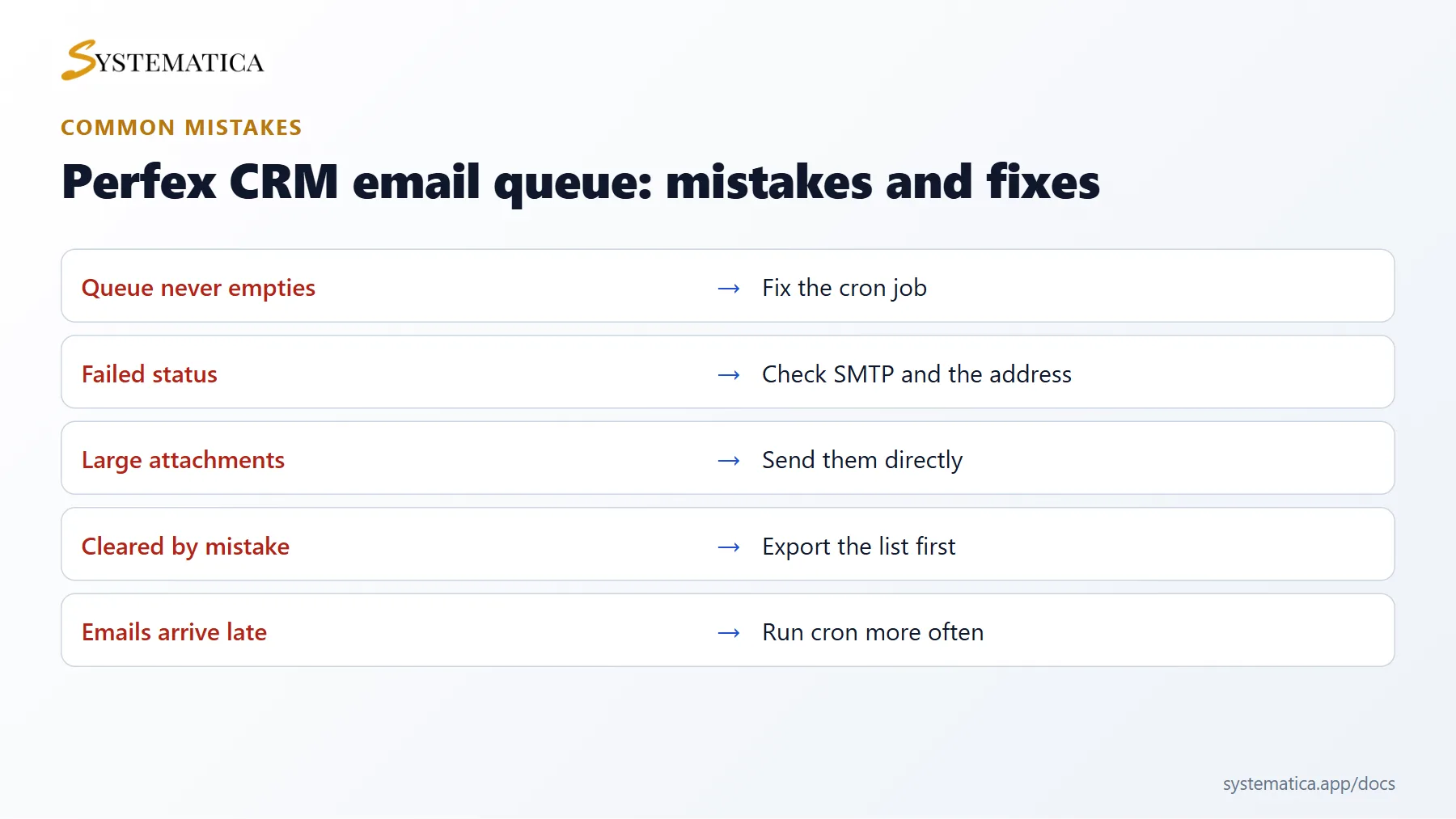
Save or share these four cards. They summarize the steps, the checklist, the usual mistakes and the key values from this guide.
Perfex CRM email queue FAQ #
How many emails can the Perfex CRM email queue send per run? #
The queue sends a limited batch each time the cron job runs, so a big list is spread over several runs. If you need to send faster, run the cron job more often instead of removing the queue.
Why are queued emails marked as failed? #
The mail server refused them. Look at the status column, then check your credentials, your sending limit and the address of the recipient. Fix the cause and send the message again.
Does the Perfex CRM email queue send attachments? #
Yes, unless you chose not to queue emails with attachments. Large files make the queue slow, so choose that option when you send many invoices as PDF files.
Can I see old emails after they are sent? #
The queue only shows messages waiting or failed. Sent mail is not kept as a mailbox. For a full mail history, use your mail provider or a mailbox module such as the Mailbox module for Perfex CRM.
Is it safe to clear the Perfex CRM email queue? #
It is safe for the system, but the waiting emails are lost. Export the list first so you know whom to contact again.
Does the queue slow down my site? #
No. It makes pages faster because the page no longer waits for the mail server. The work moves to the cron job.
Modules that work with the email queue #
Staff who answer customers by email can do it inside the CRM with the Mailbox module for Perfex CRM. Teams that prefer chat can use the Perfex CRM Chat Module.
Useful resources #
Read how mail servers rate senders in the Mail-Tester guide, and check the official Perfex CRM site for version news. A healthy Perfex CRM email queue is almost always empty, so if it fills up, treat that as a sign to check your cron job and mail settings.


