
- Which Perfex CRM payment gateways are included
- Set up a gateway in 6 steps
- Common Perfex CRM payment gateways settings
- Options for all gateways
- Connect gateways to payment modes
- Test the Perfex CRM payment gateways
- Fix common problems
- Visual guide: Perfex CRM payment gateways
- Perfex CRM payment gateways FAQ
- Modules that work with payments
- Useful resources
Perfex CRM payment gateways let customers pay an invoice online with a card or a wallet, so you get paid faster and do not chase bank transfers. The system supports several gateways out of the box. This guide shows where to find the Perfex CRM payment gateways, which settings are common to all of them and how to test a gateway before you use it with real customers.
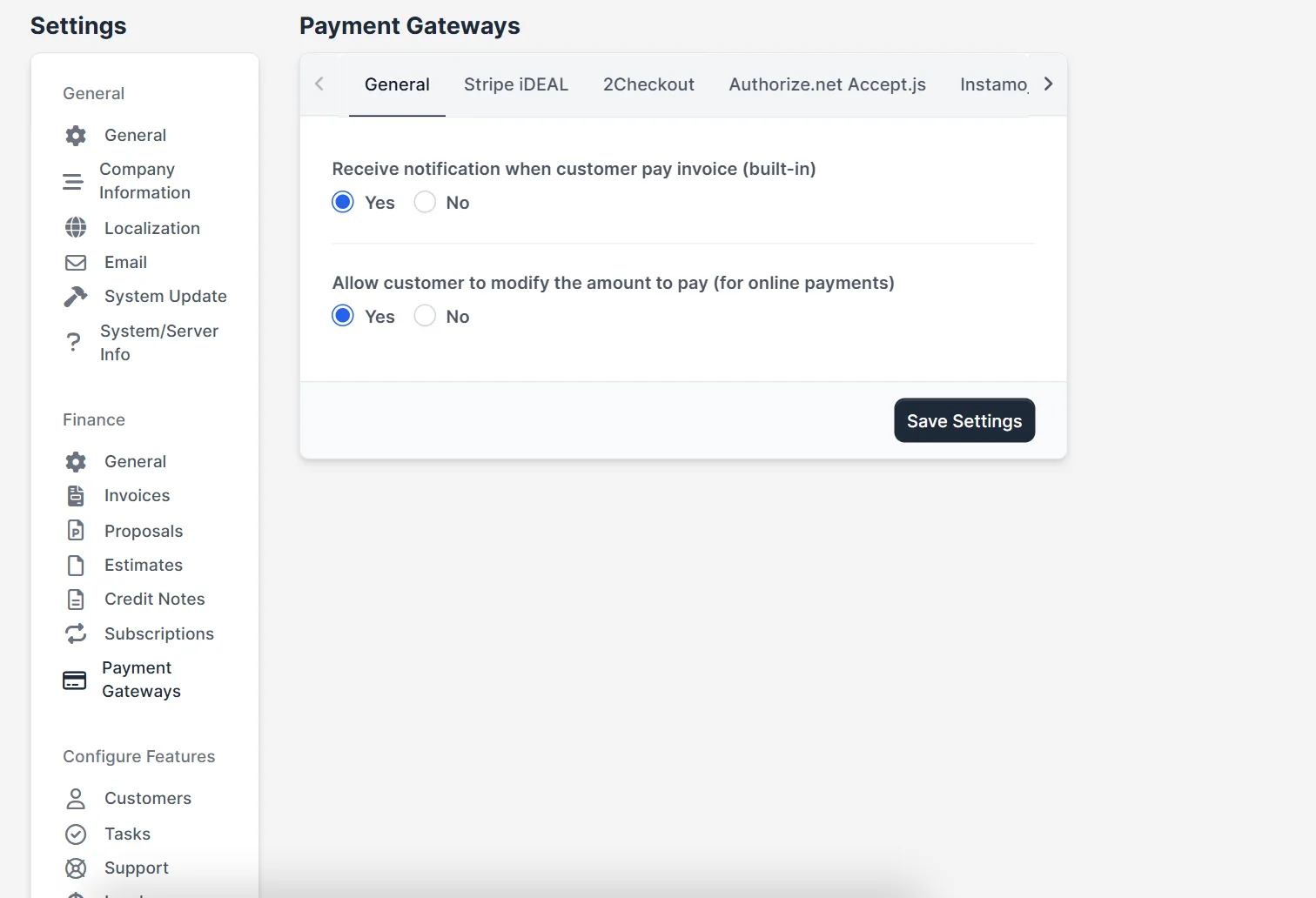
Which Perfex CRM payment gateways are included #
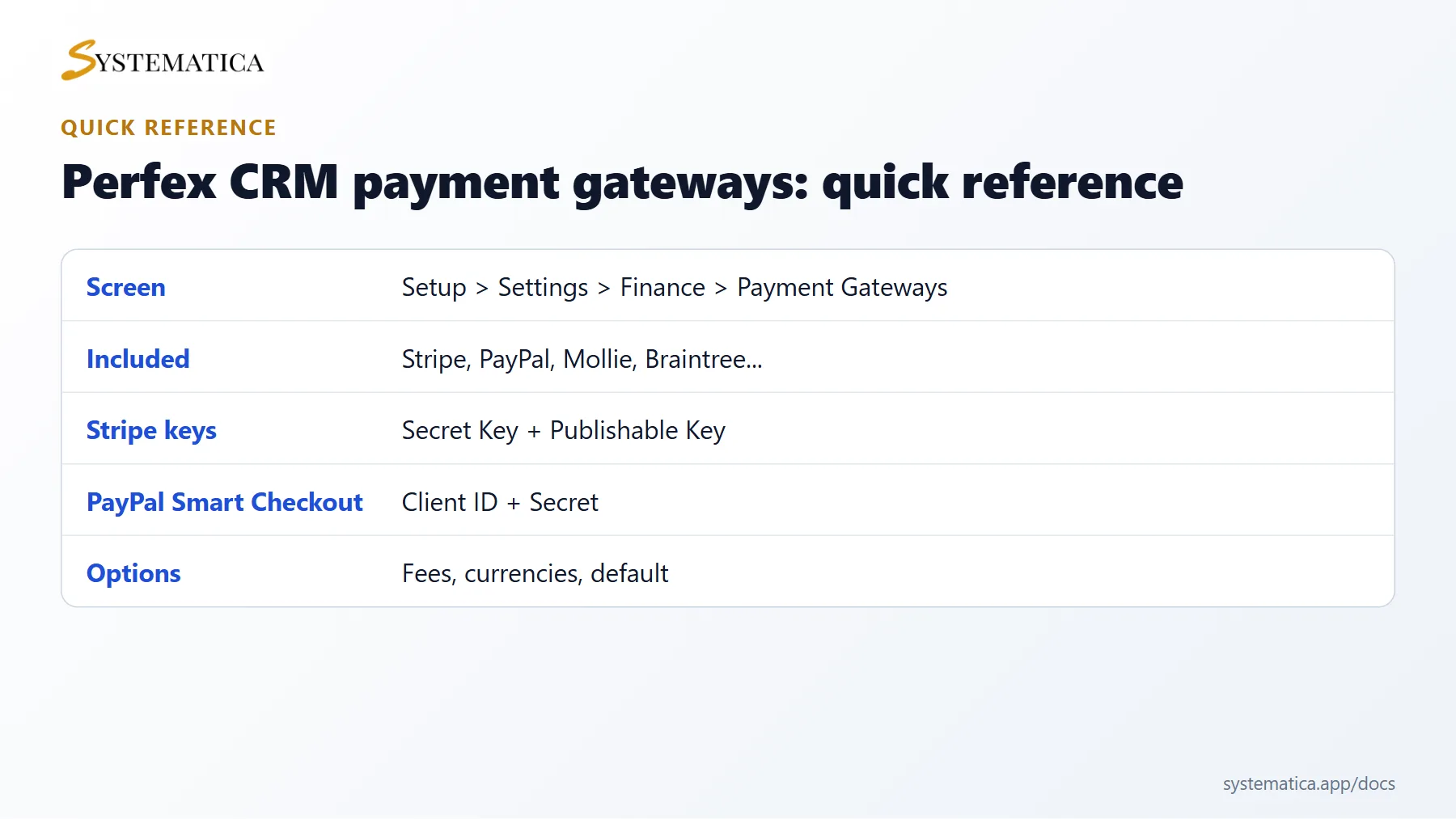
Open Setup > Settings > Finance > Payment Gateways. In version 3.4.1 the list shows Stripe Checkout, Stripe iDEAL, PayPal, PayPal Smart Checkout, 2Checkout, Authorize.net Accept.js, Instamojo, Mollie, Braintree and PayU Money. Choose the one that your bank or country supports and that you can open an account with.
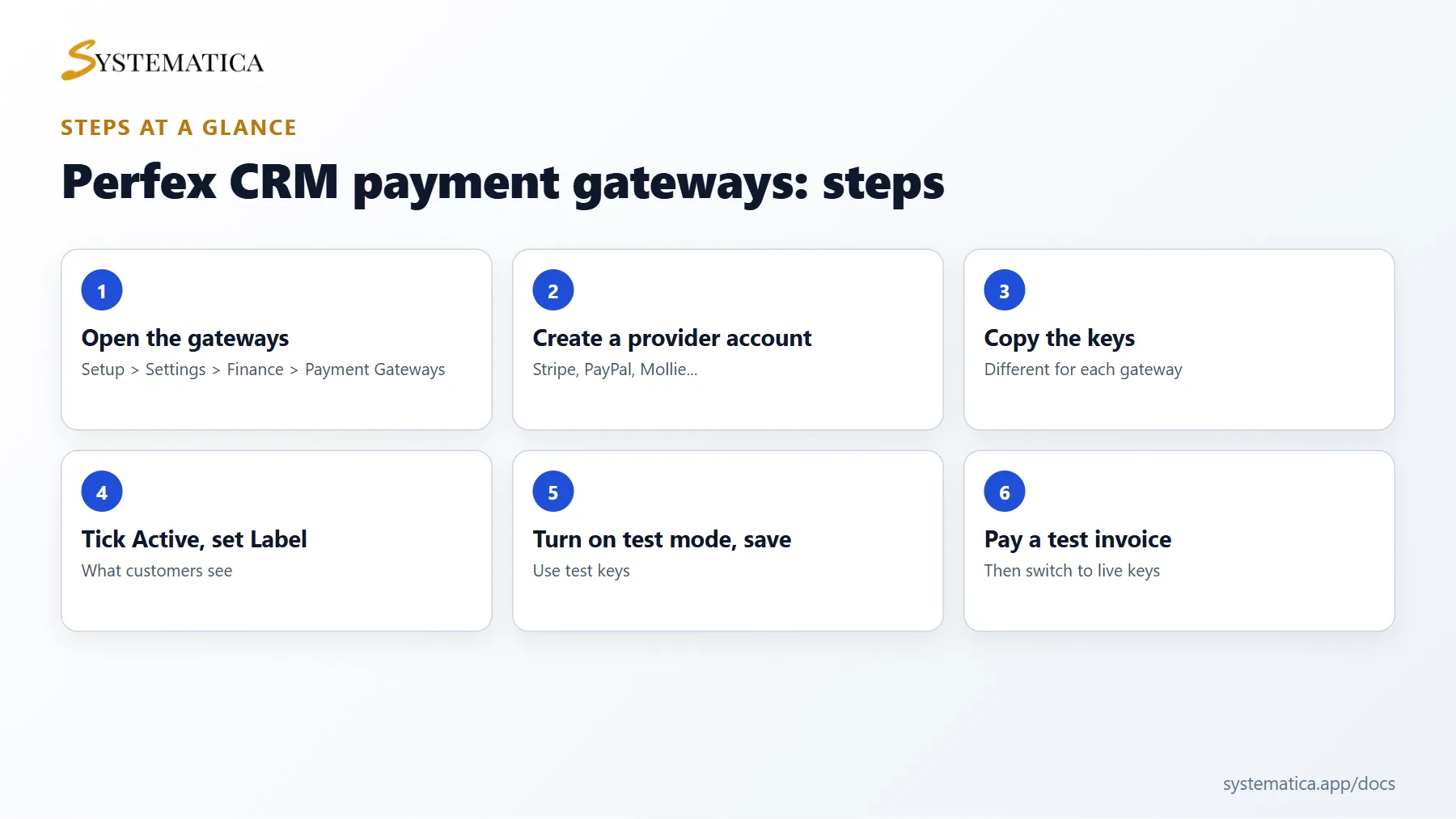
Set up a gateway in 6 steps #
- Create an account with the provider and open its dashboard.
- Copy the keys. Each gateway asks for different values: Stripe asks for an API Secret Key and a Publishable Key, PayPal Smart Checkout asks for a Client ID and a Secret, and others ask for a merchant ID, a private key or an API login.
- In Perfex CRM, open the gateway tab and tick Active.
- Fill in the Label. This is the name customers see at checkout.
- Paste the keys. If the gateway offers Enable Test Mode, turn it on first and use test keys.
- Click Save Settings and pay a test invoice.
Common Perfex CRM payment gateways settings #
- Currencies (coma separated) lists the currencies the gateway accepts, such as
USD,EUR. Invoices in other currencies will not offer this gateway. See Perfex CRM currencies. - Selected by default on invoice pre-selects the gateway on new invoices.
- Fixed Fee and Percentage Fee add a charge to cover gateway costs. Check your local rules before you pass fees on.
- Statement Descriptor (shown in customer bank statement) on Stripe is the text on the card statement. Use your business name.
- Gateway Dashbord Payment Description sets the text shown in the provider dashboard.
Options for all gateways #
At the top of the screen you find two options that apply to every gateway: Receive notification when customer pay invoice (built-in) and Allow customer to modify the amount to pay (for online payments). Turn the second one on if you accept part payments.
Connect gateways to payment modes #
An active gateway appears as a payment mode, and you can allow or hide it per invoice. Read Perfex CRM payment modes to control that. Online payments are recorded on the invoice by themselves.
Test the Perfex CRM payment gateways #
- Create a small invoice for a test customer.
- Open the customer link and pay with the test card of the provider.
- Check that the invoice shows as paid and that you received the notification email.
- Turn test mode off and replace the test keys with live keys.
Fix common problems #
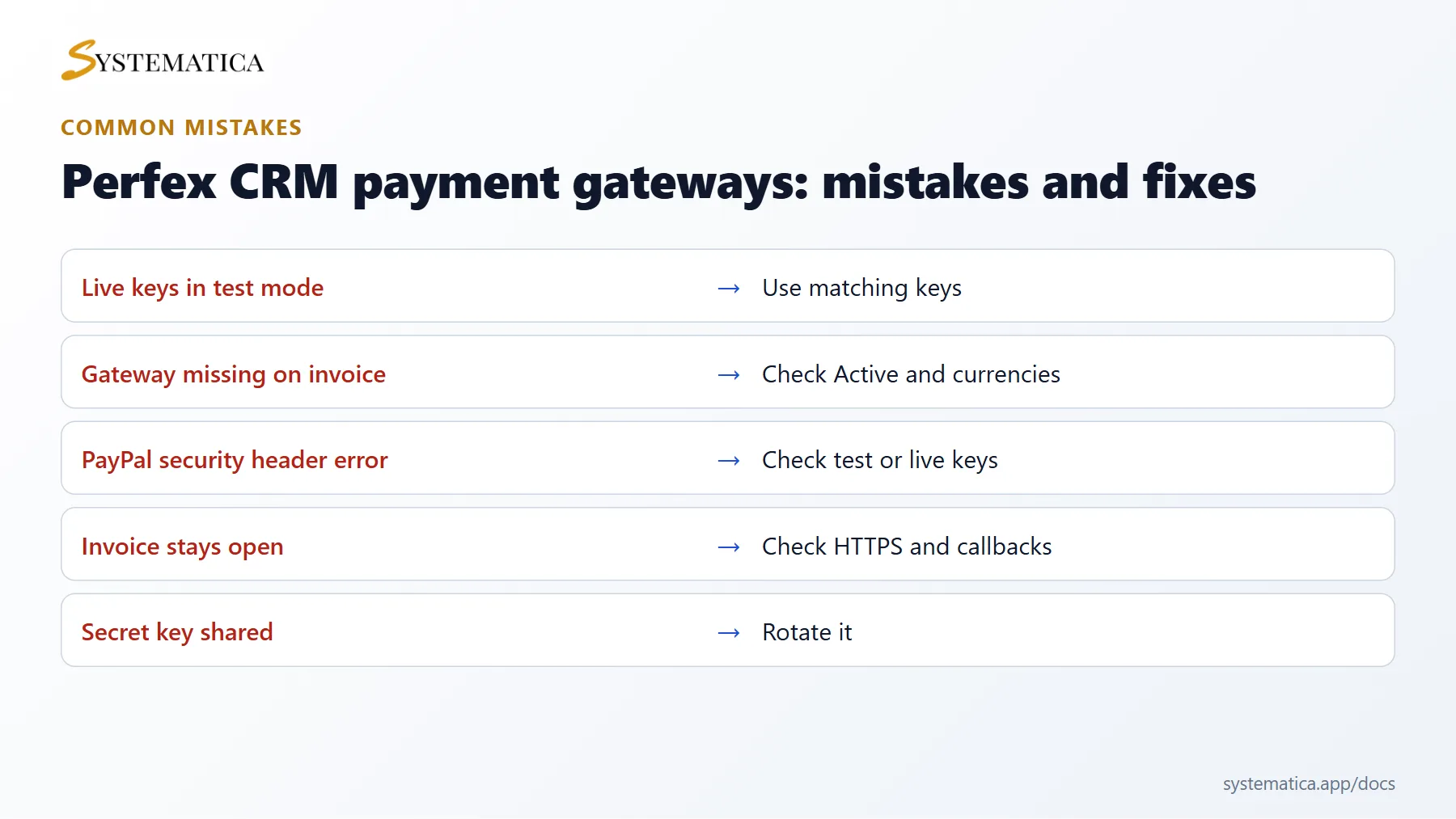
- The gateway is missing on the invoice. Check Active, the currency list and the allowed payment modes on that invoice.
- Security header errors with PayPal. Check that the keys belong to the right mode (test or live).
- Payments succeed but the invoice stays open. Your site must be reachable by the gateway over HTTPS. See how to switch Perfex CRM to HTTPS.
Keep your secret keys private, and rotate them if you think they leaked.
Visual guide: Perfex CRM payment gateways #
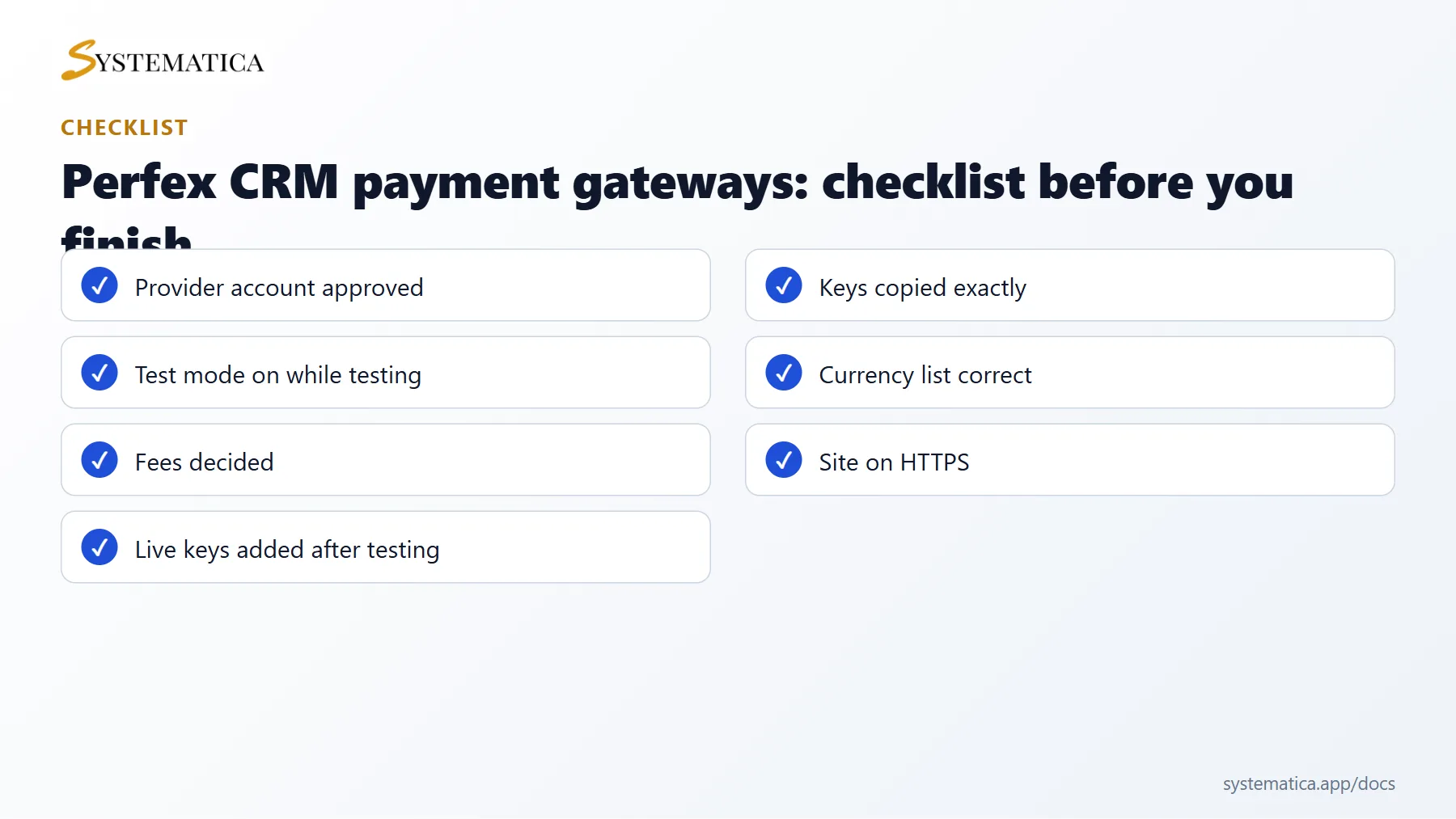
Save or share these four cards. They summarize the steps, the checklist, the usual mistakes and the key values from this guide.
Perfex CRM payment gateways FAQ #
Which of the Perfex CRM payment gateways is best? #
The best one is the gateway your customers know, that supports your currency and that has fair fees in your country. Many shops start with Stripe or PayPal.
Can I use more than one gateway? #
Yes. Activate several gateways and let customers choose on the invoice, or allow only one per invoice.
Why does a test payment fail? #
You may be using live keys in test mode or the other way round. Use the test keys from the provider while test mode is on.
Do I pay fees? #
Gateways charge their own fees. Perfex CRM can add a fixed fee or a percentage fee to the payment if you enter one, but check your local laws before you charge customers extra.
Where do I find my keys? #
In the dashboard of the provider. Stripe describes this in its API keys documentation, and PayPal explains it on its developer site.
Are online payments safe in Perfex CRM? #
Card data is entered on the page of the provider and not stored in your database. Keep your site on HTTPS and keep your secret keys private.
Modules that work with payments #
Record and report the money you receive with the Perfex CRM Financial Management Module, and pay your team on paid invoices with the Sales Commission Program.
Useful resources #
Review the terms of your provider before going live. Setting up Perfex CRM payment gateways correctly saves time on every invoice, so test again after every site move or HTTPS change.


