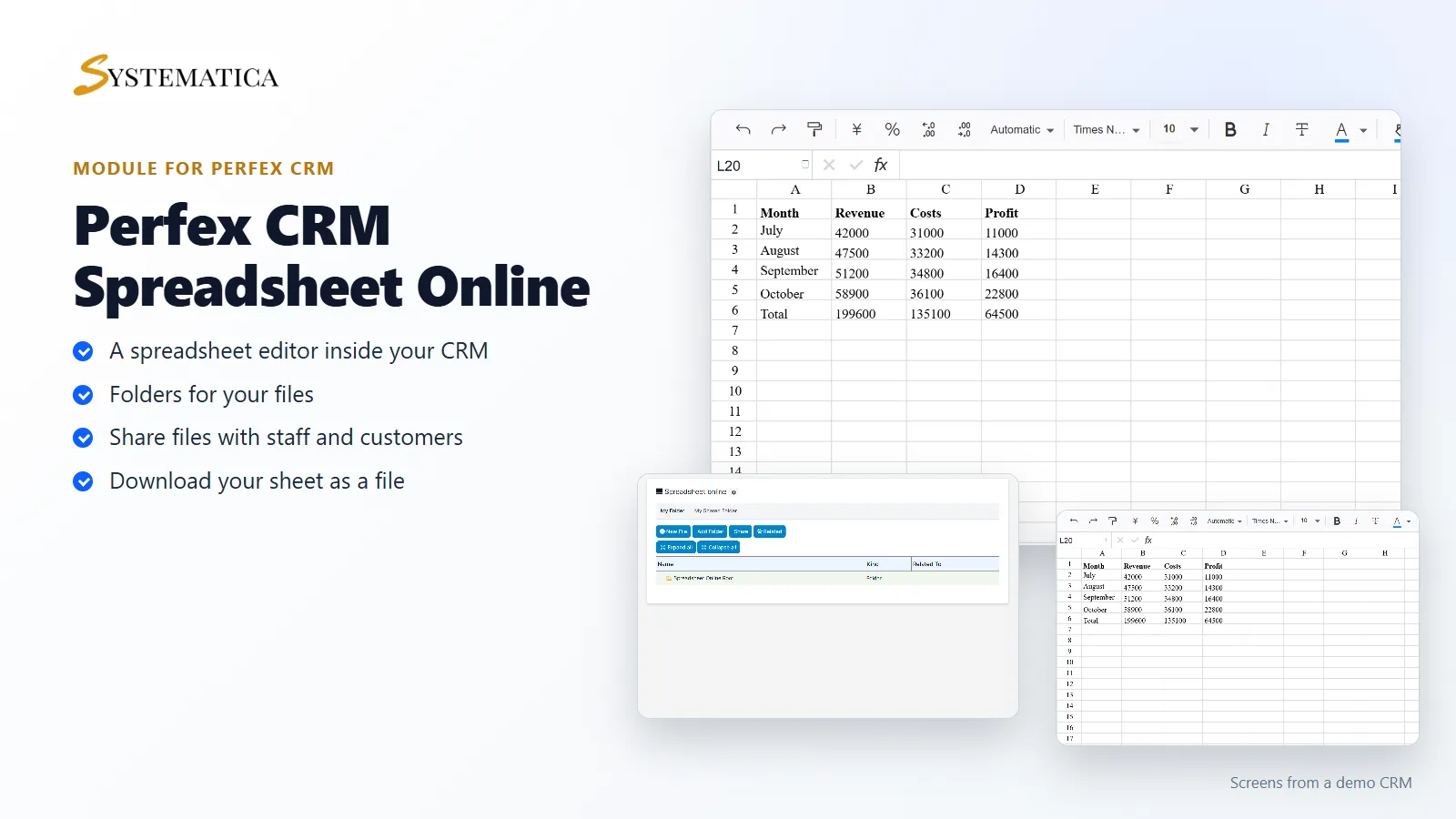
Spreadsheet online for Perfex CRM adds a spreadsheet editor to your CRM. Your team makes and edits sheets in the browser, keeps them in folders and shares them with colleagues and customers. Nobody has to export a file, edit it somewhere else and upload it again.
What you get with Spreadsheet online for Perfex CRM
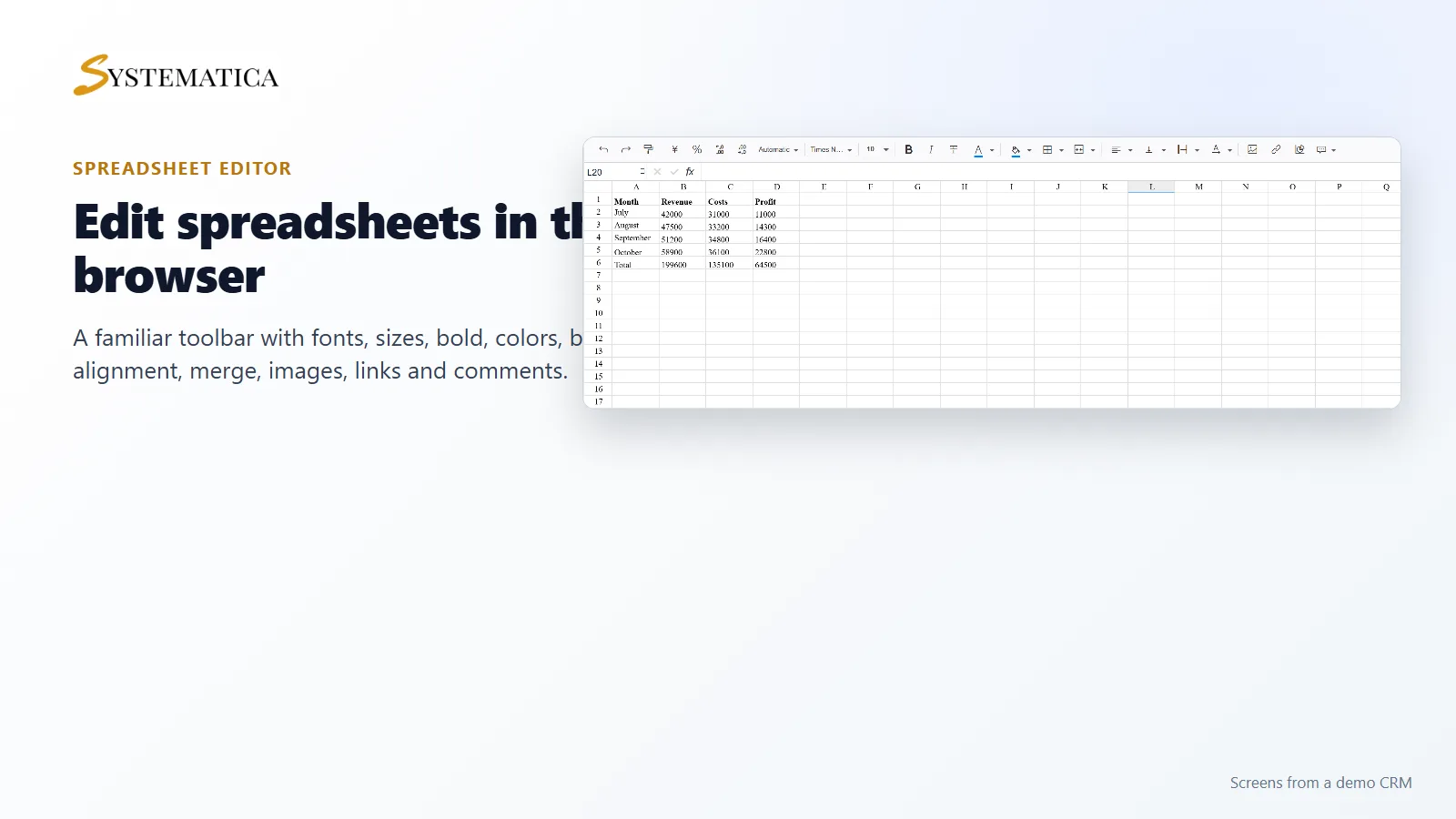
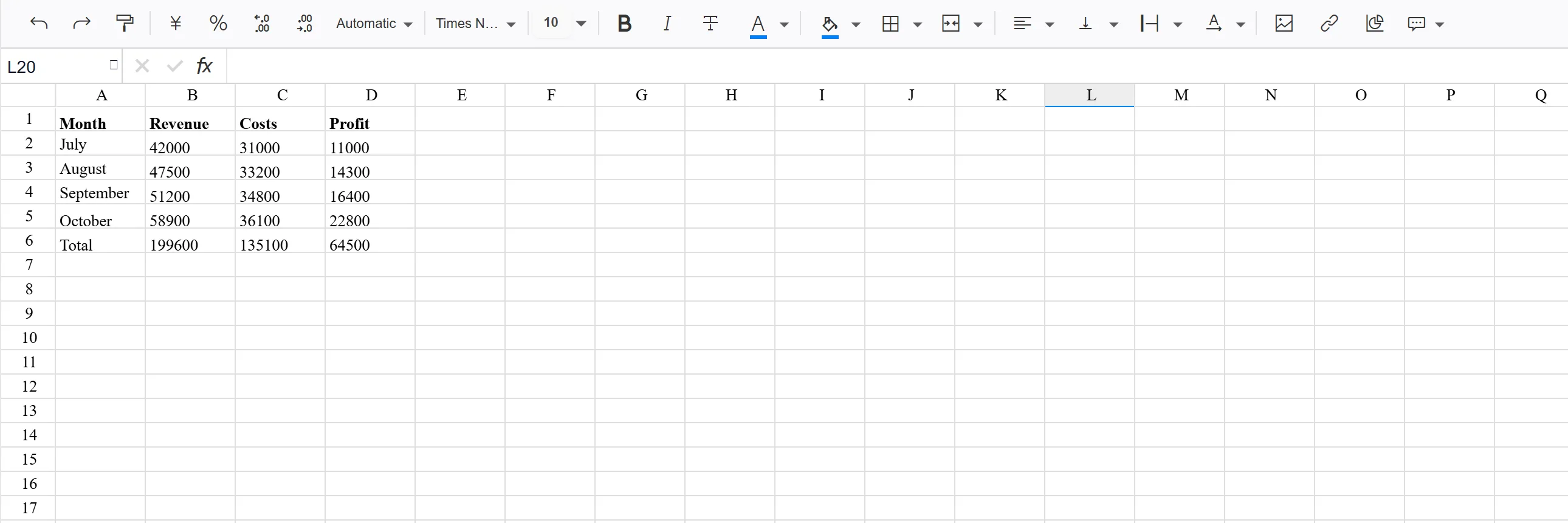
- A spreadsheet editor with a toolbar for undo, redo, number formats, fonts, font size, bold, italic and strikethrough
- Text and fill colors, borders, merged cells, alignment, images, links and comments
- Three sheets in each new file, with a button to add more rows
- Save, Save As and Download buttons
- Upload of an existing spreadsheet file
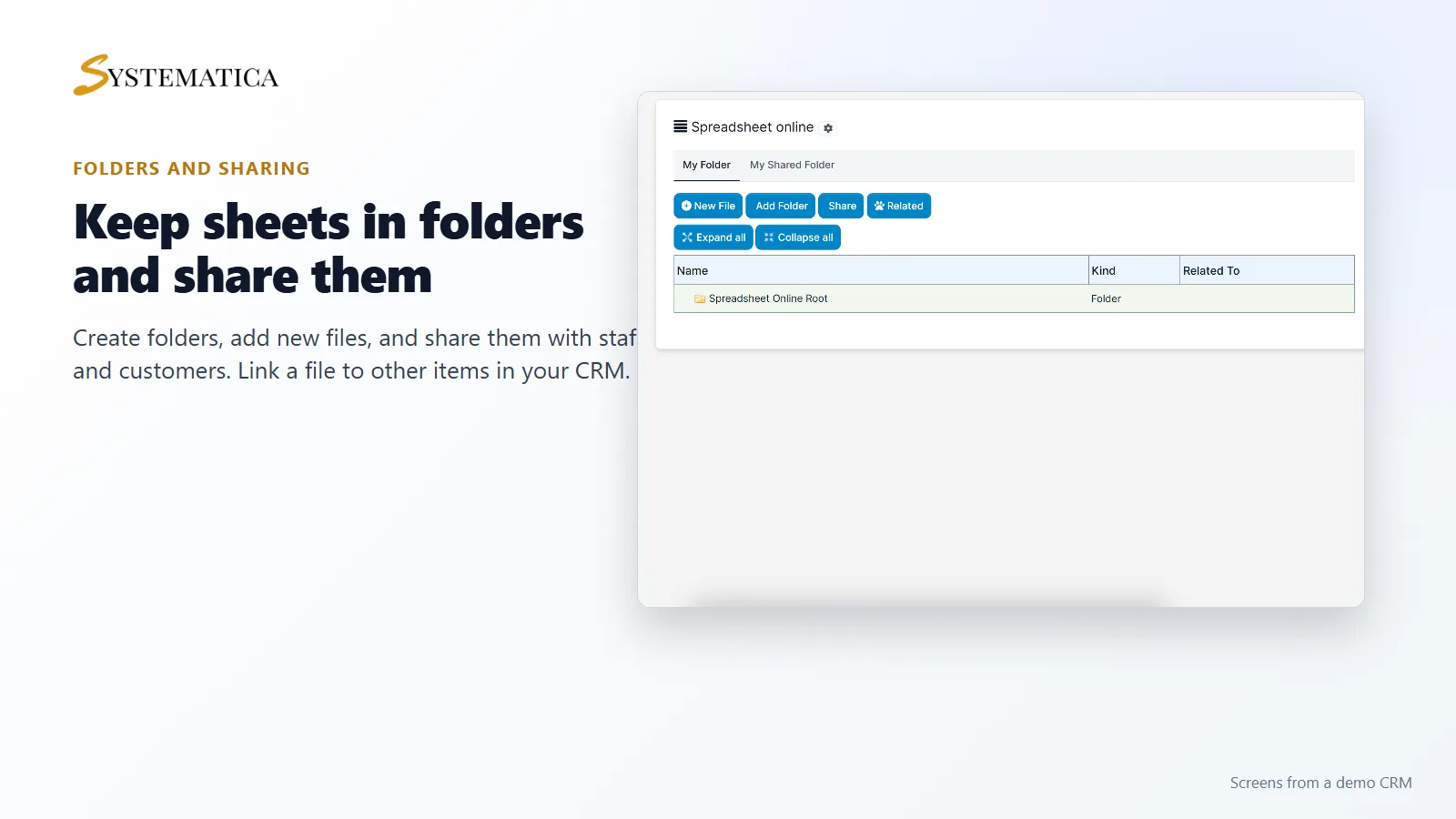
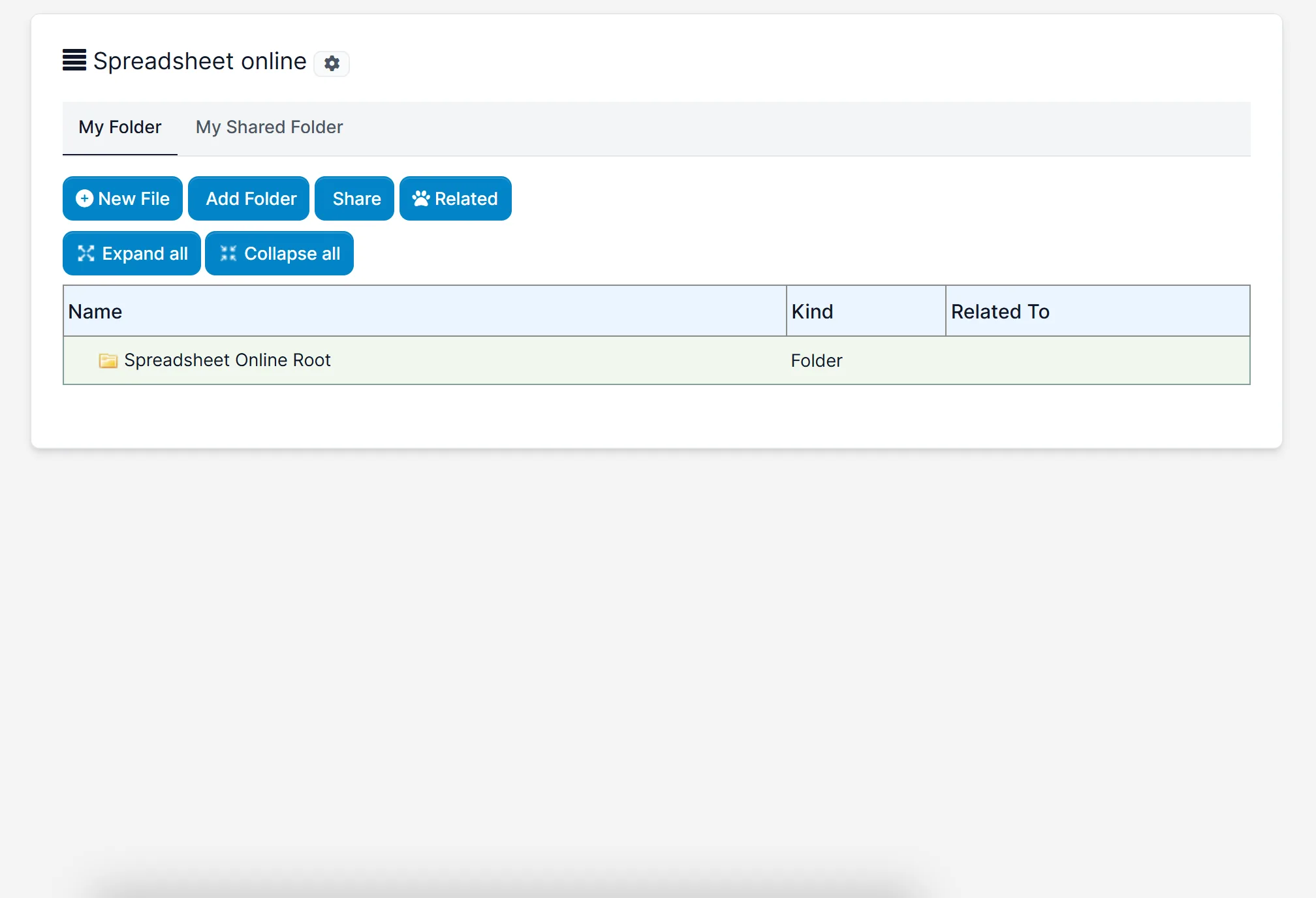
- Folders, with Expand all and Collapse all
- My Folder and My Shared Folder tabs
- Sharing files with staff and with customers
- A Related button to link a file to other items in your CRM
A spreadsheet editor inside your CRM
Click New File and the editor opens with the same kind of layout you know from desktop spreadsheet software: a toolbar on top, a cell name box and a formula bar, then the grid with its column letters and row numbers. Spreadsheet online for Perfex CRM starts every new file with Sheet1, Sheet2 and Sheet3.
Folders for your files
With Spreadsheet online for Perfex CRM, My Folder shows your own folders and files in a tree, with the file type and what each one is related to. Add a folder, create a file, share it, or link it to something in your CRM. My Shared Folder lists the files other people shared with you.
Set it up
- Upload the module under Setup > Modules and activate it.
- Open Spreadsheet online > License and enter your license key.
- Open Spreadsheet online and click New File.
- Click Save As to put the file in a folder.
- Use Share to give staff or customers access.
Requirements
- Perfex CRM 3.4 or newer for Spreadsheet online for Perfex CRM (tested on 3.4.1)
- A modern browser. The editor takes a few seconds to load.
- A connection from your server to systematica.app over HTTPS
Good to know
- The sheet in the picture is sample data typed into the editor.
- Spreadsheet online for Perfex CRM is an editor for simple business sheets. It is not a copy of desktop spreadsheet software, so check that the functions you rely on are there before you buy.
- Some toolbar icons use the CRM’s icon font and may look different on your site.
License, support and updates
After purchase you receive a license key by email. One license key activates the module on one website. To move it, deactivate the license under Spreadsheet online > License and activate it on the new site. You get 1 year of use, support through our ticket system and free updates through your Systematica account. Spreadsheet online for Perfex CRM runs inside Perfex CRM, which you need to own.
Frequently asked questions
What does Spreadsheet online for Perfex CRM do?
It gives your CRM a spreadsheet editor with folders and sharing, so your team can work on sheets without leaving Perfex CRM.
Can I upload an existing spreadsheet?
The editor has an Upload button for this. Check with one of your own files first.
Can I download my sheet?
Yes. The editor has a Download button.
Can I share a sheet with a customer?
The module has sharing for staff and for customers, set from the Share button.
Can I use one license on more than one website?
One license key activates the module on one website. You can move it by deactivating it on the old site and activating it on the new one.
Need help with this module?
Every license is valid for 1 year and includes support through our ticket system and free updates. To keep using the module after that, renew your license.