
Perfex CRM plugins are installed code that runs on your server with access to your client data, so a careless choice can be costly. In Perfex CRM they are called modules, and the word plugin means the same thing. This guide covers the risks of Perfex CRM plugins, seven checks to run before you install one and what to do if something goes wrong.
What Perfex CRM plugins can reach
A plugin runs inside your CRM. That means it can read customers, invoices, files and staff logins stored there, and it can write to the same database. Most are harmless. A bad one can leak data, add a hidden admin user or send your clients spam.
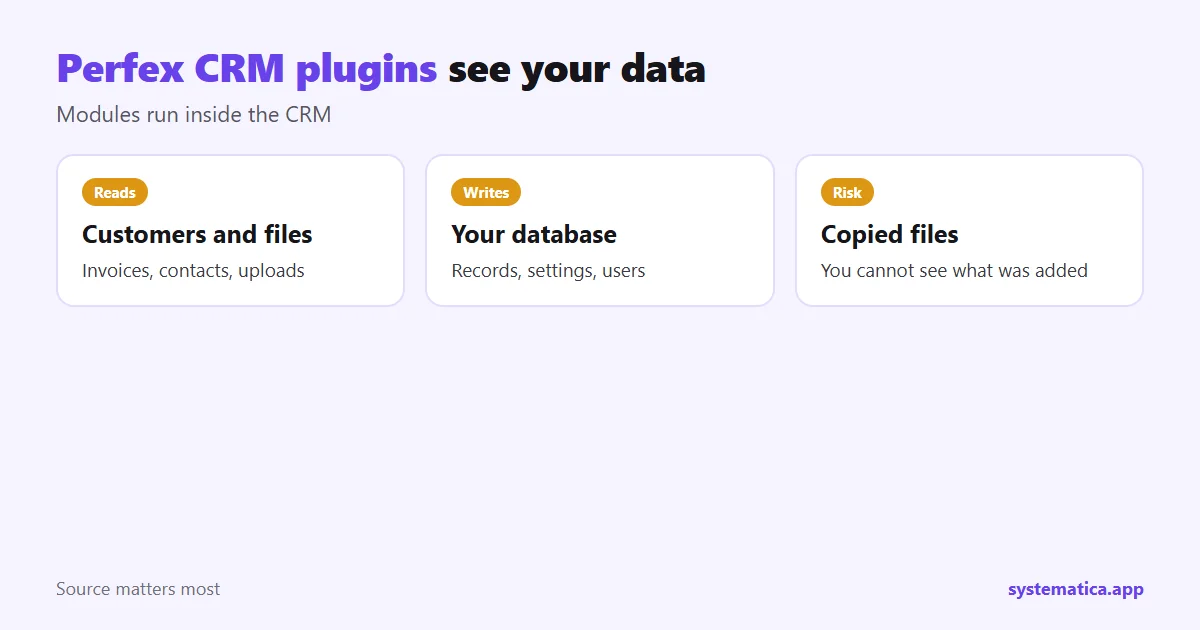
The risk is highest with copies shared on forums and file sites. They are often called nulled or cracked, and you cannot see what was added to them. Read why nulled Perfex modules are a bad idea before you click any download link. For the basics of how modules work, see Perfex modules.
7 checks for Perfex CRM plugins
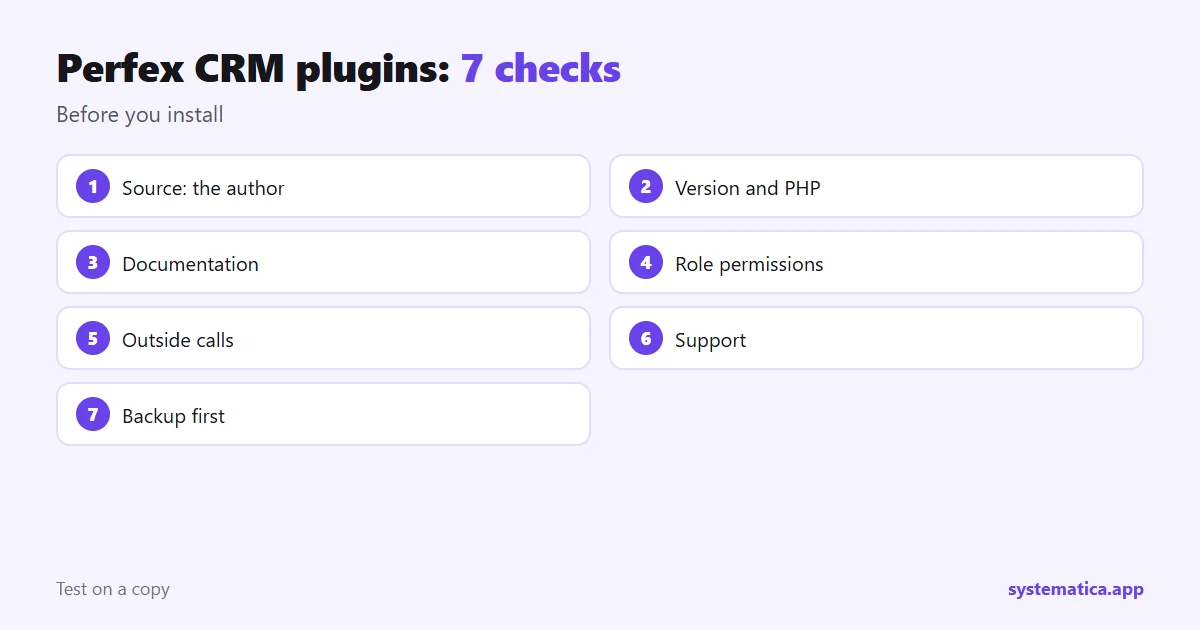
- Source. Buy from the author or a shop that clearly names the author, such as our module shop. Be wary of anything on a file-sharing site.
- Version. Confirm it supports your Perfex CRM version and a current PHP version.
- Documentation. Real plugins have setup steps and a changelog you can read before paying.
- Permissions. After installing, check which staff roles can open the new menu and limit it.
- Outside calls. Ask what data the plugin sends to other servers, and why. Messaging plugins must talk to a provider; others usually should not.
- Support. Find out how to reach the author and how long help lasts.
- Backups. Take a backup of files and database first, so you can go back.
Safer ways to run Perfex CRM plugins
- Test on a copy. Install on a staging address with sample data, not live clients.
- Use strong staff passwords and turn on two-factor sign-in where you can.
- Keep the CRM updated. See how to update Perfex CRM manually.
- Run HTTPS on the whole site, and read the OWASP Top Ten for the web risks that matter most.
- Remove what you do not use. Every plugin you keep is something to maintain.
Good hosting also helps: Perfex CRM hosting covers what to ask a provider.
Signs a Perfex CRM plugin is a problem
- It asks you to edit core CRM files.
- It wants a login for something it does not need.
- The price is far below every other seller for the same feature.
- The author has no website, no documentation and no way to reply.
- New staff accounts or settings appear that you did not create.
If a plugin goes wrong
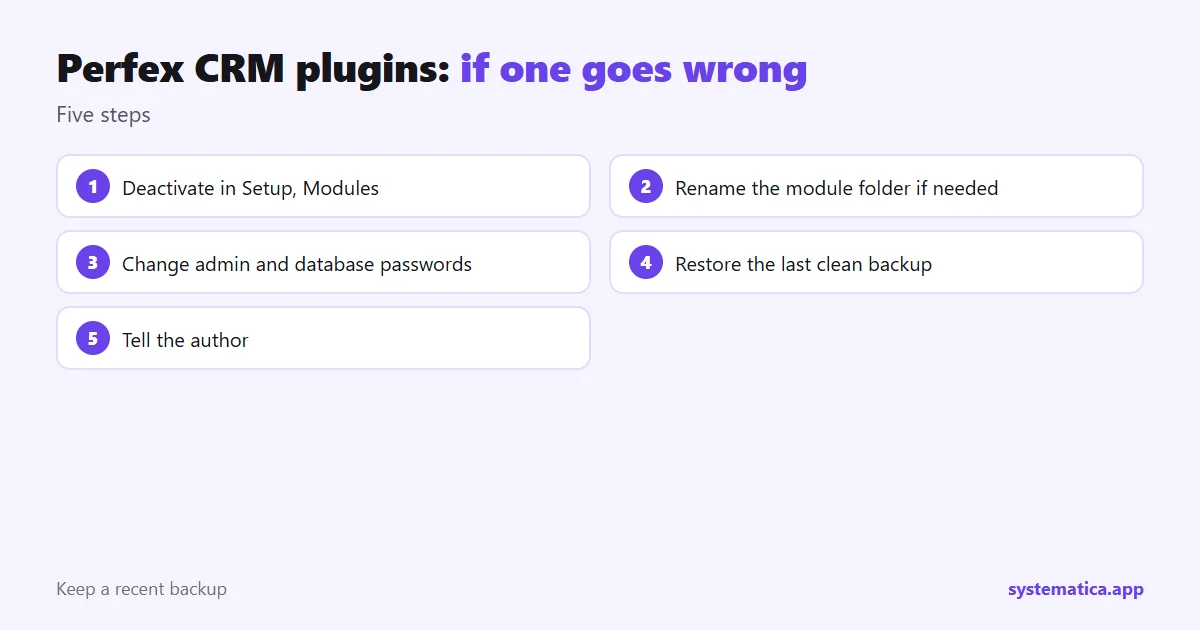
- Deactivate the plugin from Setup, then Modules.
- If the admin area will not load, rename the module folder on the server to switch it off.
- Change admin and database passwords if you suspect a leak.
- Restore from your last clean backup.
- Tell the author and, if client data may be affected, follow the privacy rules that apply to you.
Plugins we can point you to
If you want maintained plugins with readable guides, start with WhatsApp for Perfex CRM, REST API or Document Management. For a plan on what to buy and in what order, read Perfex CRM addons.
A short routine for plugin owners
Safety is a habit, not a one-time check. Once a month, spend fifteen minutes on this list:
- Open Setup, then Modules, and read the list of what is installed. Remove anything unused.
- Check each author’s site for a new version and read the notes.
- Review the staff list and delete accounts that should not exist.
- Confirm that last night’s backup finished and that you can find it.
- Look at your server’s disk space and error log for anything odd.
If you add a messaging or API plugin, give extra care to its tokens and keys. REST API tokens, for example, should have an expiry date and the minimum permissions. The same thinking applies to every extension: see ways to extend Perfex CRM for how to pick the lightest option that does the job.
Frequently asked questions
Are Perfex CRM plugins the same as modules?
Yes. Perfex CRM calls them modules, but people also say plugins, addons or extensions. They all mean the same thing.
Are Perfex CRM plugins safe?
Maintained ones from a known author are generally safe. Copies from file-sharing sites are not, because you cannot see what was added.
Can a plugin steal my client data?
A malicious one can, because it runs with access to the same database. That is why the source matters most.
How do I switch off a plugin that breaks the admin area?
Rename its folder inside the modules directory on the server. The CRM will no longer load it.