
A Perfex CRM demo saves you money only if you test the right things. A polished tour shows the best screens. A trial on your own copy shows how the CRM behaves with your data, your server and your process. This guide gives you six steps for a fair test, a checklist of screens to open, and the questions that a demo should answer before you pay for a license or a module.
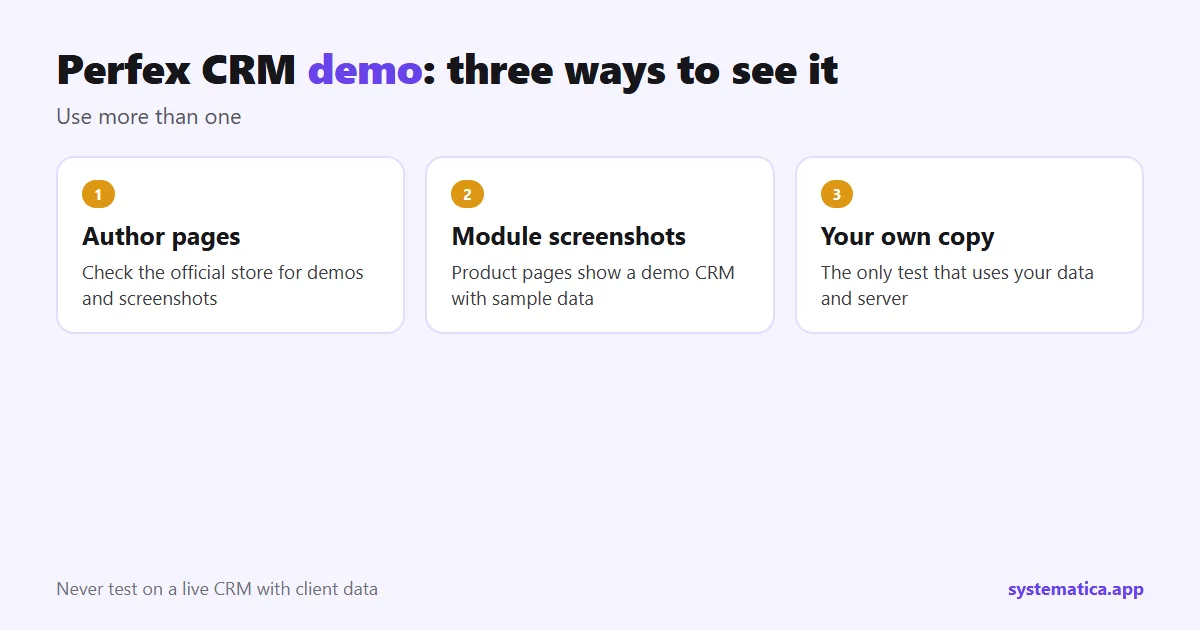
Perfex CRM demo options
There are three ways to see Perfex CRM before you commit. Use more than one.
- The author’s own pages. Check the official Perfex store for any demo or screenshots it offers.
- Screenshots on module pages. Our product pages show screens taken from a demo CRM with sample data, so you can see each module before you buy. Browse the module shop.
- Your own trial copy. Install Perfex CRM on a test address or a computer, load sample data and try your real tasks. This is the only option that shows how it works for you.
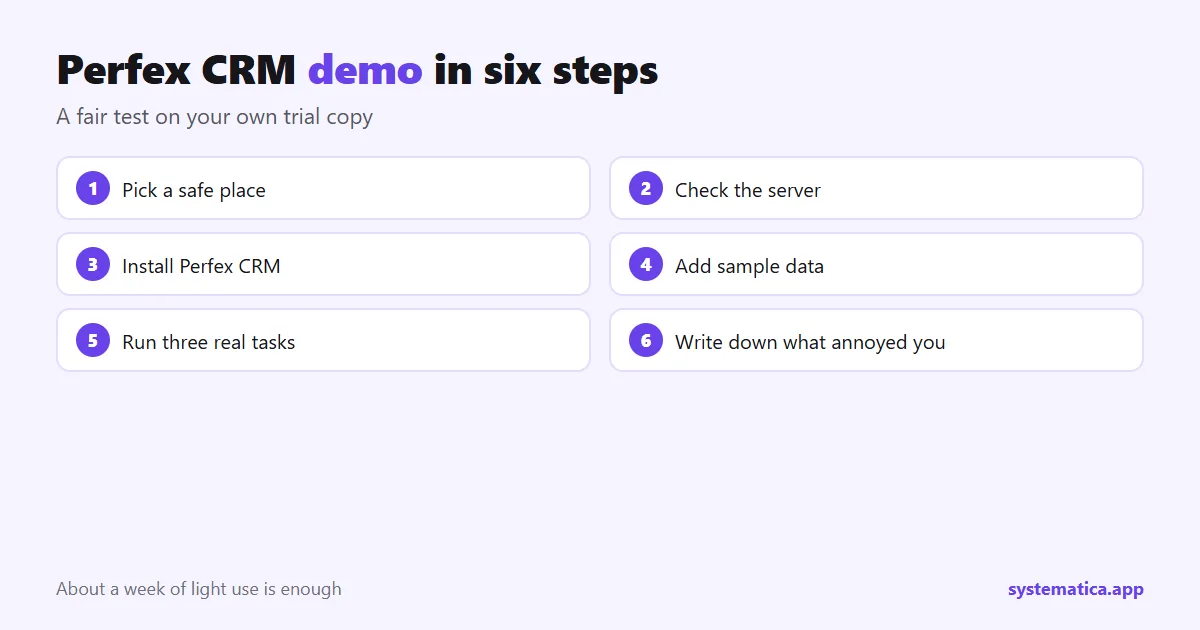
6 steps to run your own Perfex CRM demo
- Pick a safe place. A free subdomain on your hosting, or a local web server on a computer. Never test on a live CRM that holds client data.
- Check the server. PHP 8.1 or newer, MySQL or MariaDB and the required extensions. See server requirements.
- Install it. Follow the installation guide. It takes about an hour on a prepared server.
- Add sample data. Ten fake clients, a few leads, two projects and some invoices are enough. Import a small CSV with the import guide.
- Run three real tasks from the checklist below.
- Write down what annoyed you. A missing field, a slow page, an unclear screen. Each note is a question for the seller or a custom field you can add.
A license is for one installation, so read the terms on the store page before you use a trial copy for anything beyond testing.
What to test in a Perfex CRM demo
| Area | Task to try | Guide |
|---|---|---|
| Leads | Add a lead, change its status, convert it to a client | add a lead, convert |
| Billing | Make an estimate, turn it into an invoice, record a payment | estimates, invoices |
| Projects | Create a project with a milestone and two tasks, log time | projects, timesheets |
| Support | Send a ticket from the form, reply, close it | ticket form |
| Client view | Sign in to the customer portal as a client | portal |
| Send a test invoice email and check it arrives | SMTP settings |
How to test a module in a demo
Modules deserve the same care. Install one at a time on your trial copy and follow the steps in our test plan for Perfex CRM extensions. Check the Perfex CRM version the module was tested on, open the screens you use daily, and read the error log after a day of use. For example, test Booking System by booking the same time from two browsers, and Workflow Rules by making a rule for a new lead.
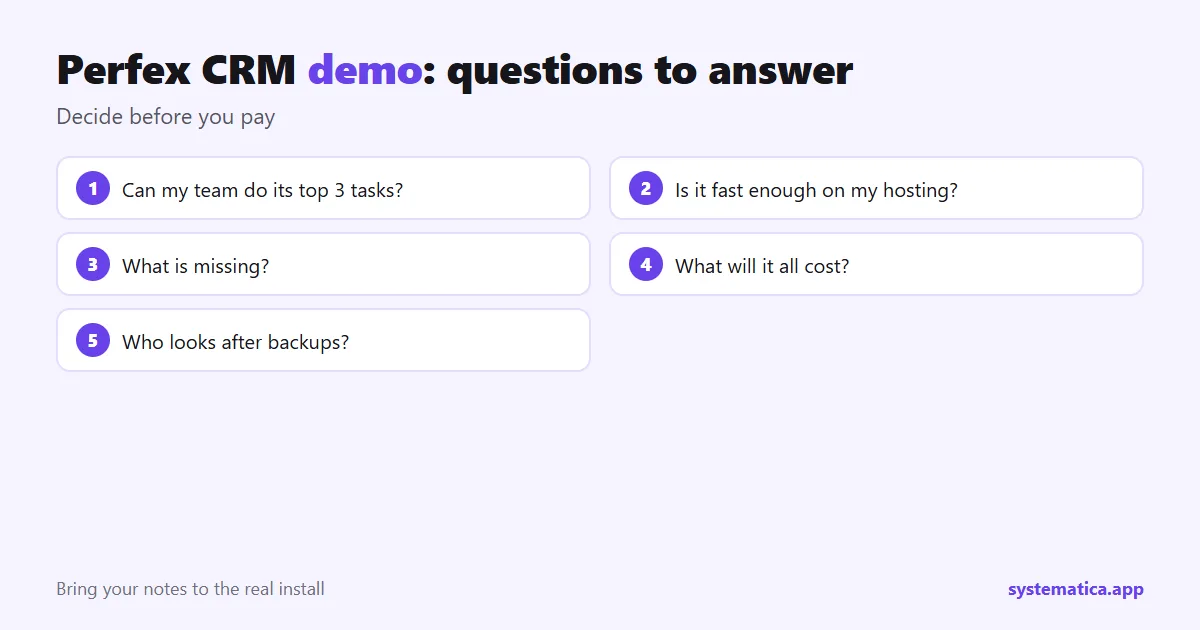
Questions a demo should answer
- Can my team do their top three tasks without help?
- Is the speed acceptable on the hosting plan I plan to buy? See Perfex CRM hosting.
- What is missing, and is there a module or a custom field for it?
- What will the whole setup cost? See Perfex CRM pricing.
- Who will look after backups and updates?
If most answers are yes, move on to the real install. Buy the license from the official Perfex store (see Perfex CRM download), and bring the notes from your trial with you.
Sample data you can use in a demo
A demo with empty screens teaches you little. Fill your trial copy with realistic fake data before you judge it.
- Clients: ten companies with different countries, so you test currencies and taxes.
- Contacts: two or three people for one client, so you test the portal and emails.
- Leads: five leads at different statuses and sources.
- Invoices: one paid, one unpaid, one overdue, one recurring.
- Projects: one active and one finished, with tasks and logged time.
- Tickets: three tickets in two departments.
Use made-up names and emails. Never load real client data into a trial copy.
A simple demo scorecard
Give each area a score from 1 to 5 after you try it. Add the scores and compare options on numbers, not on memory.
| Area | Score (1 to 5) | Note |
|---|---|---|
| Ease of the daily task | ||
| Speed on your hosting | ||
| Fit with your process | ||
| Reports you need | ||
| Client view (portal, PDFs, emails) | ||
| Gaps a module can fill |
Red flags in any demo
- You only see a recorded tour, never your own tasks.
- The seller will not show the error log or settings screens.
- Prices or license terms are unclear.
- No version number for the product or the module.
- Pressure to buy before you test.
After the demo, add up the scorecard, list the gaps and decide: buy the license, add a module, or walk away. Our guide to what Perfex CRM is helps you judge whether the fit is right in principle.
Frequently asked questions
Is there a free Perfex CRM demo?
Check the official store for what it offers at the time. A trial copy on your own hosting is the most reliable demo because it uses your data and your server.
Can I test Perfex CRM without buying a license?
You need the script to install it, which comes with a license. Look at screenshots and the store page first, and read the license terms before you test.
How long should a demo take?
About a week of light use is enough to try the main tasks and see problems.
Can I demo your modules?
Our product pages show screenshots from a demo CRM, and each page lists what the module does and what it needs.