
Perfex CRM self hosted means the CRM runs on a server you control instead of a vendor’s cloud. You buy a license once, install the files on your own hosting and keep every customer record in your own database. This guide explains what self hosted Perfex CRM involves, the pros and cons, and seven steps to set it up and keep it healthy.
What self hosted means for Perfex CRM
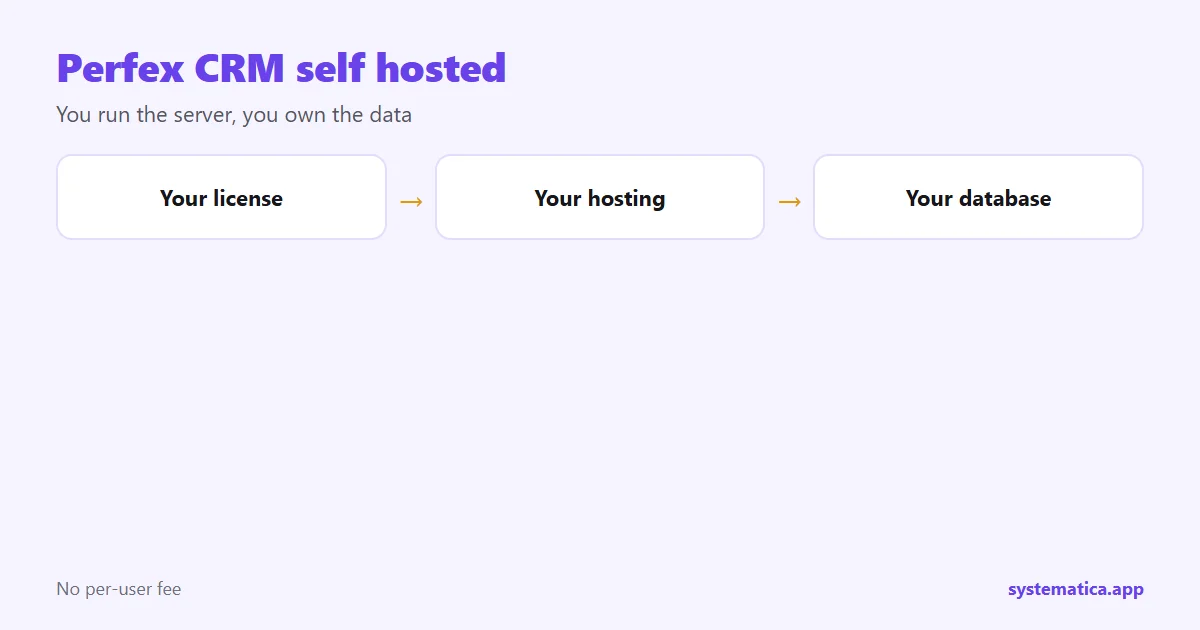
With a cloud CRM, the vendor runs the servers and you rent access. With a self hosted CRM, you rent or own the server and the vendor only supplies the software. Perfex CRM is built this way. You pay for a license, upload the files to a web host and finish the setup in a browser. After that, the data lives on your hosting account.
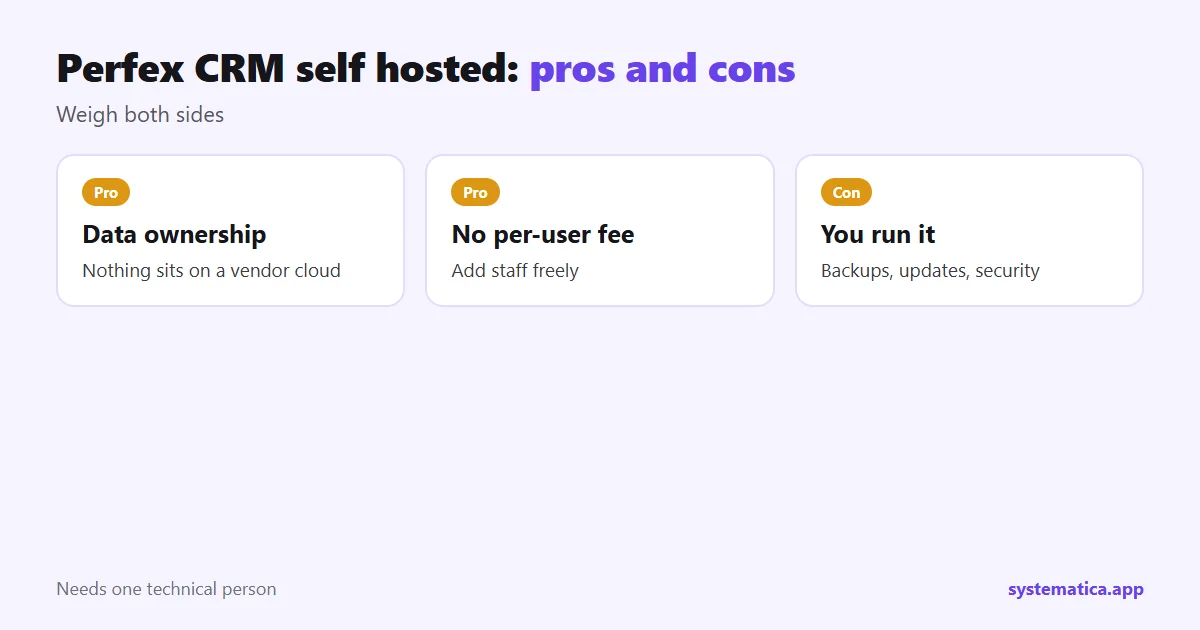
Pros and cons of self hosted Perfex CRM
Pros
- You own the data. Nothing sits on a vendor’s servers.
- No per-user fee. You can add staff without raising the license cost.
- Full control. You choose the host, region, backups and security settings.
- Room to grow. Modules add features when you need them: how Perfex modules work.
Cons
- You run the server, or pay someone to.
- Backups, updates and security are yours.
- Setup takes time before the team can use it daily.
- Support covers the software, not your hosting problems.
What you need to run Perfex CRM self hosted
- A web host with a current PHP version and a MySQL or MariaDB database.
- A domain name with HTTPS.
- Scheduled jobs (cron) so reminders and queues run.
- Enough memory for reports and imports.
- A backup plan for both files and database.
Our guide to Perfex CRM hosting explains what to ask a provider, and the pricing guide shows how the costs add up.
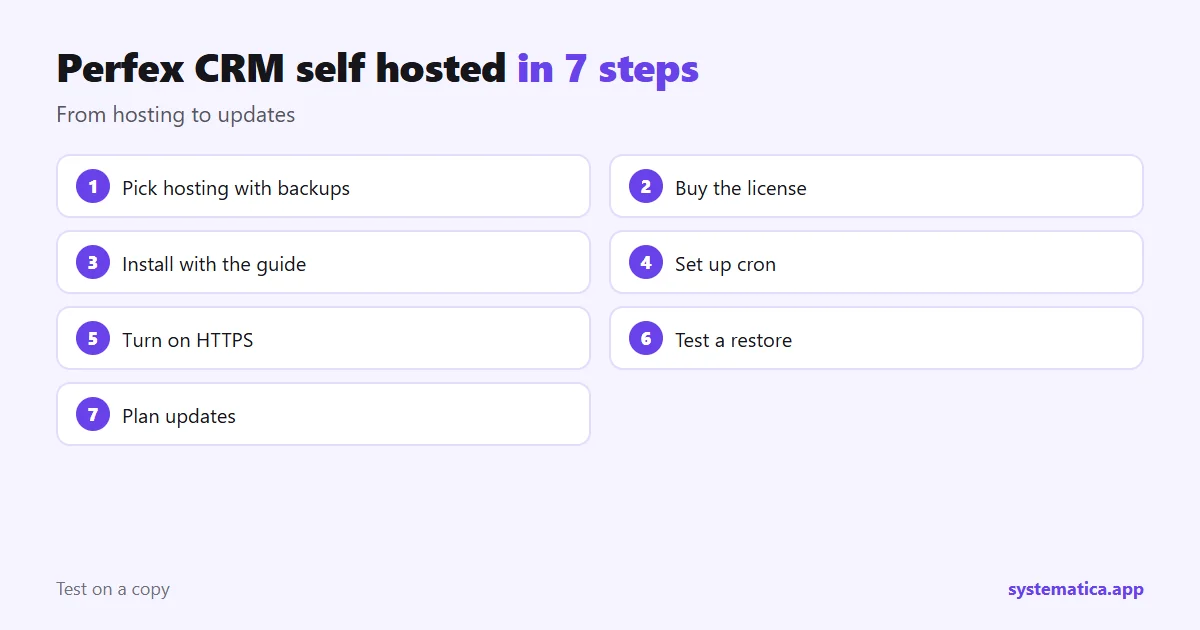
7 steps to run Perfex CRM self hosted
- Pick hosting that meets the requirements and has daily backups.
- Buy the license from the official Perfex store and download the files.
- Install by following the Perfex CRM installation guide.
- Set up cron so scheduled tasks run on time.
- Turn on HTTPS and limit who can reach the admin area.
- Schedule backups and test a restore once.
- Plan updates. Read how to update manually and try each update on a copy first.
Keeping Perfex CRM self hosted safe
- Use strong, unique staff passwords.
- Remove staff accounts when people leave.
- Install modules only from authors you trust: Perfex CRM plugin safety checks.
- Keep PHP and the CRM current.
- Monitor disk space. Backups and uploads can fill it.
Who should choose self hosted Perfex CRM
Perfex CRM self hosted fits teams that want a low running cost, own their data and have someone technical, even part time. If nobody can look after a server, consider managed hosting or ask a provider to set up and monitor it. If you plan to offer the CRM to other businesses, the SaaS Module turns one install into many. Not sure yet? Read what is Perfex CRM and our Perfex CRM review.
What self hosting costs per year
The cost of Perfex CRM self hosted has four parts, and only one is paid once:
- License: a one-time payment from the official Perfex store.
- Hosting: monthly or yearly, from a small shared plan to a private server as you grow.
- Modules: usually a one-time payment each: module shop.
- Time or help: the hours you or a provider spend on backups, updates and fixes.
Add them up for three years and compare with a per-user cloud CRM for the same team. The answer depends on team size: with many users the self hosted route tends to win, with one or two it may not. Our Perfex CRM pricing guide walks through the numbers, and Perfex CRM hosting helps you pick a plan. If you want help making backups easy, ask your host for daily snapshots and keep one copy off the server.
Frequently asked questions
What does Perfex CRM self hosted mean?
It means you install the CRM on your own server or hosting account and keep the data there, instead of using a vendor-run cloud service.
Is self hosted Perfex CRM cheaper?
Often yes over several years, because there is no per-user fee. You pay for the license, hosting and any modules.
Do I need a developer to self host it?
Not always. Standard hosting and a guide are enough for many teams, but someone should handle backups and updates.
Can I move to another host later?
Yes. Copy the files and the database to the new host, update the configuration and test before you switch your domain.