
A CRM with Google Calendar integration puts your meetings next to the clients they involve, so nobody switches tabs to remember who is at 3 pm. The idea is simple, but the details vary: some tools only show events, others sync both ways. This guide explains how a CRM with Google Calendar integration works, five checks to run and how Perfex CRM fits in.
How Google Calendar integration works in a CRM
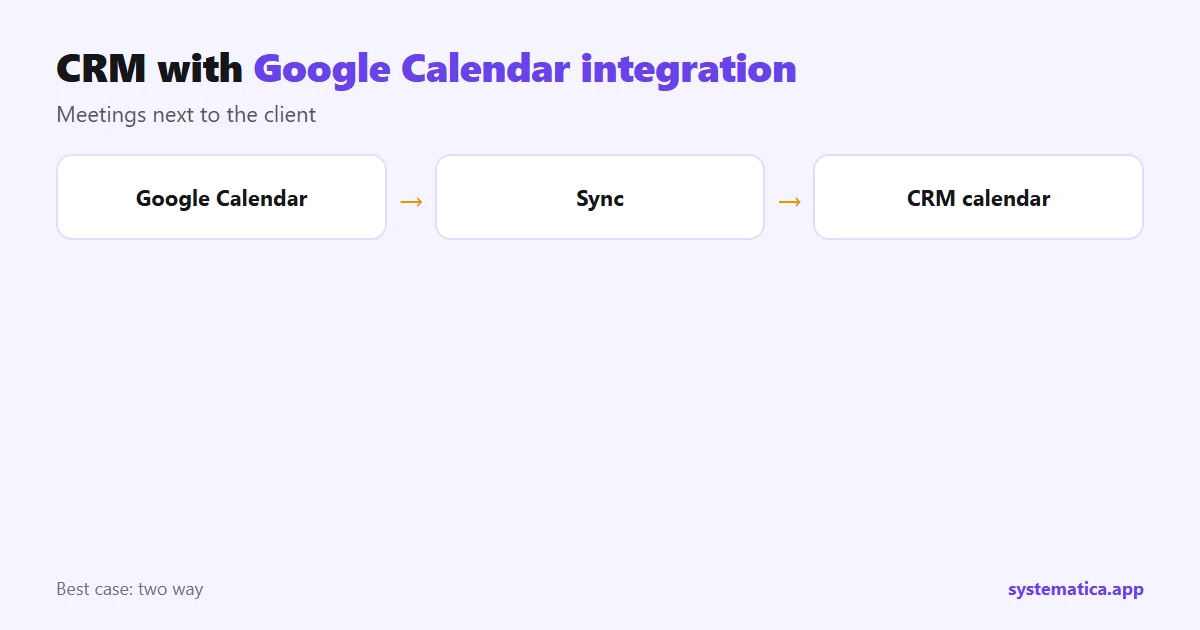
You connect your Google account once. After that the CRM can read events from your calendar and show them on its own calendar, and in the best cases it can also write new events back. Meetings, tasks and reminders created in the CRM then appear in the calendar you already check on your phone.
5 checks for a CRM with Google Calendar integration
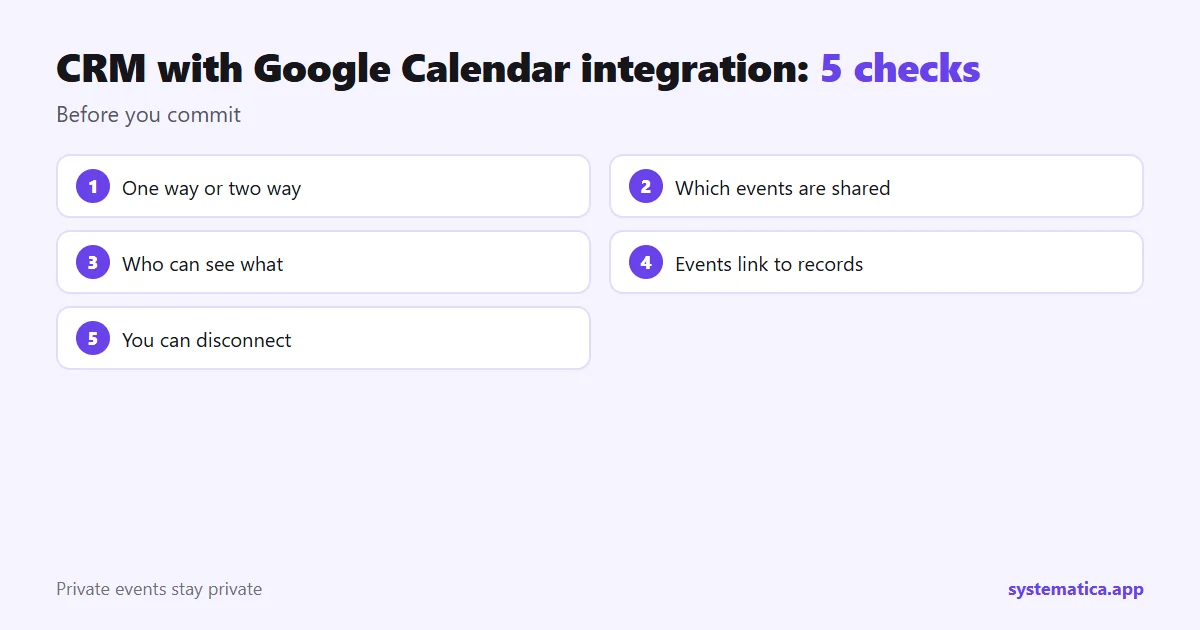
- One way or two way? Two-way sync keeps both calendars equal. One-way only shows events.
- Which events are shared? You should choose, so private events stay private.
- Who can see what? Staff roles should limit who sees whose calendar.
- Linked records. An event should link to a client, lead or task, not only show a time.
- Disconnect. You should be able to remove the link and keep your data. Google’s Calendar help covers sharing and access settings.
How Perfex CRM works with Google Calendar
Perfex CRM has a built-in calendar for tasks, reminders and events, described in the Perfex CRM calendar guide. It also has a Google integration that connects Google services to the CRM. Check that guide for the current options and the Google settings you need to complete.
For client bookings, our Appointment Manager and Booking System let clients choose a slot, and you can read more in the Perfex CRM appointment booking guide.
Set up a CRM with Google Calendar integration in 6 steps
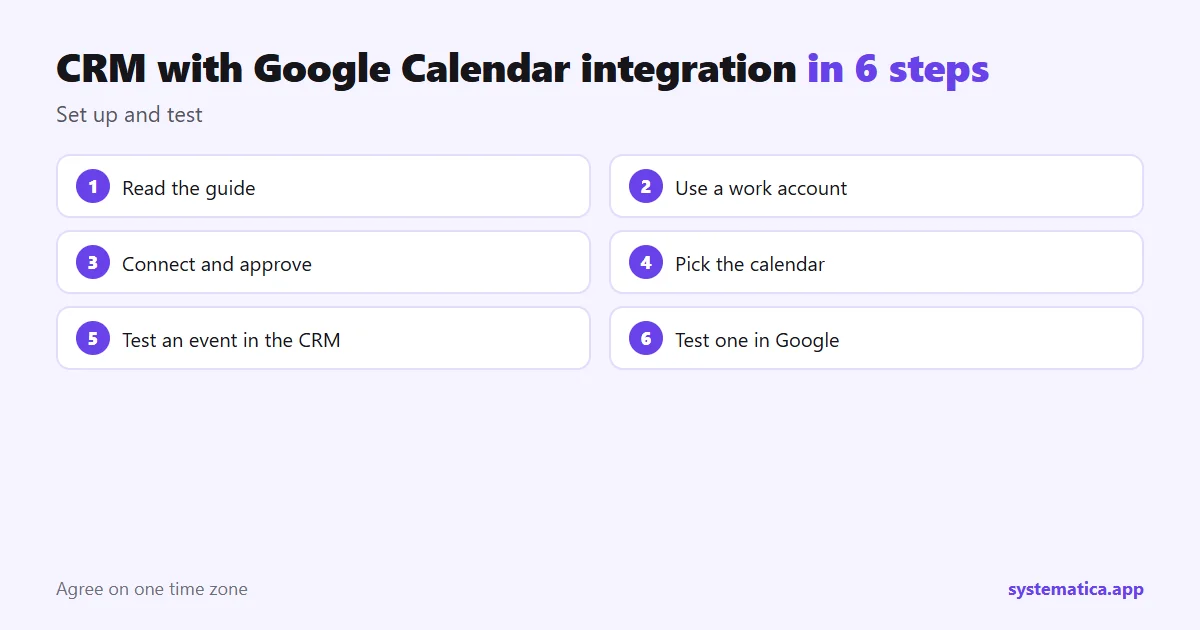
- Read the guide for your CRM and note what Google asks for.
- Use a work Google account, not a personal one, so access stays with the company.
- Connect the account and approve only the access the CRM needs.
- Pick which calendar to share.
- Create a test event in the CRM and check that it appears in Google.
- Create one in Google and check that the CRM shows it.
Tips for a smooth calendar setup
- Agree on one time zone for the team.
- Keep one shared calendar for team events and let people keep personal ones separate.
- Send reminders by WhatsApp or email to cut no-shows: WhatsApp for Perfex CRM.
- Review who has access when staff change roles.
If you are comparing options, see whether Google Drive can work as a CRM and Perfex CRM features. To add more, browse Perfex CRM addons.
Common calendar problems and fixes
- Events show at the wrong time. Check the time zone in both the CRM and Google, and make them match.
- Events do not appear. Confirm the right Google account and calendar are selected and that the connection has not expired.
- Duplicates. This can happen if two sync methods are on at once. Keep only one.
- Staff see too much. Review roles so each person sees only the calendars they need.
If your goal is client bookings rather than internal meetings, a booking tool may fit better than a plain sync. Compare Appointment Manager with Booking System. And for connecting other tools to your CRM, read Perfex API integration and the guide to Google integration.
Frequently asked questions
What is a CRM with Google Calendar integration?
It is a CRM that connects to your Google Calendar so meetings and client records sit together.
Does Perfex CRM work with Google Calendar?
Perfex CRM has a calendar and a Google integration. Check the integration guide for the current options.
What is two-way sync?
Changes in either calendar appear in the other, so both stay the same.
Is it safe to connect my Google account?
Use a company account, approve only the access the CRM needs and disconnect when it is no longer used.