
Perfex CRM AI is a common search, so here is the plain answer: the core Perfex CRM does not include built-in AI features. You can still bring AI into it by connecting outside tools, and this guide shows four ways to do that. It also lists the data risks to weigh before you send customer details to any AI service.
What Perfex CRM AI means today
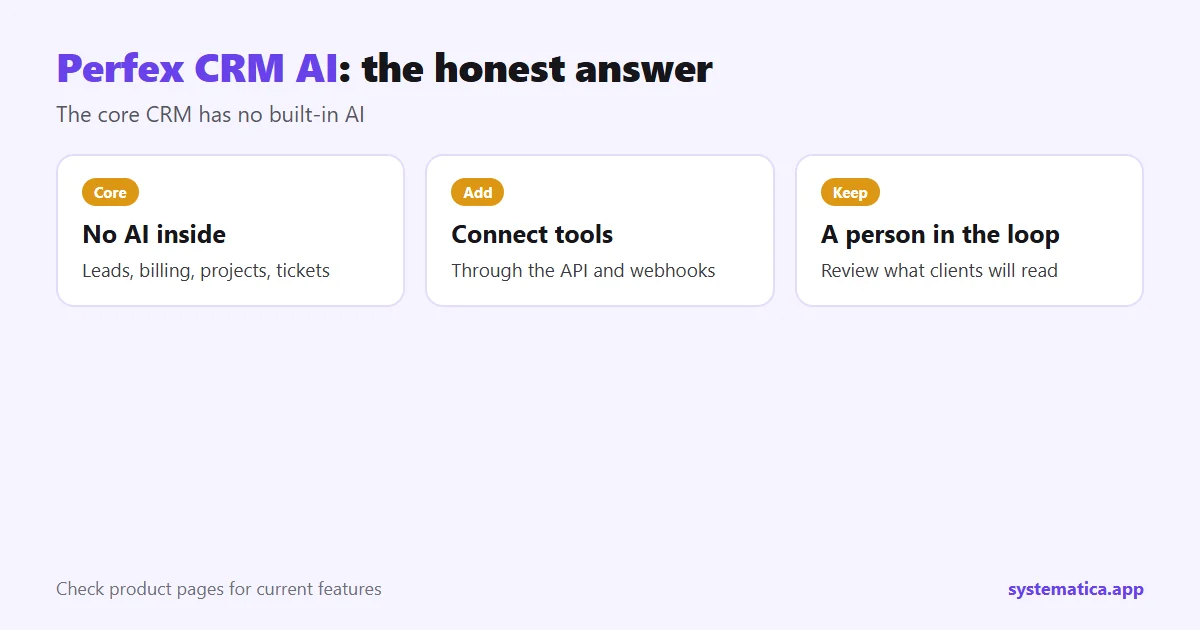
Perfex CRM manages leads, customers, billing, projects and support. It does not write replies, score leads or summarize conversations on its own. Any AI you use comes from a separate service that you connect to the CRM. That keeps you in control of which tool you use and what data it sees. Check the product pages and the official store for the current feature list, because software changes.
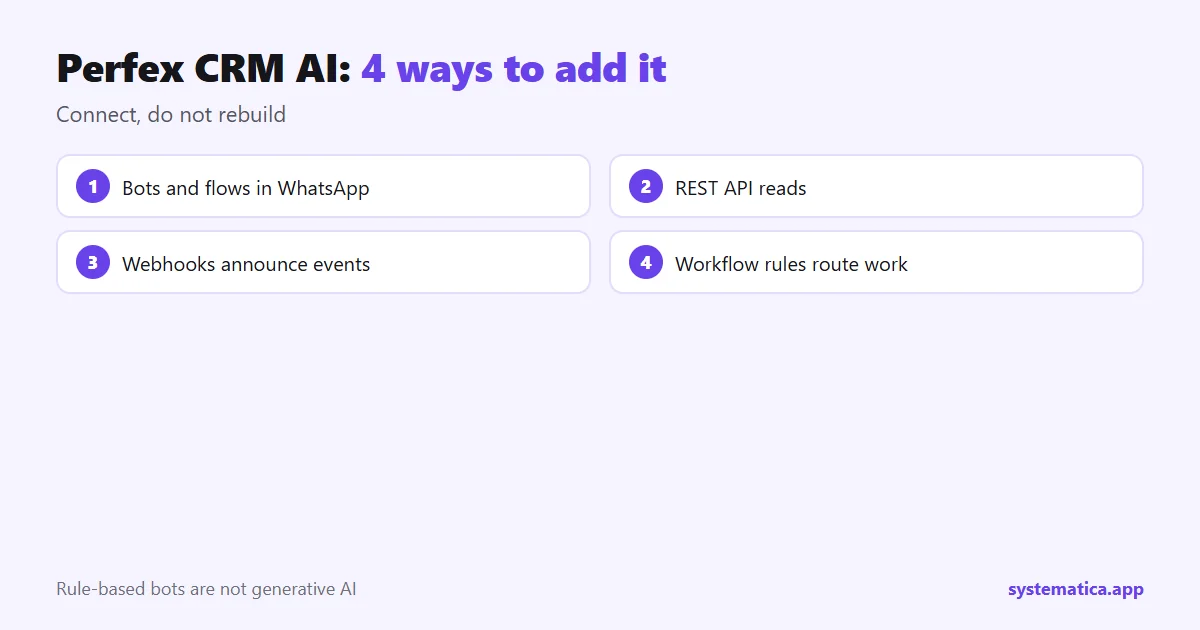
4 ways to add Perfex CRM AI
1. Bots and automated replies
Our WhatsApp for Perfex CRM module supports keyword replies and flows, which handle common questions without a person. Read the Perfex CRM WhatsApp module guide for what it does. These are rule-based, not generative AI.
2. The REST API
An AI tool can read CRM data through the REST API, for example to summarize a customer’s history or draft a reply. You decide which data it may read through token permissions. See Perfex API integration.
3. Webhooks
With Webhooks, the CRM can tell an AI tool when a new lead or ticket arrives so it can classify or answer it.
4. Workflow rules
Workflow Rules can start a chain of actions when something changes, and pass data to the connected tool.
What Perfex CRM AI can help with
- Drafting replies for a person to review and send.
- Summaries of long ticket threads or email chains.
- Sorting new leads or tickets by topic.
- Cleaning data, such as spotting duplicate customers.
Keep a person in the loop. AI output can be wrong, so review anything a client will read.
Data risks to weigh
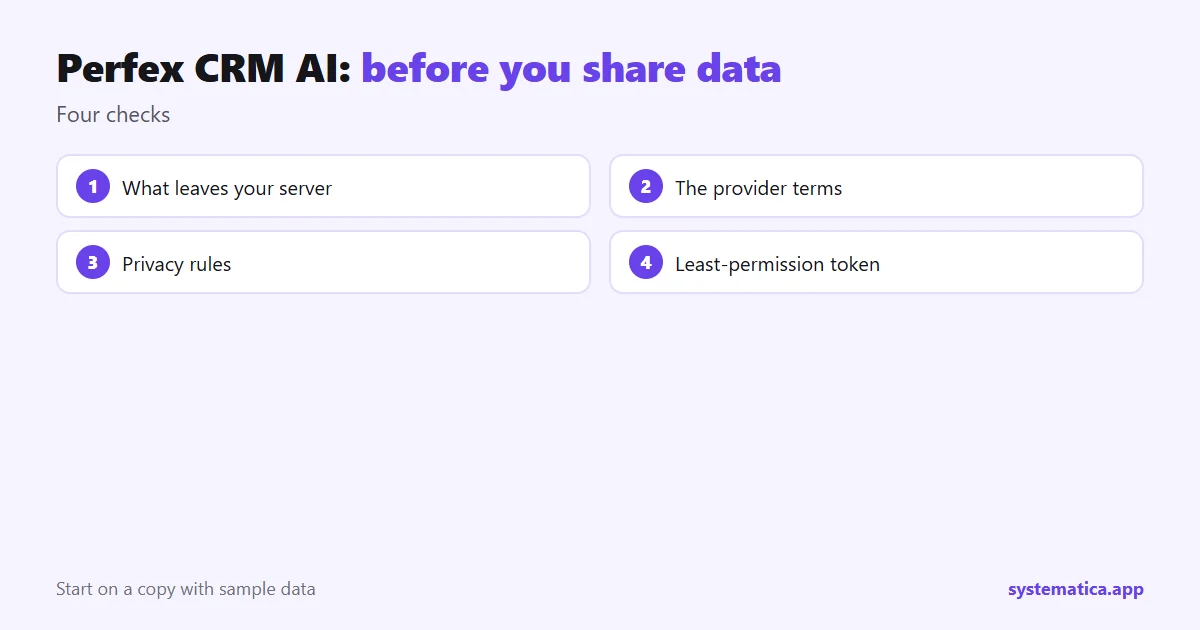
- What leaves your server. Sending a customer record to an outside AI service shares it with that provider.
- Terms of the service. Check whether data is stored or used to train models.
- Privacy rules. Customers may need to be told, and some data should never be sent. The NIST AI Risk Management Framework is a good starting point for thinking about risk.
- Access. Give the connection a token with the least permission it needs, and an expiry date.
How to start with Perfex CRM AI
- Pick one task, such as drafting replies to common questions.
- Use sample data on a copy of the CRM first: Perfex CRM demo.
- Connect through the API or a webhook, with read-only access where possible.
- Review output by hand for a few weeks.
- Measure time saved before you expand.
For a wider view of the extra capabilities you can add, read Perfex extensions and Perfex CRM addons. If you need a custom connection, see custom Perfex CRM modules.
A realistic first project for Perfex CRM AI
Pick a task that is boring, frequent and low risk. A good one is sorting new support tickets by topic. Send the ticket subject and message to an AI tool through a webhook, ask it to return a category, and let a person confirm. If the category is right, a workflow rule can route the ticket to the right staff member. If it is wrong, the person corrects it, and you learn where the tool struggles.
With Perfex CRM AI, avoid projects where one wrong answer causes harm, such as quotes, refunds or legal text, until you have weeks of evidence. Keep the connection limited to the data the task needs, and set the token to expire. Our guides on the REST API module and Perfex extensions give the building blocks, and Chat is one place where a human can still step in when the automation is unsure.
Frequently asked questions
Does Perfex CRM have AI?
The core CRM has no built-in AI. You can connect outside AI tools through the API, webhooks and automation.
Is the WhatsApp module AI?
Its bots use keyword replies and flows you set up yourself. They are rule-based, not generative AI.
Is it safe to send CRM data to an AI service?
It depends on the provider and your privacy rules. Share only what the task needs, check how the provider stores data, and use limited tokens.
Do I need to code to connect AI?
Some tools connect through ready-made settings. Others need someone who can send web requests.