
Perfex CRM documentation is spread across the CRM, its modules and the community, which makes the right answer hard to find. This page is a map. It shows where each kind of guide lives, which to read first for common goals, and how to get the most from a guide. Our own documentation area has more than eighty short guides, written in plain steps.
Where the Perfex CRM documentation lives
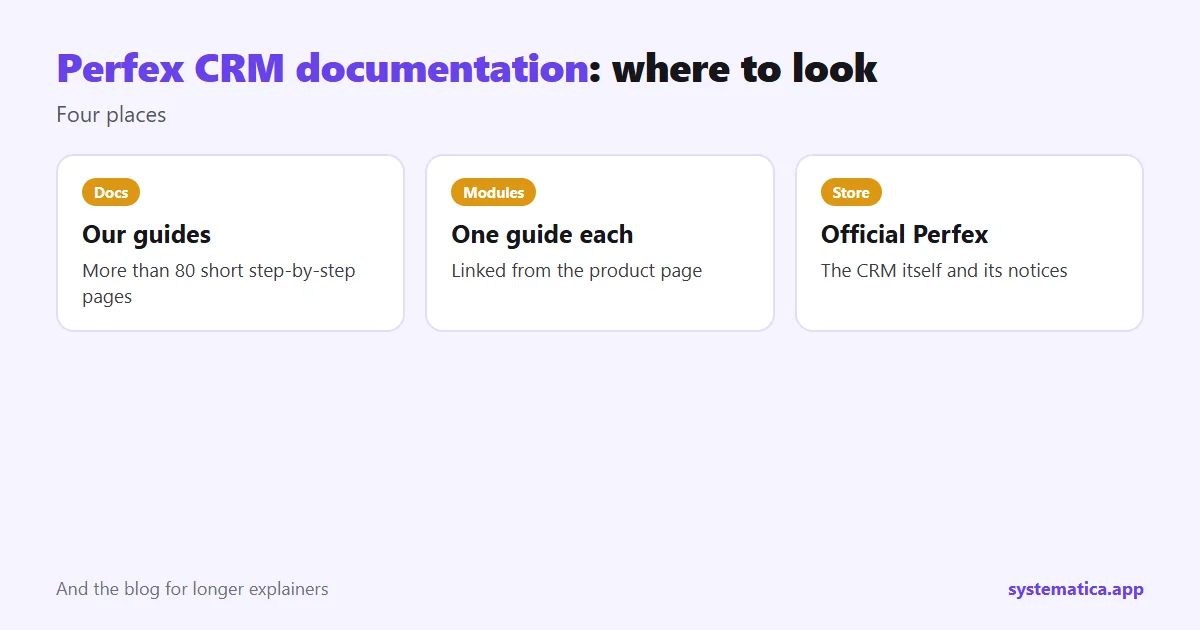
- Our documentation area: step-by-step guides for the CRM and its modules at All Perfex CRM documentation.
- Module guides: one guide for each module, linked from its product page.
- The official Perfex store: the place for the CRM itself and its notices: official Perfex store.
- Blog posts: longer explainers that compare options. Start at the blog.
Perfex CRM documentation by topic
- Installation: Perfex CRM installation guide.
- Updates: update Perfex CRM manually and the Perfex CRM update checklist.
- Configuration: company details, taxes, currencies and roles. See roles and permissions.
- Email: SMTP settings, email templates and the email queue.
- Leads: add a lead, lead sources and web to lead forms.
- Projects and tasks: projects, tasks and timesheets.
- Integrations: REST API module and Google integration.
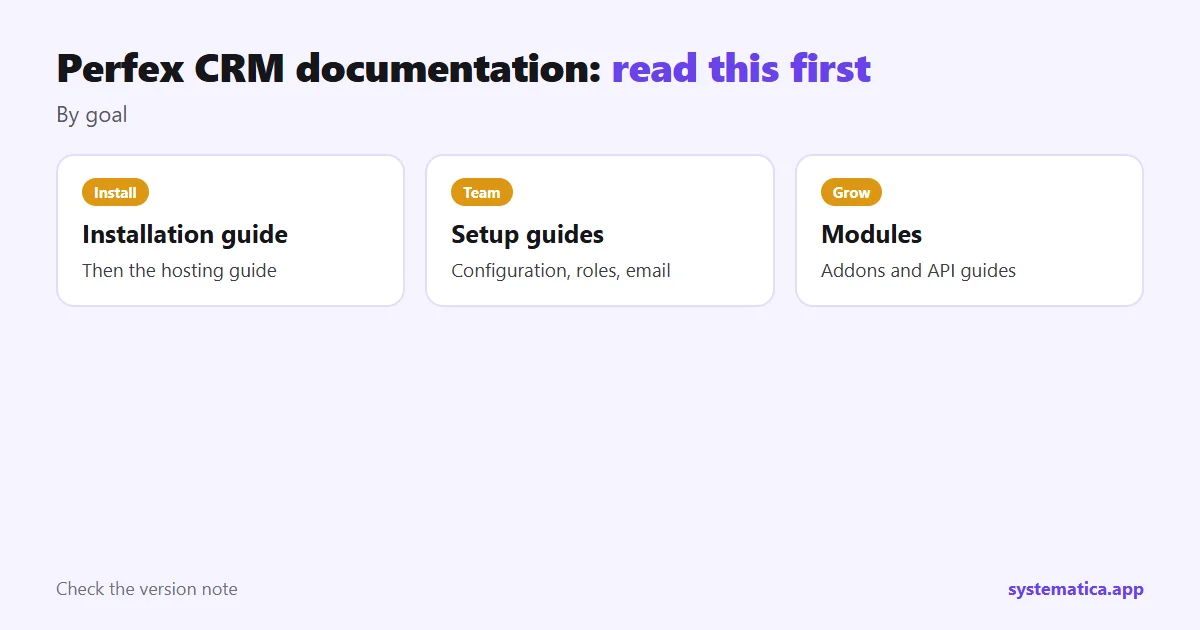
Which Perfex CRM documentation to read first
You are about to install
Read the installation guide, then Perfex CRM hosting so your server is ready.
You are setting up for your team
Read configuration, then roles and permissions, then the email setup pages. Leads and projects come after that.
You want to add a feature
Start with Perfex CRM addons and how Perfex modules work, then open the guide for the module you picked.
You want to connect another tool
Read Perfex API integration and the REST API module guide.
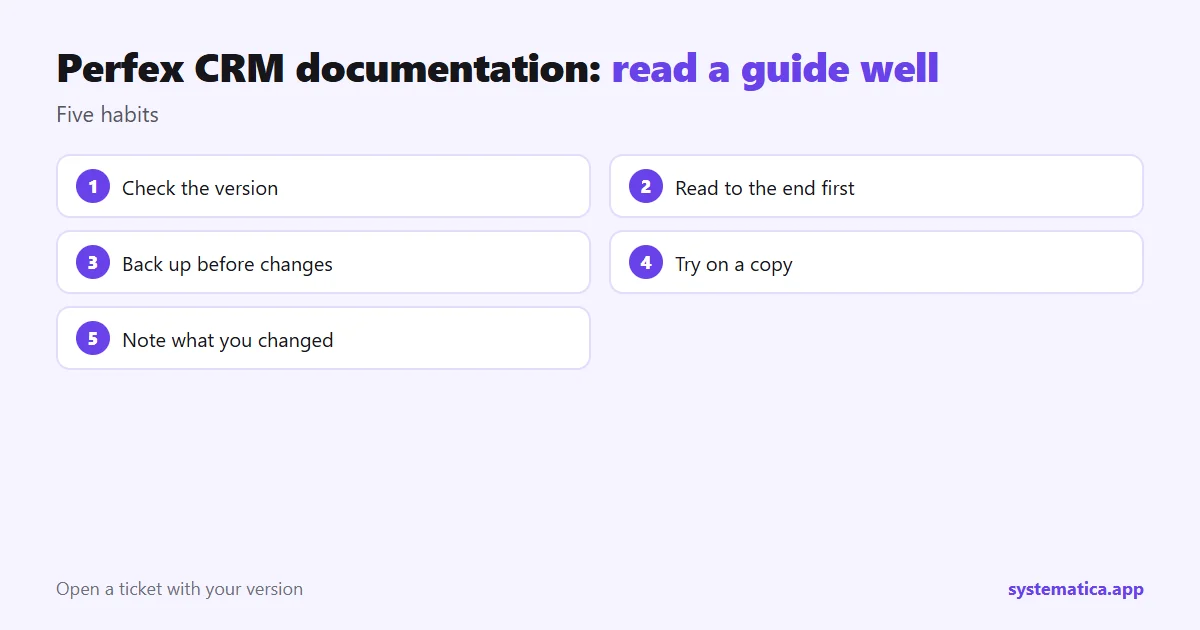
How to read a guide well
- Check the version the guide was written for. Our guides state it.
- Read to the end before you click anything.
- Back up before steps that change settings or files.
- Try it on a copy of your CRM when you can.
- Note what you changed so you can undo it later.
If you cannot find an answer
Search the documentation by the exact words on your screen, such as an error message. If that fails, open a ticket on our support page and include your CRM version, the module and what you tried. For the latest CRM version and release notes, check the official Perfex store, since version numbers change often. Our guides were written on Perfex CRM 3.4.1.
New to the CRM? Start with what is Perfex CRM and Perfex CRM features.
Modules with their own guides
Each module has a guide to match, so check the one for your module before you start:
- WhatsApp for Perfex CRM and the WhatsApp module setup guide.
- REST API and the REST API module guide.
- Financial Management and the accounting and bookkeeping guide.
- Mailbox and the advanced email system guide.
- Mobile App and the Perfex CRM app guide.
- Inventory Management and CRM with inventory management.
If you are comparing options before you buy, our Perfex CRM review and Perfex CRM demo pages help you decide.
Frequently asked questions
Where is the Perfex CRM documentation?
Our documentation area has step-by-step guides, each module has its own guide, and the official Perfex store covers the CRM itself.
Is there documentation for modules?
Yes. Each Systematica module has a guide linked from its product page.
How do I find the latest Perfex CRM version?
Check the official Perfex store, because version numbers change. Our guides state the version they were written on.
What if a guide does not match what I see?
Your version may differ. Check the version note and open a ticket with your version and a screenshot.