
Can I use Google Drive as a CRM? For a very small list of contacts, yes. A spreadsheet in Drive can hold names, phone numbers and notes. But it has no reminders, no history and no link between an invoice and a customer, so most businesses outgrow it within months. This guide shows what Drive does well, five limits you will hit and how to move to a real CRM without losing your files.
Can I use Google Drive as a CRM? What it does well
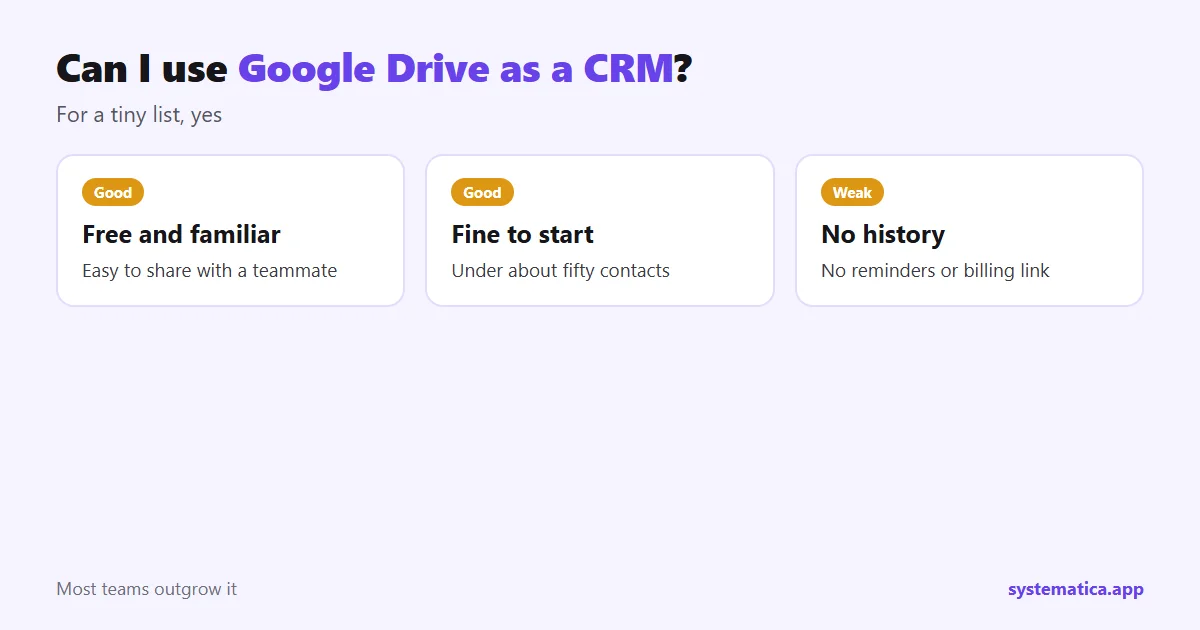
- It is free or already part of your Google account. Google also runs a help center for Docs and Sheets.
- It is familiar. Everyone knows how to use a sheet.
- Sharing is easy. You can give a teammate access in seconds.
- Good for a start. Under about fifty contacts and one seller, it can be enough.
5 limits of Google Drive as a CRM
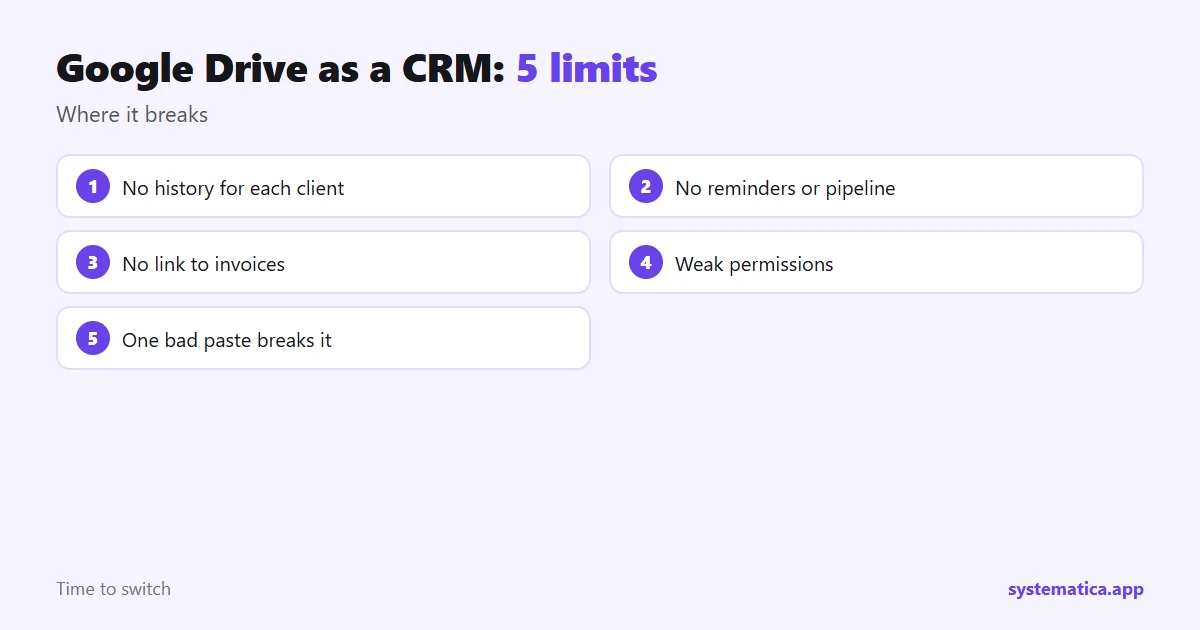
- No history per client. A row shows the latest state, not the calls, emails and quotes behind it.
- No reminders or pipeline. Nothing warns you that a lead has gone quiet.
- No link to money. Invoices, payments and estimates sit in other files and do not match up on their own.
- Weak permissions. It is hard to let one person see only their own clients.
- Easy to break. One wrong paste or sort can scramble the whole list, and nobody notices.
Can I use Google Drive as a CRM much longer? Signs it is time to move
- More than one person updates the list.
- You lose track of who to follow up with.
- You copy details from the sheet into invoices by hand.
- You need to see what was said to a client last month.
- Files for one client are spread over many folders.
How Drive and a CRM can work together
Can I use Google Drive as a CRM next to a real CRM? Yes, as storage. You do not have to give up Drive. A CRM such as Perfex CRM keeps the client record, and Drive can still hold large files and shared documents. Perfex CRM has a Google integration that connects Google services to the CRM, so files and calendar items can sit next to the client.
If you like spreadsheets, the Spreadsheet module lets you work in a sheet inside the CRM. For files, see Document Management and File Sharing.
How to move from a Drive sheet to Perfex CRM
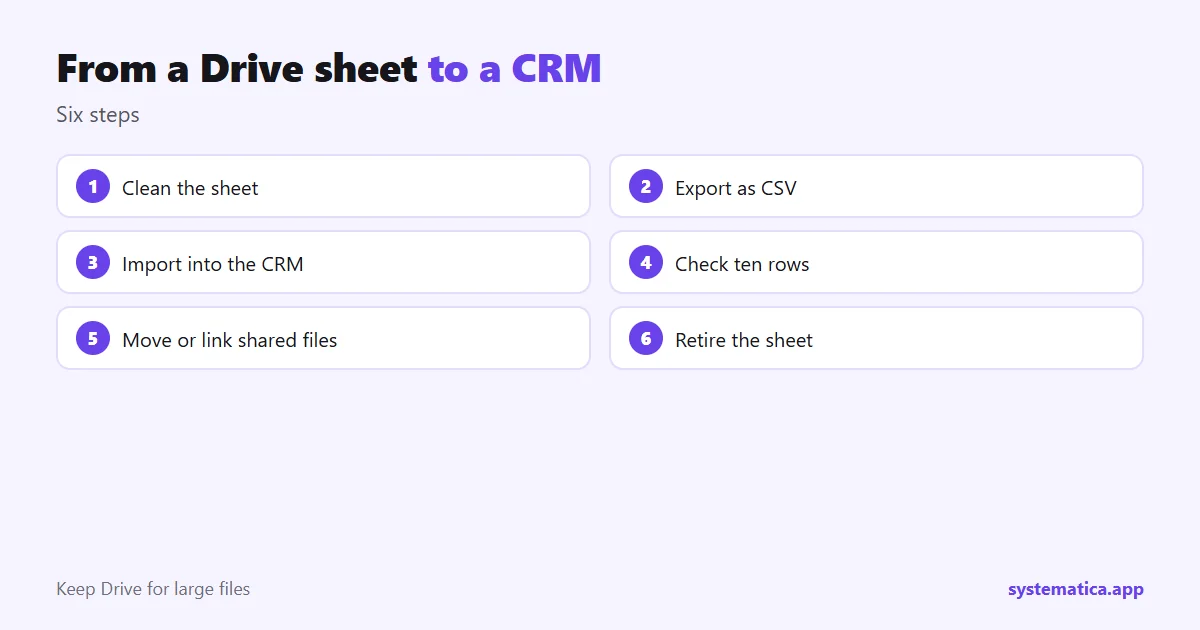
- Clean the sheet. One person per row, one column per fact, no merged cells.
- Export it as a CSV file.
- Import it into Perfex CRM as customers or leads.
- Check a sample of ten rows to be sure the columns matched.
- Move shared files into the client record or keep links to Drive.
- Retire the sheet once the team works only in the CRM.
What you gain after the move
Can I use Google Drive as a CRM and still get these benefits? Not without a lot of manual work. After the move, every lead gets a status, every client a timeline, and every invoice stays tied to its customer. Staff see only what their role allows, and reminders tell you who to call. Learn more about the CRM in what is Perfex CRM and Perfex CRM features, and see the costs in Perfex CRM pricing. If you want to connect Google Calendar, read CRM with Google Calendar integration.
A simple test: is your Drive CRM still working?
Answer these five questions honestly:
- Can you tell, in ten seconds, when you last spoke to your top ten clients?
- Do you know which leads need a follow-up today?
- Can a new teammate find a client’s quote and invoice without asking you?
- If the file broke tonight, could you recover yesterday’s version?
- Does only the right person see sensitive details?
So, can I use Google Drive as a CRM for the long term? Not if you answered no to two or more of those questions, because you are paying for the free sheet with your time. Move the list into a CRM and keep Drive for the large files. The Perfex CRM features page shows what you gain, and a Perfex CRM demo lets you try it with sample data first. If you plan to share the same data with other tools later, Perfex API integration makes that possible.
Frequently asked questions
Can I use Google Drive as a CRM for free?
Yes, a Sheet in Drive costs nothing extra, but it lacks history, reminders, permissions and billing, which a CRM includes.
How many contacts can a Drive CRM handle?
A sheet can hold many rows, but it becomes hard to manage past a few dozen active clients or more than one user.
Can Perfex CRM work with Google Drive?
Perfex CRM has a Google integration, and you can keep Drive links on a client record while the CRM holds the main data.
How do I move my sheet into a CRM?
Clean the sheet, export it as a CSV file and use the CRM import tool. Check ten rows before you trust the result.