
A Perfex API integration lets another program read and write data in your CRM without anyone logging in. A website form can create a lead, an accounting tool can read invoices and a dashboard can show open tasks. This guide explains how a Perfex API integration works, when to use the API or webhooks, and six steps to connect a tool safely.
How a Perfex API integration works
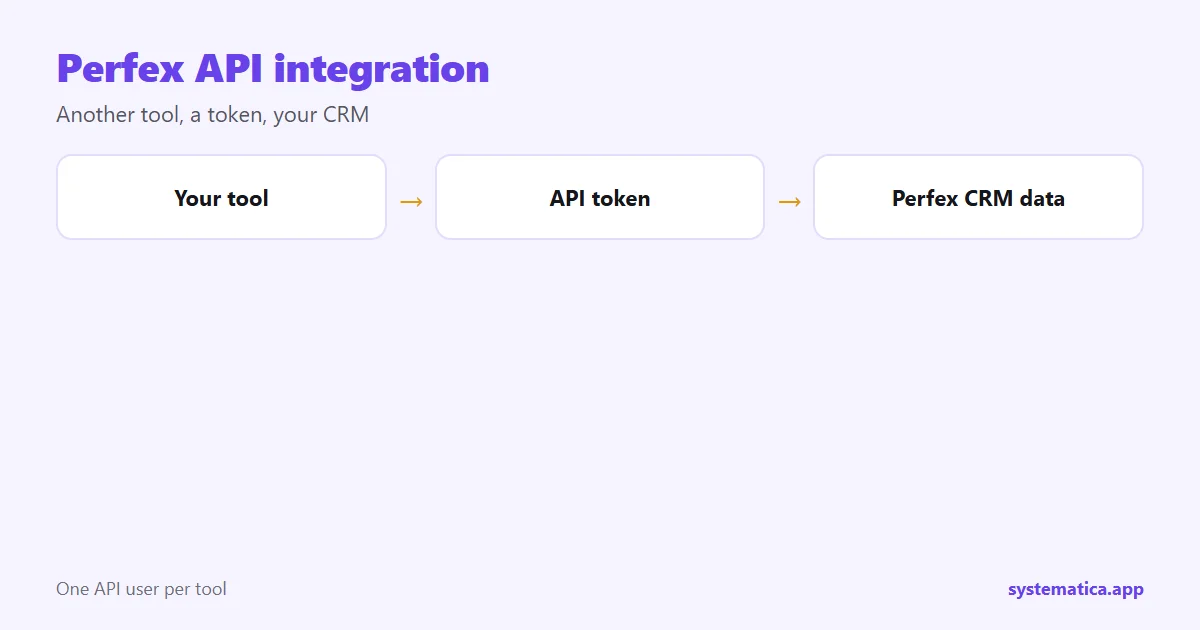
The connecting tool sends a request to your CRM’s address and includes a token that proves who it is. The CRM checks the token, decides what that token may do and answers with data or a result. Each token belongs to one API user, and you choose what that user can reach.
Our REST API for Perfex CRM module adds this to the CRM, and the documentation lists the endpoints. For a step-by-step setup, read the REST API module guide.
What a Perfex API integration can do
- Sales: create leads from a website form, update customers and read estimates.
- Money: list invoices and payments for an accounting or reporting tool.
- Work: create tasks and projects from another system.
- Support: open tickets from an app or a chat widget.
API or webhook: which to use
The two are often confused. They move data in opposite directions.
- API: another tool asks the CRM for data, or sends data in. Use it when the other tool decides when.
- Webhook: the CRM tells another tool that something happened. Use it when the CRM event should trigger an action.
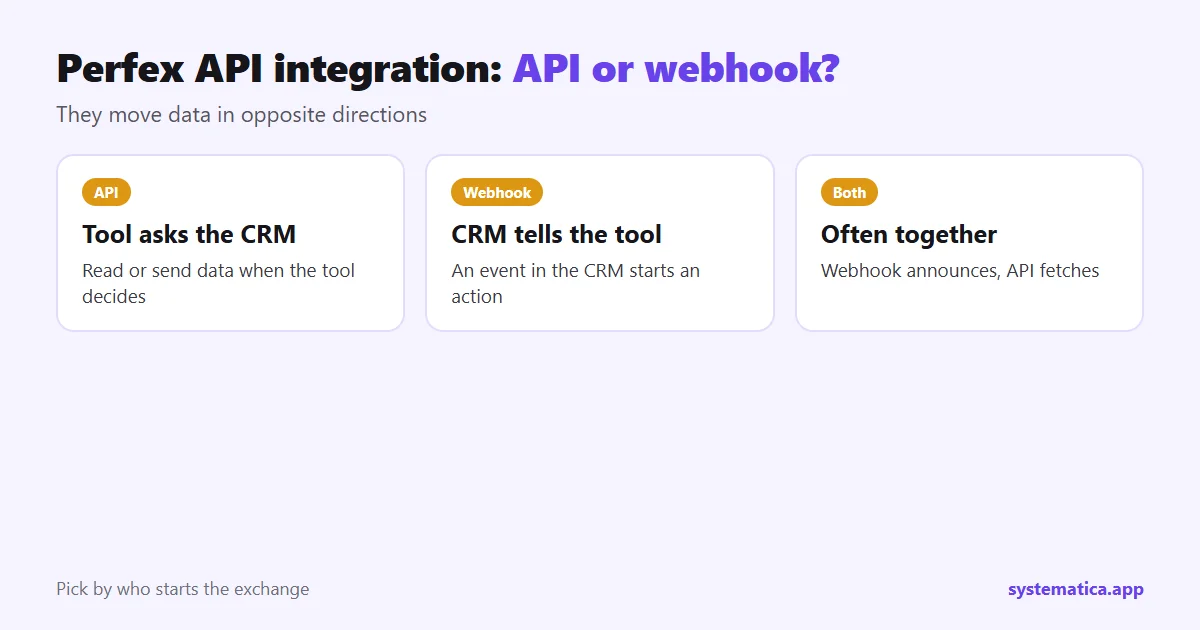
Many setups use both. A webhook announces a new invoice and the API fetches the full record. Read about Webhooks for Perfex CRM and Workflow Rules for the CRM-side triggers.
6 steps for a safe Perfex API integration
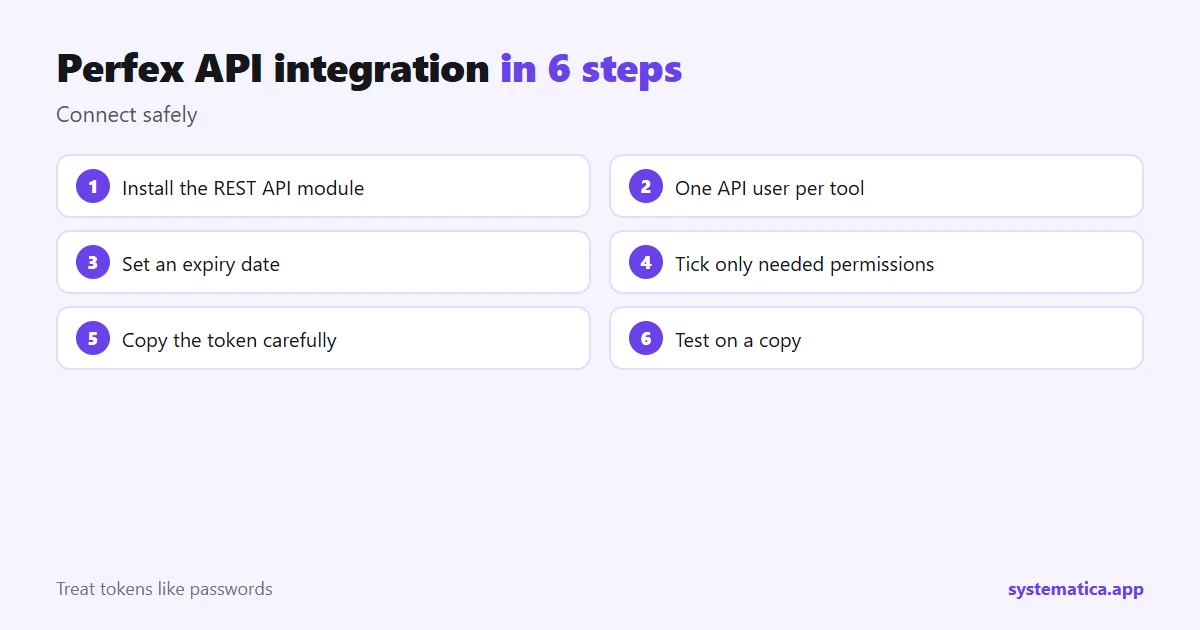
- Install the module and activate it with your license key.
- Create one API user per tool. Name it after the tool, so you can switch it off alone.
- Set an expiry date on the token.
- Tick only the permissions it needs. A reporting tool should be read-only.
- Copy the token into the other tool. Do not paste it into chats or public code.
- Send a test request against a copy of the CRM before you use live data.
Keeping a Perfex API integration secure
- Run the CRM over HTTPS so tokens are not sent in the clear.
- Treat tokens like passwords and rotate them when staff leave.
- Check the API user list now and then and delete unused ones.
- Log what each tool does so odd behavior is easy to spot.
- Keep modules and the CRM updated: plugin safety checks.
Common problems
- Unauthorized answer: the token is wrong, expired or missing the permission.
- Empty results: the API user may lack access to that data area.
- Time-outs: the host is slow or limits requests. Review your hosting.
If you need a connection that does not exist yet, see the options in ways to extend Perfex CRM and custom Perfex CRM modules.
Examples of a Perfex API integration
- Website form to lead: a contact form on your site creates a lead in the CRM, so no one retypes it. See web to lead forms for the built-in option.
- Accounting export: a read-only token lets a reporting tool pull invoices and payments each night.
- Mobile or kiosk app: a small app creates tasks or tickets in the CRM.
- Chat to ticket: a chat widget opens a ticket with the customer’s details.
In each case the CRM stays the single source of truth. The connecting tool is only a messenger. If the connection you need does not exist, look at other ways to extend Perfex CRM, or add messaging with WhatsApp for Perfex CRM. You can also connect AI tools this way: Perfex CRM AI.
Frequently asked questions
What is a Perfex API integration?
It is a connection that lets another tool read or write Perfex CRM data using a token, without a person logging in.
Does Perfex CRM have an API built in?
The core CRM does not include a full REST API. The REST API module adds one with tokens and permissions.
Is a Perfex API integration safe?
Yes, if you use HTTPS, give each tool its own token with only the permissions it needs, and set expiry dates.
Do I need to code to use it?
Many tools connect through ready-made settings. Custom work needs someone who can send web requests.