
Perfex CRM customization does not have to mean writing code. Most teams get 80 percent of the way with settings, fields and a few modules, and only build something custom for the last gap. This guide lists six options in order of effort, so you start with the cheapest and stop when the CRM fits. Every option links to a tested guide.
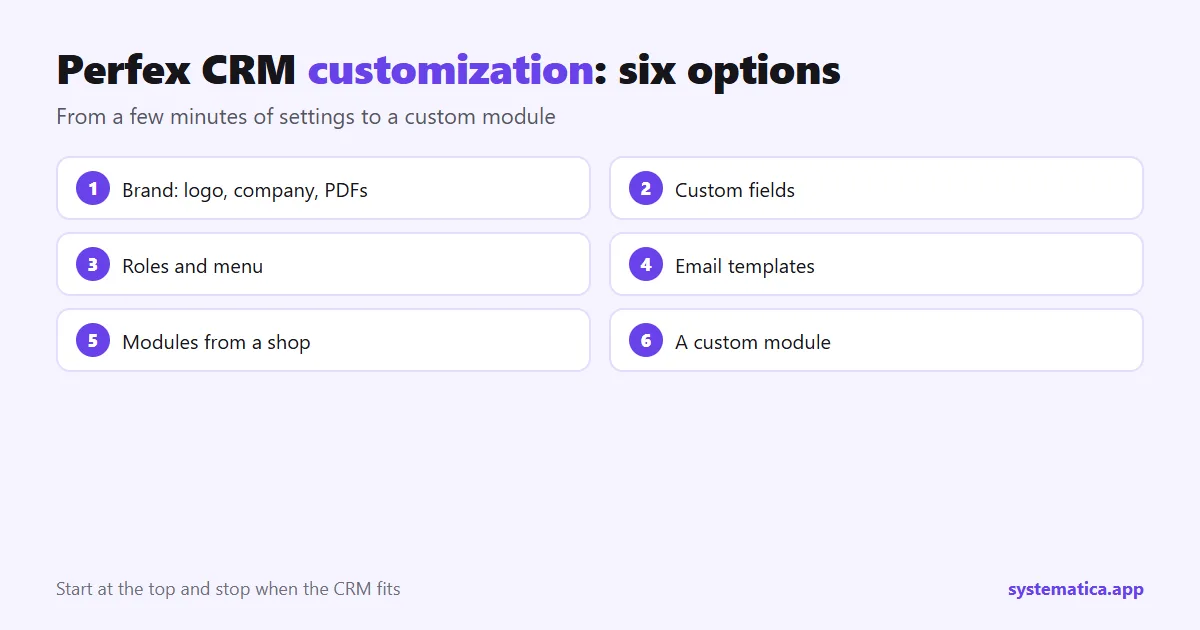
1. Perfex CRM customization with your brand
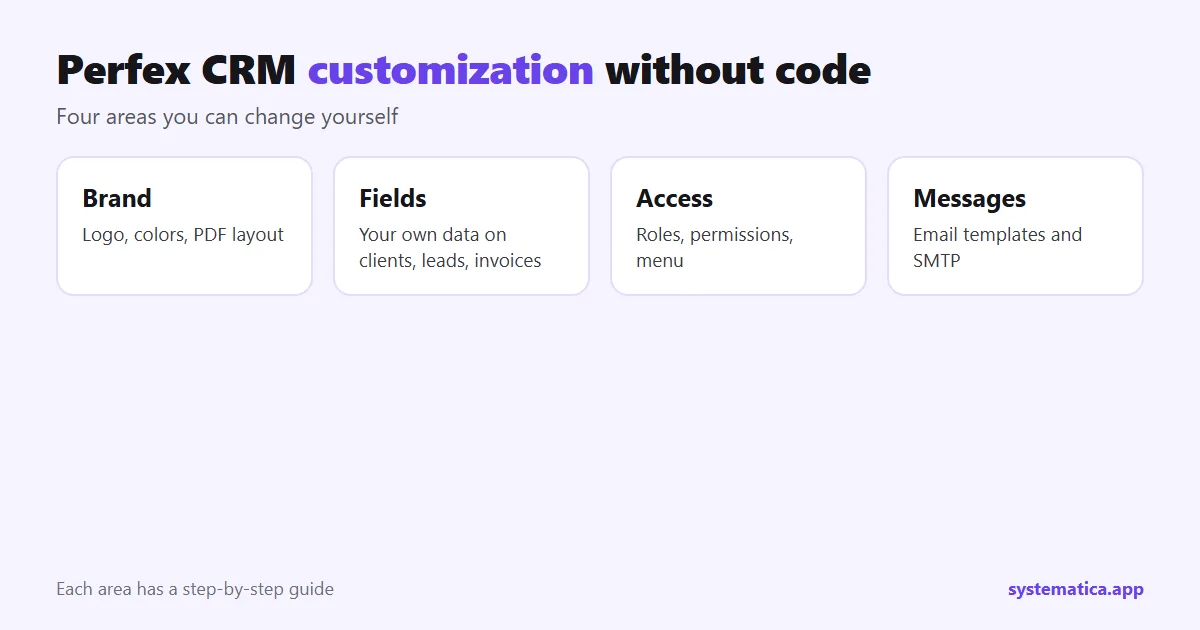
The first thing clients see is your logo and colors, so start there. Upload your company logo, set the company name and address, and check how an invoice PDF looks. Our company logo guide covers the upload, and PDF settings fixes fonts, logos and layouts in the documents your clients receive. For full control over colors, buttons, fonts and dark mode, the Theme Studio module changes them from one screen.
2. Custom fields for your own data
Every business tracks something the CRM does not ask for by default: a contract number, a preferred contact time, a license plate. Custom fields add it to clients, leads, invoices, projects and more, without any code. You choose the field type (text, number, date, dropdown, checkbox), where it shows and whether it is required. Follow custom fields to add your own, and use them in filters and reports so the data does work for you.
3. Roles, permissions and menu
A customized CRM shows each person only what they need. Create roles for sales, support and finance, then give each role the right permissions: roles and permissions. Then tidy the menu so the items your team uses most are first: menu setup. Add outside links, such as a help center or a spreadsheet, with Custom Links.
4. Emails, templates and PDFs
Words matter. Edit the email templates so reminders and invoices sound like your company: email templates. Check the sending method with SMTP settings, so messages do not land in spam. If the documents themselves must change, PDF Customizer gives you more control than the built-in settings.
5. Modules for features the CRM does not have
When settings are not enough, add a module. Modules are the usual way to customize Perfex CRM because they keep the core files untouched, so updates stay possible. Pick by the job you need done:
- Messaging: WhatsApp and Chat.
- Booking: Booking System.
- Automation: Workflow Rules.
- Connections to other tools: REST API and Webhooks.
The full range is in the best Perfex CRM modules. Install them safely with our guide to Perfex CRM extensions.
6. A custom module for what only you need
Some processes are too specific for any shop module: a calculation only your trade uses, a link to a system only your country has, a screen shaped around your team. That is when a custom module pays off. Read why a custom module can be a smart investment and our page on custom Perfex CRM modules to see how a project runs.
What not to do when you customize Perfex CRM
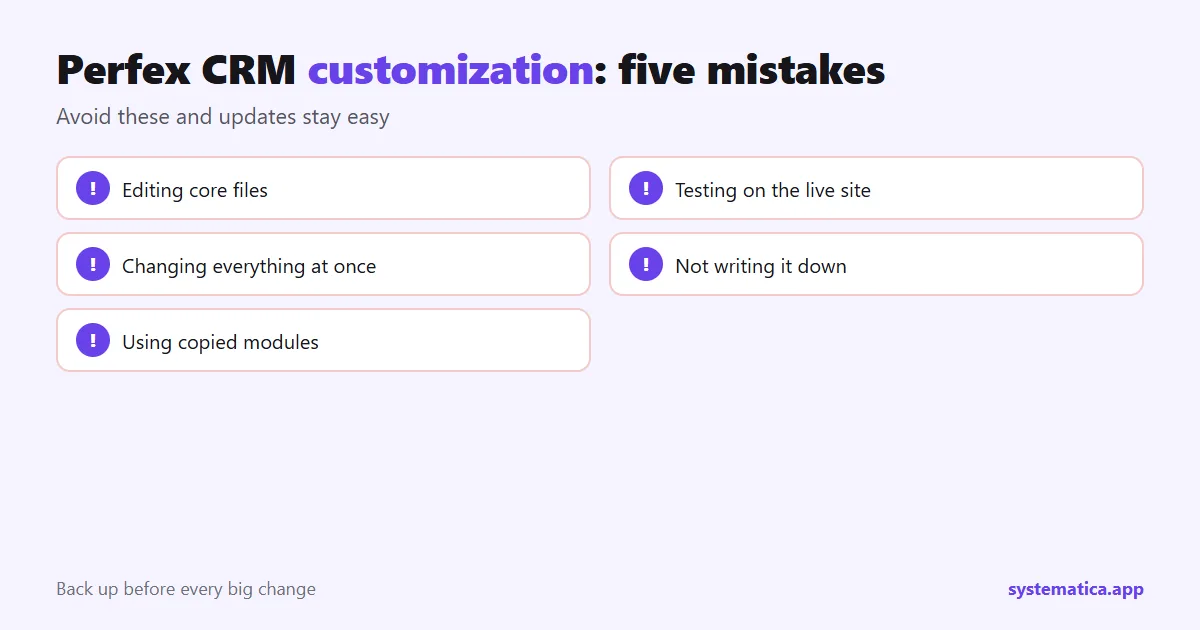
- Do not edit core files. The next update overwrites your changes. Use settings, hooks and modules instead.
- Do not customize on the live site first. Try changes on a copy and keep a database backup before every big step.
- Do not add everything at once. Change one thing, check it, then the next.
- Do not skip documentation. Write down what you changed and why, so the next person can follow.
- Do not use copied modules. They carry risk and no updates: nulled module risks.
A quick order of work
- Brand: logo, company details, PDFs.
- Custom fields and statuses that match your process.
- Roles and menu.
- Email templates.
- One module for your biggest manual task.
- A custom module only if a gap remains.
The CRM itself comes from the official Perfex store; everything above works on top of it. For costs, see Perfex CRM pricing, and for the base feature list, Perfex CRM features.
Perfex CRM customization checklist by role
Customization works best when you ask each role what slows them down. A short round of questions beats a long list of settings.
- Owner: Is the logo and company detail right on every document? Are the right people seeing the right data? Which report do you open first each Monday?
- Sales: Which fields do you wish a lead had? Which statuses match your pipeline? Which follow-up do you forget most often? See lead sources and reminders.
- Support: Which departments do tickets belong to? Which answers do you type again and again? See ticket departments and predefined replies.
- Finance: Which taxes and currencies apply? Which payment methods do clients use? See tax rates and payment gateways.
How to document your customization
A customized CRM is only as good as the notes behind it. Keep one page, in a shared place, with these headings and update it each time you change something.
- The date and who made the change.
- What changed and where in the settings.
- Why it was needed.
- How to undo it.
- Which modules are installed, with version and license date.
When a new person joins, or when you move servers (see the migration guide), this page saves hours.
Keep Perfex CRM customization safe through updates
- Back up files and database before the update.
- Update a test copy first and open the screens you changed.
- Check that each module supports the new version.
- Re-check custom fields, roles and email templates after the update.
- Update the live site outside working hours.
The steps are in update Perfex CRM manually.
Frequently asked questions
Can I customize Perfex CRM without coding?
Yes. Branding, custom fields, roles, email templates and modules need no code. Code is only needed for a custom module.
Will customization break when I update Perfex CRM?
Settings, custom fields and well-built modules survive updates. Changes to core files do not, so avoid them.
What is the easiest Perfex CRM customization to start with?
Your logo, company details and PDF layout. It takes minutes and every client sees it.
When do I need a custom module?
When no existing module covers a process that your team repeats, and a workaround costs more time than the module would.