
A CRM with inventory management keeps clients, orders and stock in the same place, so a sale updates your stock and a low count triggers a purchase. Perfex CRM does not track warehouse stock by itself, but three modules turn it into one: inventory, purchasing and finance. This guide shows what each does, how to set them up in six steps, and what to test before you rely on the numbers.
Why a CRM with inventory management beats a spreadsheet
Spreadsheets break when two people edit them, when stock moves between places or when someone forgets to subtract a sale. A CRM with inventory management ties every movement to a document: a receiving voucher when goods arrive, a delivery voucher when they leave. Each approved voucher changes the stock of its warehouse, so the list always matches what happened, and you can see who did what and when.
The three modules and what each does
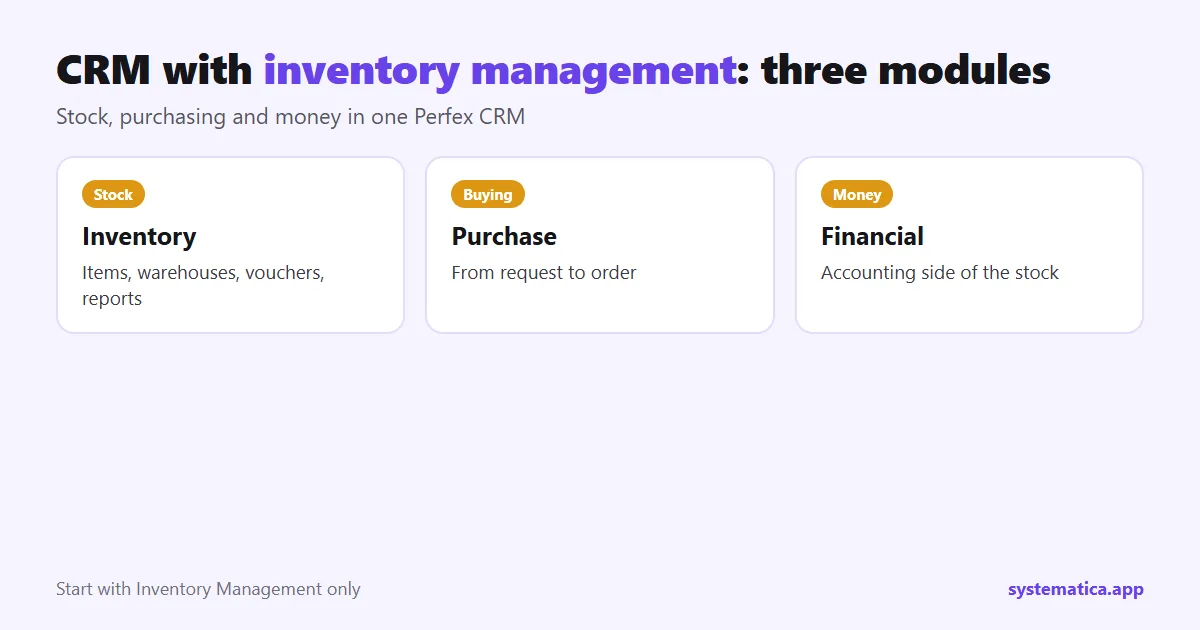
- Inventory Management adds an item list with code, SKU, group, unit and picture, stock in each of several warehouses, receiving and delivery vouchers, packing lists, loss and adjustment, returns, barcode printing, serial numbers, an inventory history and reports for stock summary, valuation and analytics.
- Purchase Management handles buying, from the request to the order, so stock arrives from a record and not from a phone call.
- Financial Management adds the accounting side, so stock value and money in and out sit in one system.
You do not need all three on day one. Start with Inventory Management, and add purchasing when you are tired of re-ordering by hand.
CRM with inventory management in 6 steps
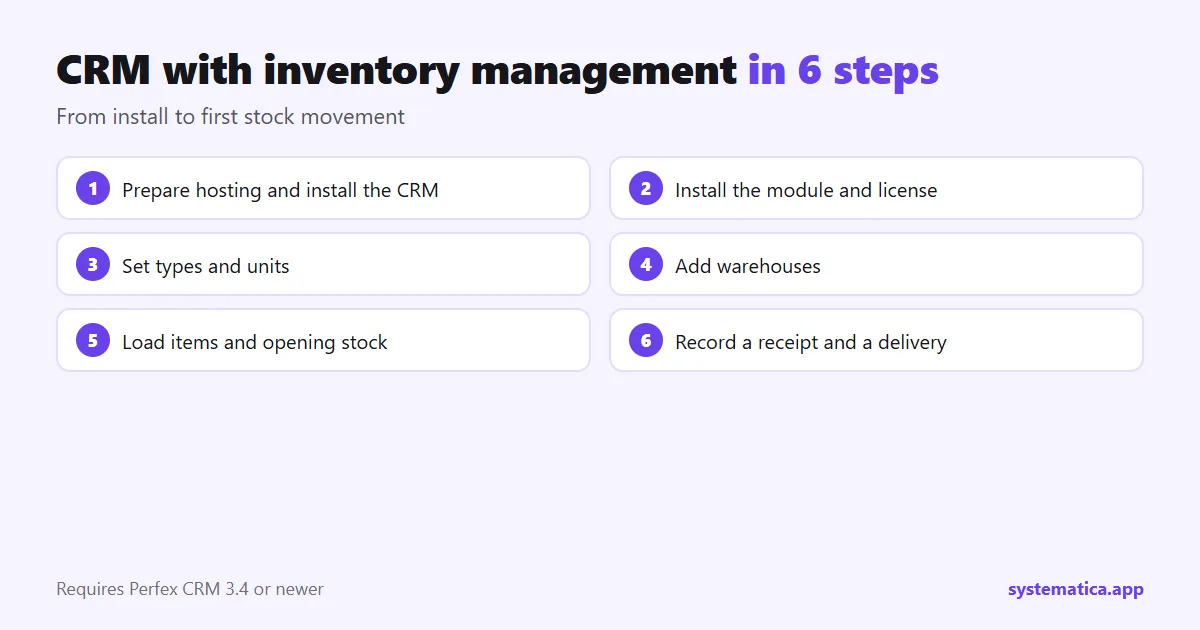
- Prepare the base CRM. Check hosting (Perfex CRM hosting) and install Perfex CRM: installation guide.
- Install the module. Upload the zip under Setup, Modules, activate it, then enter your license key: install a module.
- Set up types and units. Add commodity types, groups, units and, if you need them, colors, sizes and styles in the inventory settings.
- Add your warehouses. One for each place that holds stock, with its own address and name.
- Load your items. Import them with opening stock from a spreadsheet, or add them one by one.
- Record a first movement. Make a receiving voucher, then a delivery voucher, and check the stock changed as expected.
The module requires Perfex CRM 3.4 or newer (tested on 3.4.1) and a connection from your server to systematica.app over HTTPS for the license check.
What you can see after setup
- Stock by warehouse in one list, filtered by warehouse, item or tag.
- Inventory history that shows each movement with the voucher, the item, the warehouse, the date, and opening and closing stock.
- Stock summary report for a period: opening stock, goods in, goods out, closing stock.
- Valuation report showing the value of the stock you hold.
- Minimum and maximum levels so you know what to re-order.
What to test before you trust the numbers
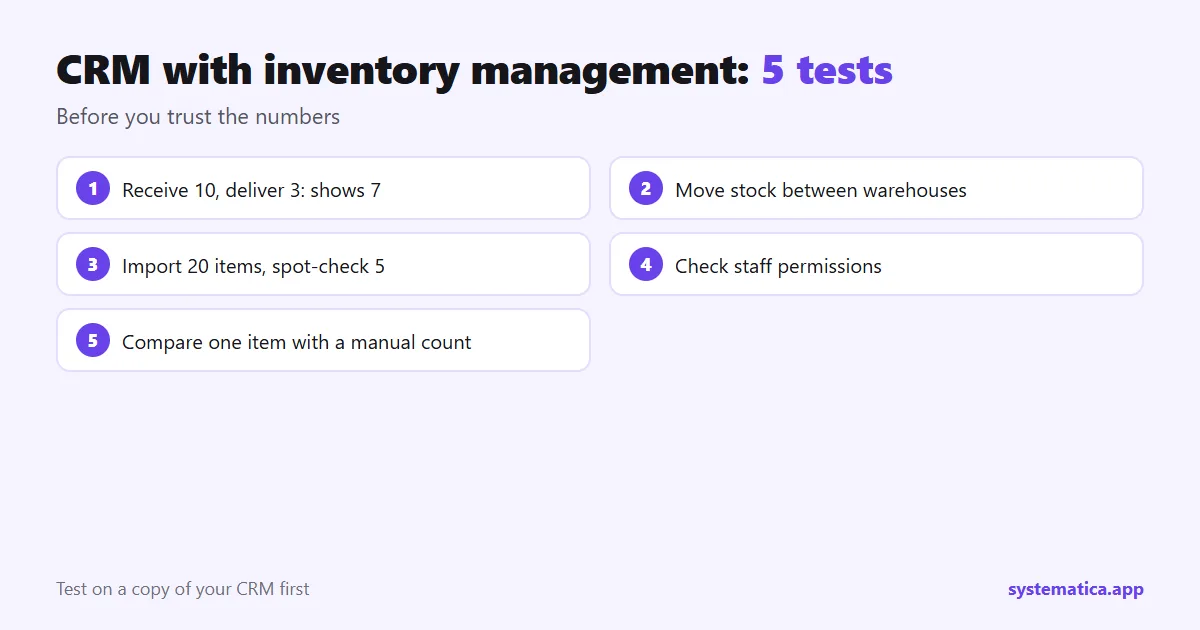
- Receive 10 units, deliver 3, and check the item shows 7.
- Move stock between two warehouses and check both counts.
- Import 20 items from a spreadsheet and spot-check five.
- Log in as a normal staff member and check what they can change.
- Run the stock summary and compare it with a manual count of one item.
Test on a copy first, as in our extension test plan.
Who needs a CRM with inventory management
Shops, distributors, service companies that hold parts, and any team that sells physical goods and bills through the CRM. If you sell only services, you do not need it. Costs for each module are in the shop; for the whole picture, see Perfex CRM pricing and the best Perfex CRM modules.
Inventory terms explained
- SKU: your own code for an item, used to find it fast.
- Receiving voucher: the record that goods came in, with supplier, items, quantities and prices.
- Delivery voucher: the record that goods went out to a customer.
- Adjustment: a correction after a count, loss or damage.
- Minimum and maximum levels: the numbers that tell you when to re-order and how much is too much.
- Valuation: the value of the stock you hold, based on purchase or sale price.
A day in a small distributor’s CRM with inventory management
Here is how the pieces fit, in an example. In the morning a supplier delivers 50 boxes. Someone creates a receiving voucher, and the warehouse count goes up once it is approved. At noon a client orders 12 boxes. The team makes the invoice from the client record and a delivery voucher for the same items, and the count goes down. In the afternoon the stock history shows both movements with their vouchers, and the minimum level flags that it is time to order more. At the end of the month the stock summary shows what came in, what left and what is left, ready for a count and for your accountant.
Mistakes to avoid
- Skipping vouchers. Changing counts by hand breaks the history. Use vouchers for every movement.
- Loading messy items. Clean the spreadsheet first: one code per item, consistent units.
- No stock count. Count a few items against the system every month and fix differences with an adjustment.
- Wide permissions. Limit who can approve vouchers and adjust stock.
- No backup. Stock data is business data. Follow the database backup guide.
The base CRM comes from the official Perfex store; the modules above add the stock side. Plan your server with our hosting guide.
Frequently asked questions
Does Perfex CRM have inventory management built in?
The base CRM has simple items for invoices. A module adds warehouses, vouchers, stock history and reports.
Can I manage several warehouses?
Yes. Inventory Management supports several warehouses, each with its own stock.
Can I import my existing stock?
Yes. You can import items and opening stock from a spreadsheet.
Does it print barcodes?
Yes. The item list can print barcodes, and the module supports serial numbers.