
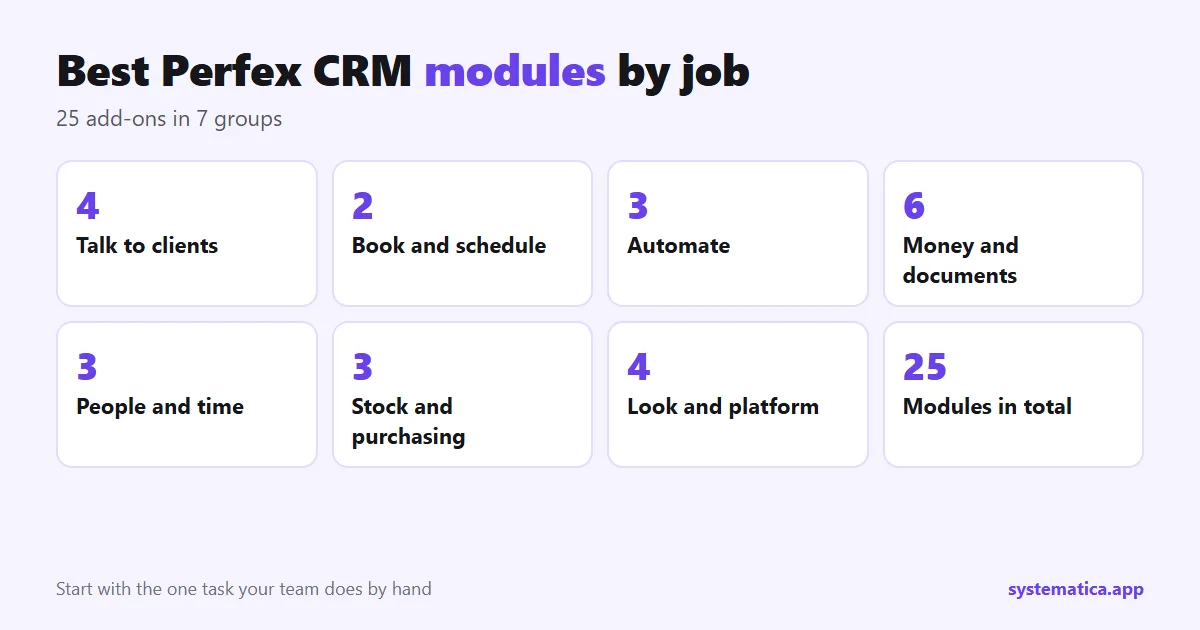
Perfex CRM does a lot out of the box, and then you hit a gap: your clients want WhatsApp, your team wants to track leave, or you need stock levels next to your invoices. That is what Perfex CRM modules are for. This guide lists the best Perfex CRM modules, grouped by the job they do, so you can find the one you need without reading 25 product pages. Each entry says what it does and who it suits, which is what makes a module one of the best Perfex CRM modules for you. A note on bias: we sell these modules, so the list covers our own range. The checks in the last section apply to any seller.
How to pick from the best Perfex CRM modules
- What hurts today? Name the task your team does by hand, such as chasing payments, copying leads or answering the same question. Start with that one module from the best Perfex CRM modules below.
- Does it run in your CRM? A module lives inside Perfex CRM, so your data stays in one place and one login covers everything.
- Can you test it? Install it on a copy first. Our guide to installing a module shows how.
Talk to clients and leads
- WhatsApp for Perfex CRM sends messages and notifications to leads and customers from the CRM. Best for sales teams that already use WhatsApp every day.
- Chat Module gives staff real-time messaging inside the CRM. Best for teams that now use a separate chat app.
- Mailbox brings email into the CRM so you read and answer without leaving it.
- Call Manager keeps your calls with customers in the CRM.
Book and schedule
- Booking System adds a public booking page, a colour calendar and reminders. Best for clinics, salons, consultants and agencies that take appointments.
- Appointment Manager handles bookings, staff and several locations. Read what to check in an appointment booking module before you choose between the two.
Automate the work
- Workflow Rules lets you write “when this happens, do that” rules that create tasks, send emails and notify staff, with a run log. Best first purchase for most teams, and the cheapest way to save hours.
- Webhooks sends CRM events to tools such as Zapier or Slack.
- REST API lets other apps read and write CRM data.
Money, sales and documents
- Financial Management adds accounting features to the CRM.
- Sales Commission Program calculates what your sales team earns.
- PDF Customizer changes how invoices, estimates and other PDFs look.
- Document Management and File Sharing keep and share files with the right people.
- Spreadsheet Online lets your team work on spreadsheets in the CRM.
People and time
- HR Module keeps staff records.
- HR Payroll runs payroll for your team.
- Timesheets and Leave Management tracks hours and leave requests.
Stock, purchasing and assets
- Inventory Management adds warehouses, barcodes and analytics.
- Purchase Management handles buying, from request to order.
- Assets Management tracks equipment and company assets.
Look, feel and platform
- Theme Studio changes colours, buttons, fonts and adds dark mode.
- Custom Links adds your own menu links, including iframes.
- Mobile App (PWA) gives your team an app-like experience on a phone.
- SaaS Module turns one Perfex CRM into a multi-tenancy solution. Check your license first; see Perfex CRM pricing.
Which of the best Perfex CRM modules first?
| You are… | Start with | Then |
|---|---|---|
| A service business with appointments | Booking System | WhatsApp, Workflow Rules |
| A sales team | WhatsApp, Workflow Rules | Sales Commission Program |
| A company with staff and stock | Inventory Management, Purchase Management | HR Module, HR Payroll |
| An agency that connects tools | REST API, Webhooks | Chat, Theme Studio |
Five checks before you buy any of the best Perfex CRM modules
- Which Perfex CRM version was it tested on? Look for a clear version number, not just “works with Perfex”.
- Is there documentation with screenshots? If a seller will not show the screens, assume you will do the testing.
- How long is support and what does it cover? Ours is 1 year.
- Does it update when Perfex CRM updates? A module that is not maintained breaks after an update.
- Is the file original? Never use nulled modules. They can carry hidden code that reads your client data.
You need a licensed copy of Perfex CRM from the Perfex store pricing page before you add any module. Ready to look? Open the Perfex CRM module shop, or read how extensions, plugins and add-ons differ.
Best Perfex CRM modules for common businesses
Lists by category help you browse. A plan by business type helps you buy. Here is what we would look at first for six common cases, and what to test before you commit.
| Business | Look at first | Test this on a copy |
|---|---|---|
| Clinic, salon or consultant | Booking System, WhatsApp | Book the same time twice from two browsers. Check the reminder message. |
| Sales team | Workflow Rules, Sales Commission Program | Make a rule for a new lead and check the task it creates. |
| Shop or distributor | Inventory Management, Purchase Management | Receive stock, sell it, and check the count. |
| Company with staff | HR Module, HR Payroll, Timesheets and Leave | Add one test employee and run a sample month. |
| Agency | REST API, Webhooks, Chat | Send one event to another tool and read it back. |
| Brand-focused team | Theme Studio, PDF Customizer | Open an invoice PDF and the client portal on a phone. |
Bundles that make sense together
Some of the best Perfex CRM modules do their best work in pairs. These four combinations cover the jobs people ask us about most. They are a starting idea, not a rule.
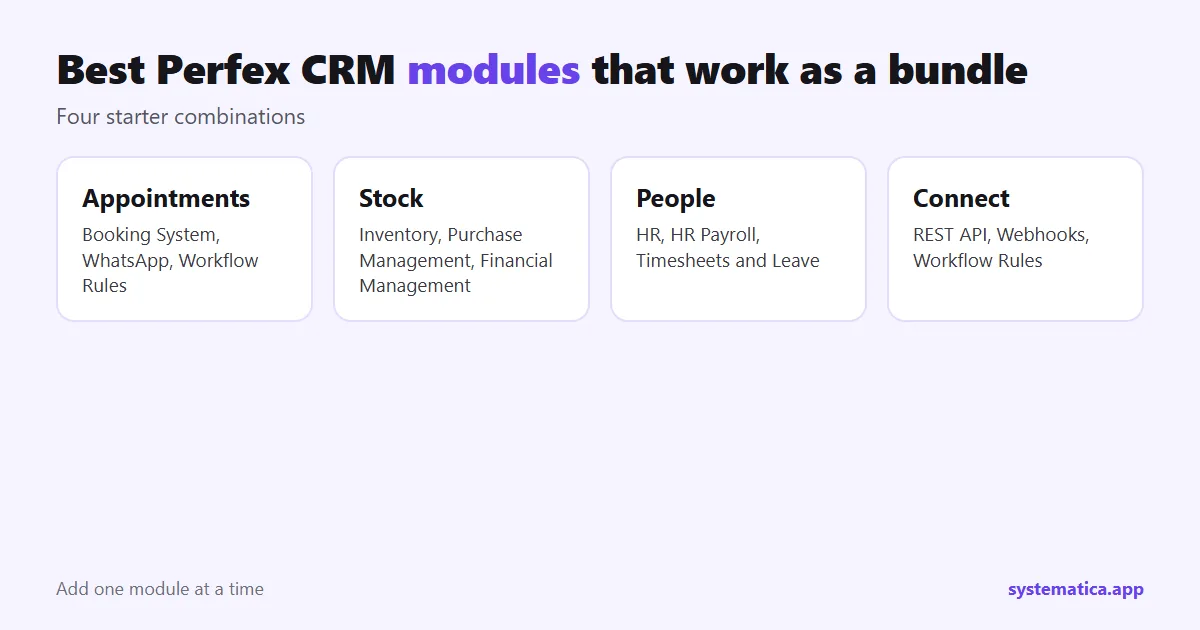
- Appointments: Booking System takes the booking, WhatsApp keeps the client in touch, and Workflow Rules creates the follow-up task.
- Stock: Inventory Management tracks what you hold, Purchase Management orders more, and Financial Management shows the money side.
- People: HR Module holds records, Timesheets and Leave tracks time off, and HR Payroll runs the pay.
- Connections: REST API and Webhooks move data to other tools, and Workflow Rules reacts inside the CRM.
Buy the first one, use it for a month, then decide on the second. A module you use daily is worth more than three you installed and forgot.
Common mistakes when you pick modules
- Buying everything at once. You cannot tell which module caused a problem if five were added together.
- Skipping the test copy. A module that works on the demo may clash with your PHP version or another module.
- Buying on price alone. A low price with no support is a risk. Compare the support period and the update history.
- Forgetting the hosting. Modules for chat, booking and APIs add load. Read our Perfex CRM hosting guide before you add them.
- Ignoring staff permissions. A new module adds permissions. Give them to the right roles, not to everyone.
Before you buy any of the best Perfex CRM modules
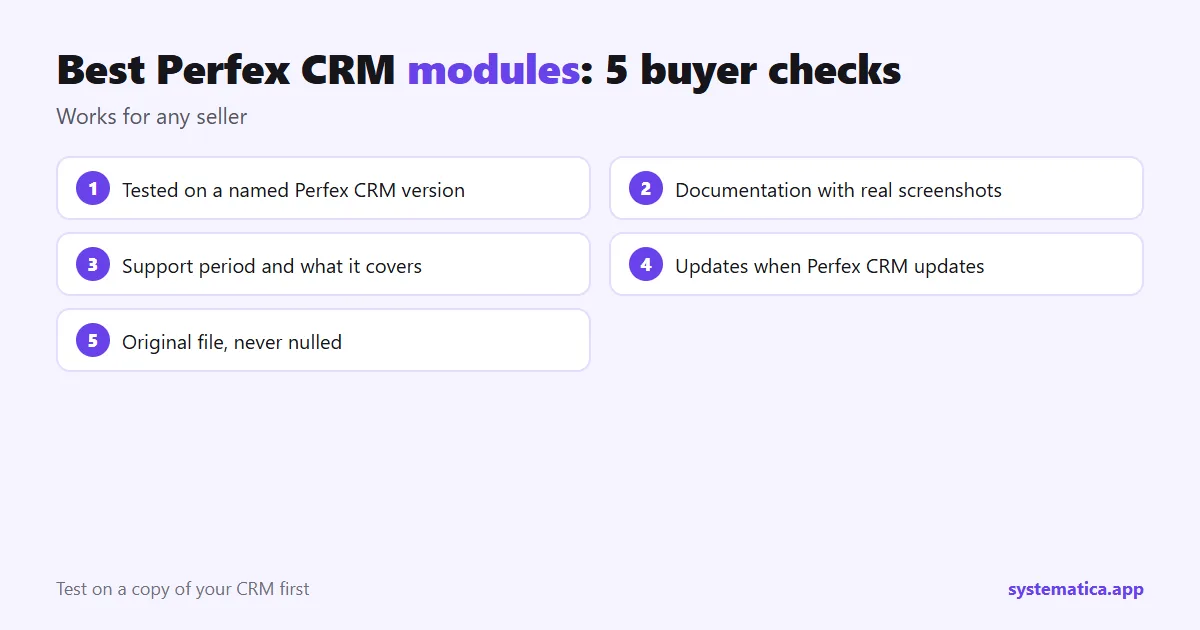
The five checks above fit on a card you can keep next to your screen. Run them for every seller, including us. A module that passes all five is safe to try. A module that fails one needs an answer from the seller before you pay.
For the full price picture, including the CRM license and hosting, read Perfex CRM pricing. To compare how modules, plugins and add-ons differ in name and in practice, read Perfex CRM extensions, plugins and add-ons. For the base features that need no module, see Perfex CRM features.
Frequently asked questions
What are the best Perfex CRM modules to start with?
For most teams, the best Perfex CRM modules to start with are Workflow Rules for automation, WhatsApp or Chat for messaging, and Booking System if you take appointments. Pick the one that removes your biggest manual task.
What is a Perfex CRM module?
A module is an add-on that you upload in the admin area. It adds a feature, such as booking or payroll, without changing the base files of the CRM.
How many modules can I install?
There is no fixed limit. The limit is your server and how well the modules work together, so add them one at a time.
Will modules break when I update Perfex CRM?
They can. Back up first, update on a copy, and check that your module seller supports the new version. See our guide to updating manually.
Which Perfex CRM module is the best first purchase?
For most teams, Workflow Rules: it is inexpensive and removes repeat work. If you take appointments, start with Booking System.