
A Perfex CRM WhatsApp module connects your WhatsApp Business account to the CRM, so your team chats with leads and customers from the same place that holds their records. This guide explains what such a module does, what you must prepare with Meta first, and six steps to set it up. It uses our WhatsApp module for Perfex CRM as the example, so every screen and setting described here is one it has.
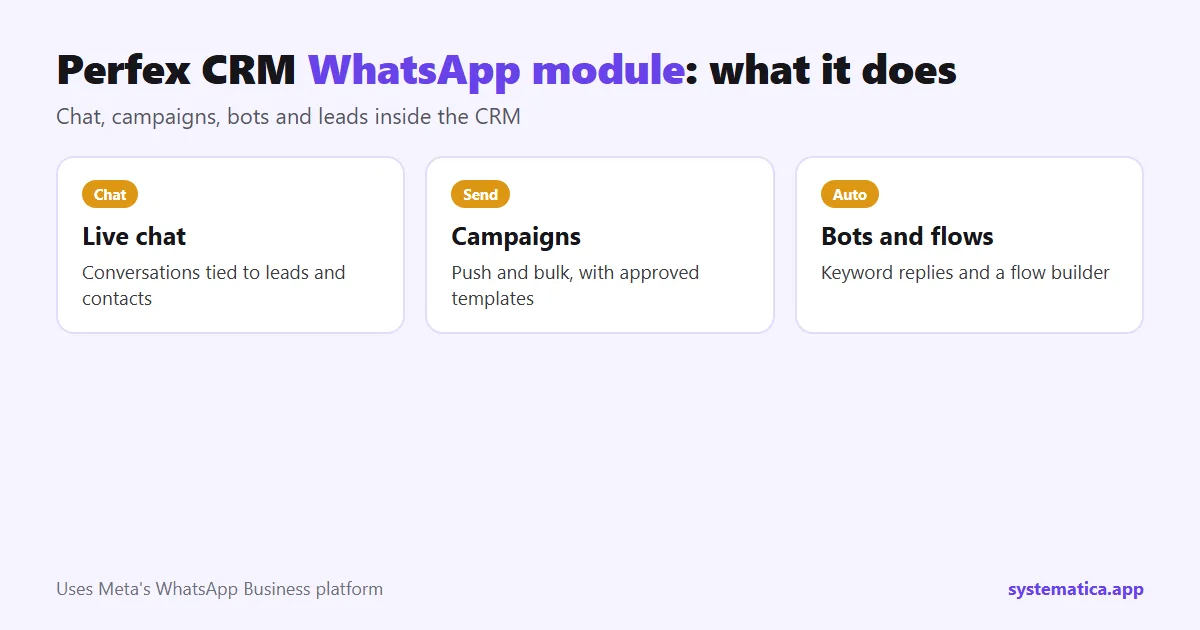
What a Perfex CRM WhatsApp module does
- Live chat inside the CRM. A conversation list, a message window and a send box, with each chat tied to a lead or contact, plus quick replies and a counter for the time left to reply.
- Templates. Load your approved message templates and use them in campaigns.
- Campaigns. Push campaigns and bulk campaigns to your contacts.
- Bots and flows. Auto-reply bots that answer when a customer sends a trigger keyword, and a flow builder for longer conversations.
- Lead capture. A setting that turns a message from an unknown number into a lead, with the status, source and owner you choose.
- Extras. An AI assistant with prompts, marketing automation, an activity log and lead notifications.
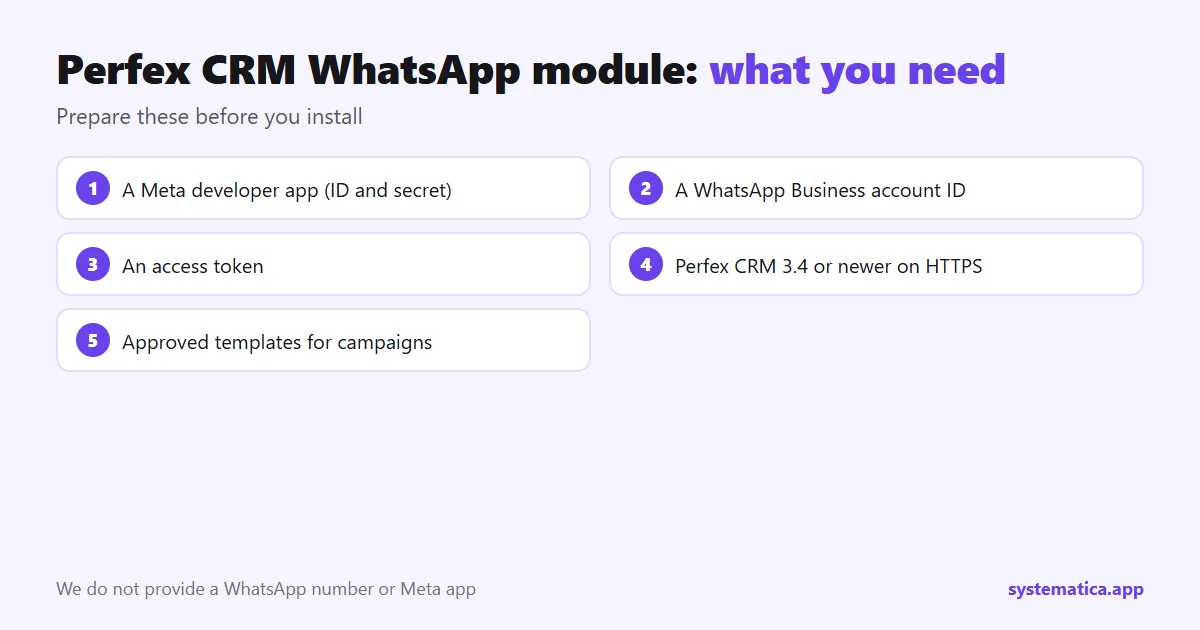
What you need before you install the WhatsApp module for Perfex CRM
The module uses Meta’s WhatsApp Business platform, so you need your own accounts. We do not provide a WhatsApp number or a Meta app.
- A Meta developer app, with its app ID and app secret.
- A WhatsApp Business account, with its account ID and an access token.
- Perfex CRM 3.4 or newer, on a server that can use HTTPS. See Perfex CRM hosting.
- Message templates approved by WhatsApp if you plan to send campaigns.
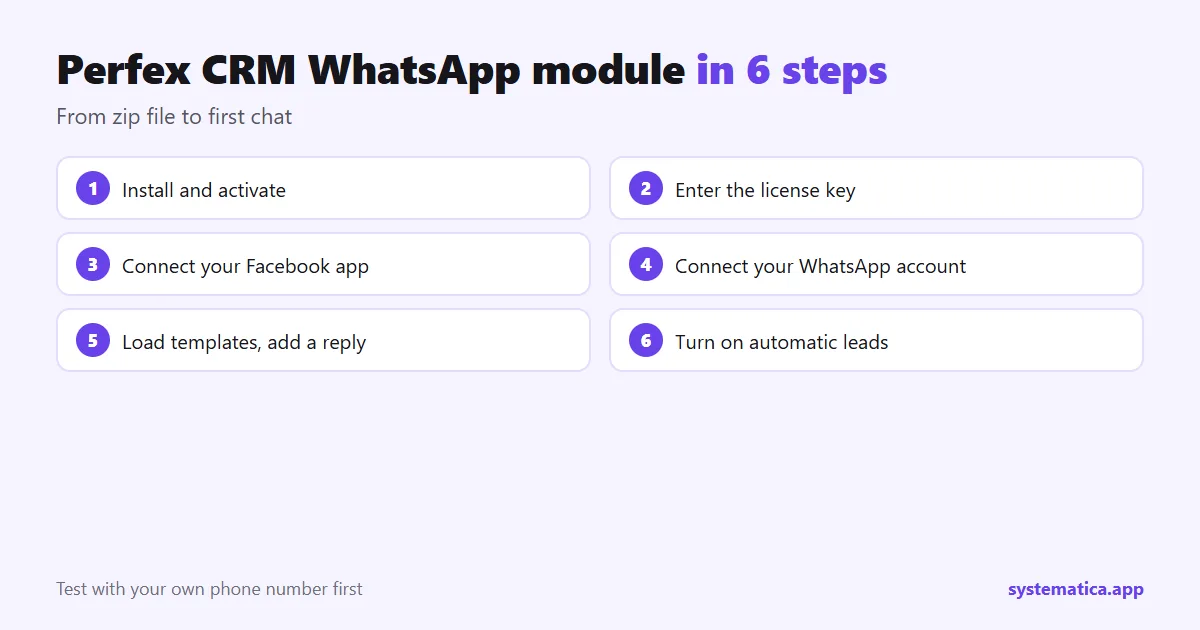
Perfex CRM WhatsApp module in 6 steps
- Install and activate. Upload the zip under Setup, Modules and activate it. See how to install a module.
- Enter your license key in the module’s license screen.
- Connect your Facebook app. Step one on the connect screen: enter the app ID and secret, then connect the webhook.
- Connect your WhatsApp Business account. Step two: enter the account ID and access token.
- Load your templates and write a first auto-reply for a trigger keyword such as “price”.
- Turn on automatic leads and pick the status, source and owner for new contacts.
Test with your own phone number before you invite customers. Send a message in, check that the lead is created, reply from the CRM and check delivery.
Use cases for a Perfex CRM WhatsApp module
- Sales: a prospect writes on WhatsApp, becomes a lead, and the owner you chose gets notified.
- Support: a bot answers common questions and hands the rest to staff.
- Follow-up: a template campaign reminds quotes that are about to expire.
- Bookings: pair it with Booking System so clients who book can also be messaged.
What it does not do
WhatsApp rules apply to everything you send. Customers must have agreed to hear from you, and campaigns need templates that WhatsApp has approved. For short one-way notices such as an overdue invoice, SMS may be simpler; see CRM SMS integration. To react to messages with tasks and emails, add Workflow Rules.
See also the best Perfex CRM modules, Perfex CRM pricing and Perfex CRM hosting. The CRM itself comes from the official Perfex store.
Questions to ask before you choose a WhatsApp module for Perfex CRM
- Does it use Meta’s official WhatsApp Business platform, or an unofficial method that can get your number blocked?
- Do conversations tie to a lead or contact in the CRM?
- Can it create leads from new numbers, and can I choose status, source and owner?
- Does it support approved templates and campaigns?
- Is there an activity log, so I can see what was sent?
- How long is support, and are updates included?
Costs to expect
The module is a one-time purchase with 1 year of support and updates; see Perfex CRM pricing for the whole budget. WhatsApp itself has its own pricing rules for business conversations, set by Meta, so check them for your country before you plan a big campaign. Start small: one template, one audience, one week, then measure replies.
A first-week plan
- Day 1: install, connect, send a test to yourself.
- Day 2: load templates and write two keyword replies.
- Day 3: turn on automatic leads and assign an owner.
- Day 4 to 5: let one salesperson use it live and note problems.
- Day 6 to 7: fix, then invite the rest of the team.
Frequently asked questions
Do I need a Meta account for the Perfex CRM WhatsApp module?
Yes. You need your own Meta developer app and WhatsApp Business account, because the module connects to them.
Can I send bulk messages?
The module has push and bulk campaigns that use your approved templates. WhatsApp rules for consent and templates still apply.
Does a new message become a lead?
It can. Turn on automatic leads and choose the status, source and owner.
Where do I buy it?
The module is on its product page, with 1 year of support and updates.