
A REST API module for Perfex CRM lets other software read and write the data in your CRM through web requests. A website form can create a lead, an automation tool can read invoices, and an accounting app can look up customers. This guide explains how it works, what it can reach, and five steps to connect a tool safely. The example is our REST API for Perfex CRM module.
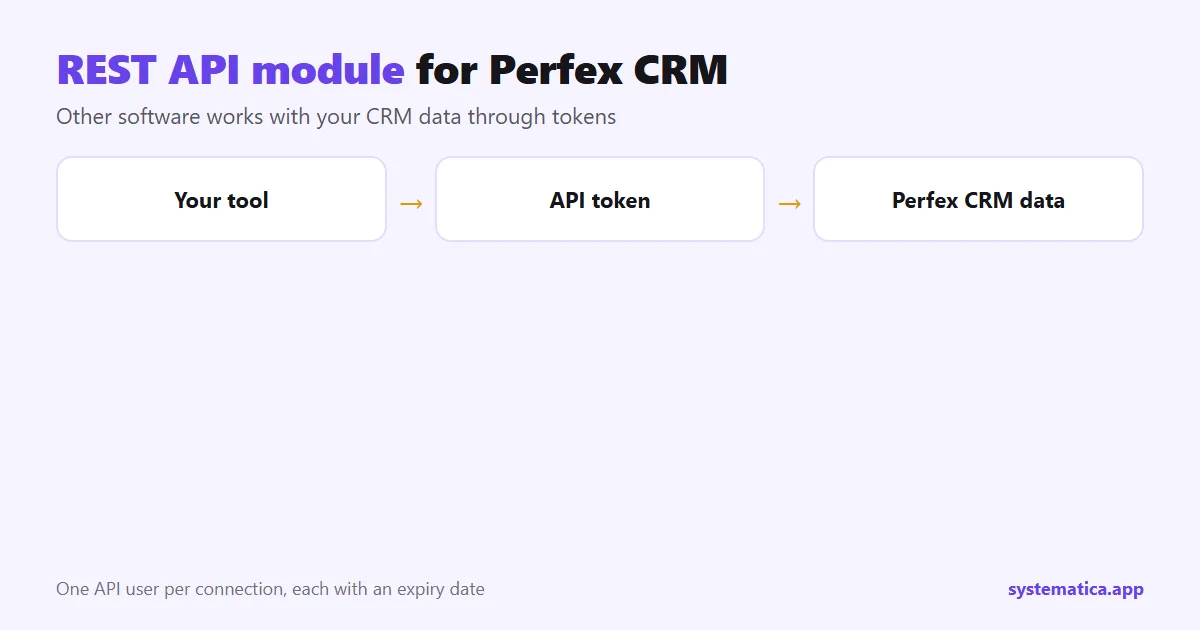
How the REST API module for Perfex CRM works
You create an API user for each connection. Each user has a name, a token and an expiry date, plus permissions per feature: get, search, create, delete and update. The other tool sends web requests with the token, and the module answers only what that user may do. If a tool is retired or its token leaks, you delete that user and the others keep working.
What data the Perfex CRM API can reach
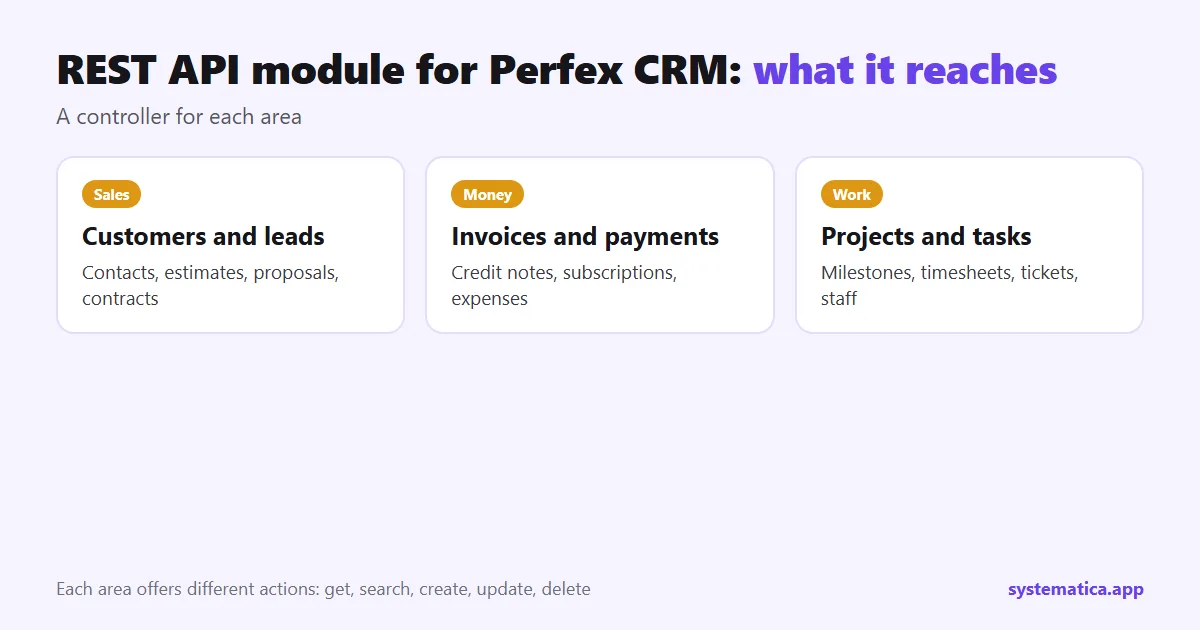
The module has a controller for each of these areas: customers, contacts, leads, invoices, payments, credit notes, estimates, proposals, contracts, subscriptions, projects, milestones, tasks, timesheets, tickets, expenses, items, staff, calendar events and custom fields. What each offers differs, and some are list and search only. Read the documentation page inside the module for the request format of each endpoint.
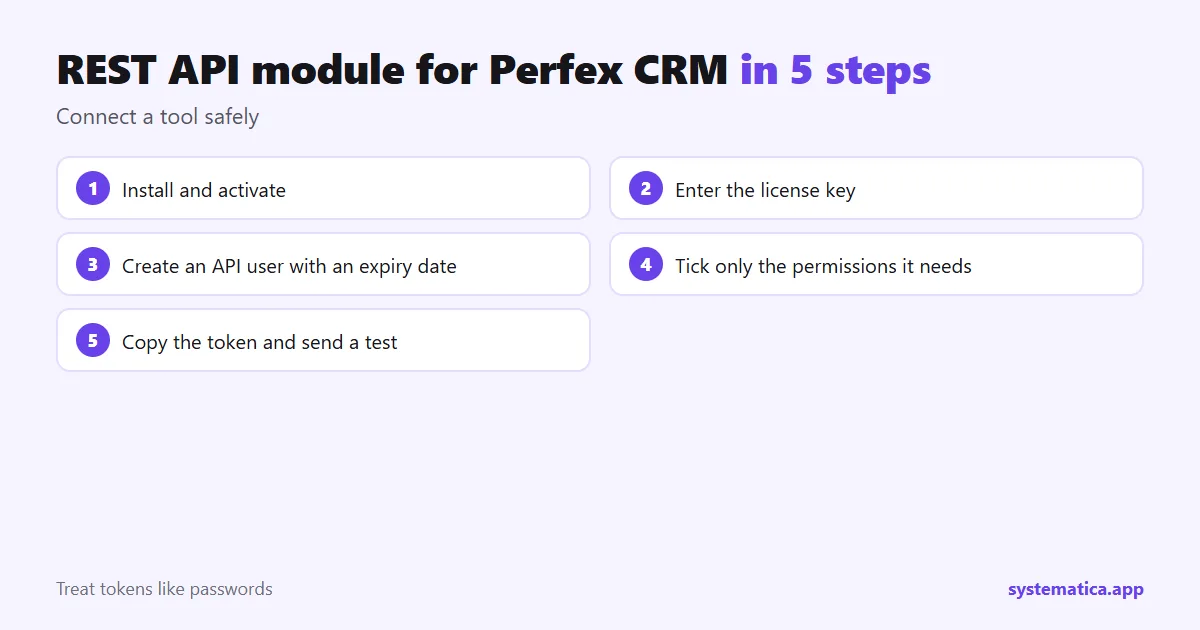
REST API module for Perfex CRM in 5 steps
- Install and activate under Setup, Modules: install a module.
- Enter the license key under Perfex API, License.
- Create an API user under API Settings: a name and an expiry date.
- Tick only the permissions the tool needs. A website lead form may need only “create” on leads. A reporting tool may need only “get” on invoices and payments.
- Copy the token into the tool and send a test request.
Your CRM address must use HTTPS, so tokens are never sent in the clear. See the HTTPS guide.
Examples of a Perfex API integration
- Website form to lead: create a lead when a visitor fills in your contact form.
- Reporting: read invoices and payments into a spreadsheet or dashboard.
- Accounting app: look up customers from another system.
- Automations: connect through a tool that can send web requests, such as Zapier or n8n.
The module is for software that can send web requests. It is not a ready-made connector for one app. If you only want to send events out of the CRM, the Webhooks module may be the simpler choice, and for rules inside the CRM see Workflow Rules. Our REST API documentation covers the details.
Safety checklist
- One API user per tool, each with an expiry date.
- Minimum permissions, never “all”.
- Treat tokens like passwords: do not paste them in public places.
- Delete users you no longer use.
- Back up before you test “delete” or “update” calls: database backup guide.
See also the best Perfex CRM modules, Perfex CRM pricing and Perfex CRM hosting. The CRM itself comes from the official Perfex store.
Plan your integration before you create a token
- Name the tool and what it must do in one sentence.
- List the data it needs: for example, “create a lead” or “read paid invoices”.
- Pick the smallest permission that does the job. Start read-only if you can.
- Test on a copy of your CRM, not on live data.
- Write down which API user belongs to which tool and when its token expires.
Common mistakes with a Perfex CRM API
- Using one token for every tool, so one leak affects all of them.
- Giving “delete” permission to a tool that only reads.
- Skipping HTTPS, which exposes tokens.
- Forgetting expiry dates, so old tokens keep working for years.
- Expecting a ready-made connector for a specific app. The module gives web-request access; the connection is built on the tool’s side.
When another module fits better
If you want the CRM to push events out as they happen, use Webhooks. If you want rules inside the CRM, such as “when a lead is created, create a task”, Workflow Rules is the better fit. If you need a connection that does not exist, a custom module may be the answer: custom Perfex CRM modules.
Frequently asked questions
What is a REST API module for Perfex CRM?
A module that gives other software controlled access to your CRM data through web requests, using tokens that you create and limit.
Which data can I reach through the API?
Customers, contacts, leads, invoices, payments, projects, tasks, tickets, expenses, staff and more. The full list is on the product page.
Can I limit what a token does?
Yes. Each API user has permissions per feature: get, search, create, delete and update.
Do I need a developer?
You need someone who can send web requests or configure a tool that does. The module has a documentation page with the request formats.