
Perfex CRM has no store app out of the box, but you can still have a Perfex CRM app on every phone. A Progressive Web App (PWA) module turns the CRM into an app your team installs from the browser: it opens from the home screen, sends push alerts and lets staff create records with one tap. This guide shows what it gives you and how to set it up in six steps. The example is our Perfex CRM Mobile App.
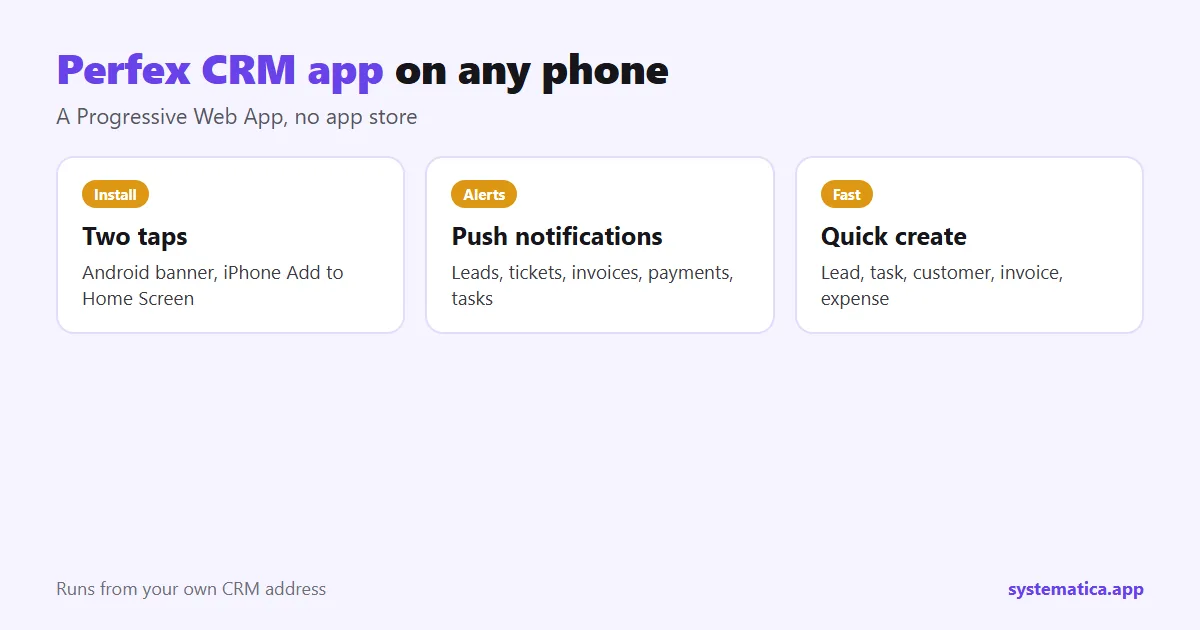
What a Perfex CRM app built as a PWA gives you
- An installable app with your name, colors and icons. There is no app store and no separate app to maintain; it runs from your own CRM address.
- Push notifications for new leads, tickets, invoices, payments, task assignments and project status changes.
- A bottom bar with Home, Back, New, Menu and Profile, and quick create for lead, task, customer, invoice and expense.
- Tables that turn into cards on phones.
- An optional PIN lock and an offline page when the connection drops.
- Home screen shortcuts to Tasks, Leads, Customers and Invoices.
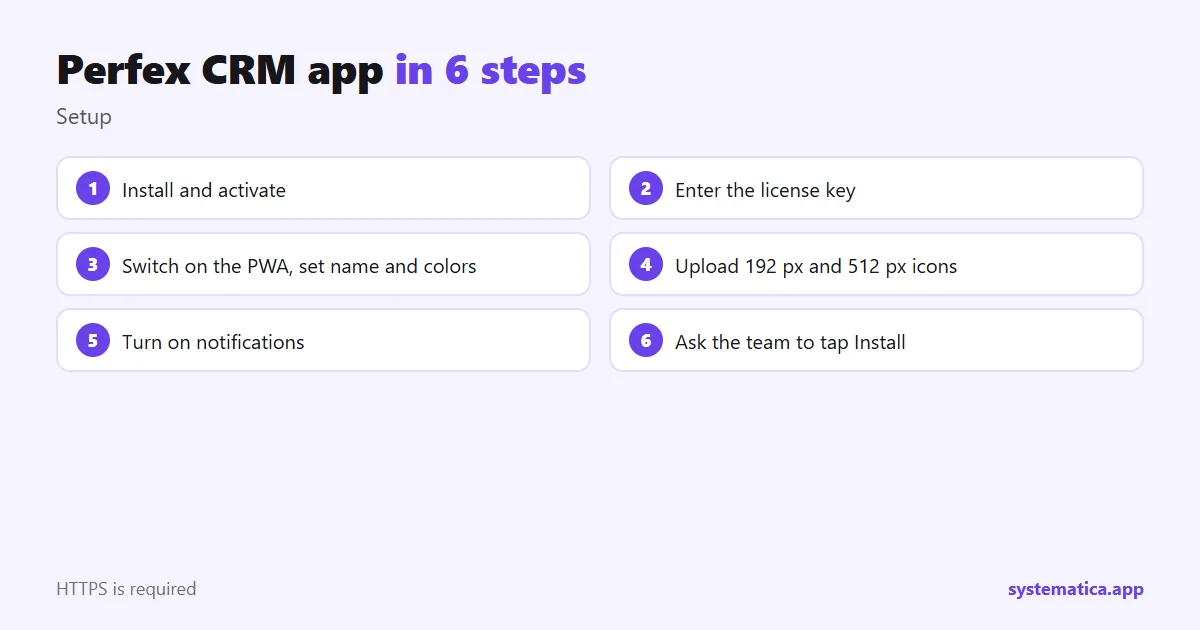
Perfex CRM app in 6 steps
- Install and activate the module: install a module.
- Enter the license key under Perfex PWA, License.
- Open PWA Settings, switch the PWA on and set the app name and colors.
- Upload a 192 px and a 512 px icon under PWA Icons.
- Turn on notifications under PWA Notifications and pick the events.
- Ask your team to open the CRM on their phone and tap Install.
Your CRM must use HTTPS for a PWA to install: the HTTPS guide. A checklist on the PWA dashboard tells you if icons, HTTPS or the license are missing.
How people install the Perfex CRM app
Android users see an install banner. On iPhone, tap Share, then Add to Home Screen; the app shows a short hint. Each person turns on notifications for each device they use. Messages are short, carry no amounts and open the item inside the app when tapped.
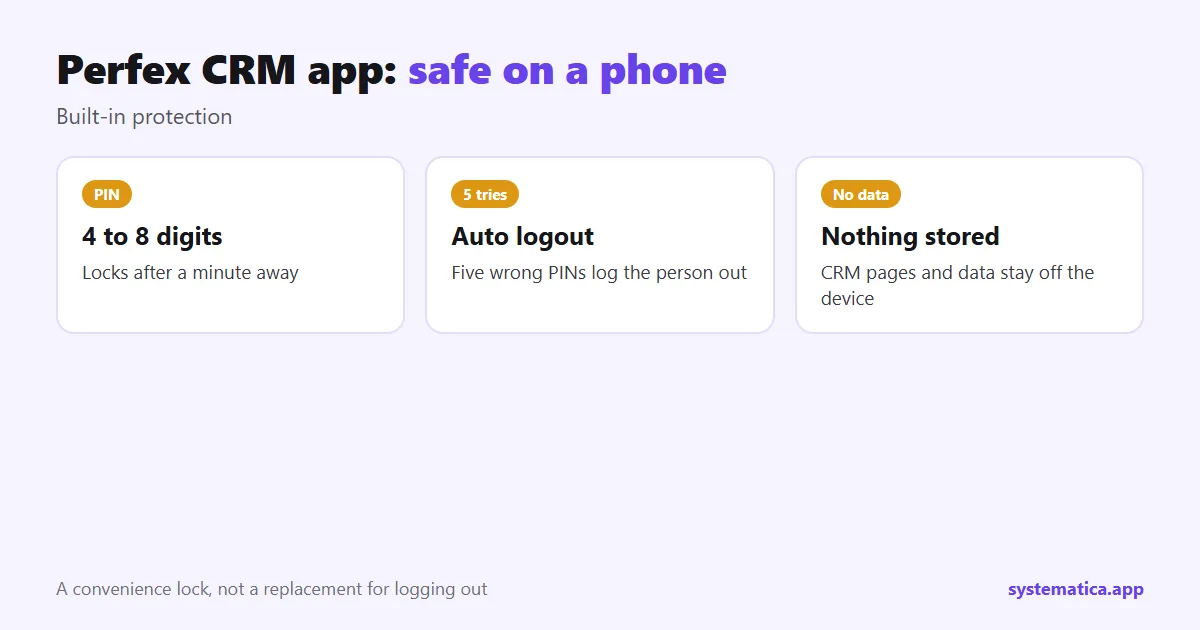
Security on a phone
Staff can protect the app with a 4 to 8 digit PIN that locks after a minute away; five wrong tries log the person out. It is a convenience lock for a shared or lost phone, and it does not replace logging out. CRM pages and data are never stored on the device. Give each role only the permissions it needs: roles and permissions.
Perfex CRM app or desktop?
Use the app for quick actions on the move: check a lead, add a task, take a note after a visit. Use the desktop for reports and setup. If you also want an in-CRM chat, see Chat, and for client messaging WhatsApp. More background is in Perfex CRM features.
See also the best Perfex CRM modules, Perfex CRM pricing and Perfex CRM hosting. The CRM itself comes from the official Perfex store.
A rollout plan for your team
- Pilot: two people install the Perfex CRM app and use it for a week.
- Collect feedback: which actions do they use most? Adjust notifications.
- Train: a ten-minute walk-through of install, quick create and the PIN lock.
- Roll out: share the CRM address and ask everyone to tap Install.
- Review: after a month, look at which alerts are useful and which are noise.
If the install banner does not appear
- Check that your CRM uses HTTPS.
- Open the PWA dashboard and read the checklist for missing icons or license.
- On iPhone there is no banner; use Share, then Add to Home Screen.
- Clear the browser cache and try again.
Which alerts to turn on
Turn on only what people act on. New lead alerts for the assigned person, ticket alerts for the department, payment alerts for finance and task alerts for the person assigned. Too many alerts teach people to ignore all of them.
Frequently asked questions
Is there an official Perfex CRM app?
Not in the base product. A PWA module gives an app-like experience on any phone.
Do I need an app store account?
No. The app installs from the browser and runs from your own CRM address.
Does it send push notifications?
Yes, for events such as new leads, tickets, invoices, payments and task assignments, chosen by you.
Does it work offline?
It shows a clear offline page when the connection drops. CRM data is not stored on the device.