
A CRM SMS integration lets your CRM send text messages by itself: an overdue invoice notice, a payment receipt, a reminder before an estimate expires. Perfex CRM supports this through SMS gateway providers. This guide shows the six setup steps, what the triggers do, the limits you need to know, and when WhatsApp is the better choice.
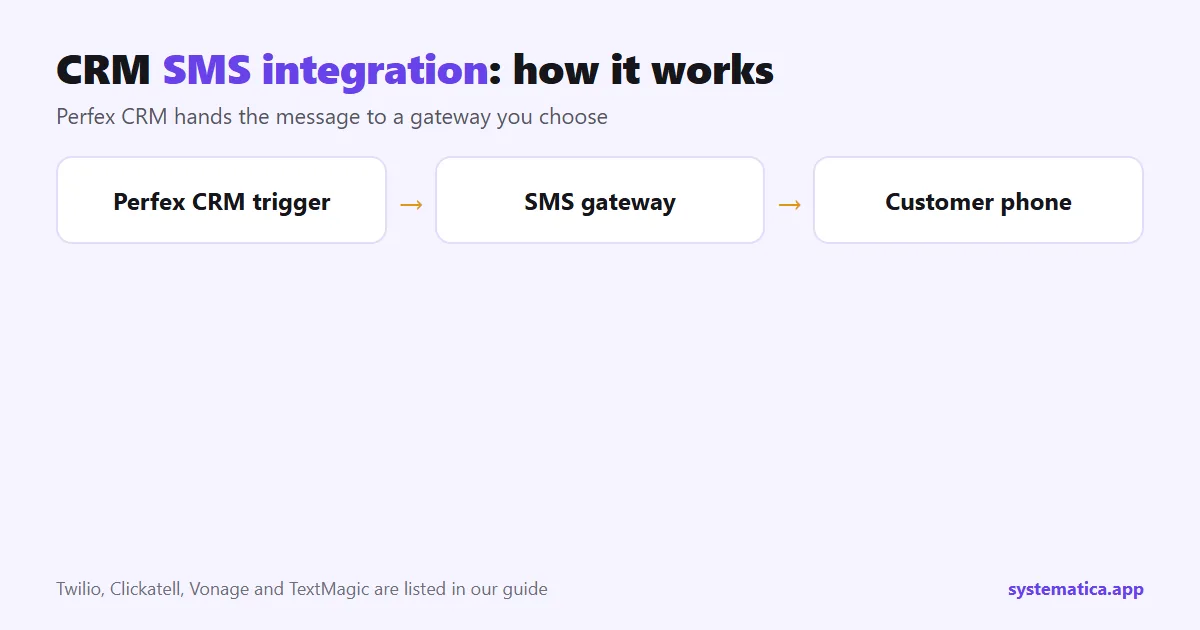
How CRM SMS integration works in Perfex CRM
Perfex CRM does not send SMS itself. It hands the message to a gateway provider that you pay and configure. Our configuration guide lists four options: Twilio, Clickatell, Vonage (formerly Nexmo) and TextMagic. Only one provider is active at a time, and activating a new one turns the others off. You also pay the provider for each message, so the CRM cost stays at zero while the message cost depends on your volume and countries.
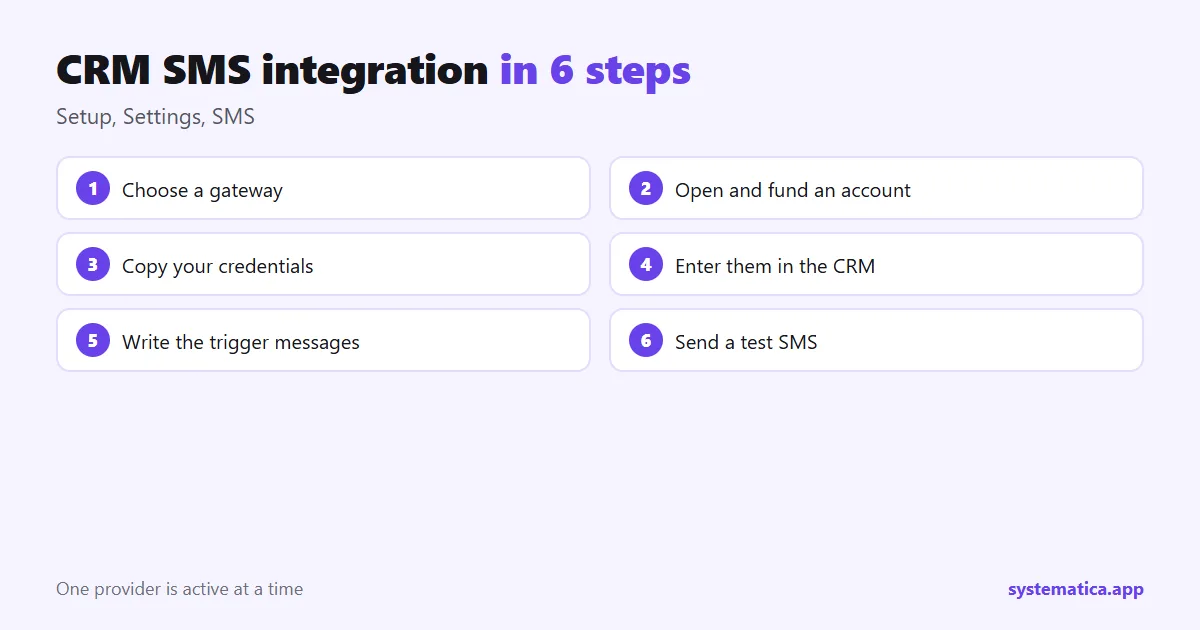
CRM SMS integration in 6 steps
- Choose a gateway. Compare coverage for your clients’ countries, price per message, delivery reliability and the quality of the documentation.
- Open an account and fund it. Start with a small amount for testing and set a billing alert.
- Copy your credentials. API key, secret or token, and a sender ID if the provider supports one.
- Enter them in Perfex CRM. Go to Setup, Settings, SMS, select the provider and paste the credentials.
- Write the trigger messages. An empty trigger sends nothing, so fill in the ones you want.
- Send a test SMS to your own number, then check delivery.
The full walk-through, with screens and troubleshooting, is in Perfex CRM SMS configuration.
Which messages can Perfex CRM send?
Each trigger is a message you write once and the CRM sends when the event happens. The built-in triggers include:
- Invoice overdue notice, sent by hand or by the cron job.
- Invoice payment recorded, sent when a payment is processed.
- Estimate expiration reminder and proposal expiration reminder.
- New comment on a proposal, to the customer or to staff.
- Contract expiration reminder, sent by the cron job.
- Staff reminder, for time-based notices to your own team.
Use merge fields for the customer name or invoice number, keep messages short, start with your company name and include one clear next step. Make sure the cron job runs, because the automatic triggers depend on it.
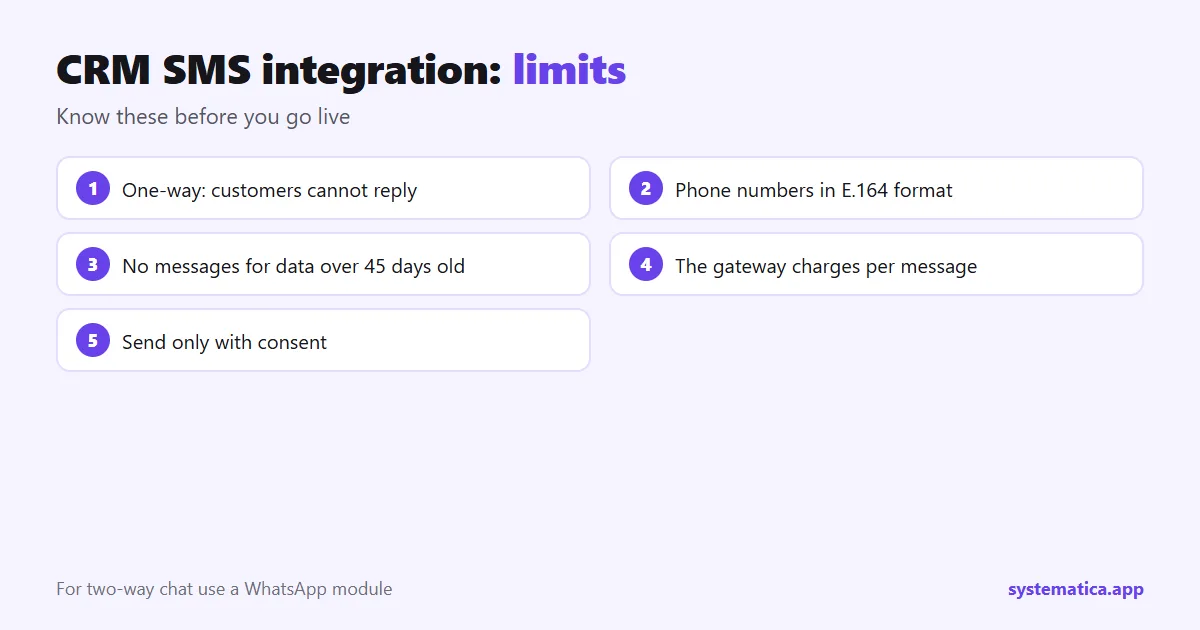
Limits to know before you go live
- One-way messages. Customers cannot reply to an SMS sent this way.
- Phone format. Numbers must be in E.164 format, with the country code, for delivery to work.
- 45-day protection. The CRM does not send for data older than 45 days, which prevents old events from triggering messages.
- Per-message cost. The gateway charges you, so test with a small number of contacts first.
- Consent. Send only to people who agreed to receive messages, and follow your local rules.
When WhatsApp is a better CRM messaging choice
SMS is short and one-way. If you need two-way conversations, templates and campaigns, WhatsApp for Perfex CRM connects your WhatsApp Business account to the CRM, with live chat, message templates, campaigns, auto-reply bots and a setting that turns new WhatsApp messages into leads. It uses Meta’s WhatsApp Business platform, so you need your own Meta developer app and WhatsApp Business account. Many teams use SMS for notices and WhatsApp for conversation.
Testing checklist
- Send a test SMS from the SMS settings to your own number.
- Create a test invoice that is already overdue and check the notice.
- Record a payment and check the receipt message.
- Look at the activity log for errors.
- Check the provider’s dashboard for the message and its cost.
The CRM comes from the official Perfex store. For other messaging and automation options, see the best Perfex CRM modules, and for costs, Perfex CRM pricing.
Writing SMS messages that work
SMS is short, so every word counts. Use this pattern: who you are, what happened, what to do next. Replace the bracketed parts with the merge fields the CRM offers.
- Overdue invoice: “[Company]: invoice [number] is overdue. Please pay by [date]. Questions? Call [phone].”
- Payment received: “[Company]: we received your payment for invoice [number]. Thank you.”
- Estimate expiring: “[Company]: your estimate [number] expires on [date]. Reply by email to accept.”
Keep each message under 160 characters when you can, avoid special characters and never include private data such as full card or ID numbers.
How to estimate your SMS cost
The gateway charges per message, and the price depends on the country. A simple formula helps: messages per month = clients who get a notice x notices per client. Multiply by your gateway’s price per message. Add a small margin for failed or repeated sends. Start with one trigger, such as overdue invoices, watch the first month’s bill, then add more.
SMS, email or WhatsApp?
| SMS | |||
|---|---|---|---|
| Best for | Short notices | Documents and detail | Conversations |
| Two-way | No, in Perfex CRM | Yes | Yes, with a module |
| Cost | Per message | Almost free | Depends on the provider |
| Set up | Gateway and triggers | SMTP | WhatsApp module |
CRM SMS integration troubleshooting
- Nothing arrives: check the number format, the gateway credit and the credentials.
- Test works but triggers do not: the trigger text may be empty, or the cron job is not running.
- Old events do not send: the 45-day rule skips data older than that.
- Staff get nothing: check the phone number on their profile.
Frequently asked questions
Does Perfex CRM support SMS?
Yes, through SMS gateway providers. You choose a provider, enter its credentials and write the trigger messages.
Which SMS providers work with Perfex CRM?
Our guide lists Twilio, Clickatell, Vonage (Nexmo) and TextMagic.
Can customers reply to the SMS?
No. Messages sent this way are one-way. For two-way chat, use a WhatsApp module.
Why did my test SMS not arrive?
Check the number is in E.164 format, the gateway has credit, the credentials are correct and the trigger text is not empty. See the SMS configuration guide for more.