
If you search for a Perfex CRM download, you will find the official sellers and also many sites that offer the same file for free. The free copies are the problem. This guide shows where the real file comes from, how to check the version, and what to do right after you download it.
Perfex CRM download: where to get it
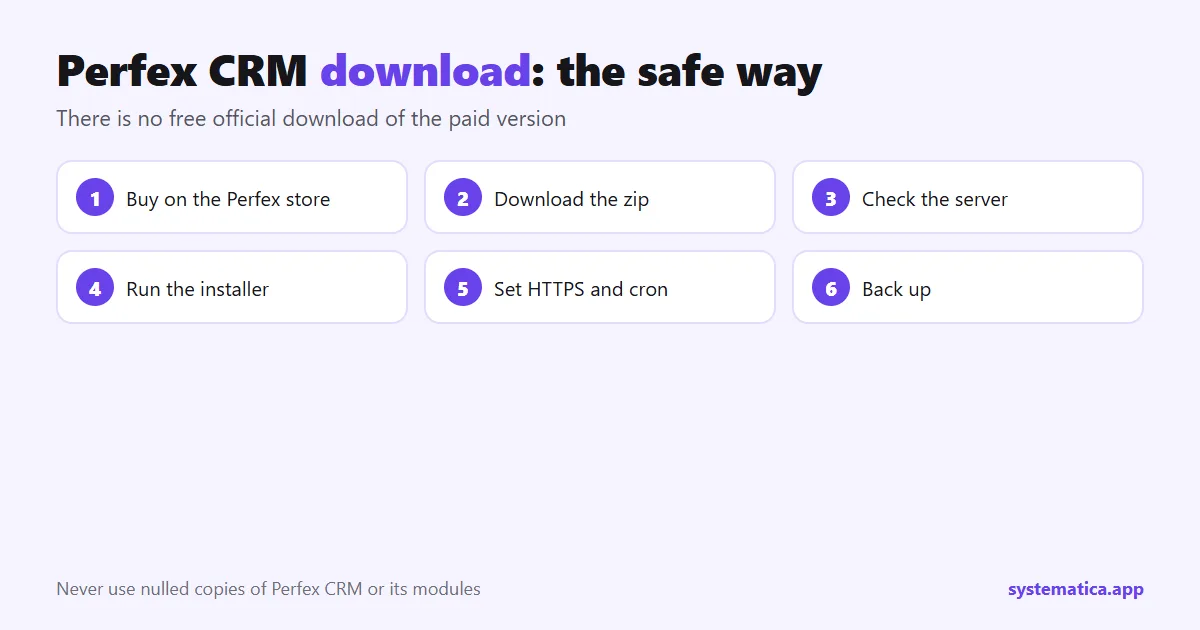
Perfex CRM is a paid script, sold by its author on the official store:
- The Perfex store pricing page, which sells the Regular and Extended License.
After you pay, you download the zip from your account on the store. You also get the license code for that purchase. Prices and the difference between the Regular and Extended License are in Perfex CRM pricing.
Is there a free Perfex CRM download?
There is no free official download of the paid version. Sites that offer one sell or give away a changed file. That can mean:
- Hidden code that sends your client data to someone else, or opens a back door in your server.
- No updates and no support, so a security fix never reaches you.
- No license, which can put you in breach of the terms and leave you with a CRM you cannot legally run for a client.
The same warning applies to add-ons. We wrote about it in the risks of nulled Perfex CRM modules. Your CRM holds your clients’ names, phone numbers and invoices, so a few dollars saved is not worth that risk.
How to check your Perfex CRM download is the latest version
- Open your downloads on the Perfex store and read the changelog next to the item.
- In your CRM, look at the version number in the admin footer, then compare it with the latest release.
- Read the changelog before you update: it lists fixes and any change that can affect modules.
To move to a newer version, follow update Perfex CRM manually. Take a backup first.
What the license lets you do
- Regular License: one installation, for your own use or one client, in a product that end users are not charged for.
- Extended License: the same, but the end product can be charged for.
- Both: include the full source code and need an extra license for every extra installation.
Read the license on the page where you buy, because it is the source that counts.
After your Perfex CRM download: first steps
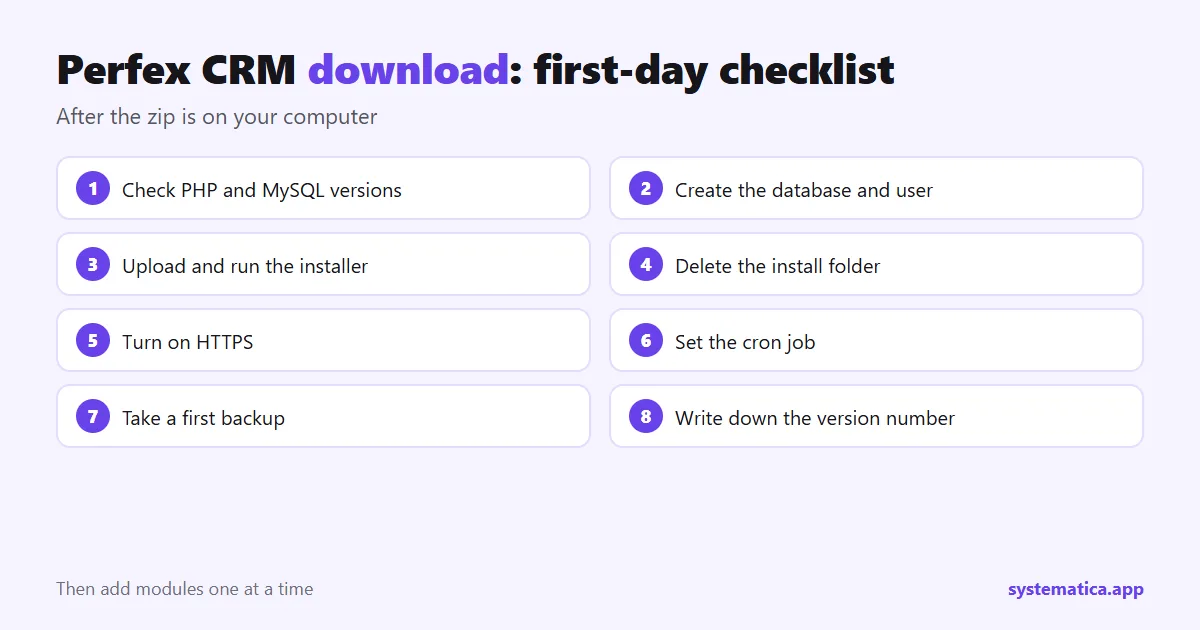
- Check the server. You need PHP 8.1 or newer, MySQL 5.7 or newer (or MariaDB 10.3 or newer) and the required extensions. See the server requirements, or pick a plan with our Perfex CRM hosting guide.
- Unzip and upload the contents of the script folder to your server.
- Run the installer and enter your database details. The Perfex CRM installation guide walks through all six steps.
- Remove the install folder and secure the site with HTTPS.
- Set the cron job so reminders and recurring invoices run: cron job setup.
- Back up before you add modules: database backup.
Perfex CRM download problems
- You cannot find the download button: sign in to the account you used for the purchase and open your downloads.
- The zip is larger than the upload limit: upload it with SFTP or the file manager, or raise the limit. See the file upload size guide.
- 404 errors after install: read the 404 fix.
Once it runs, look at the module shop for add-ons that fit your work.
Official file or free copy: what you really get
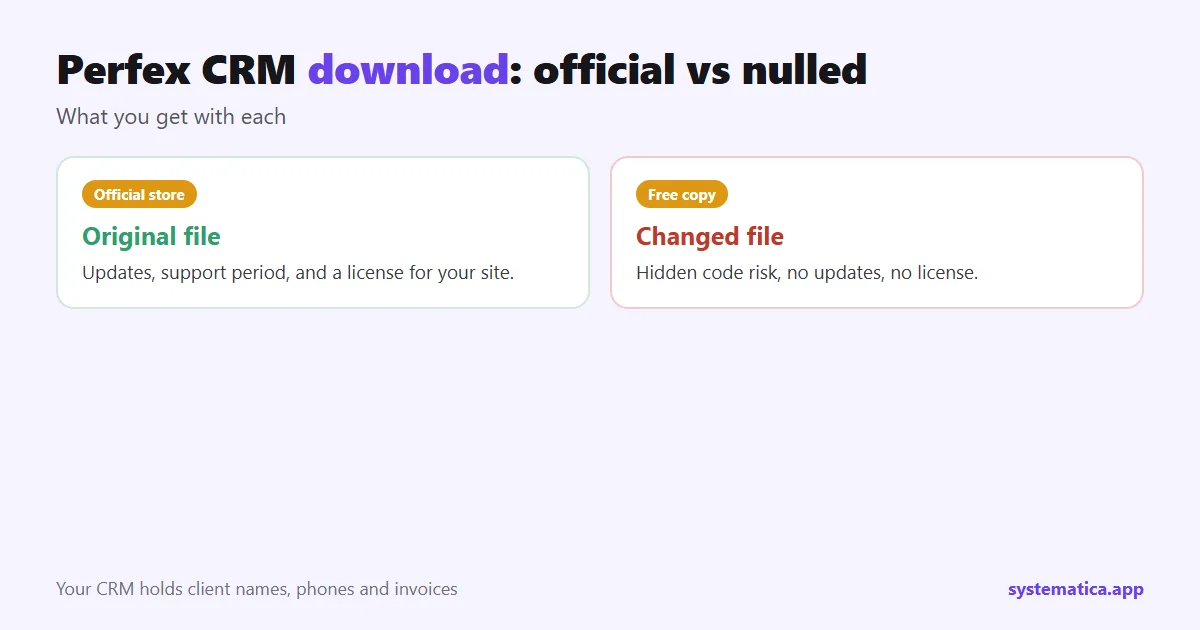
A free copy looks like a saving. It is a trade. Here is what each side gives you.
| Official Perfex CRM download | Free or nulled copy | |
|---|---|---|
| Source of the file | The author’s store | An unknown site |
| Code | Original | May be changed, with code you cannot see |
| Updates | New versions from your account | None, or copies of unknown origin |
| Support | 6 months included | None |
| License | Yours, with terms you can read | None, which can cause trouble with clients |
The real cost of a bad copy shows up later: a security hole, a client’s data leaked, or a rebuild from scratch.
What to do if you already used a nulled copy
It happens. If you installed a copied file, fix it before you add more data.
- Take a backup of the data, then stop using the site for clients.
- Buy a licensed copy from the official store.
- Install it fresh on a clean server, and import your data from the backup, not the old files.
- Change every password: admin accounts, database, email, payment gateways and API keys that the old site could read.
- Check your client list for anything that looks wrong, and tell clients if their data may have been exposed.
This takes a day, and it is cheaper than the alternative.
Before you install: a first-day checklist
A few preparations make the install quick and the first week calm.
- Pick the right place. Install on a staging address first if the CRM will replace a system that is in use.
- Write down the version. Keep a note of the version number, the date and the license code in a safe place.
- Prepare your data. Clean your client list and export it to CSV so you can use the import guide.
- Decide your settings. Company name, logo, currency, tax and email details are quicker to enter when you have them ready.
Update or fresh install?
| Your situation | Do this |
|---|---|
| You have a working CRM with data | Back up, then follow the manual update steps. |
| You are starting from nothing | Do a fresh install with the installation guide. |
| You are moving to a new server | Use the migration guide, not a fresh install. |
| You want to try it first | Install on a test subdomain and keep it separate from live data. |
How long it takes
For a first-time installer on a prepared server, count about an hour: a few minutes for the database, the upload time for the files, a few minutes for the installer, and the rest for HTTPS, the cron job and a first backup. Add time for importing data and for your first module. Plan the server before the download, using our Perfex CRM hosting guide, and the costs with Perfex CRM pricing.
Frequently asked questions
Is a free Perfex CRM download safe?
Not the official paid version. Free copies on other sites are changed files and carry security and license risks.
Which version should I download?
The latest one from your purchase page. Check the changelog first if you already run modules.
Do I get updates after I download it?
Yes. Download the new zip from your account and follow the manual update steps.
Can I install it on two sites with one license?
No. Each license is for one installation. Buy another license for another site.