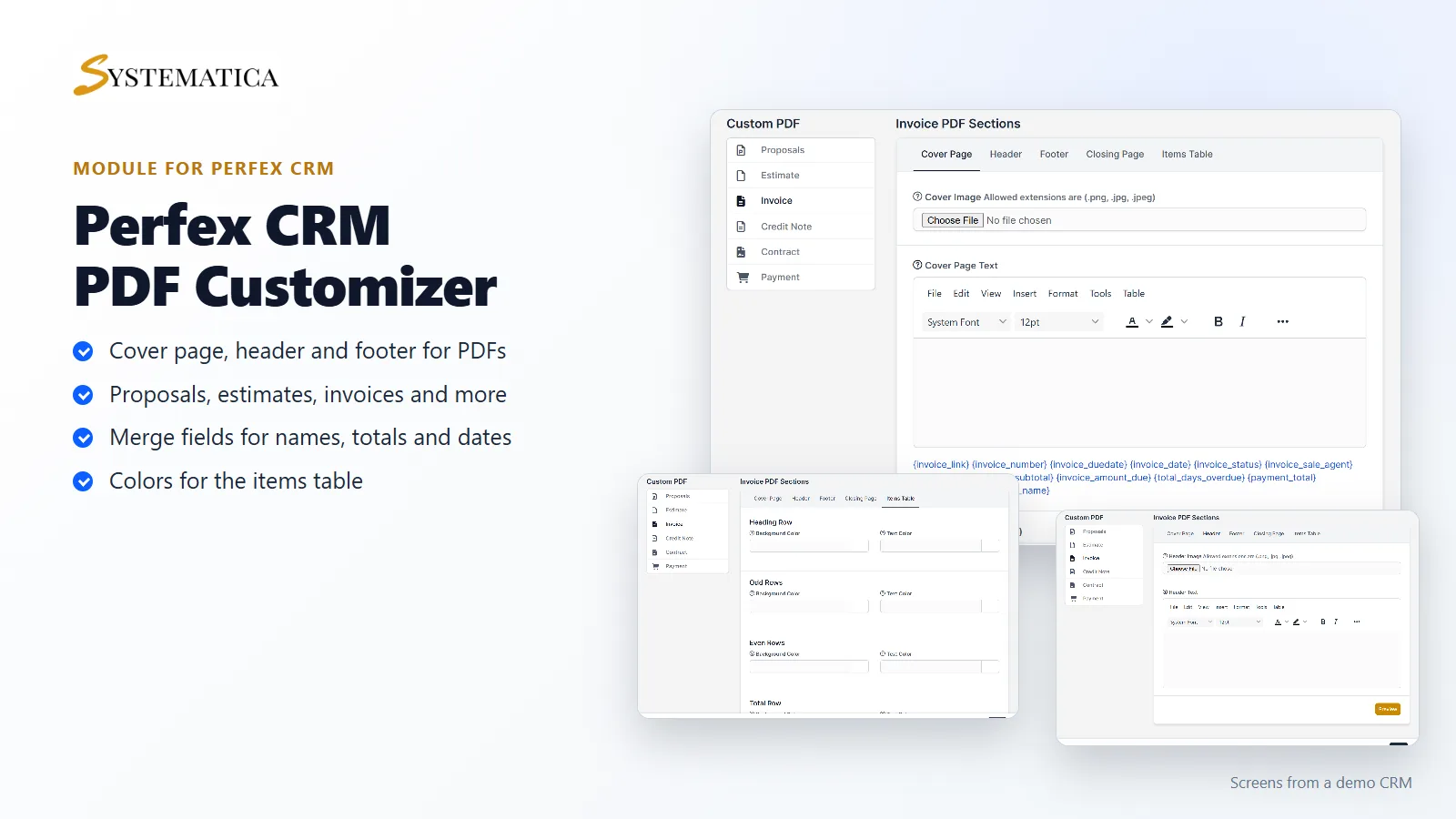
The PDF Customizer module for Perfex CRM lets you design the PDF files your CRM sends to customers. Add a cover page, a header, a footer and a closing page to proposals, estimates, invoices, credit notes, contracts and payment receipts. Use merge fields so each PDF carries the right names, numbers, dates and totals. You do not edit any code.
What you get with the PDF Customizer module for Perfex CRM
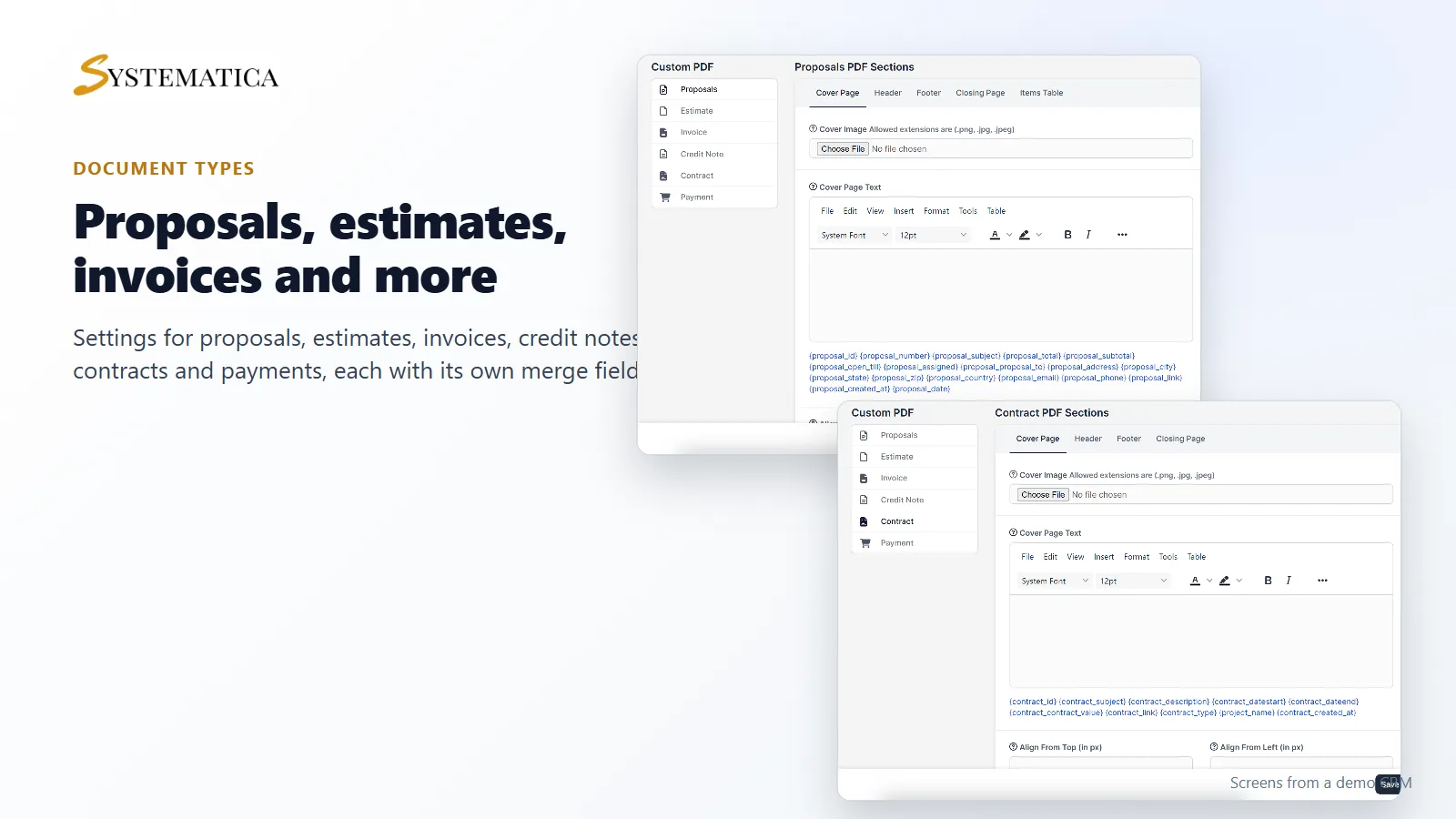
- Separate settings for proposals, estimates, invoices, credit notes, contracts and payments
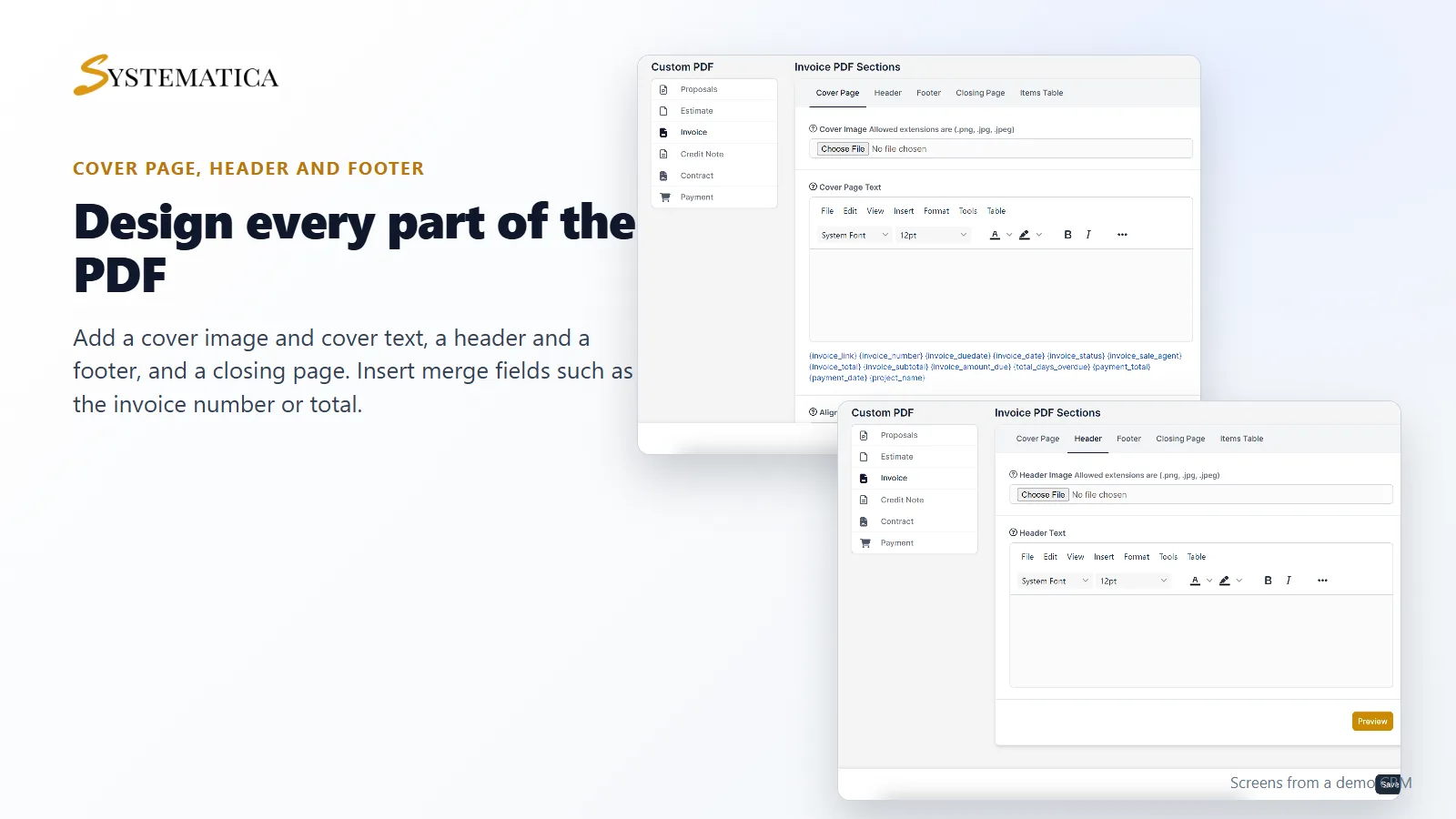
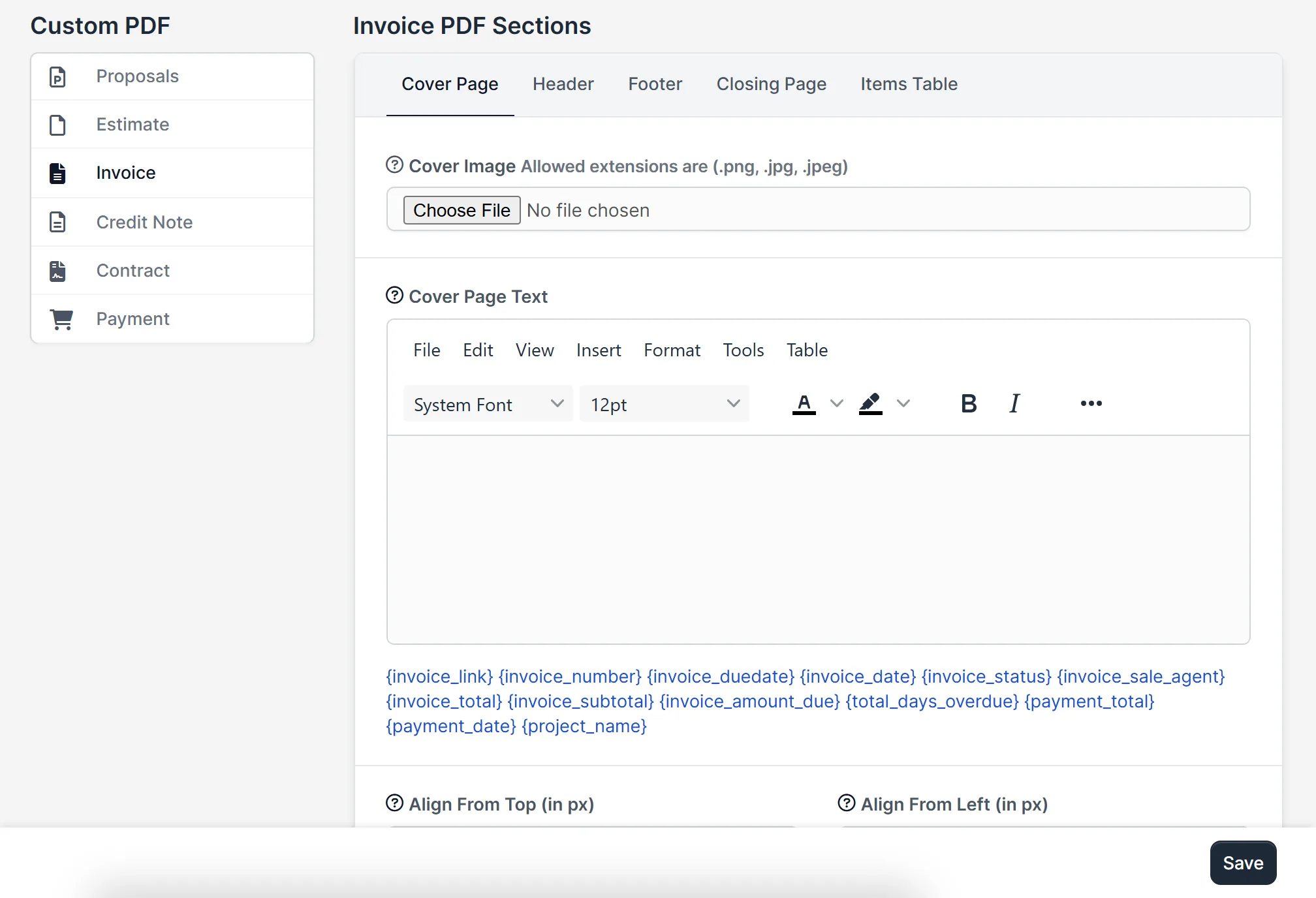
- A cover page with a cover image (png, jpg or jpeg) and cover page text
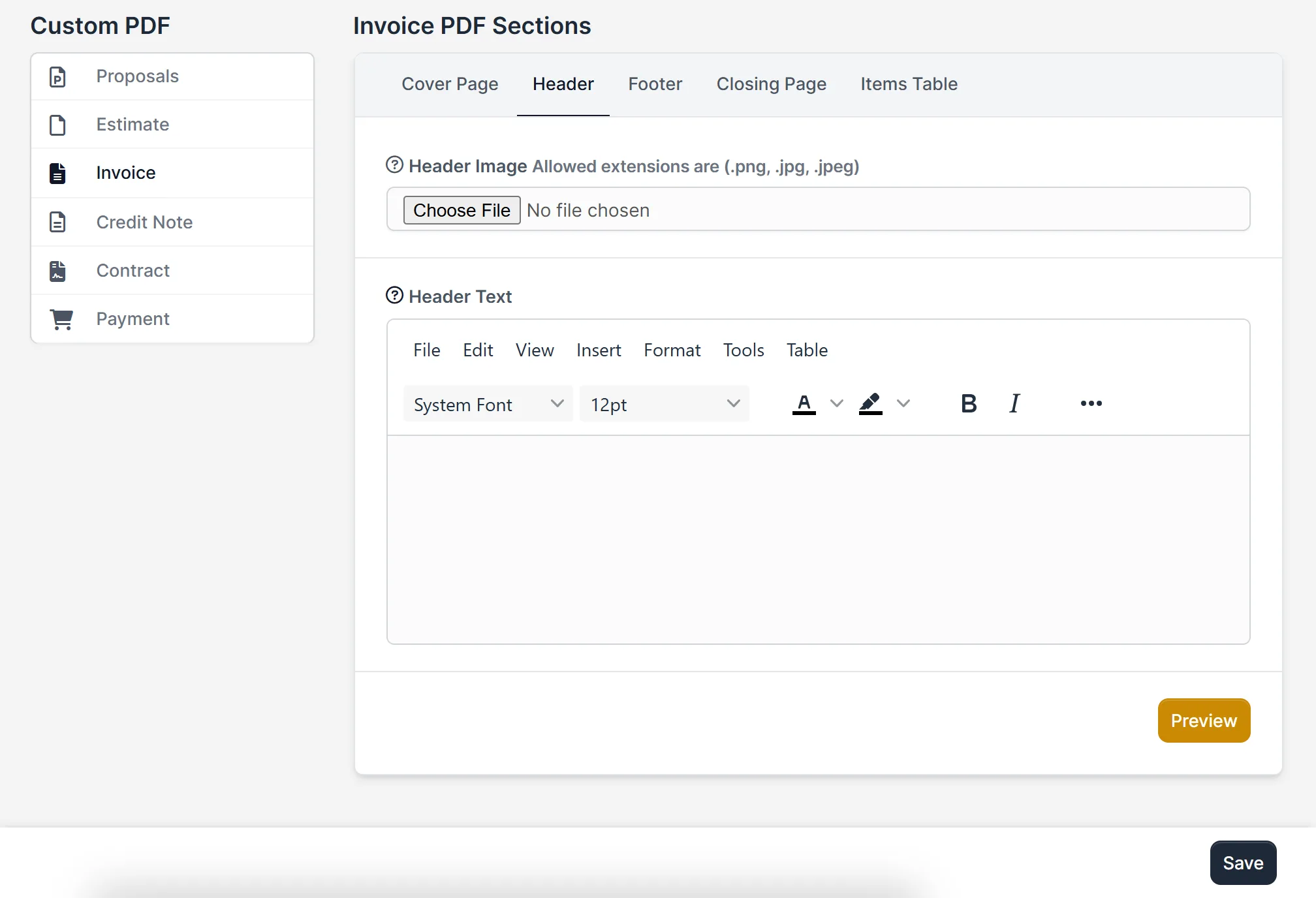
- A header with an image and text, a footer and a closing page
- A rich text editor with fonts, sizes, colors, bold, italic and tables
- Merge fields for each document type, such as the invoice number, due date, total and amount due
- Align settings for the position of cover content from the top and from the left
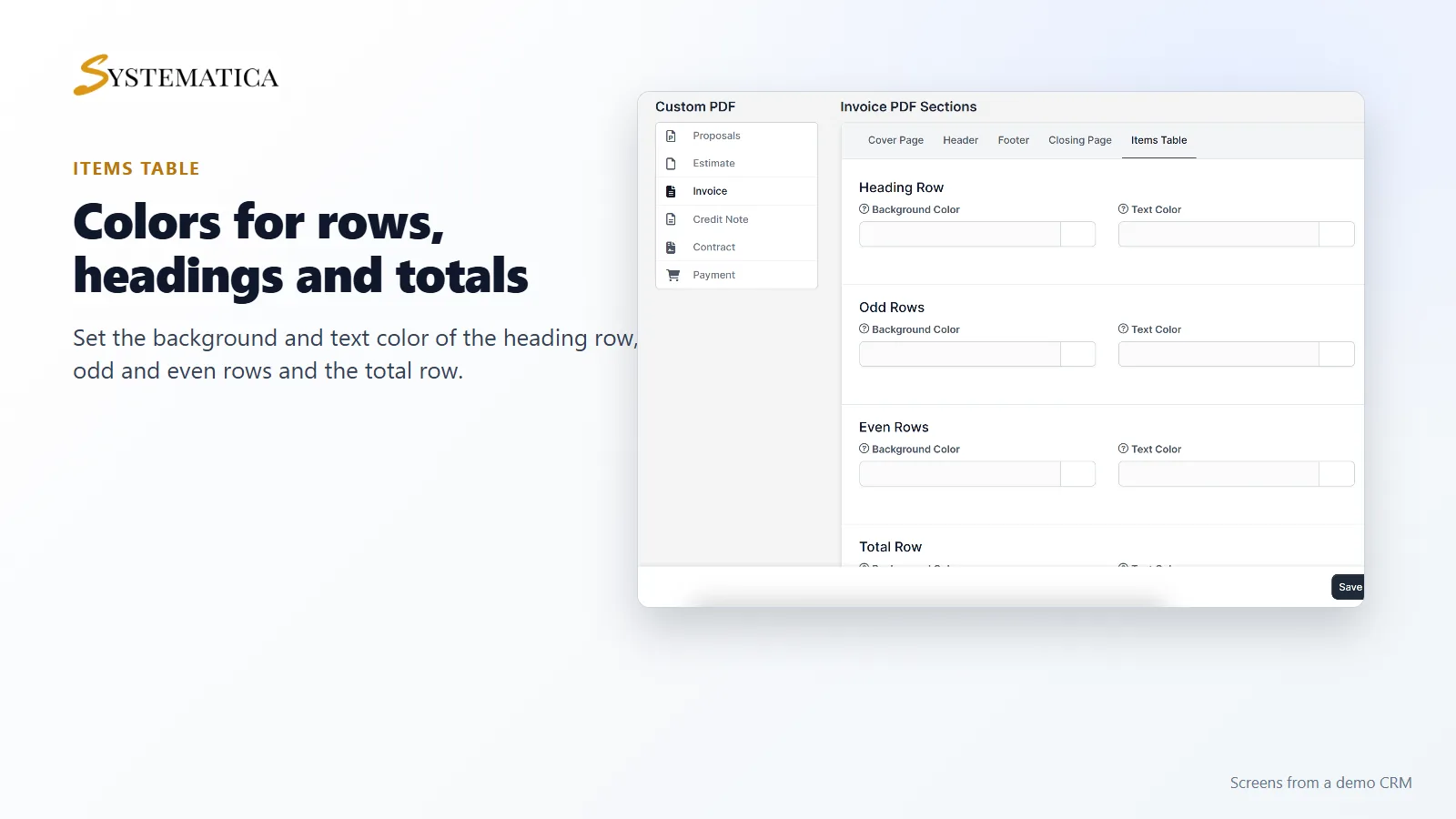
- Colors for the items table: heading row, odd rows, even rows and total row
- A preview button for the header
Cover page, header and footer
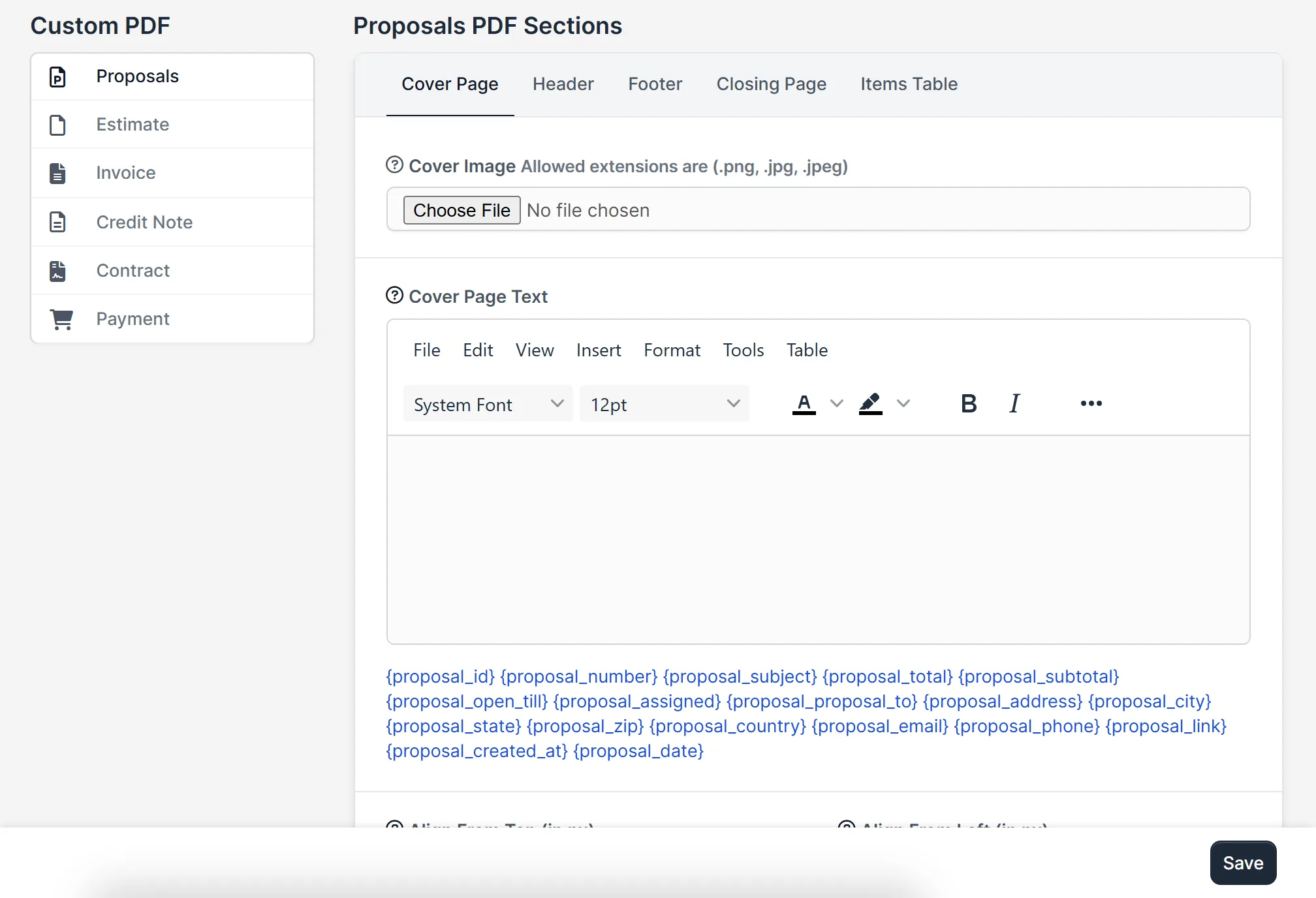
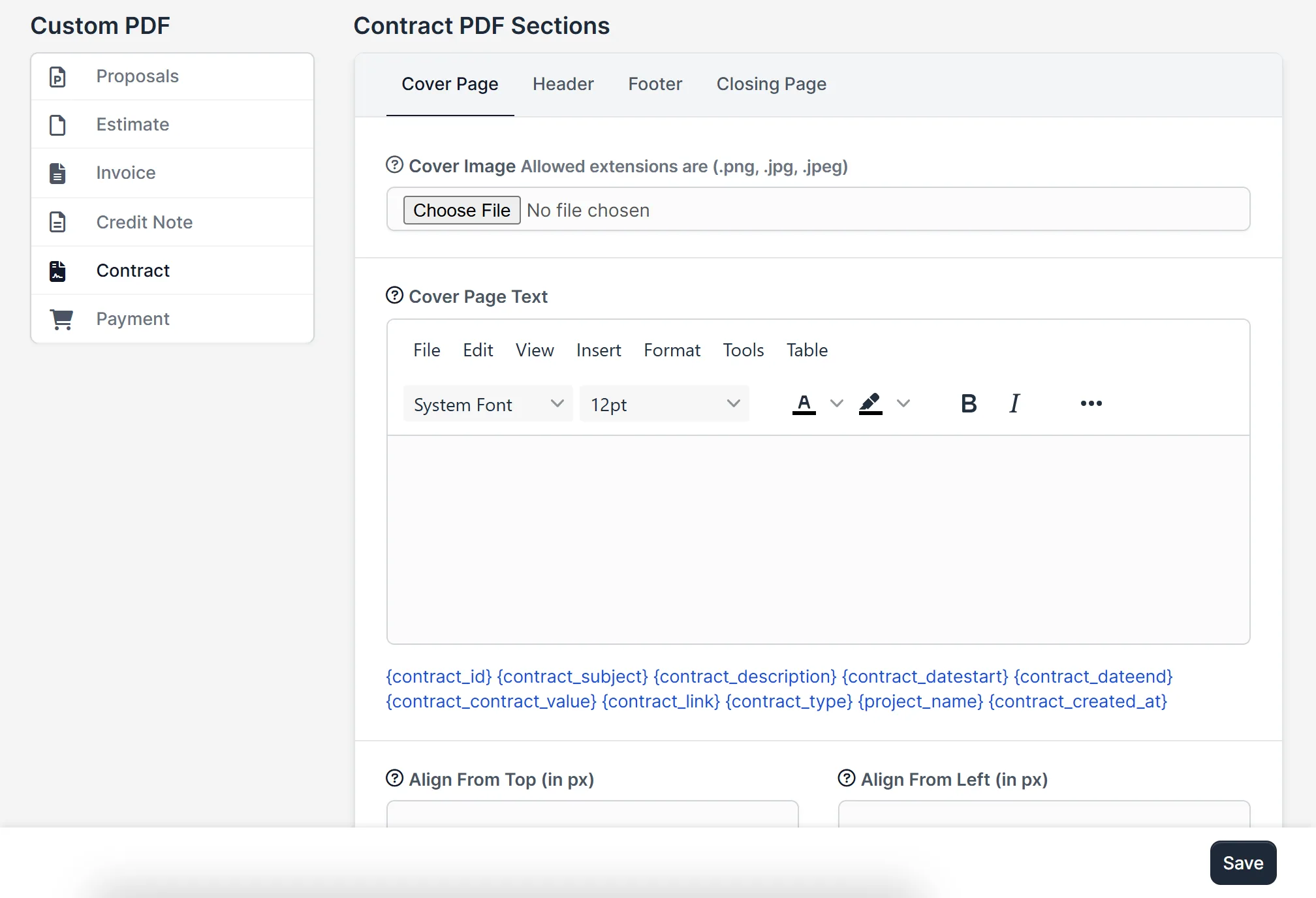
Pick the document type on the left, then the part of the PDF on top: cover page, header, footer, closing page or items table. Upload an image, write the text and click merge fields to insert them. The PDF Customizer module for Perfex CRM saves each part separately, so you can change the footer without touching the cover.
One module for every document
Proposals, estimates, invoices, credit notes, contracts and payments each have their own page of settings and their own list of merge fields in the PDF Customizer module for Perfex CRM. A proposal can show the proposal number, subject, total and the date it is open until. An invoice can show the due date, the status and the amount due. The custom PDF for Perfex CRM then follows your design every time.
Colors for the items table
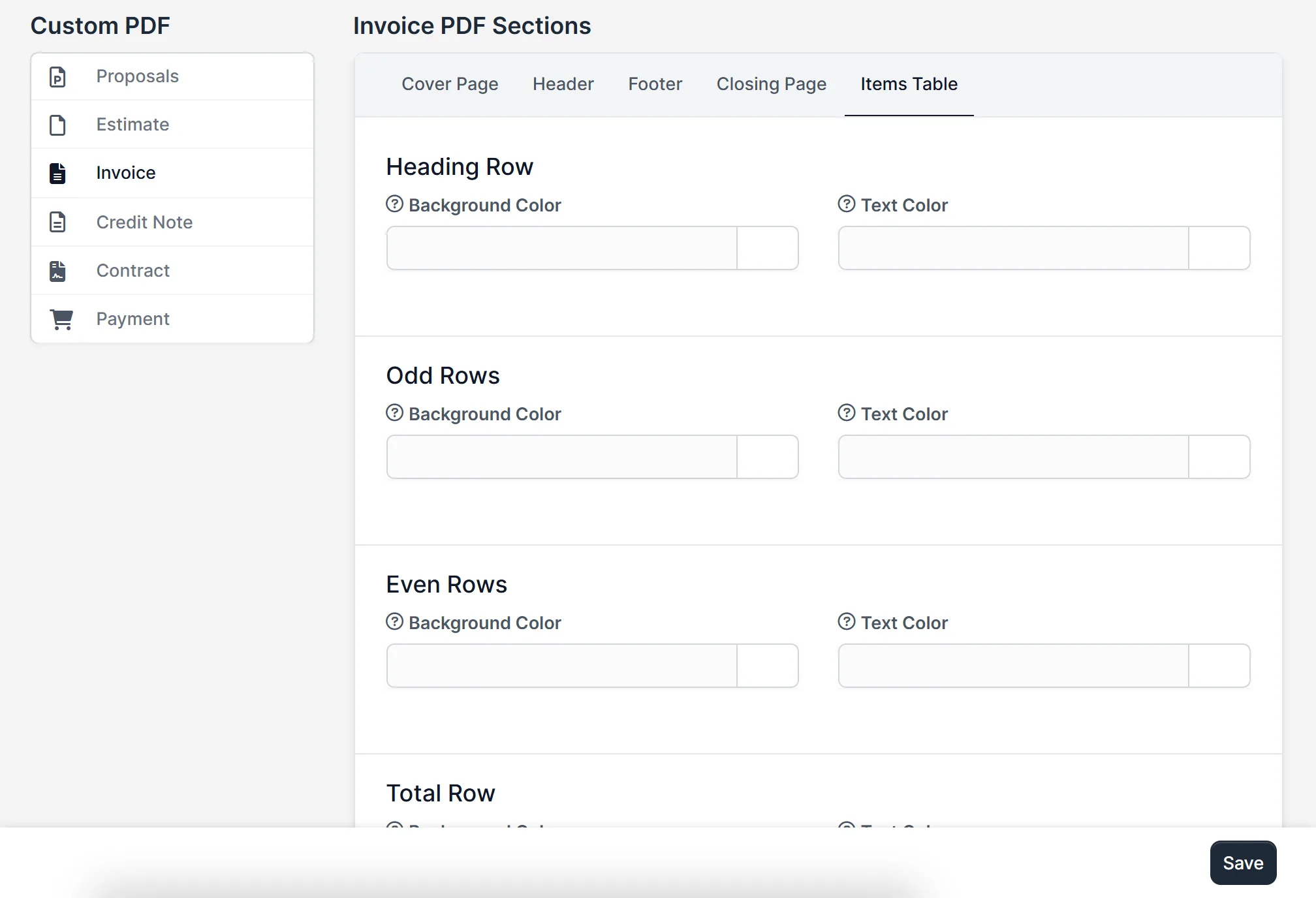
Match the item list in your PDFs to your brand. Set the background and text color of the heading row, the odd rows, the even rows and the total row.
Set it up
- Upload the module under Setup > Modules and activate it.
- Open Custom PDF > License Management and enter your license key.
- Open Custom PDF and choose a document type.
- Fill in the cover page, header, footer and closing page, and set the table colors.
- Click Save, then open a document and download its PDF to check it.
Requirements
- Perfex CRM 3.4 or newer for the PDF Customizer module for Perfex CRM (tested on 3.4.1)
- A connection from your server to systematica.app over HTTPS
Good to know
- The screens in the pictures show the PDF Customizer module for Perfex CRM with empty settings, as a new install looks.
- The module changes the layout of the PDFs. It does not change the data in your documents.
- Check one PDF of each type after you save, because fonts and images can look different in a PDF than in the editor.
License, support and updates
After purchase you receive a license key by email. One license key activates the module on one website. To move it, deactivate the license under Custom PDF > License Management and activate it on the new site. You get 1 year of use, support through our ticket system and free updates through your Systematica account. The PDF Customizer module for Perfex CRM runs inside Perfex CRM, which you need to own.
Frequently asked questions
What does the PDF Customizer module for Perfex CRM do?
It lets you add a cover page, header, footer, closing page and table colors to the PDF files of proposals, estimates, invoices, credit notes, contracts and payments.
Which documents can I customize?
Proposals, estimates, invoices, credit notes, contracts and payments.
Can I use my logo?
Yes. Upload a png, jpg or jpeg image as the cover image or the header image.
Can I show the invoice number or total in the PDF?
Yes. Insert merge fields such as the invoice number, due date, total and amount due into the text.
Can I use one license on more than one website?
One license key activates the module on one website. You can move it by deactivating it on the old site and activating it on the new one.
Need help with this module?
Every license is valid for 1 year and includes support through our ticket system and free updates. To keep using the module after that, renew your license.