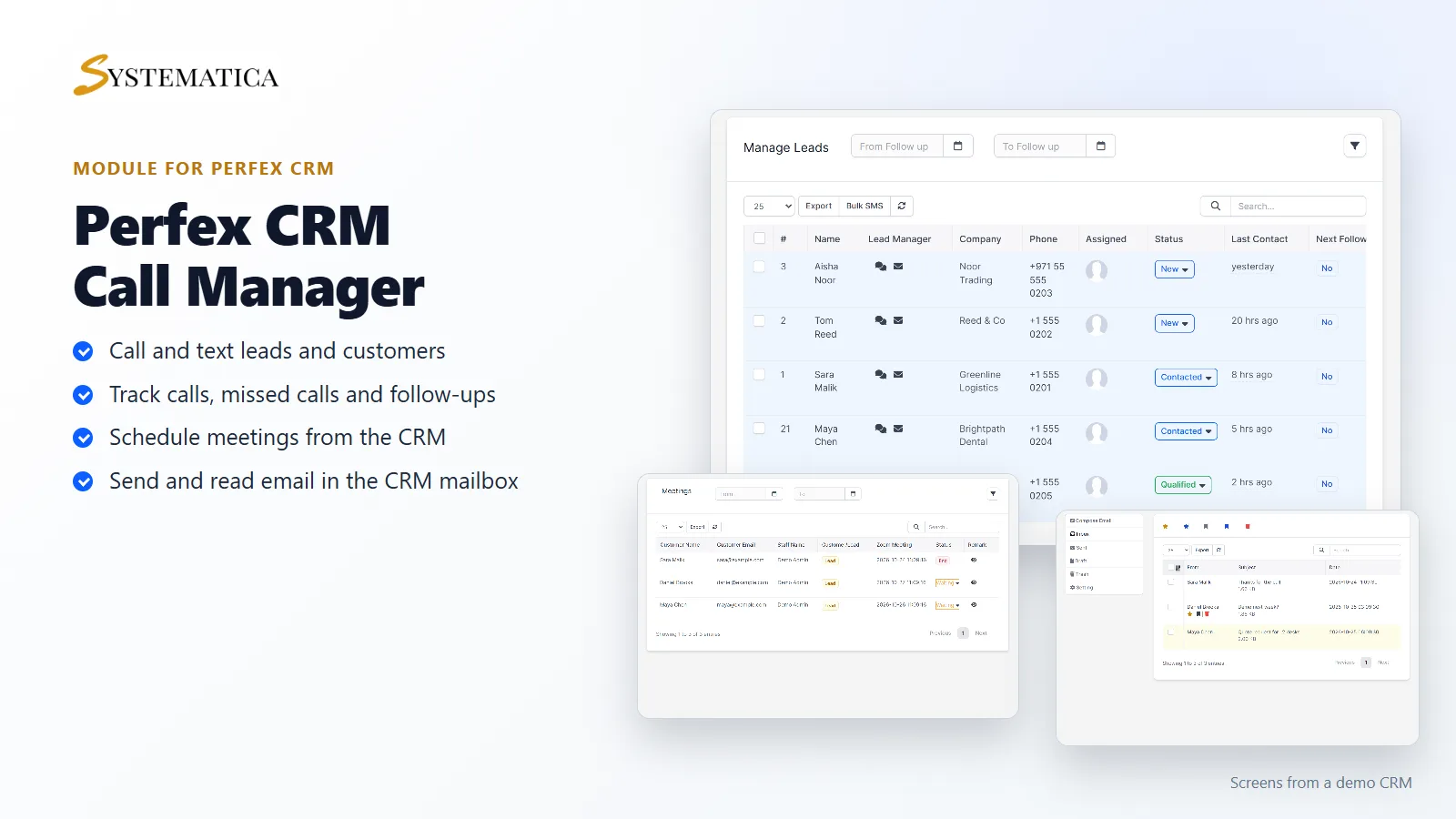
The Call Manager Module for Perfex CRM puts your calls, texts, meetings and email for leads and customers in one place inside Perfex CRM. Your team opens a lead, calls or texts from the same screen, adds a remark with the next follow-up date, and sees the numbers on a dashboard. There is no second tool to log in to.
What you get with the Call Manager Module for Perfex CRM
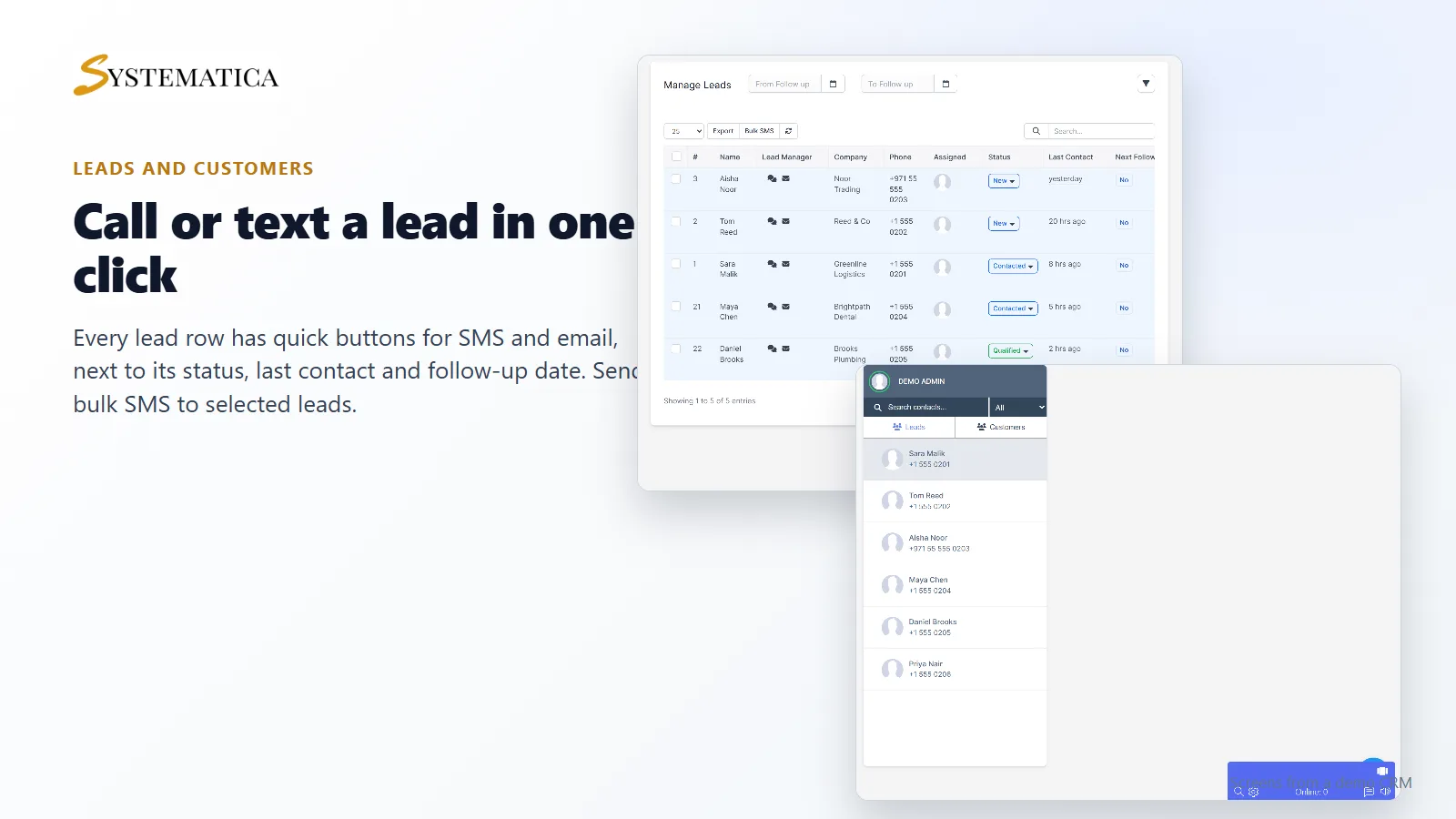
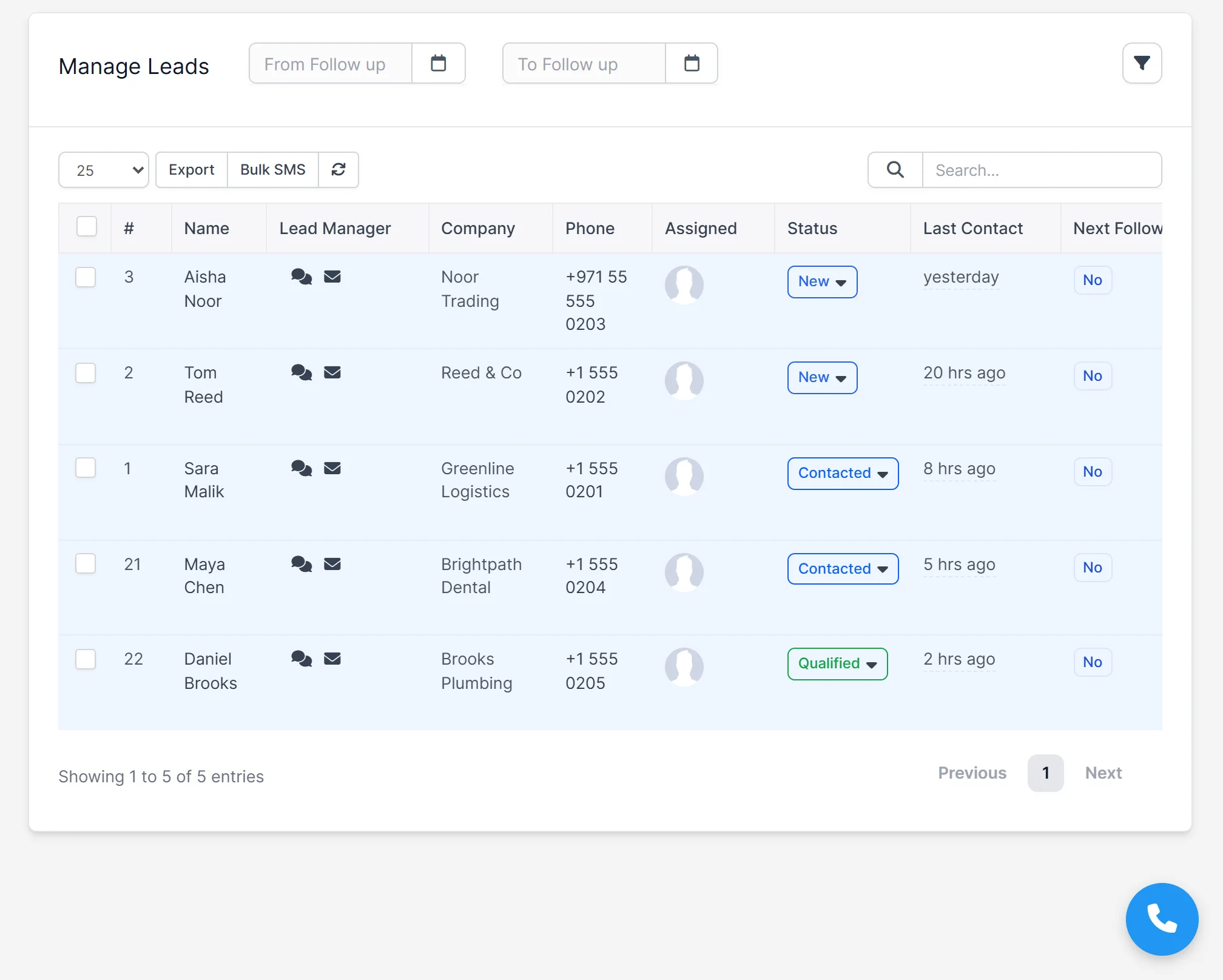
- A leads list with quick SMS and email buttons, status, last contact and next follow-up
- Bulk SMS to the leads you select
- A phone button in the CRM for staff who have a phone number assigned
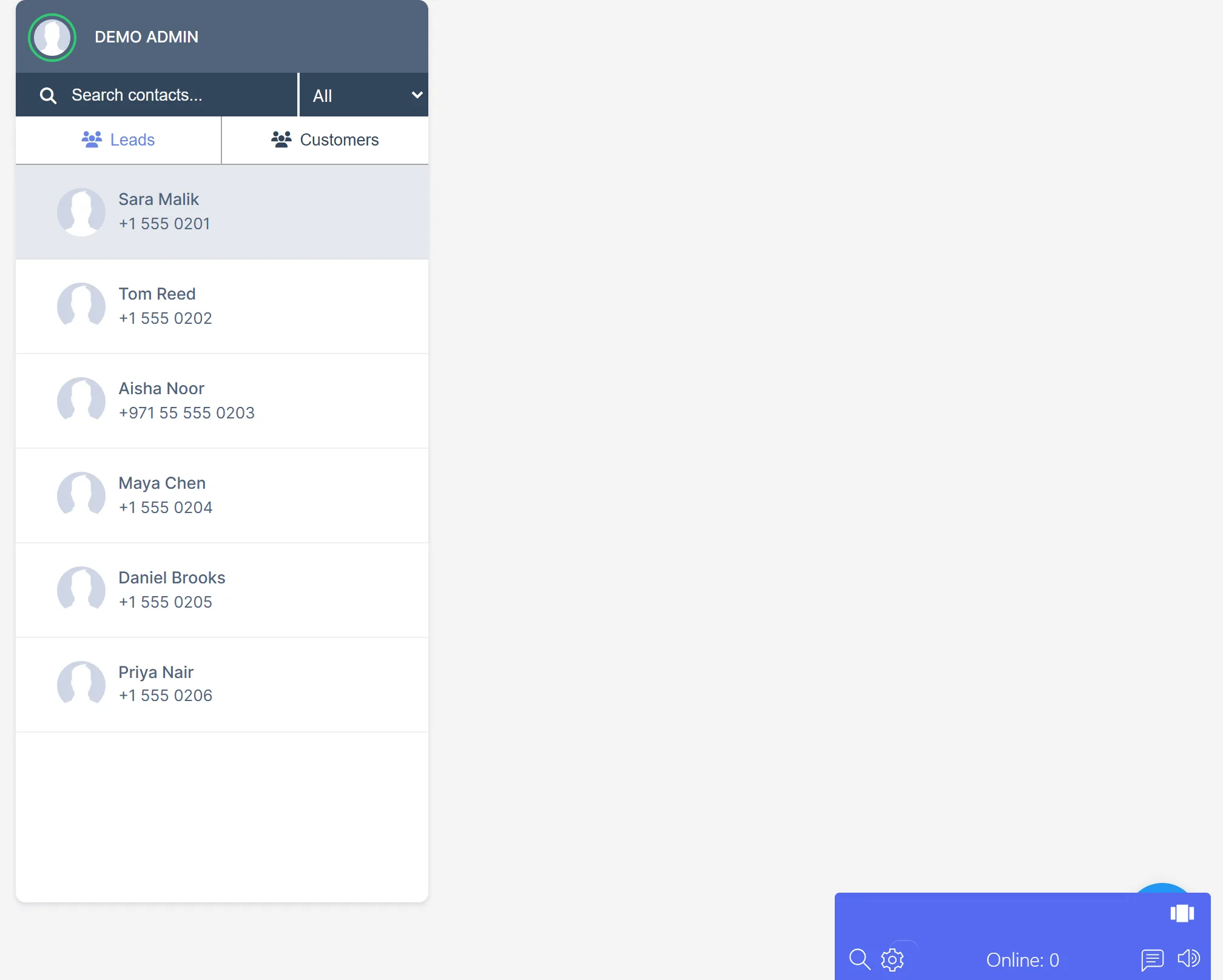
- An SMS screen with your leads and customers as contacts
- A call column on the customers list
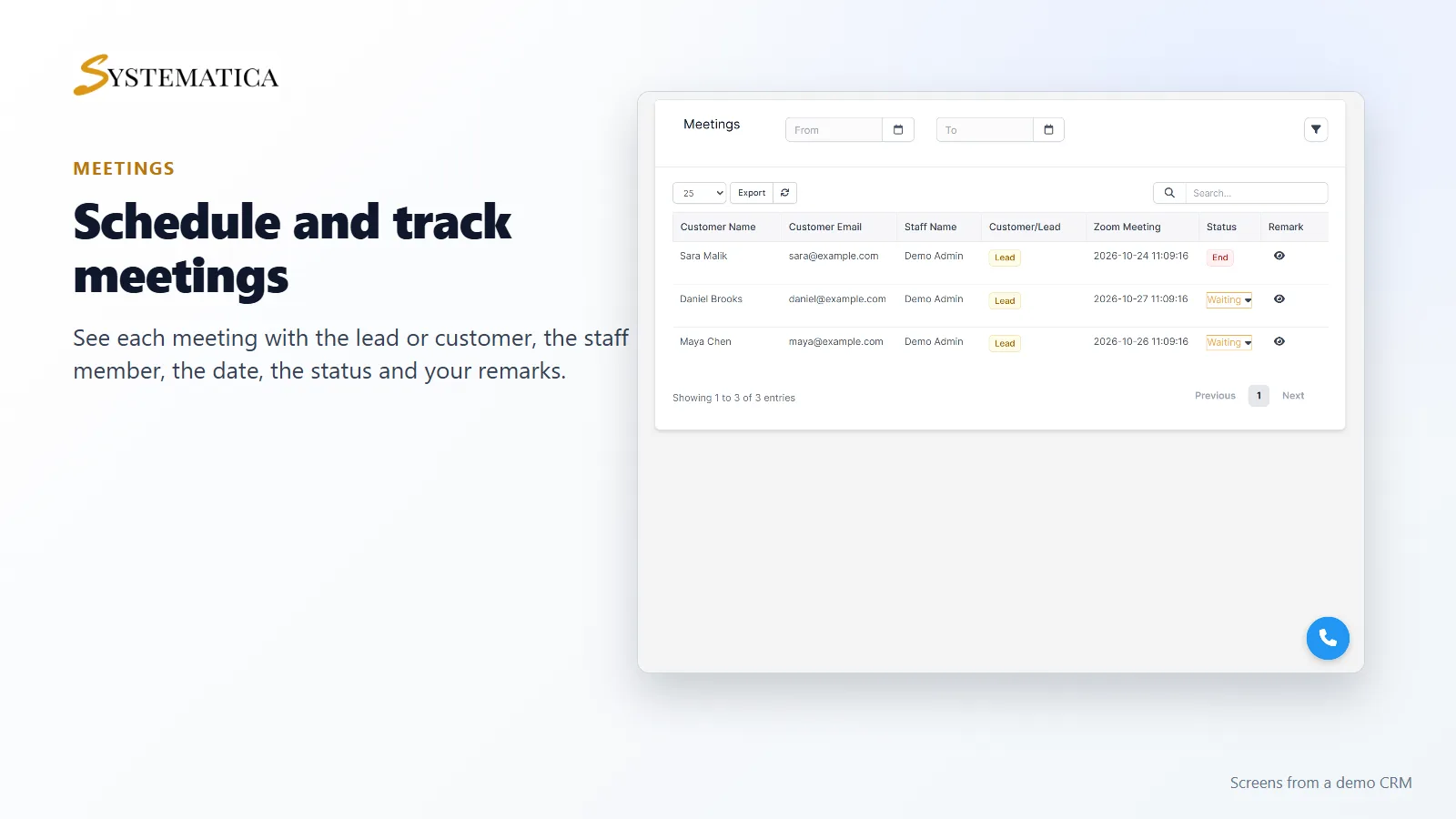
- Meetings with a lead or customer, with status and remarks, and a place on the CRM calendar
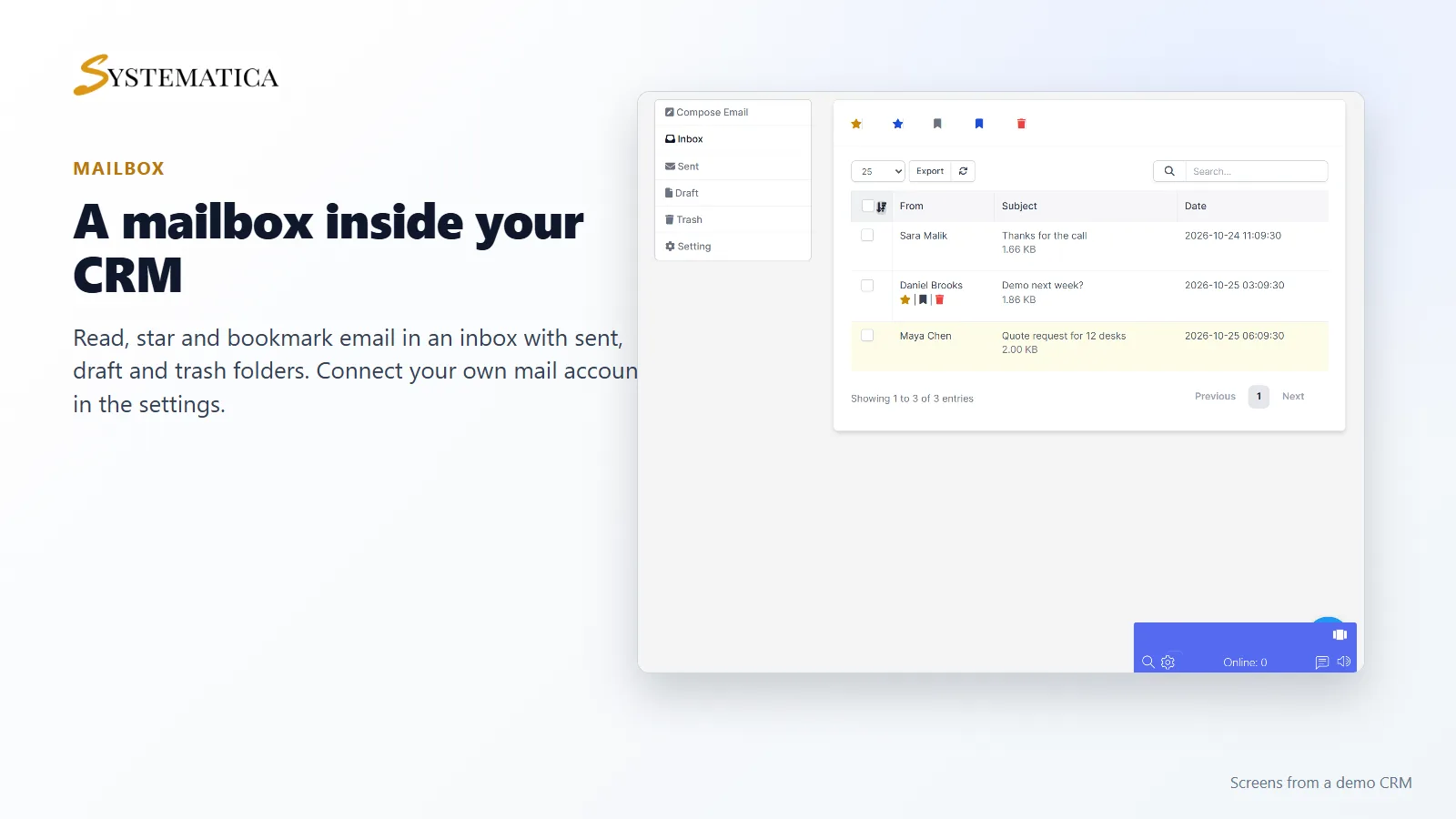
- A mailbox with inbox, sent, draft and trash folders, using your own mail account
- A dashboard with outbound and inbound calls, missed calls, converted leads, SMS sent, meetings and call time
- A REST API for the module, described in its documentation
Work your leads from one list
The leads list shows each lead with company, phone, assigned staff, status, last contact and next follow-up. Next to the name there are buttons to text or email the lead. You can select several leads and send one SMS to all of them. Staff who are not admins see their own leads.
Calls, texts and the phone button
With the Call Manager Module for Perfex CRM, calls and text messages go through your own Twilio account. Each staff member gets a Twilio number in their profile, and the module checks that the number has no spaces or letters and is not given to two people. Missed calls are recorded, and call length is added up on the dashboard, so you keep a simple call log for your team.
Meetings with leads and customers
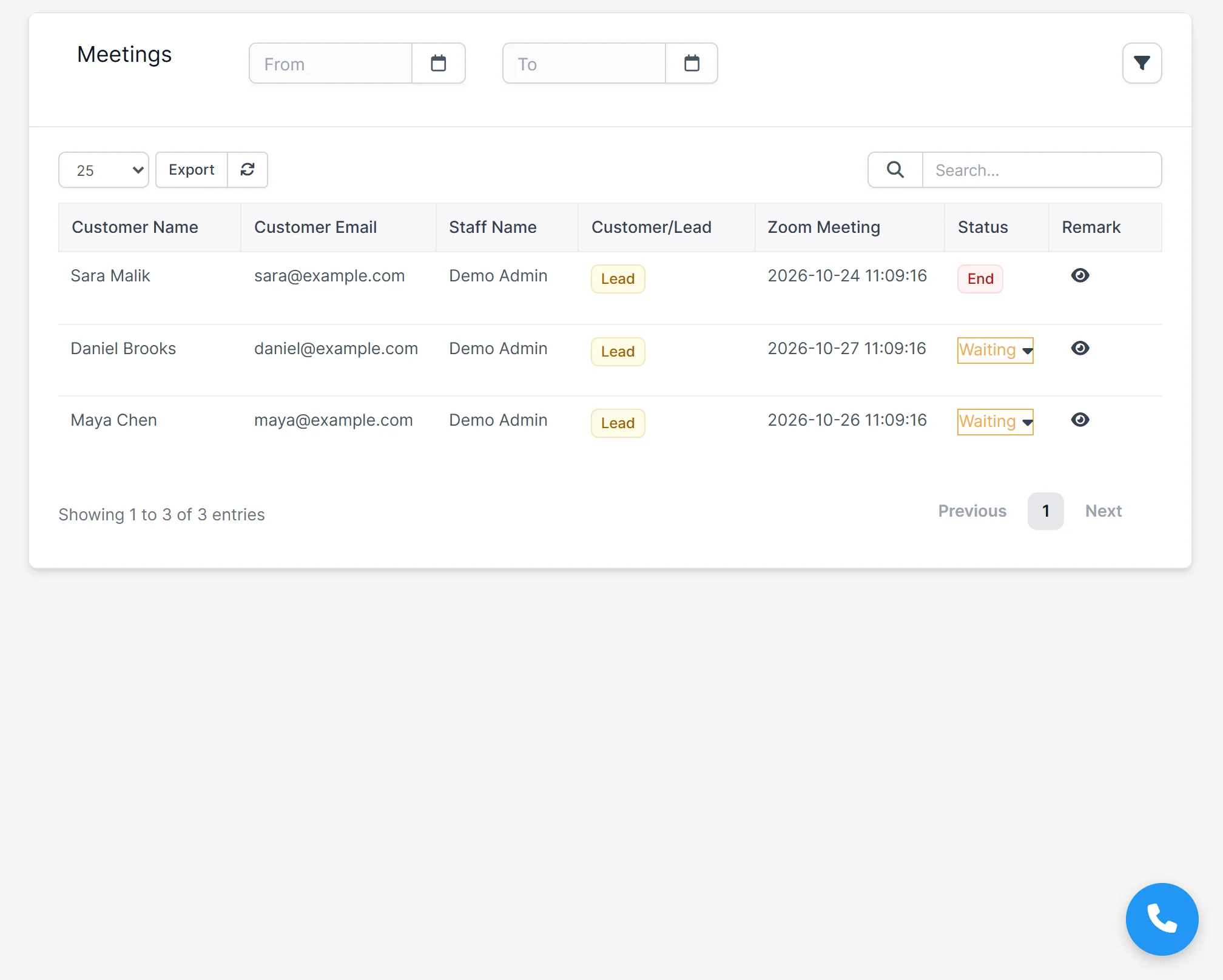
The Meetings screen of the Call Manager Module for Perfex CRM lists each meeting with the person, their email, the staff member, the date, a status of waiting or ended, and your remark. Filter by date or search by name. Meetings also show on the CRM calendar.
Email without leaving the CRM
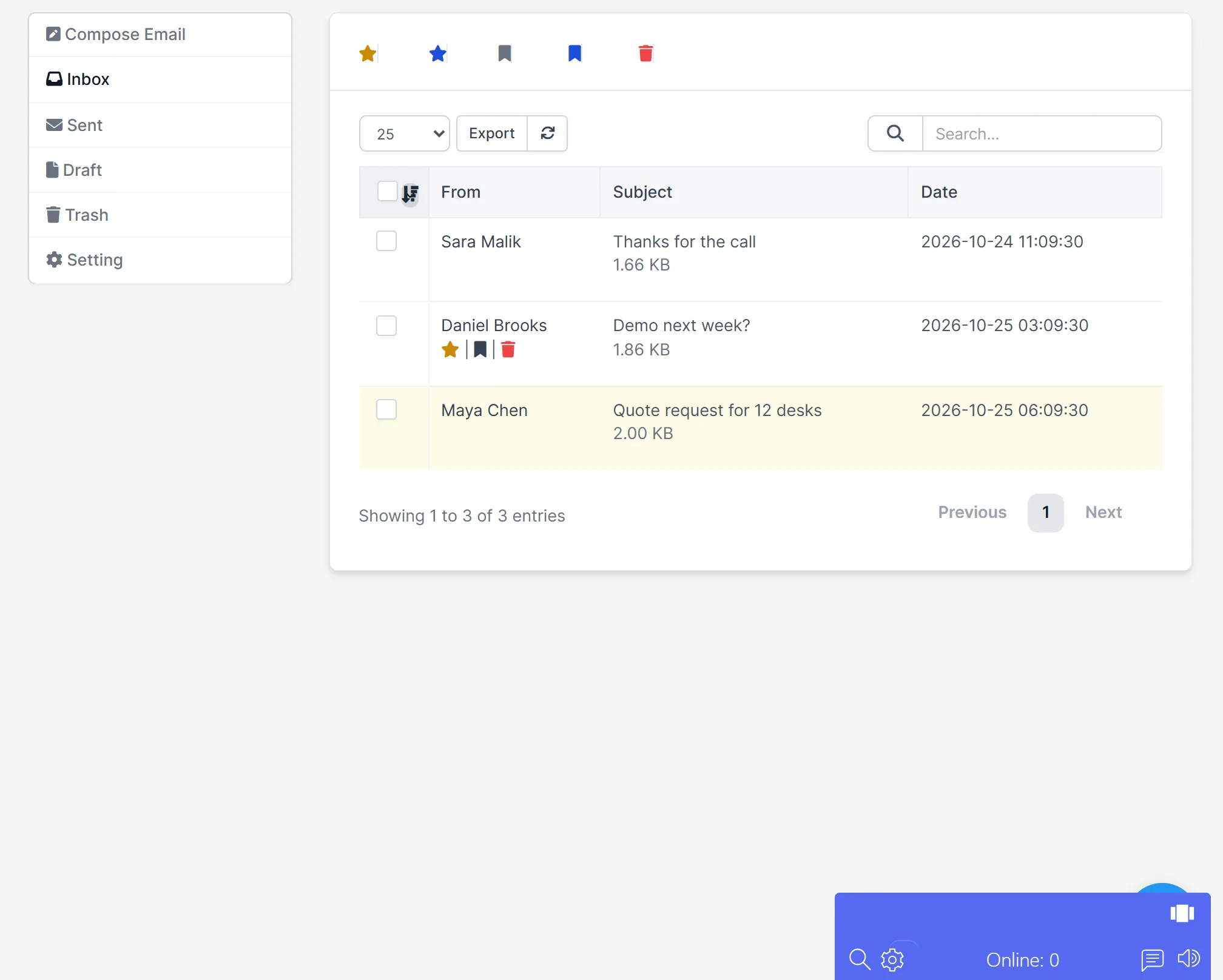
In the Call Manager Module for Perfex CRM, each staff member can connect a mail account with SMTP for sending and IMAP for receiving. The mailbox has an inbox, sent, draft and trash folders. You can star a message, bookmark it, reply, forward or move it to trash.
Set up Call Manager
- Upload the module under Setup > Modules and activate it.
- Open Call Manager > License Management and enter your license key.
- Open Setup > Settings > Call Manager and enter your Twilio details. Add your Zoom details too if you want to schedule Zoom meetings. Then give each staff member a number in their profile.
- Open Call Manager > Mailbox > Setting and add your mail account.
- Open Call Manager > Leads and start with your first follow-up.
Requirements
- Perfex CRM 3.4 or newer for the Call Manager Module for Perfex CRM (tested on 3.4.1)
- A Twilio account for calls and SMS. Twilio charges for its own usage.
- A mail account with SMTP and IMAP details for the mailbox
- A connection from your server to systematica.app over HTTPS
Good to know
- The screens in the pictures are from a demo CRM with sample data.
- The Call Manager Module for Perfex CRM does not include Twilio or Zoom. You bring your own accounts.
- Some small notes on the dashboard are fixed text and are not calculated from your data. The numbers themselves are.
License, support and updates
After purchase you receive a license key by email. One license key activates the module on one website. To move it, deactivate the license under Call Manager > License Management and activate it on the new site. You get 1 year of use, support through our ticket system and free updates through your Systematica account. The module runs inside Perfex CRM, which you need to own.
Frequently asked questions
What does the Call Manager Module for Perfex CRM do?
It lets your team call, text and email leads and customers, schedule meetings and track follow-ups from inside Perfex CRM.
Do I need a Twilio account?
Yes, for calls and SMS. You add your own Twilio details, and Twilio bills you directly for what you use.
Can I send one text to many leads?
Yes. Select the leads in the list and use Bulk SMS.
Can each person use their own email account?
Yes. Each staff member adds their own SMTP and IMAP details in the mailbox settings.
Can I use one license on more than one website?
One license key activates the module on one website. You can move it by deactivating it on the old site and activating it on the new one.
Need help with this module?
Every license is valid for 1 year and includes support through our ticket system and free updates. To keep using the module after that, renew your license.