
- Why switch to Perfex CRM HTTPS
- Step 1: Install an SSL certificate
- Step 2: Back up first
- Step 3: Change the base URL for Perfex CRM HTTPS
- Step 4: Redirect HTTP to HTTPS
- Step 5: Replace old links in your content
- Step 6: Update the services that call your site
- Check your Perfex CRM HTTPS setup
- Common questions
- Visual guide: Perfex CRM HTTPS
- Perfex CRM HTTPS FAQ
- Modules that need HTTPS
- Useful resources
Moving your site to Perfex CRM HTTPS encrypts the traffic between your team, your customers and the server, and it is required by browsers, payment gateways and many email and calendar services. If you installed Perfex CRM on plain HTTP, you can switch later without losing data. This guide shows the six steps to move to Perfex CRM HTTPS, and what to check afterwards.
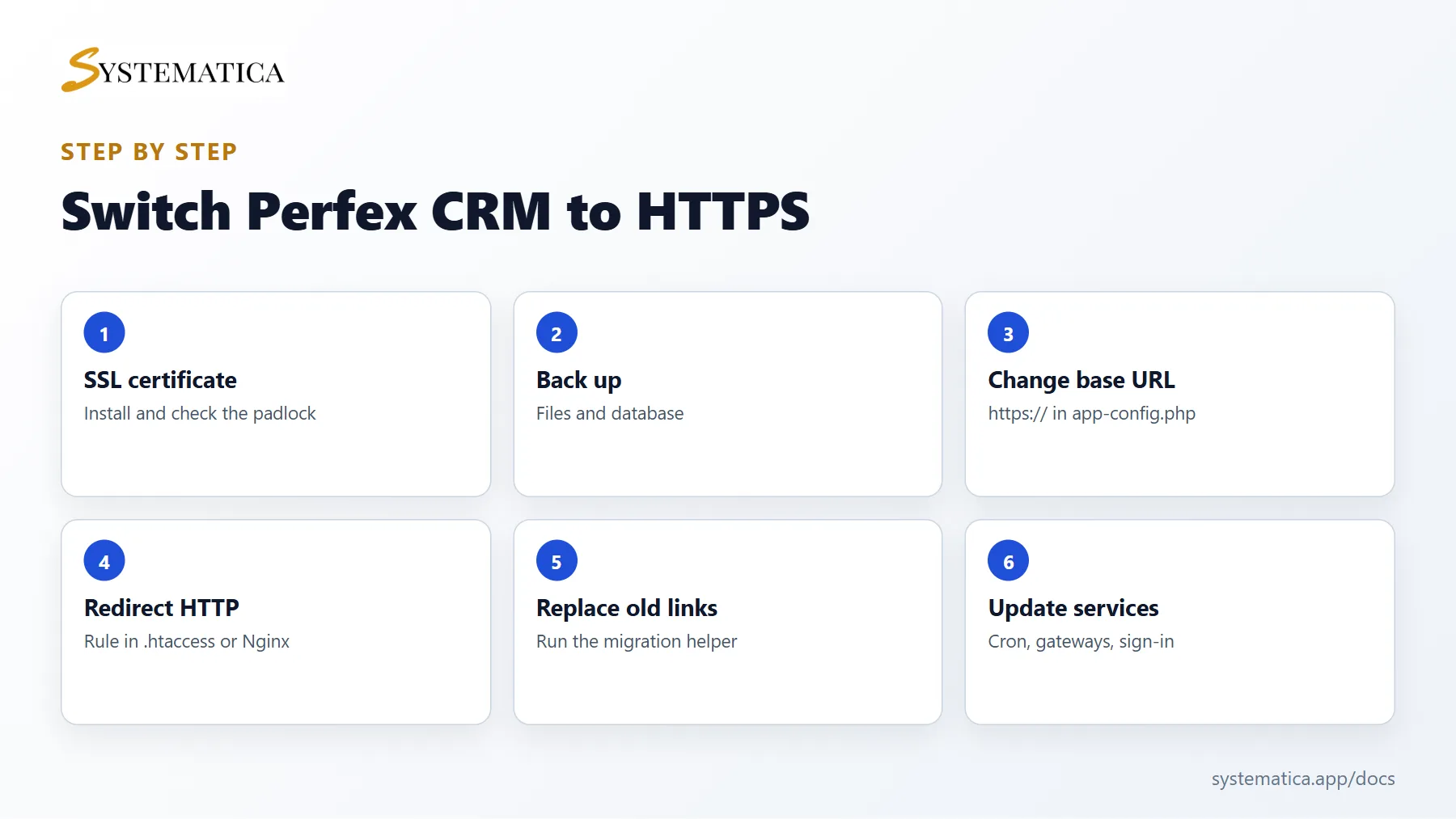
Why switch to Perfex CRM HTTPS #
- Browsers mark HTTP pages as not secure, and customers hesitate to pay on them.
- Online payment gateways and sign-in services expect HTTPS addresses.
- Search engines prefer secure sites.
- Your passwords and customer data are protected on the way.
Step 1: Install an SSL certificate #
Most hosts offer a free certificate. In cPanel, look for SSL/TLS Status or Let’s Encrypt, select your domain and run the certificate check. Open your site with https:// in front. When the padlock appears without warnings, the certificate works. Do not go on until it does.
Step 2: Back up first #
Take a backup of your files and your database. If you are not sure how, follow step 2 of how to update Perfex CRM manually.
Step 3: Change the base URL for Perfex CRM HTTPS #
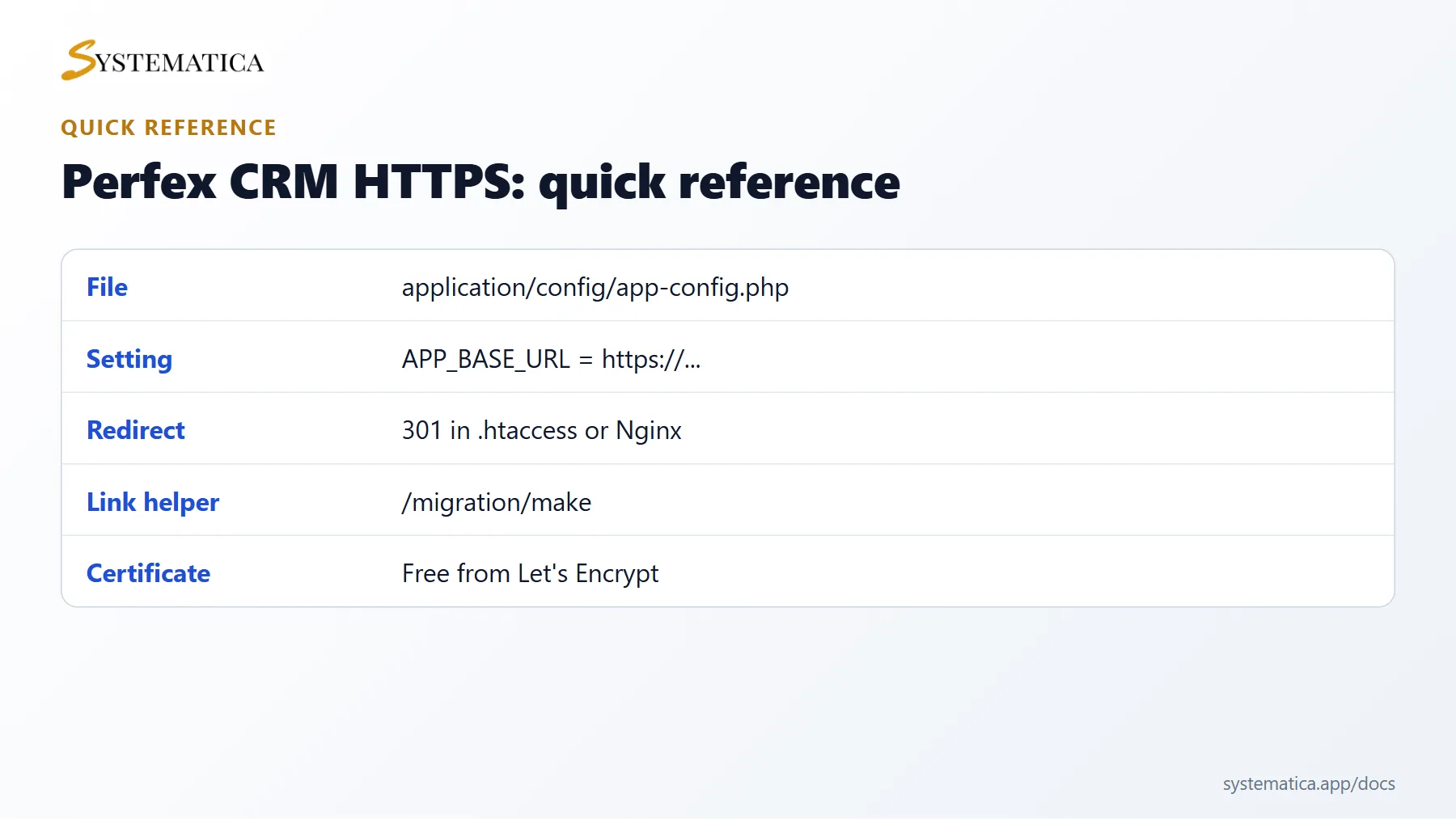
Open application/config/app-config.php and change APP_BASE_URL from http:// to https://, keeping the slash at the end:
define('APP_BASE_URL', 'https://your-domain.com/');
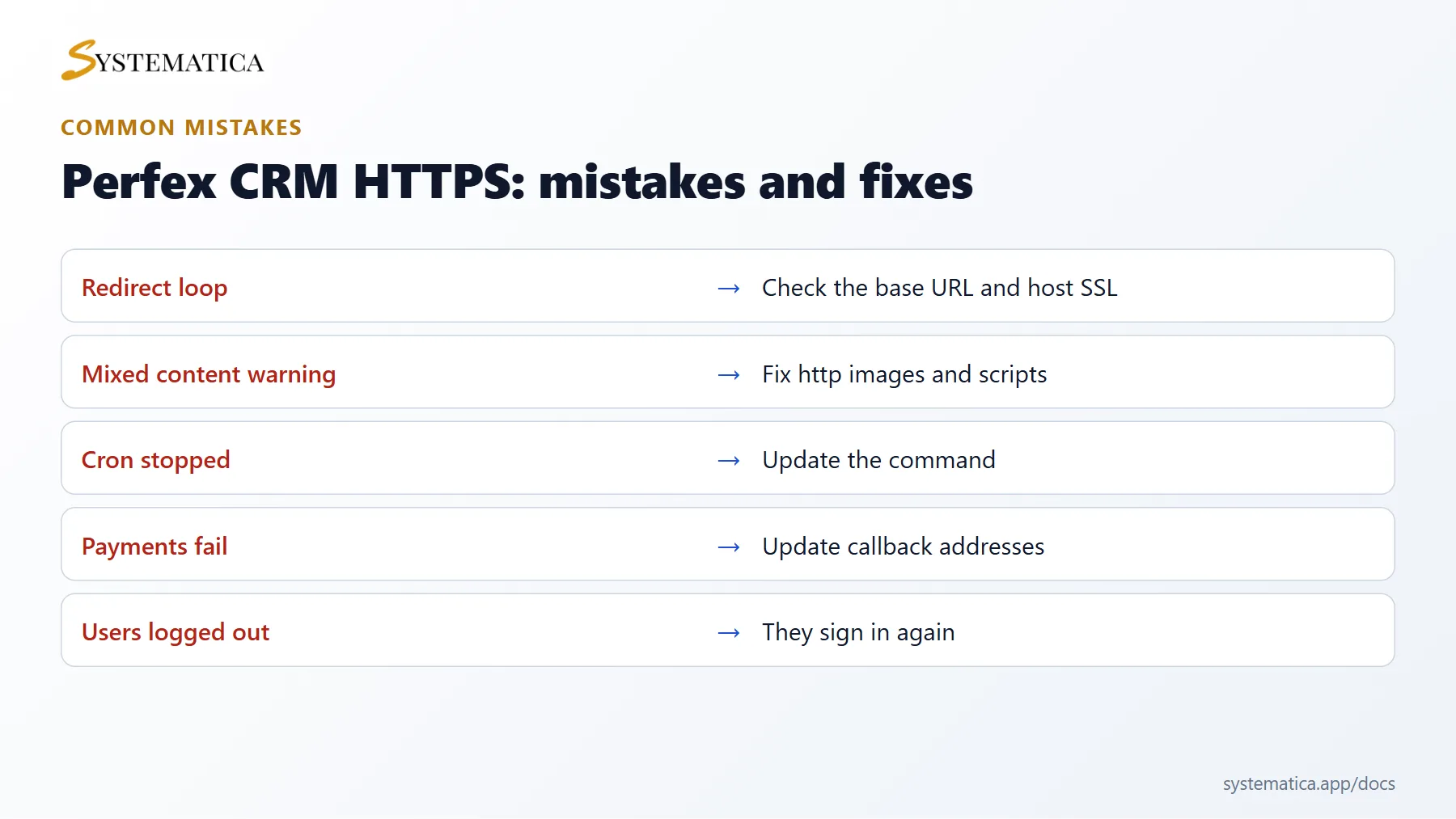
Save the file and reload the admin area. If you see a redirect loop, your host may terminate SSL in front of the server. Ask support which header to trust, or check that the address in the file matches exactly how you open the site.
Step 4: Redirect HTTP to HTTPS #
Add a rule so anyone who opens the old address lands on the secure one. On Apache, put this at the top of .htaccess, above the existing rules:
RewriteEngine On
RewriteCond %{HTTPS} off
RewriteRule ^(.*)$ https://%{HTTP_HOST}/$1 [L,R=301]
On Nginx, add a server block that returns a 301 redirect to the HTTPS address. See our Perfex CRM Nginx configuration guide.
Step 5: Replace old links in your content #
Old notes, email templates and proposals may contain full http:// links. Perfex CRM has a link helper for this. Set migration_enabled to TRUE in application/config/migration.php, open /migration/make?old_base_url=http://your-domain.com/ once, and then set it back to FALSE. The same helper is used when you migrate Perfex CRM to a new server.
Step 6: Update the services that call your site #
- Change the cron command to the HTTPS address. See Perfex CRM cron job.
- Update redirect and webhook addresses at your payment gateways and at Google or Microsoft if you use their sign-in.
- Update web-to-lead forms and any link you gave to customers.
- Check your email settings by sending a test email.
Check your Perfex CRM HTTPS setup #
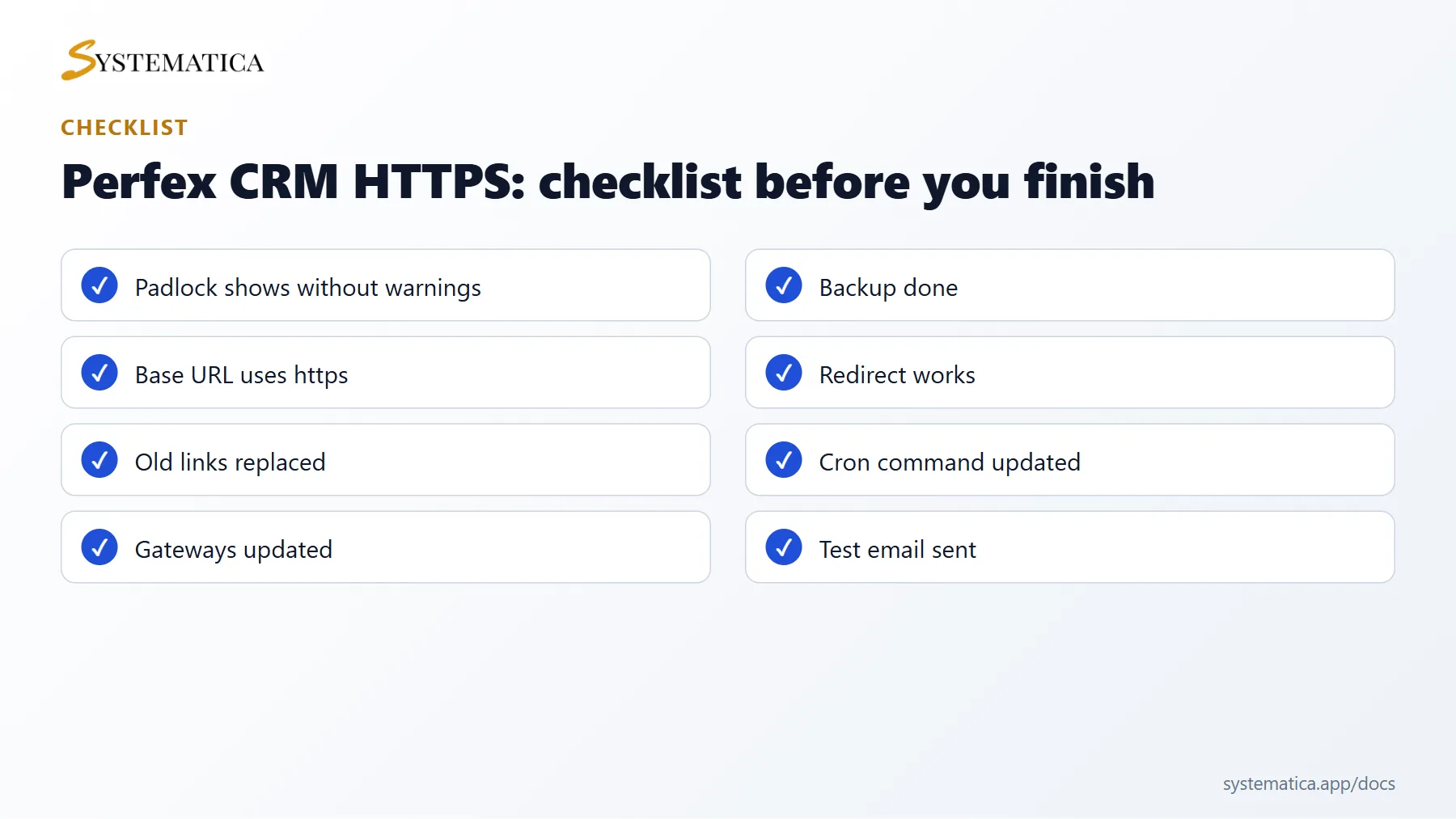
- Open the admin area, a customer page and an invoice link. Each should show a padlock.
- Look for mixed content warnings, which mean that an image or script still loads over HTTP. Fix the link or replace it.
- Log in on a phone to confirm that sessions and downloads work.
Common questions #
Do I need a new licence? No. Switching to Perfex CRM HTTPS does not change your purchase.
Will users be logged out? Probably yes once. They sign in again on the secure address.
Visual guide: Perfex CRM HTTPS #
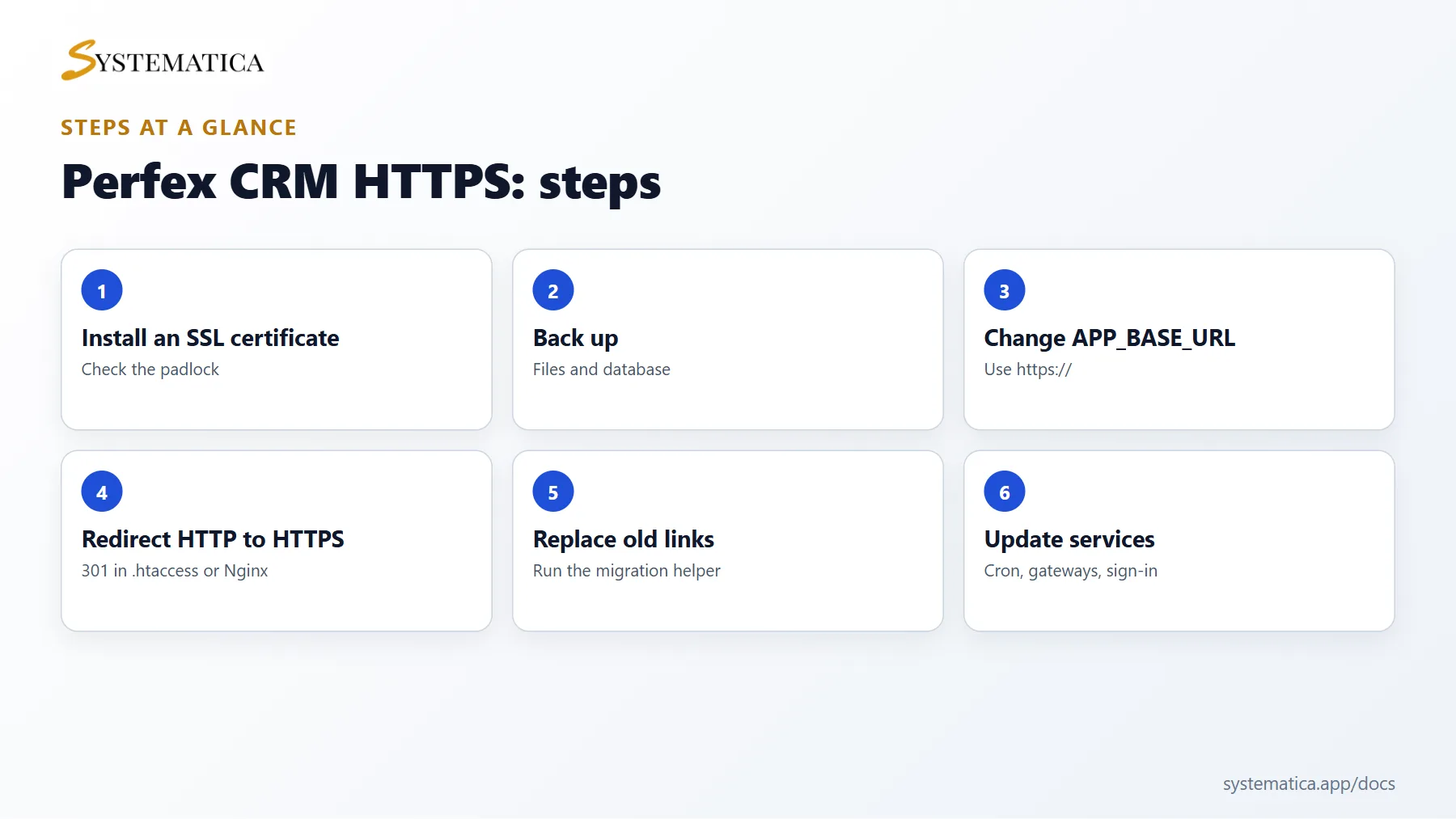
Save or share these four cards. They summarize the steps, the checklist, the usual mistakes and the key values from this guide.
Perfex CRM HTTPS FAQ #
Is a free certificate enough for Perfex CRM HTTPS? #
Yes. Free certificates from Let’s Encrypt are trusted by browsers and renew automatically on most hosts.
Why do I get a redirect loop? #
The address in your configuration and the way the server presents the page do not match. Check the base URL and ask your host how SSL is handled in front of the server.
Why does the padlock show a warning? #
Some images or scripts still load over HTTP. Replace those links or run the link helper to update content.
Do old links keep working? #
Yes, with the redirect rule in place. Update links you control, so visitors skip the extra step.
Does Perfex CRM HTTPS affect my modules? #
Modules that call your site or external services should use HTTPS addresses. Check their settings, webhooks and callbacks after the switch.
How do I check my certificate renewal? #
Look at the SSL status in your hosting panel and set a calendar reminder. Most hosts renew certificates without any action from you.
Modules that need HTTPS #
The Perfex CRM Mobile App installs from the browser and needs a site on HTTPS, so Perfex CRM HTTPS is the first step if you want staff to use the CRM as an app.
Useful resources #
Keep a note of every service that stores your site address, for example payment gateways and sign-in providers. Moving to Perfex CRM HTTPS is a one-time job, and it protects every login and every invoice link from now on.


